Installing Ubuntu From A Windows System With Wubi - Page 3
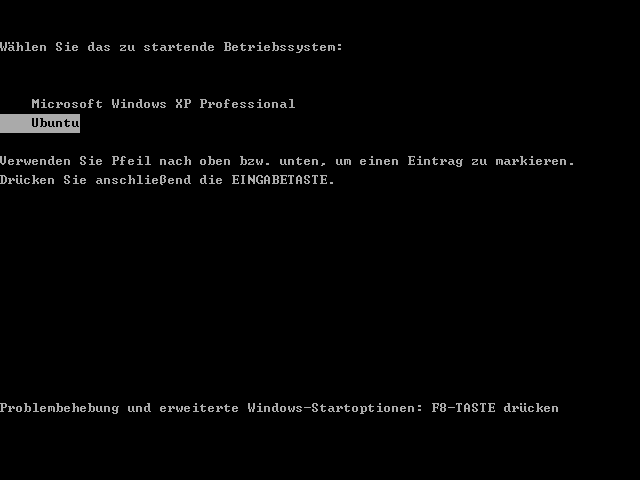
After the installation has finished, the system reboots. At the boot menu, please select Ubuntu again:
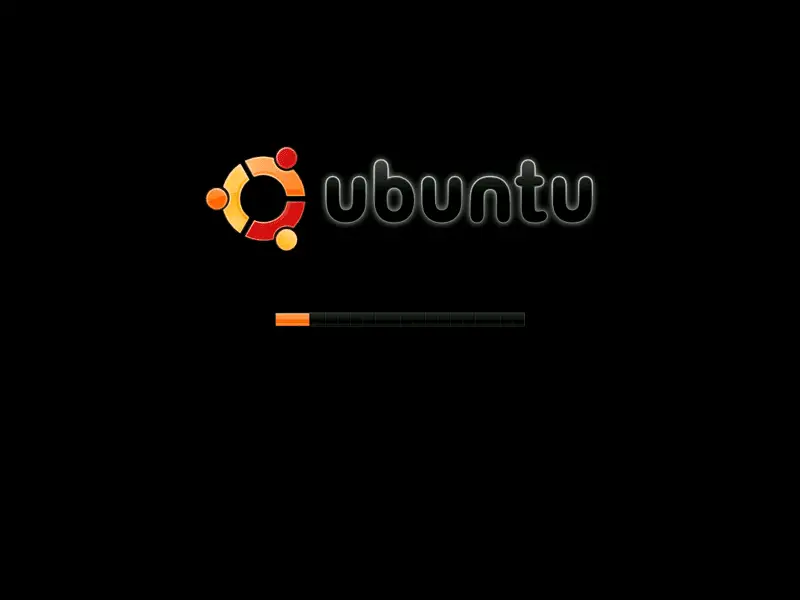
Now your new Ubuntu desktop system should boot:
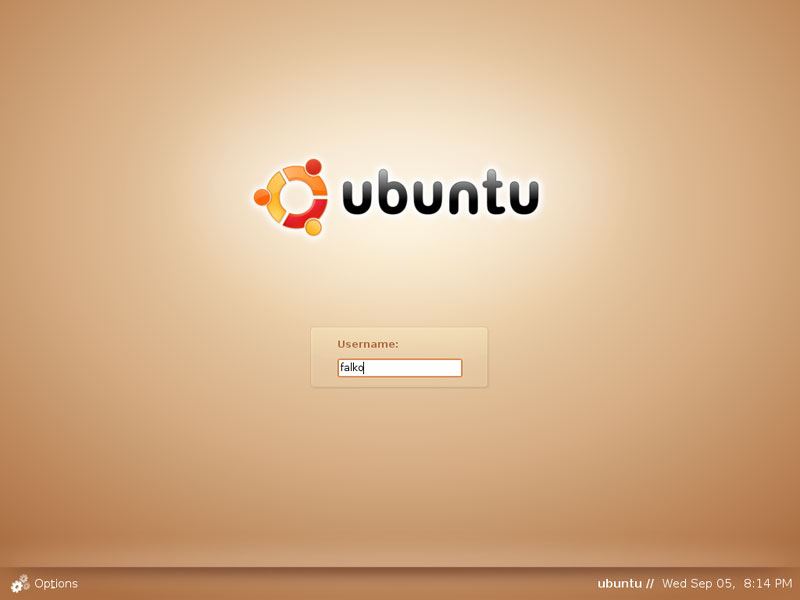
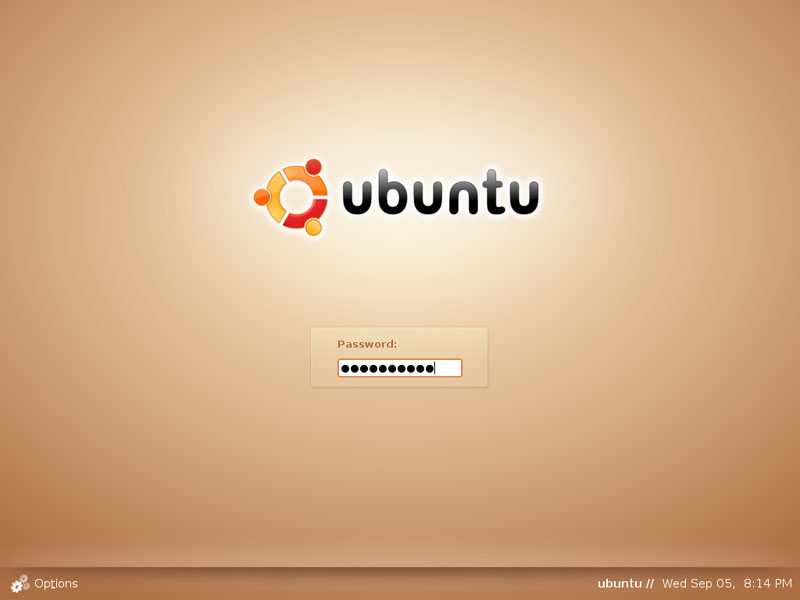
Type in your username and password (the ones you specified in Wubi before):
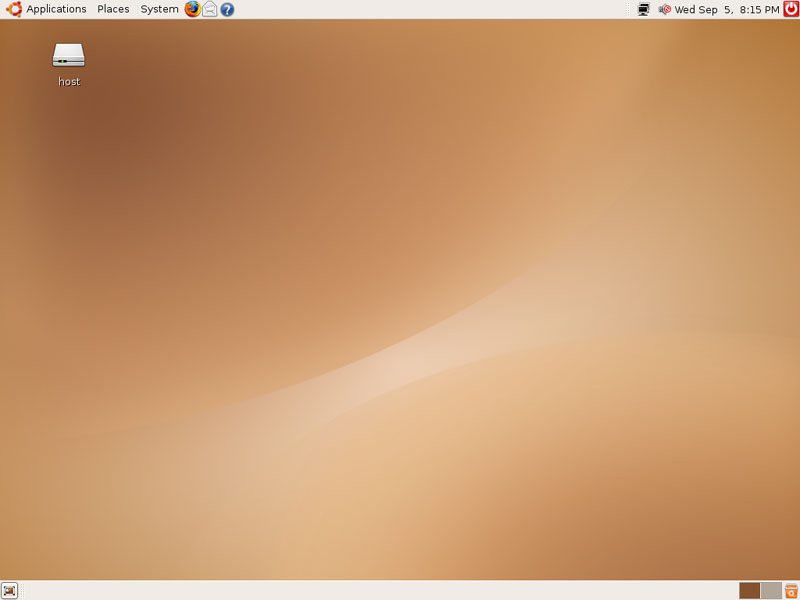
This is how your Ubuntu desktop looks. You can now use it like any other Linux desktop:
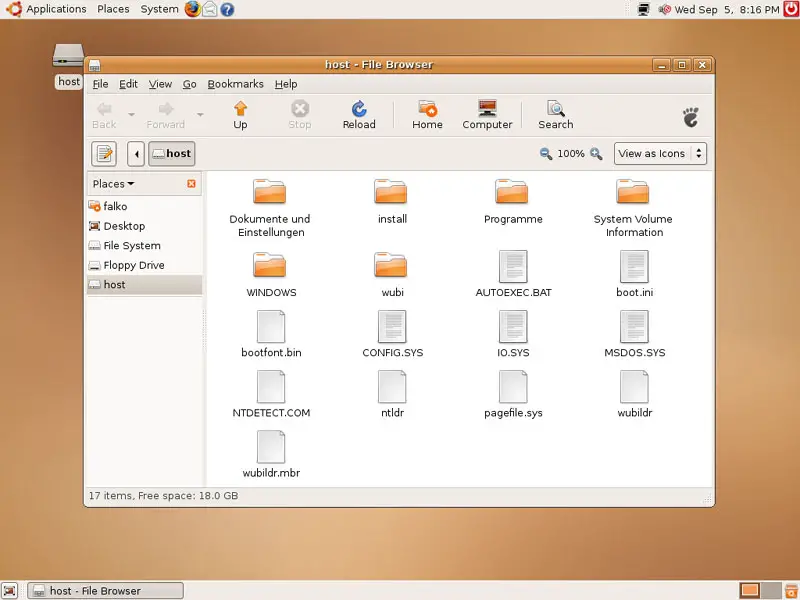
There's even an icon for your Windows partition on the desktop. If you double-click on it, you can browse your Windows partition:
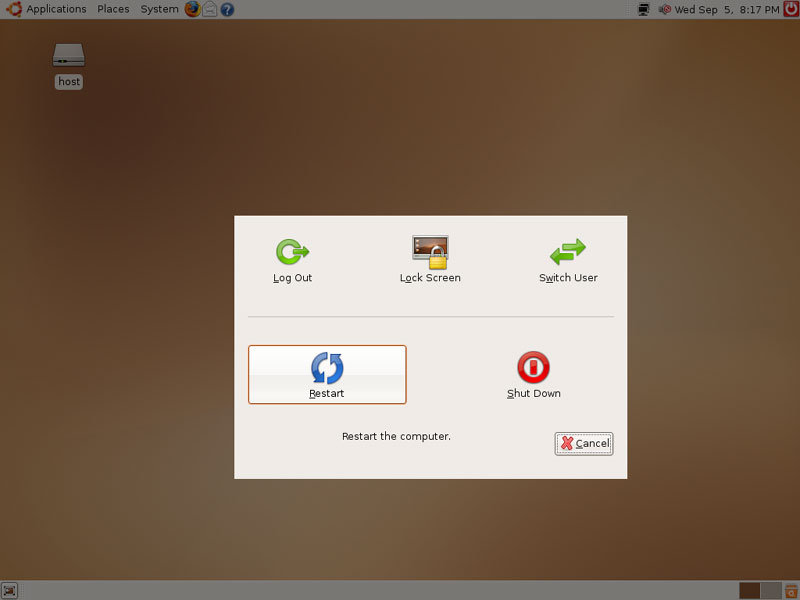
Now let's see if our Windows desktop is still working. Shut down the Ubuntu system...
... and boot your Windows system:
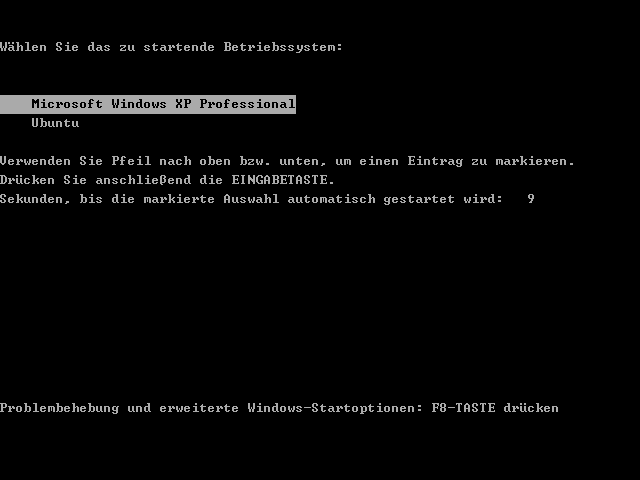
Windows is booting:
As you see, your Windows desktop is still working as before: