
HowtoForge - Linux Howtos in English English|HowtoForge.de - Linux-Howtos auf Deutsch Deutsch

Installing Ubuntu From A Windows System With Wubi

Submitted by falko (Contact Author) (Forums) on Tue, 2007-09-11 16:19. :: Ubuntu | Desktop

Installing Ubuntu From A Windows System With Wubi

Version 1.0
Author: Falko Timme <ft [at] falkotimme [dot] com>
Last edited 09/06/2007

Wubi is an Ubuntu installer for Windows that lets you install and uninstall Ubuntu from a Windows desktop. Wubi adds an entry to the Windows boot menu which allows you to run Linux. Ubuntu is installed within a file in the Windows file system (a loopmounted partition), this file is seen by Ubuntu as a real hard disk. That way the hard drive does not have to be repartitioned before the Ubuntu installation. The resulting Ubuntu installation is a "real" Linux system, not just a virtual machine. Wubi makes it easy for Linux newbies to play around with Ubuntu.

This document comes without warranty of any kind! I do not issue any guarantee that this will work for you!


1 Preliminary Note

I have tested this on a Windows XP Professional desktop.


2 Downloading Wubi

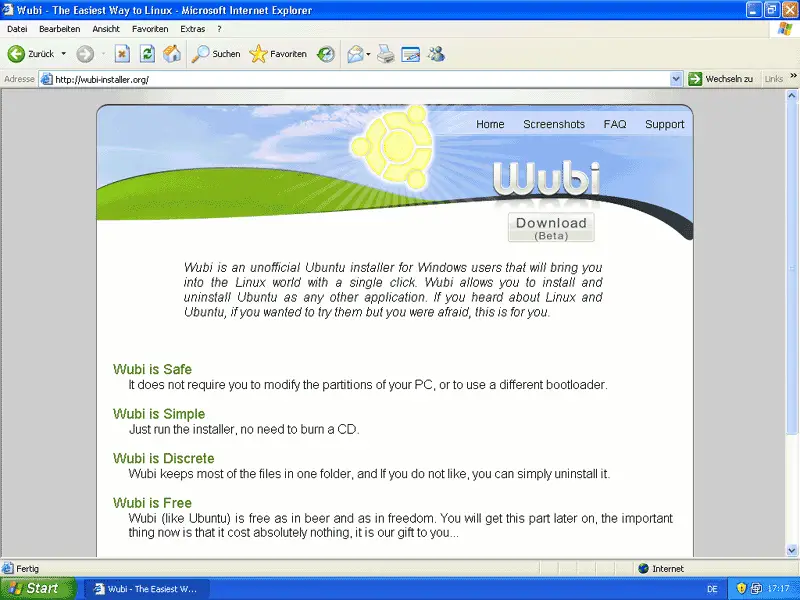
Go to http://wubi-installer.org and click on the Download (Beta) button:
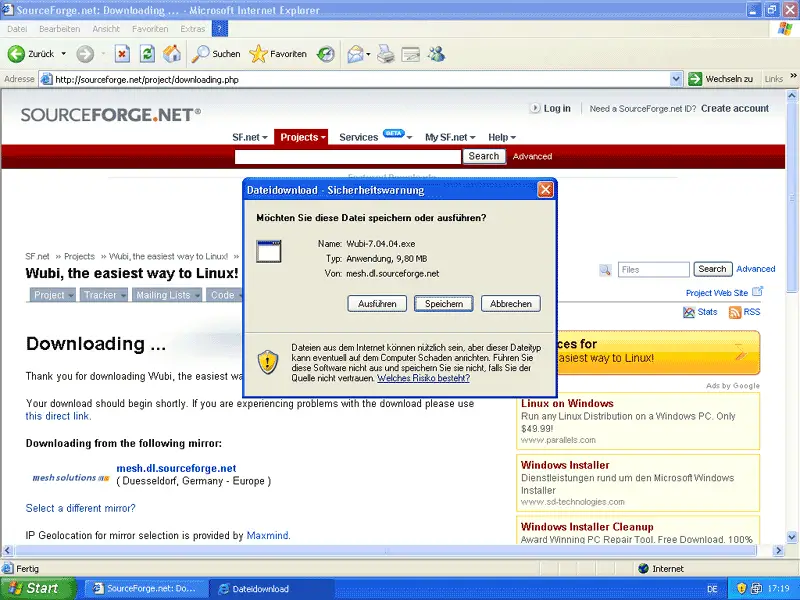
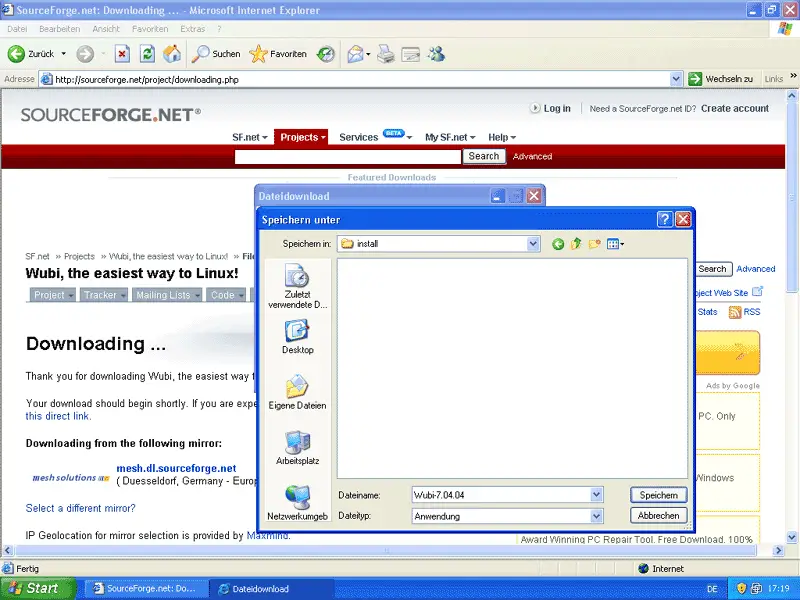
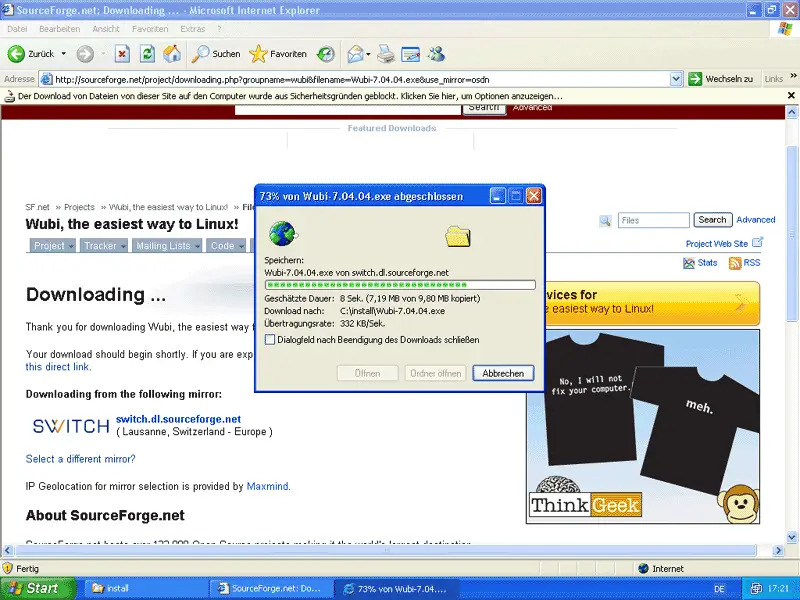
Download Wubi to a folder on your Windows system:
Comment viewing options

Select your preferred way to display the comments and click "Save settings" to activate your changes.
Please do not use the comment function to ask for help! If you need help, please use our forum: http://www.howtoforge.com/forums
Comments will be published after administrator approval.
Submitted by kaidron (Contact Author) (Forums) on Wed, 2007-09-26 21:40.
UNetbootin at http://lubi.sourceforge.net/unetbootin.html also does the same thing (installs Ubuntu from Windows without needing a CD), but unlike Wubi it installs to a real partition so you don't have to bother with the issues of a loop install. It also supports Fedora, openSuse, Mandriva, and Archlinux installation as well as Ubuntu.
Submitted by JonLeaman (Contact Author) (Forums) on Thu, 2007-09-13 10:19.
Is there an option to install Ubuntu from the live CD, which I already have, rather than downloading the ISO?
Submitted by Fletch229 (Contact Author) (Forums) on Wed, 2007-09-12 04:33.
Puppy linux has been doing this for years now with pretty good success check it out http://www.puppylinux.org/user/downloads.php?cat_id=3
Submitted by bazy (Contact Author) (Forums) on Tue, 2007-09-11 18:55.

Wooby is a fine and intelligent tool!

 My problem is that it's downloading the ISO from 147.175.167.205 (ubuntu.ynet.sk). It would be much better if you could chose a mirror closer to you.

 Critics ... can't live without them.  I have to say it again, it's a great tool!

Submitted by ubuntuuser1 (Contact Author) (Forums) on Wed, 2007-09-12 16:06.

You can either:

1) edit the .metalink file in the wubi->install directory to only go to your nearest mirror (e.g. edit ubuntu-7.04-alternate-i386.iso.metalink in notepad)

or

2) manually download the .iso file from any mirror and put it in wubi->install (e.g download ubuntu-7.04-alternate-i386.iso)

 and then run wubi
