Installing SugarCRM Community Edition On Fedora 17
Version 1.0
Author: Falko Timme  Follow me on Twitter
SugarCRM is a webbased CRM solution written in PHP. SugarCRM is available in different flavours called "Editions" ("Community" (free), "Professional", and "Enterprise"). For a detailed overview of the different editions, have a look at the SugarCRM website. In this tutorial I will describe the installation of the free Community Edition on Fedora 17. With the modules My Portal, Calendar, Activities, Contacts, Accounts, Leads, Opportunities, Cases, Bugtracker, Documents and Email, SugarCRM Community Edition offers everything that can be expected from a CRM solution.
1 Preliminary Note
In this tutorial I use the hostname server1.example.com with the IP address 192.168.0.217. These settings might differ for you, so you have to replace them where appropriate.
I will install SugarCRM in Apache's default vhost (document root /var/www/html) in the directory /var/www/html/sugarcrm. You might have to adjust this on your system.
2 Install The MySQL Database Server
Install unzip to be able to unpack the SugarCRM package later:
yum install unzip
Install MySQL:
yum install mysql mysql-server
Then we create the system startup links for MySQL (so that MySQL starts automatically whenever the system boots) and start the MySQL server:
systemctl enable mysqld.service
systemctl start mysqld.service
Run
mysql_secure_installation
to set a password for the user root (otherwise anybody can access your MySQL database!):
[root@server1 ~]# mysql_secure_installation
NOTE: RUNNING ALL PARTS OF THIS SCRIPT IS RECOMMENDED FOR ALL MySQL
SERVERS IN PRODUCTION USE! PLEASE READ EACH STEP CAREFULLY!
In order to log into MySQL to secure it, we'll need the current
password for the root user. If you've just installed MySQL, and
you haven't set the root password yet, the password will be blank,
so you should just press enter here.
Enter current password for root (enter for none): <-- ENTER
OK, successfully used password, moving on...
Setting the root password ensures that nobody can log into the MySQL
root user without the proper authorisation.
Set root password? [Y/n] <-- ENTER
New password: <-- yourrootsqlpassword
Re-enter new password: <-- yourrootsqlpassword
Password updated successfully!
Reloading privilege tables..
... Success!
By default, a MySQL installation has an anonymous user, allowing anyone
to log into MySQL without having to have a user account created for
them. This is intended only for testing, and to make the installation
go a bit smoother. You should remove them before moving into a
production environment.
Remove anonymous users? [Y/n] <-- ENTER
... Success!
Normally, root should only be allowed to connect from 'localhost'. This
ensures that someone cannot guess at the root password from the network.
Disallow root login remotely? [Y/n] <-- ENTER
... Success!
By default, MySQL comes with a database named 'test' that anyone can
access. This is also intended only for testing, and should be removed
before moving into a production environment.
Remove test database and access to it? [Y/n] <-- ENTER
- Dropping test database...
... Success!
- Removing privileges on test database...
... Success!
Reloading the privilege tables will ensure that all changes made so far
will take effect immediately.
Reload privilege tables now? [Y/n] <-- ENTER
... Success!
Cleaning up...
All done! If you've completed all of the above steps, your MySQL
installation should now be secure.
Thanks for using MySQL!
[root@server1 ~]#
3 Install The Apache Webserver And PHP
yum install httpd php php-devel php-gd php-imap php-ldap php-mysql php-odbc php-pear php-xml php-xmlrpc php-magickwand php-mapserver php-mbstring php-mcrypt php-mssql php-shout php-snmp php-soap php-tidy curl curl-devel perl-libwww-perl ImageMagick libxml2 libxml2-devel
Afterwards we need to check two settings in /etc/php.ini:
vi /etc/php.ini
Make sure that the memory_limit is at least 64M and set post_max_size and upload_max_filesize to 20M:
[...] memory_limit = 128M [...] ; Maximum size of POST data that PHP will accept. ; Its value may be 0 to disable the limit. It is ignored if POST data reading ; is disabled through enable_post_data_reading. ; http://php.net/post-max-size post_max_size = 20M [...] ; Maximum allowed size for uploaded files. ; http://php.net/upload-max-filesize upload_max_filesize = 20M [...] |
Now configure your system to start Apache at boot time:
systemctl enable httpd.service
Start Apache:
systemctl start httpd.service
4 Install SugarCRM
You can download SugarCRM Community Edition from http://www.sugarforge.org/frs/?group_id=6 or http://www.sugarcrm.com/crm/download/sugar-suite.html. Pick the latest .zip file (version 6.5.8 at the time of this wrinting) and install it as follows:
mkdir /var/www/html/sugarcrm
cd /tmp
wget http://www.sugarforge.org/frs/download.php/9801/SugarCE-6.5.8.zip
unzip SugarCE-6.5.8.zip
cd SugarCE-Full-6.5.8/
mv * /var/www/html/sugarcrm/
chown -R apache:apache /var/www/html/sugarcrm
Start the webbased SugarCRM installer by opening the URL http://server1.example.com/sugarcrm or http://192.168.0.217/sugarcrm in your browser.
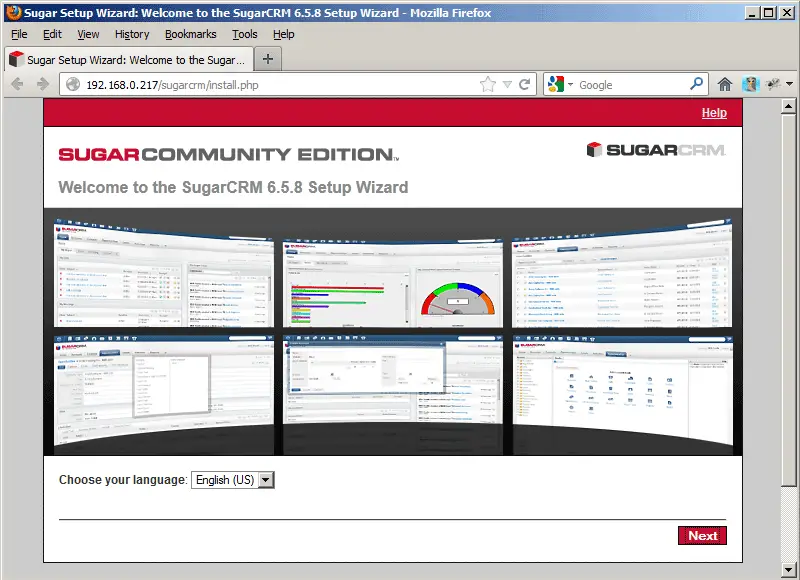
The SugarCRM setup wizard comes up - click on the Next button:
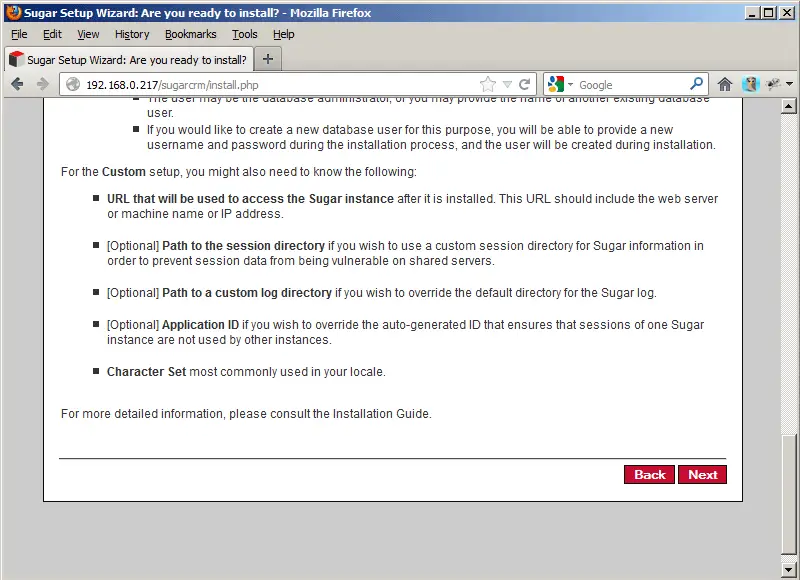
On the next screen, scroll down and click on Next again:
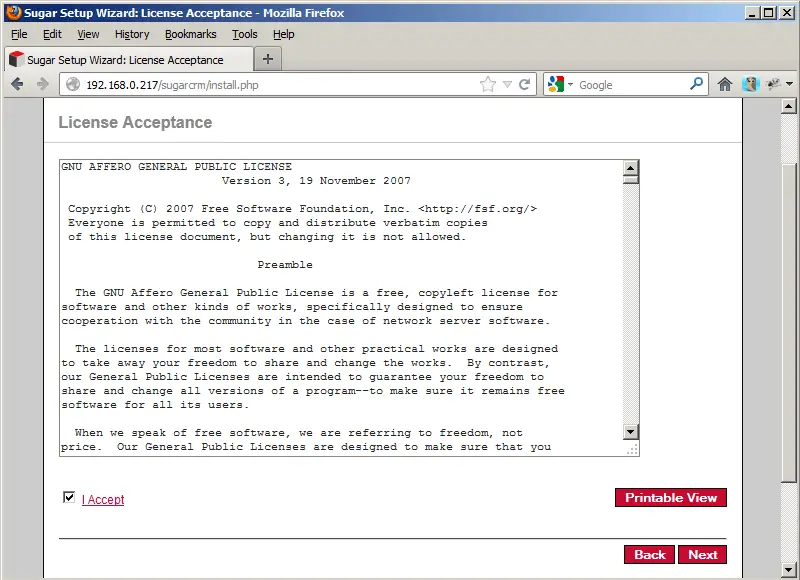
Accept the license (GNU Affero General Public License) and click on Next:
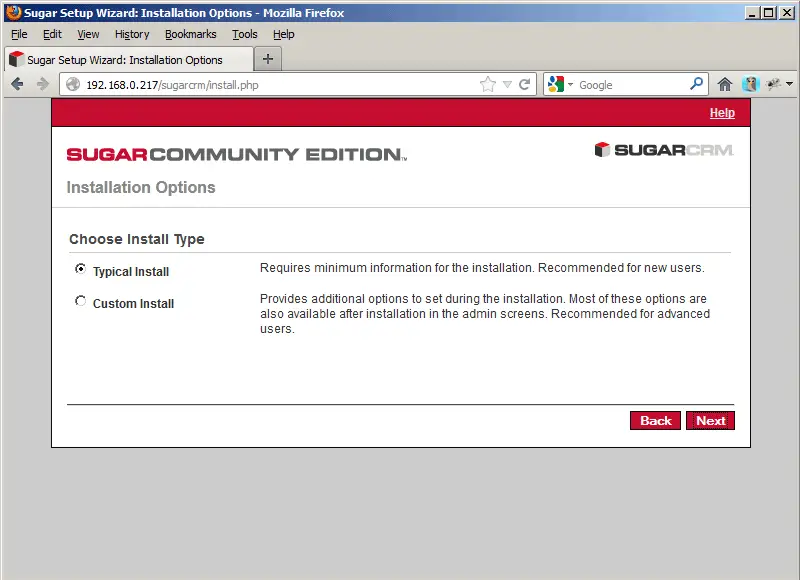
Select Typical Install and click on Next:
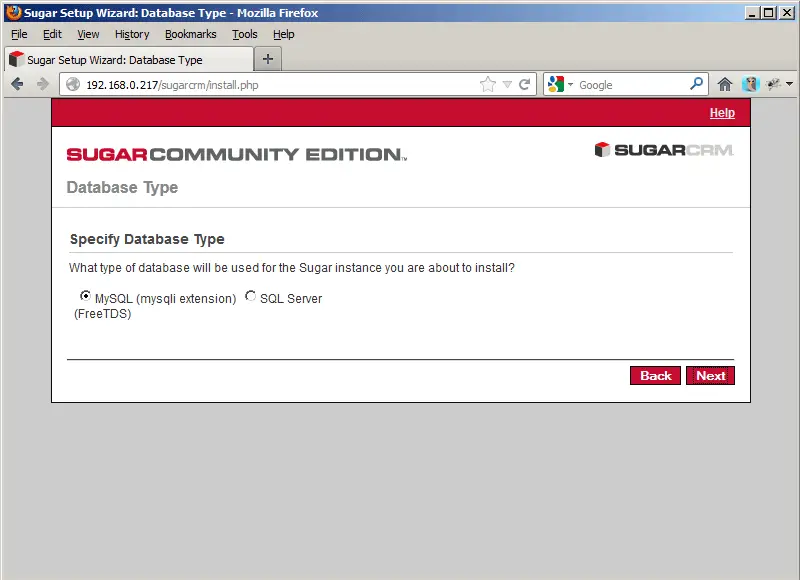
Select the database type (MySQL):
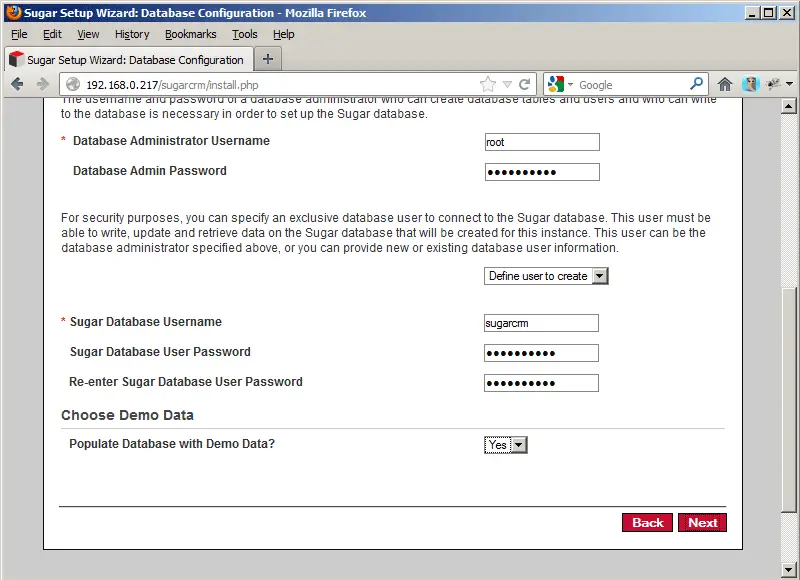
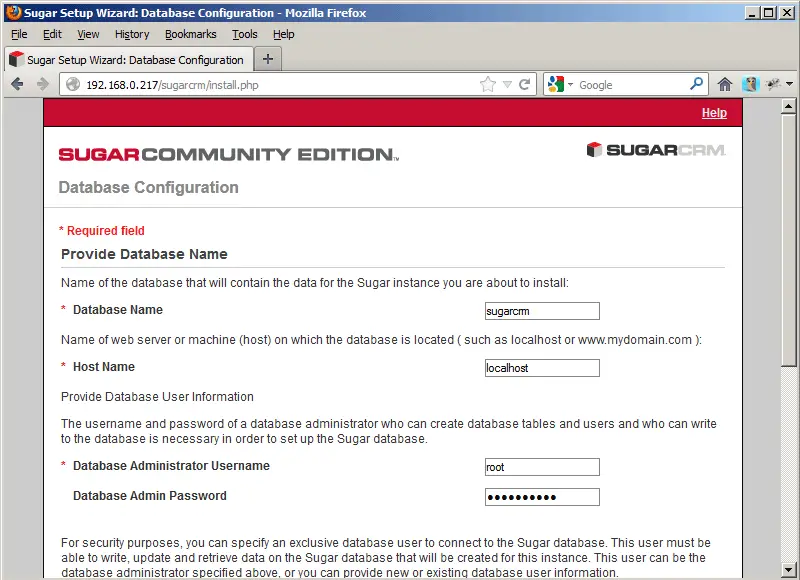
On the Database Configuration page, fill in a name for the SugarCRM database (e.g. sugarcrm) (will be created by the installer automatically if it doesn't exist). The Host Name is localhost. Then fill in the username of the MySQL administrator (root) and his MySQL password (yourrootsqlpassword). Then scroll down...
... and select Define user to create from the drop-down menu to create a MySQL user for SugarCRM (this user will be created by the setup wizard). Fill in a name for that user (e.g. sugarcrm) and a password. If you want to have some demo data to play with, select Yes from the Populate Database with Demo Data? drop-down menu. Click on Next afterwards: