The Perfect Server - Mandriva 2008 Spring Free (Mandriva 2008.1)
Version 1.0
Author: Falko Timme
This is a detailed description about how to set up a Mandriva 2008 Spring Free (Mandriva 2008.1) server that offers all services needed by ISPs and hosters: Apache web server (SSL-capable), Postfix mail server with SMTP-AUTH and TLS, BIND DNS server, Proftpd FTP server, MySQL server, Dovecot POP3/IMAP, Quota, Firewall, etc. This tutorial is written for the 32-bit version of Mandriva 2008.1, but should apply to the 64-bit version with very little modifications as well.
I will use the following software:
- Web Server: Apache 2 (with PHP5 and Ruby)
- Mail Server: Postfix
- DNS Server: BIND9
- FTP Server: proftpd
- POP3/IMAP server: Dovecot
- Webalizer for web site statistics
In the end you should have a system that works reliably and is ready for the free webhosting control panel ISPConfig (i.e., ISPConfig runs on it out of the box).
I want to say first that this is not the only way of setting up such a system. There are many ways of achieving this goal but this is the way I take. I do not issue any guarantee that this will work for you!
1 Preliminary Note
In this example I will use the following settings for my system:
- IP address: 192.168.0.100, gateway: 192.168.0.1
- Host name: server1.example.com
Your settings will most likely differ, so you might have to adjust the instructions from this tutorial.
2 Requirements
To install such a system you will need the following:
- Download the Mandriva 2008.1 DVD iso image or the three Mandriva 2008.1 CD iso images from a mirror near you (you can find the download here: http://www.mandriva.com/en/download); I have used the three Mandriva 2008.1 CDs for this tutorial.
- a fast internet connection...
3 The Base System
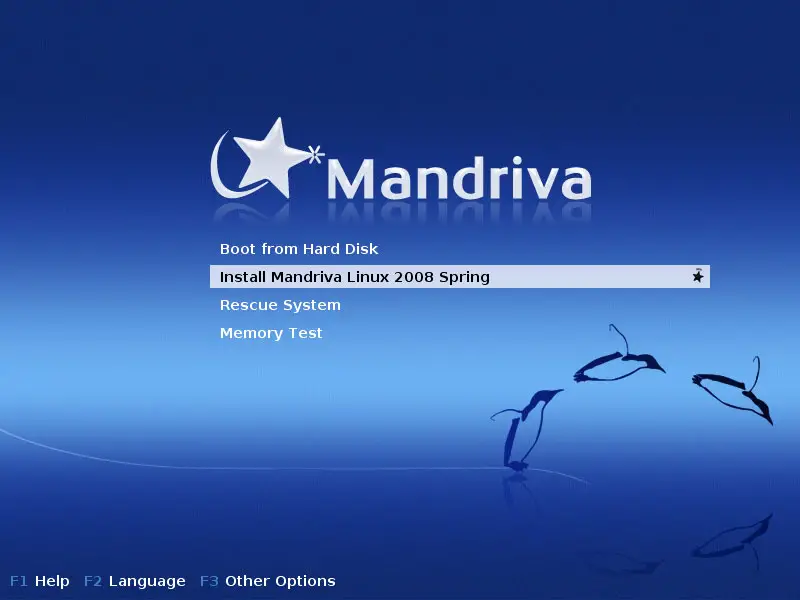
Boot from your Mandriva 2008.1 DVD or CD (the first one). Select Install Mandriva Linux 2008 Spring and press Enter:
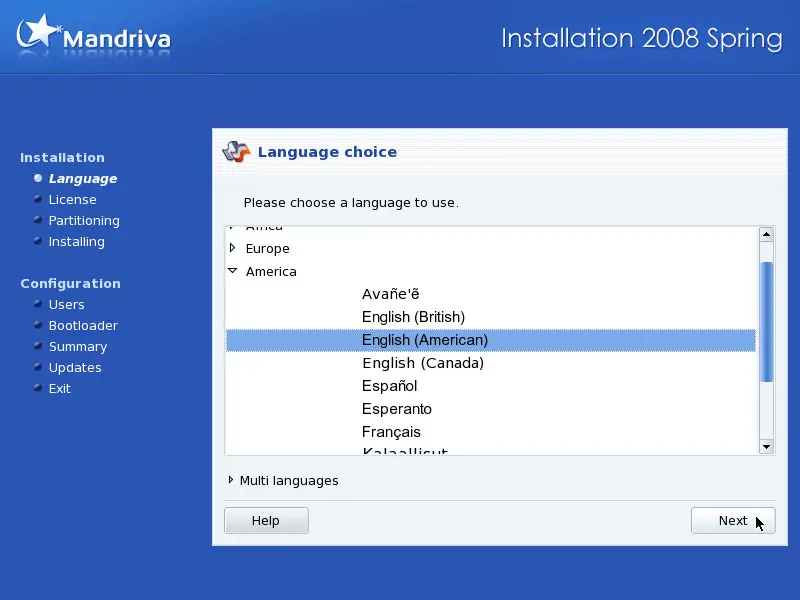
Choose your language next:
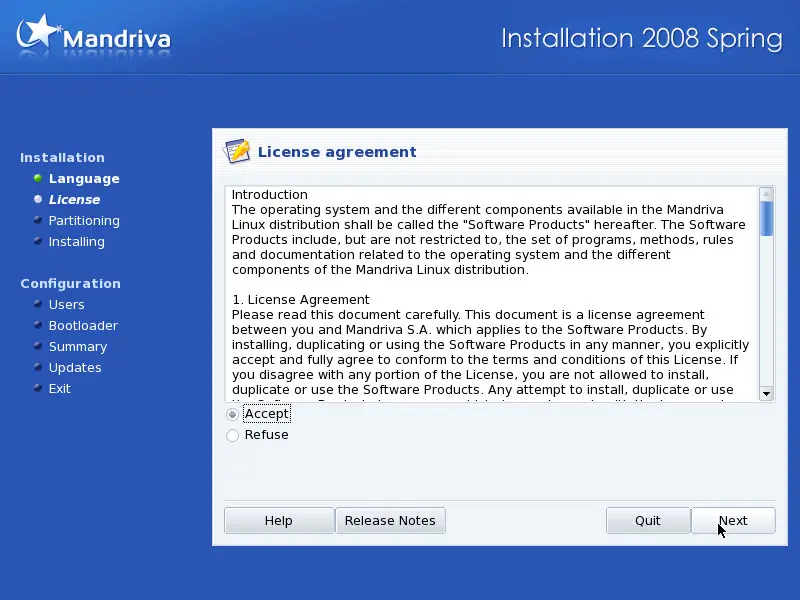
Accept the license and click on Next:
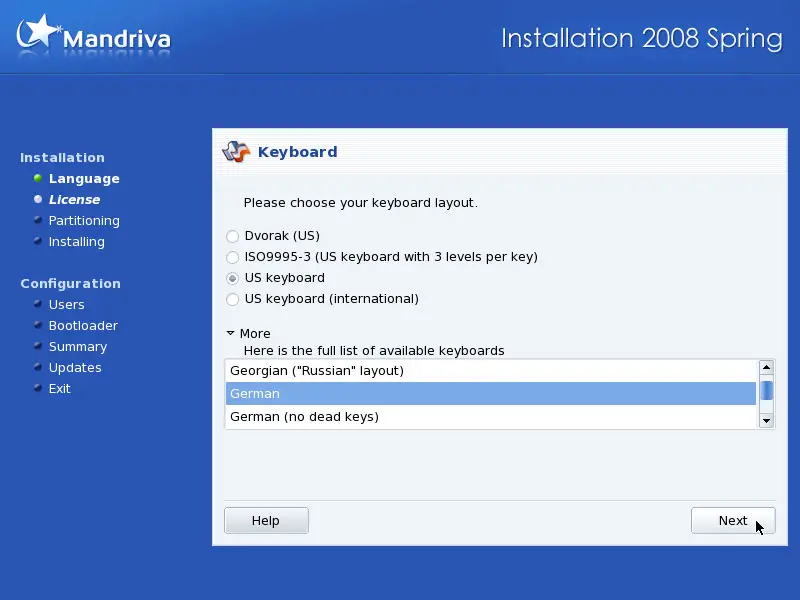
Select your keyboard layout:
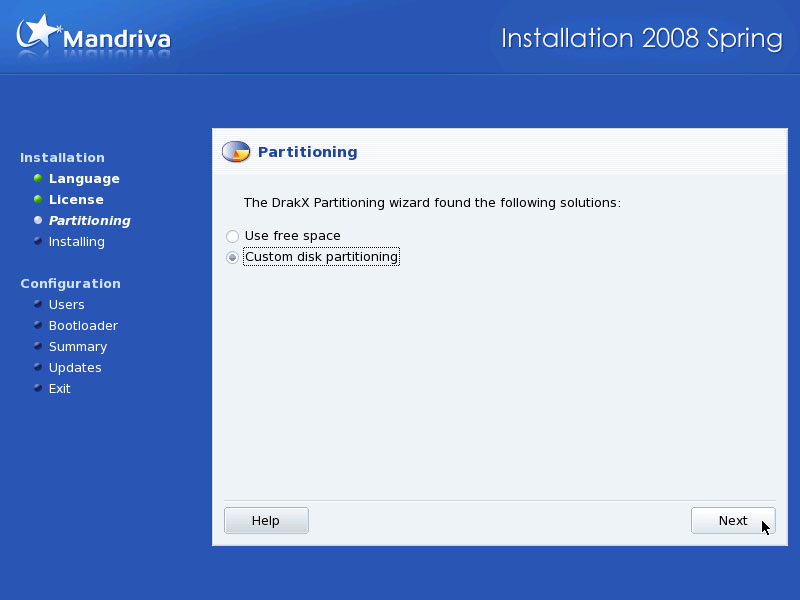
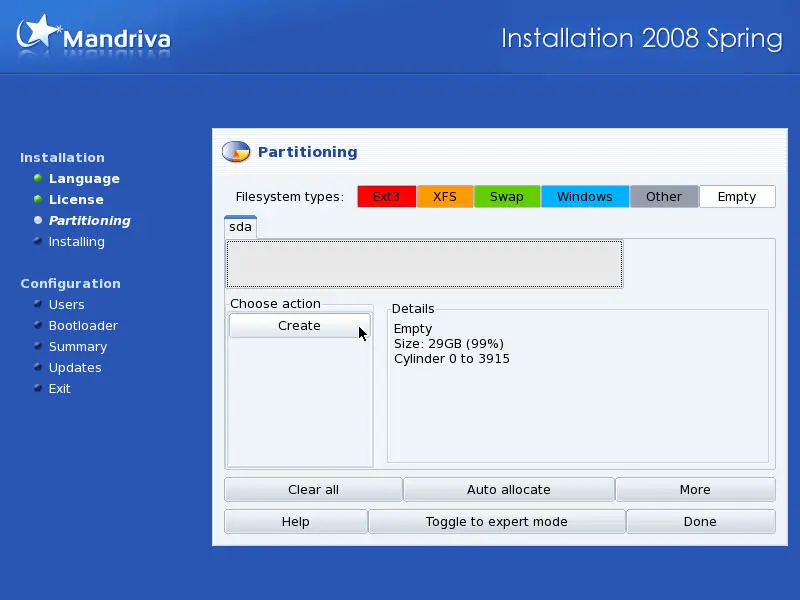
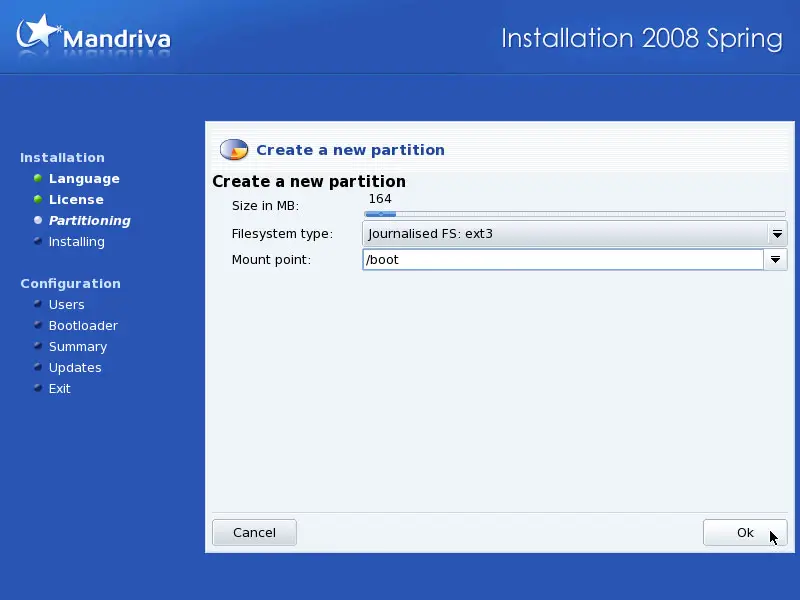
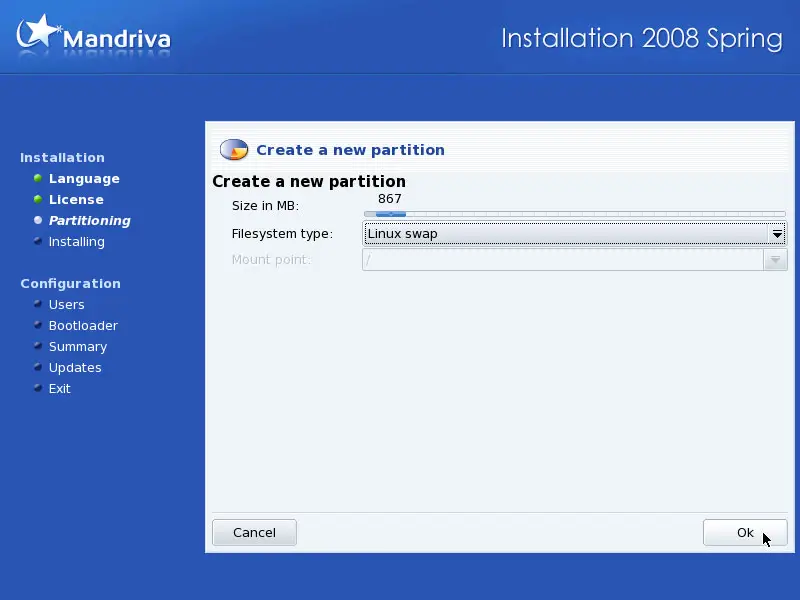
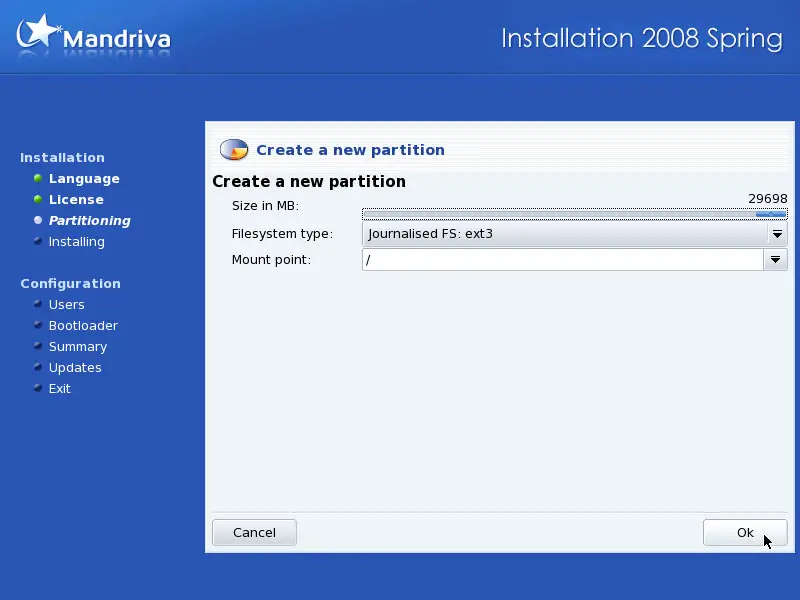
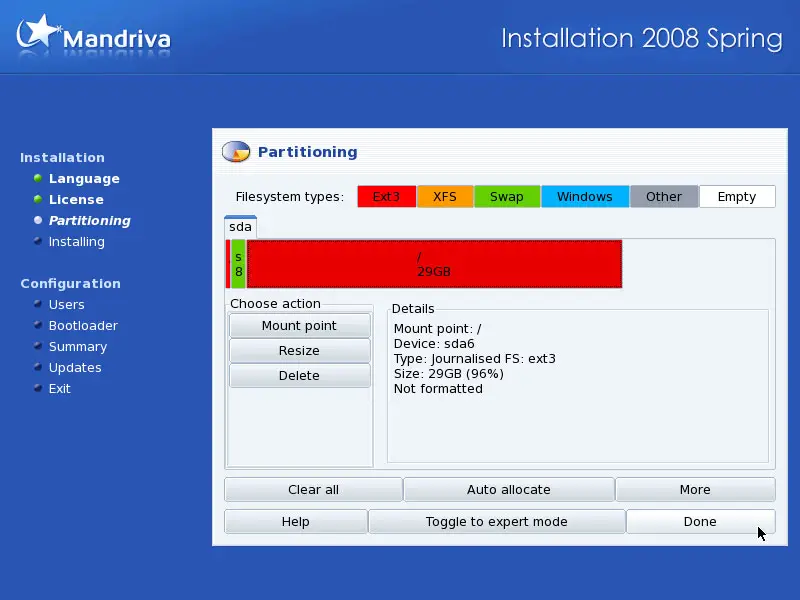
Now we have to partition our hard disk. You can choose to let the Mandriva installer do the partitioning, or you can do it yourself. I want to create a small /boot partition (about 150 MB) with the file system ext3, a swap partition and a huge / partition (again with ext3):
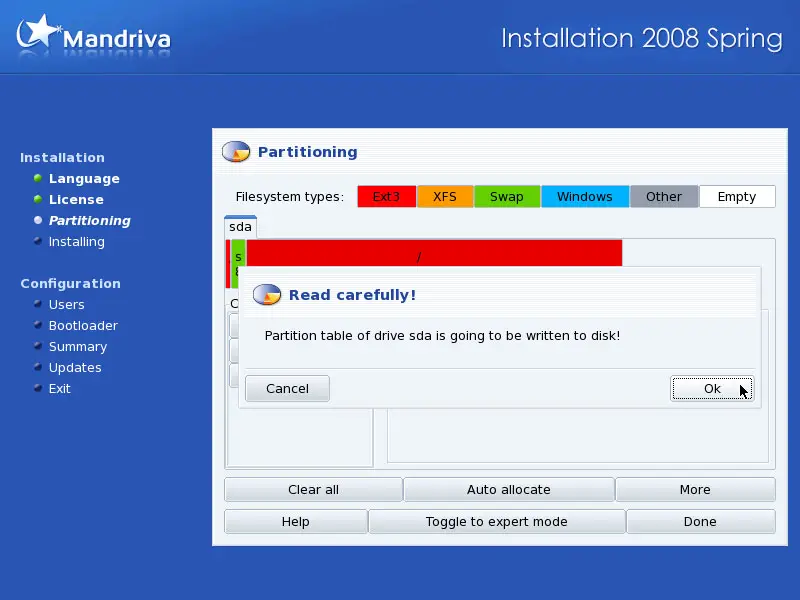
Afterwards, the new partitions are being formatted:
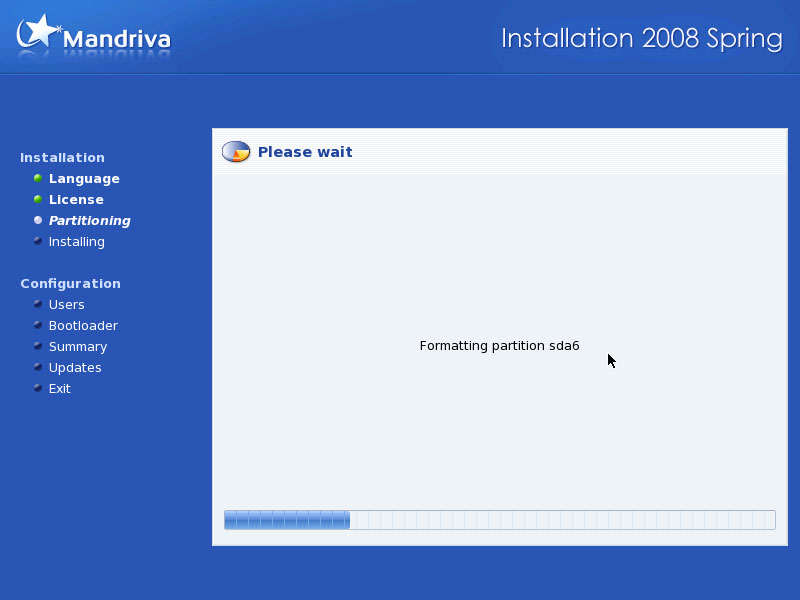
Click on Next on the following screen:
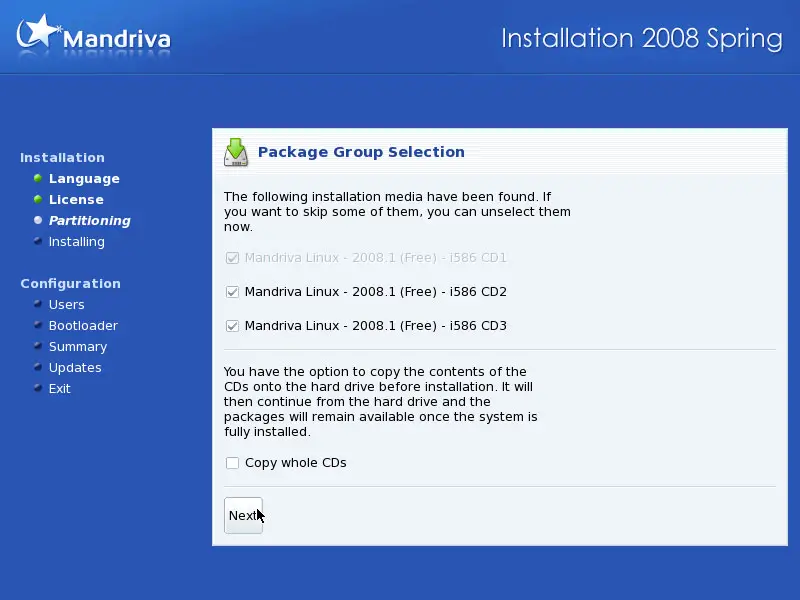
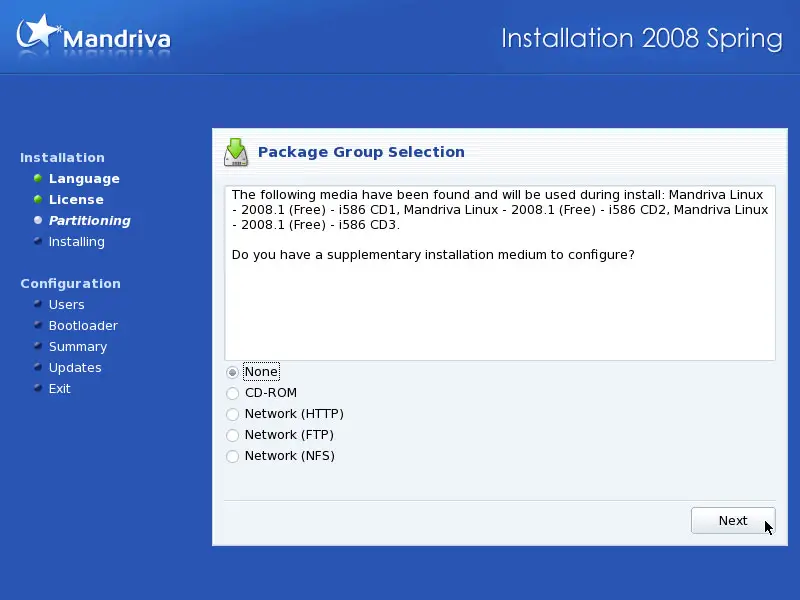
We don't have any other installation media, so we select None and click on Next: