The Perfect Server - Ubuntu Natty Narwhal (Ubuntu 11.04) [ISPConfig 2]
Version 1.0
Author: Falko Timme
 Follow me on Twitter
This tutorial shows how to set up an Ubuntu Natty Narwhal (Ubuntu 11.04) server that offers all services needed by ISPs and hosters: Apache web server (SSL-capable), Postfix mail server with SMTP-AUTH and TLS, BIND DNS server, Proftpd FTP server, MySQL server, Courier POP3/IMAP, Quota, Firewall, etc. In the end you should have a system that works reliably, and if you like you can install the free webhosting control panel ISPConfig 2 (i.e., ISPConfig runs on it out of the box).
I will use the following software:
- Web Server: Apache 2.2.17 with PHP 5.3.5, Python, Ruby, and WebDAV
- Database Server: MySQL 5.1.54
- Mail Server: Postfix
- DNS Server: BIND9
- FTP Server: proftpd
- POP3/IMAP: I will use Maildir format and therefore install Courier-POP3/Courier-IMAP.
- Webalizer for web site statistics
Please note that this setup does not work for ISPConfig 3! It is valid for ISPConfig 2 only!
I want to say first that this is not the only way of setting up such a system. There are many ways of achieving this goal but this is the way I take. I do not issue any guarantee that this will work for you!
1 Requirements
To install such a system you will need the following:
- the Ubuntu 11.04 server CD, available here: http://releases.ubuntu.com/releases/11.04/ubuntu-11.04-server-i386.iso (i386) or http://releases.ubuntu.com/releases/11.04/ubuntu-11.04-server-amd64.iso (x86_64)
- a fast Internet connection.
2 Preliminary Note
In this tutorial I use the hostname server1.example.com with the IP address 192.168.0.100 and the gateway 192.168.0.1. These settings might differ for you, so you have to replace them where appropriate.
3 The Base System
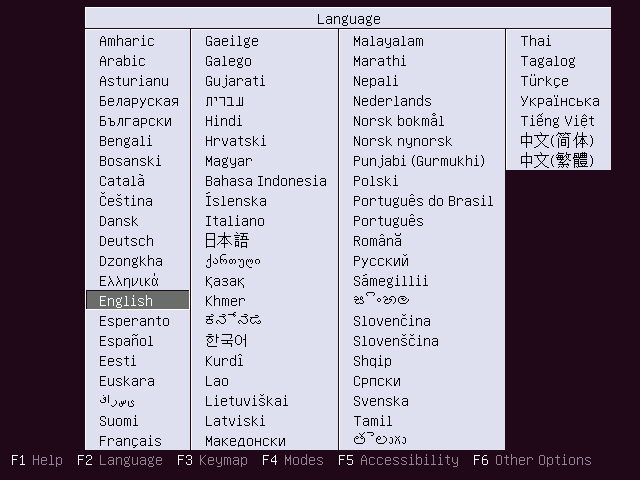
Insert your Ubuntu install CD into your system and boot from it. Select your language:
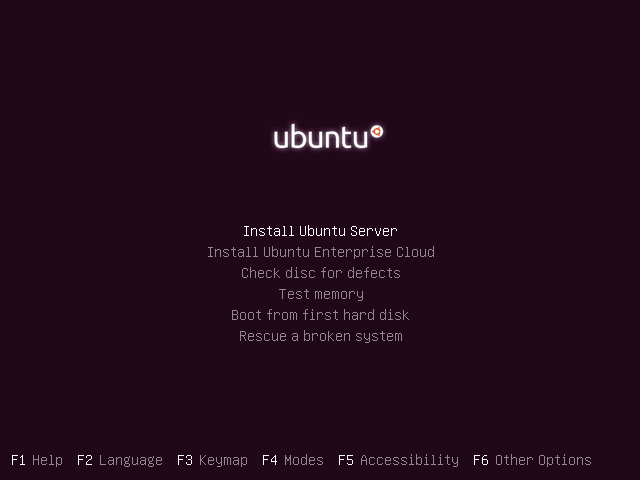
Then select Install Ubuntu Server:
Choose your language again (?):
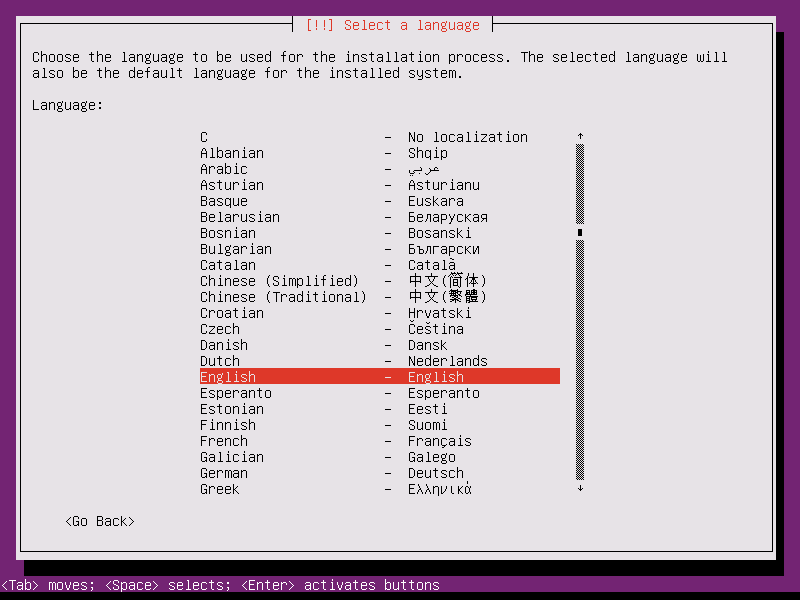
Then select your location:
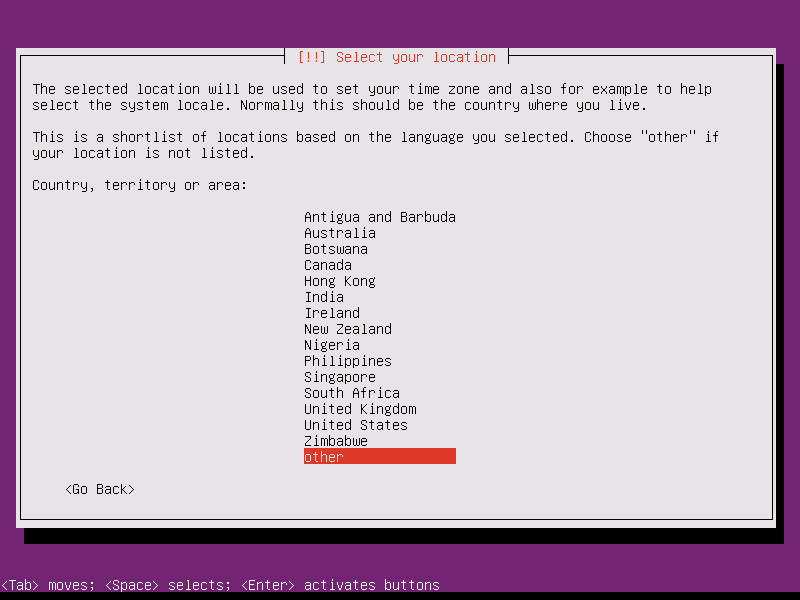
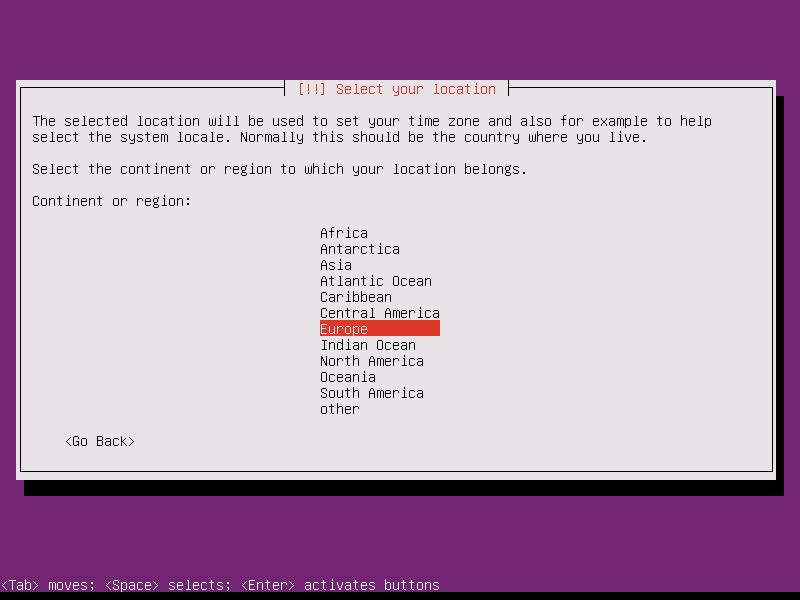
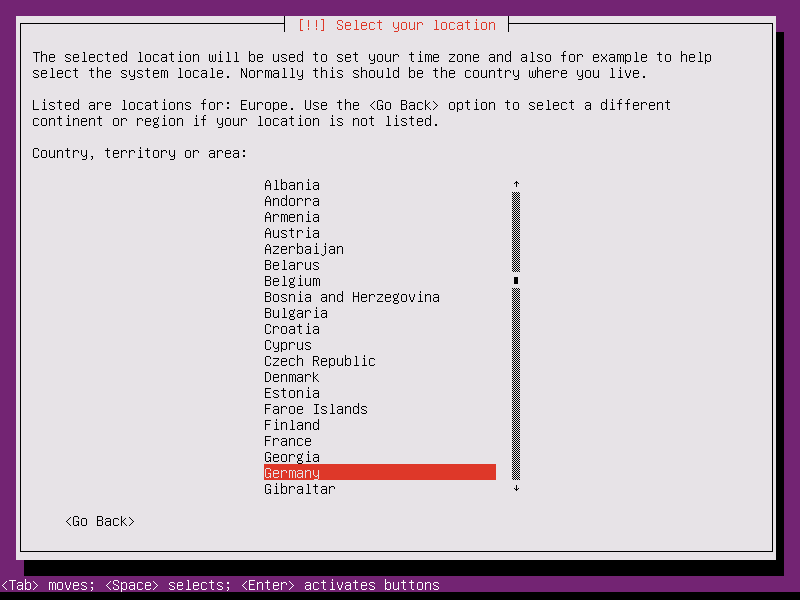
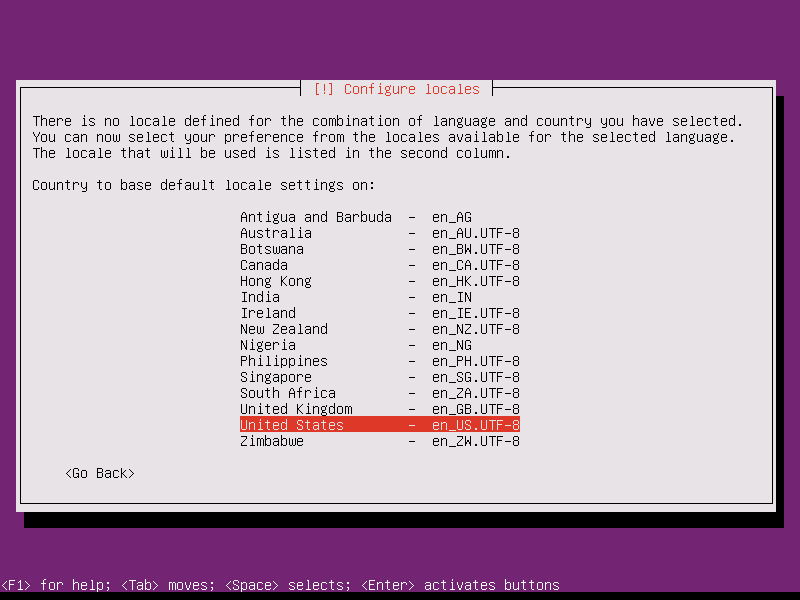
If you've selected an uncommon combination of language and location (like English as the language and Germany as the location, as in my case), the installer might tell you that there is no locale defined for this combination; in this case you have to select the locale manually. I select en_US.UTF-8 here:
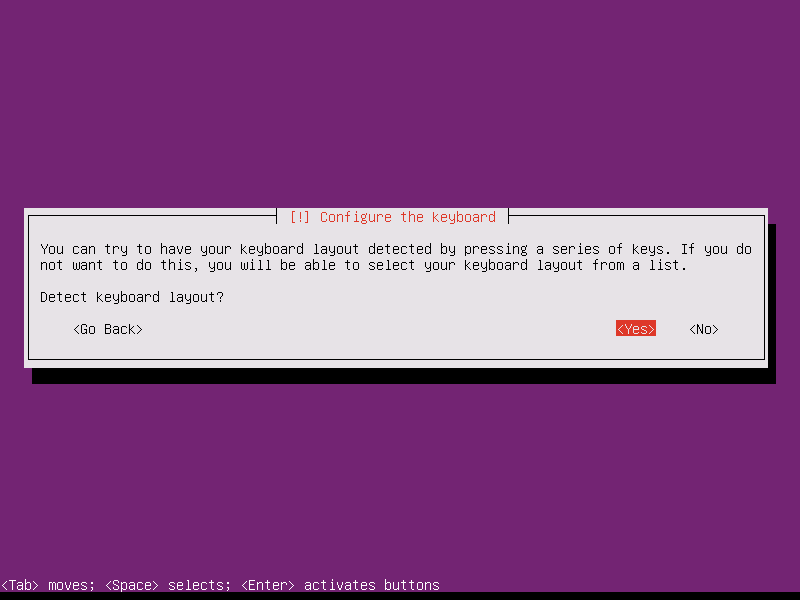
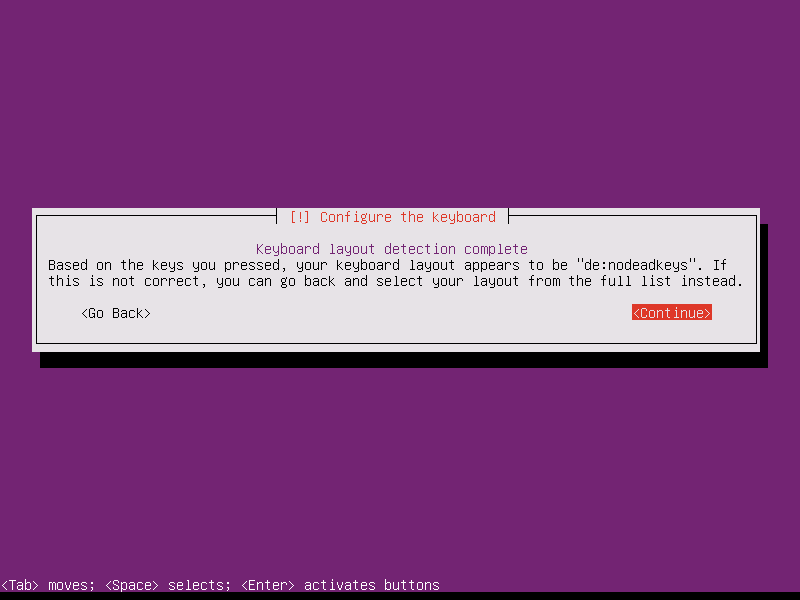
Choose a keyboard layout (you will be asked to press a few keys, and the installer will try to detect your keyboard layout based on the keys you pressed):
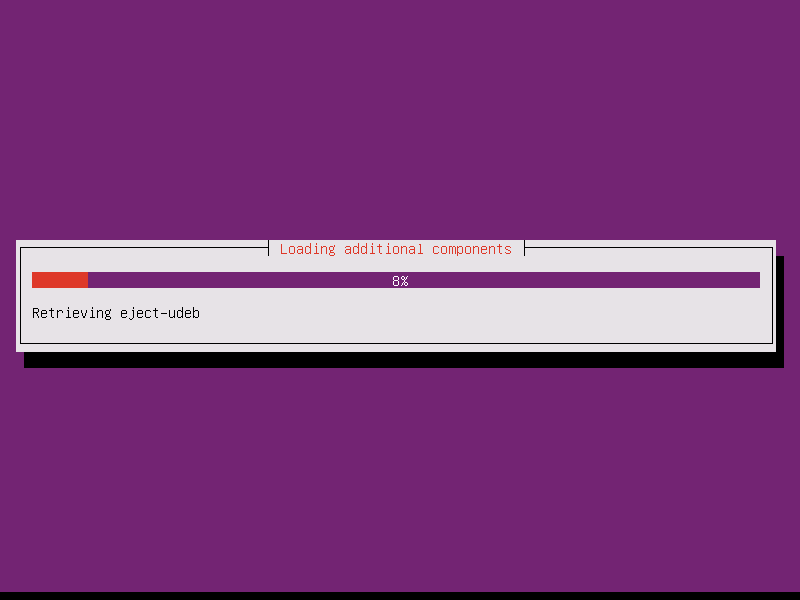
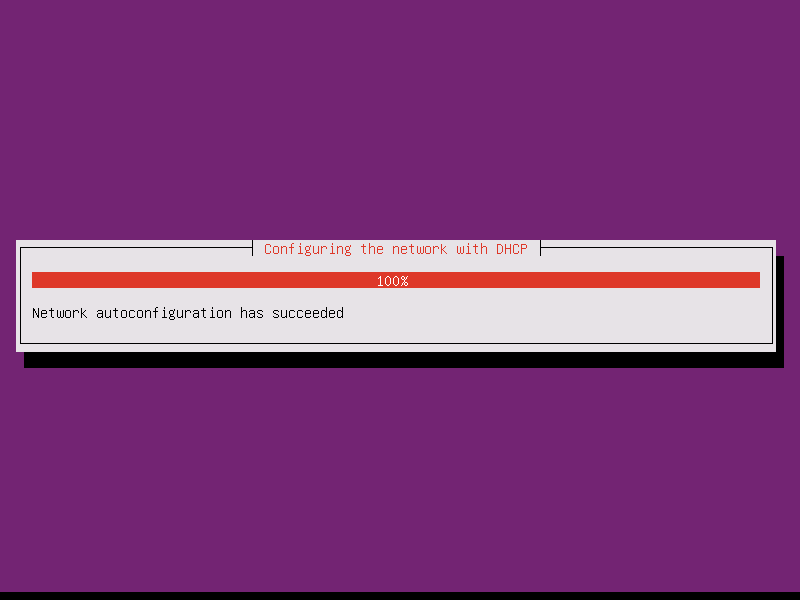
The installer checks the installation CD, your hardware, and configures the network with DHCP if there is a DHCP server in the network: