
Installing Debian Etch From A Windows System With "Debian-Installer Loader" - Page 4
4 Dual-Booting And Uninstalling The "Debian-Installer Loader"
You now have a dual-boot system. When you boot the system, you can choose between Debian and Windows:
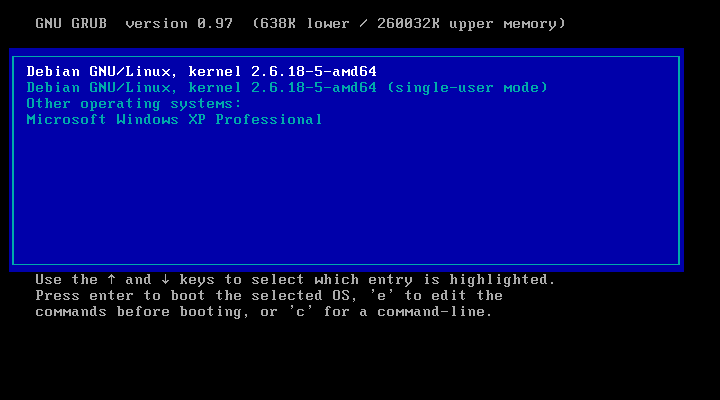
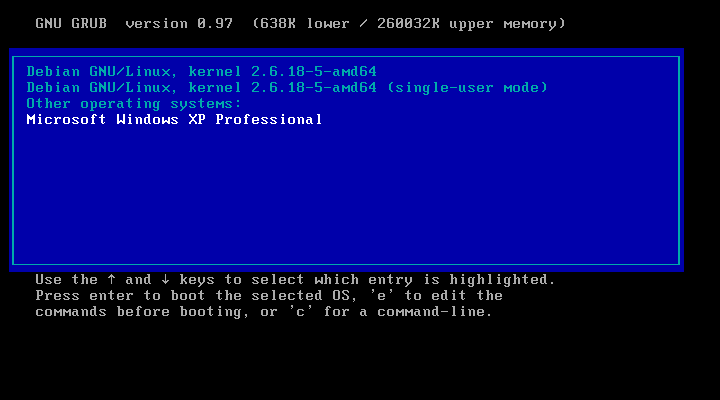
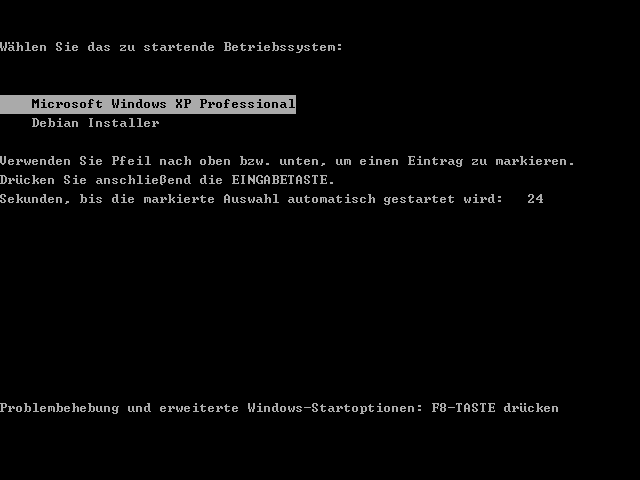
If you select Windows, you'll get a second boot menu (the one with the Debian Installer). Of course, we don't need the Debian Installer anymore because Debian's now installed, so we boot into Windows in order to uninstall the Debian-Installer Loader:
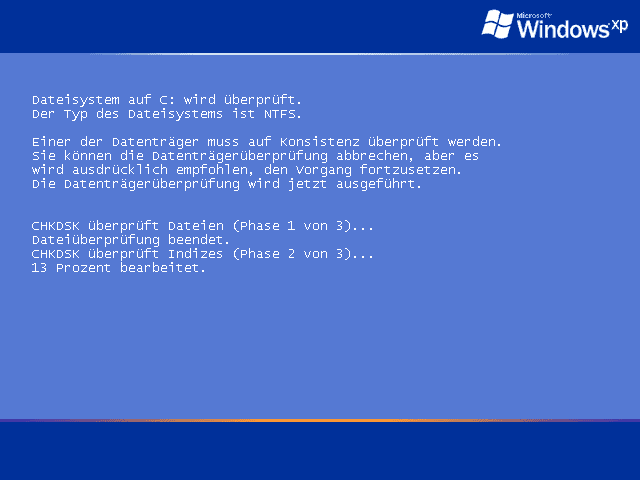
When you boot Windows for the first time after the Debian installation, it's possible that you get a screen like this (telling you that CHKDSK checks your Windows partition). That's nothing to worry about. After the check has finished, the system will reboot again. Please select to boot Windows again.
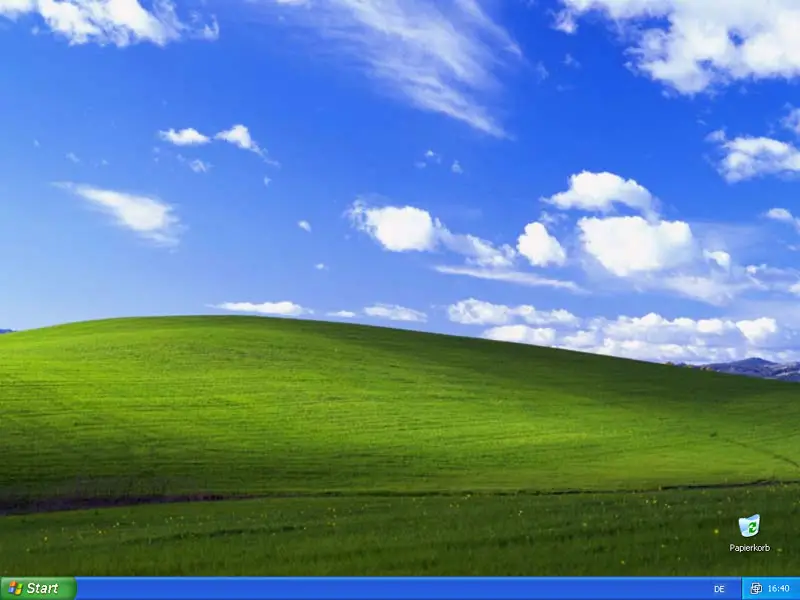
Now Windows boots normally, and you should get to your Windows desktop as usually:
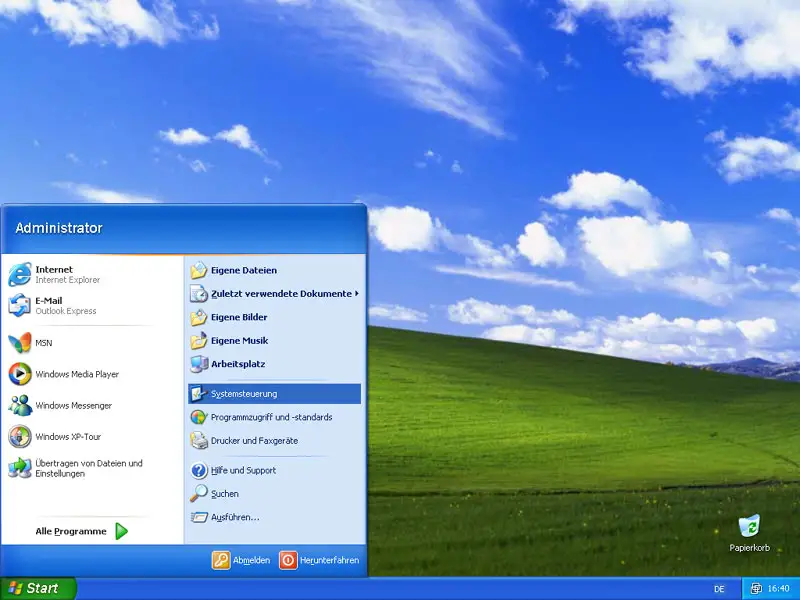
If you like to uninstall the Debian-Installer Loader (that's just the Debian installer, not your new Debian system!), open the Control Center in Windows:
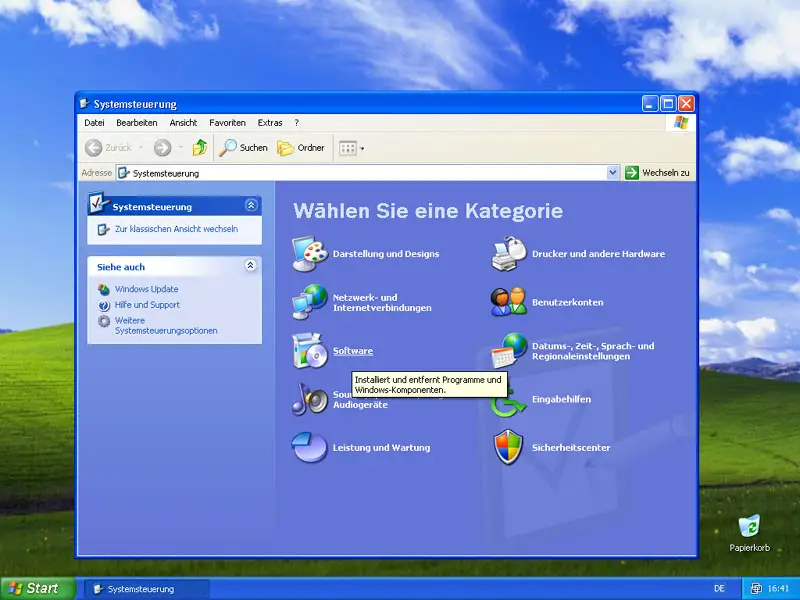
Go to Software:
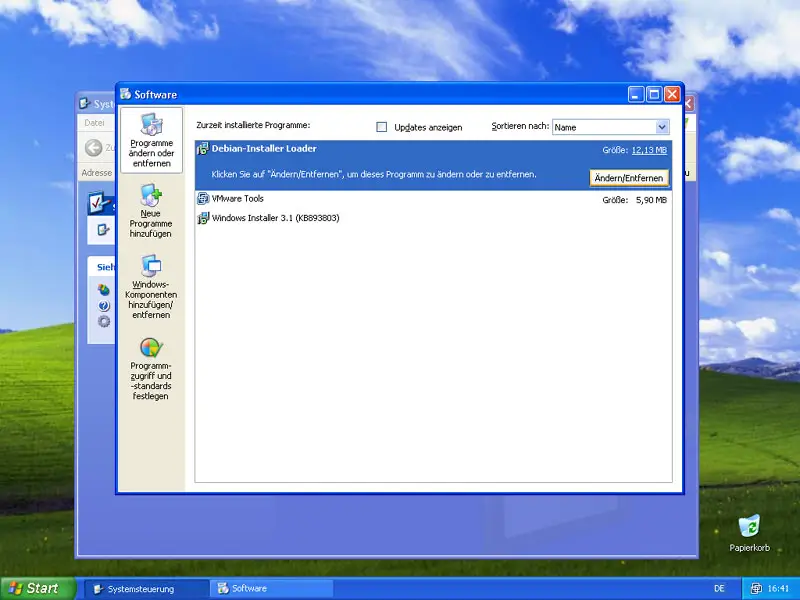
In the Software window, you see a list of all installed software. Find the Debian-Installer Loader and click on the Modify/Uninstall button:
Click on the Uninstall button:
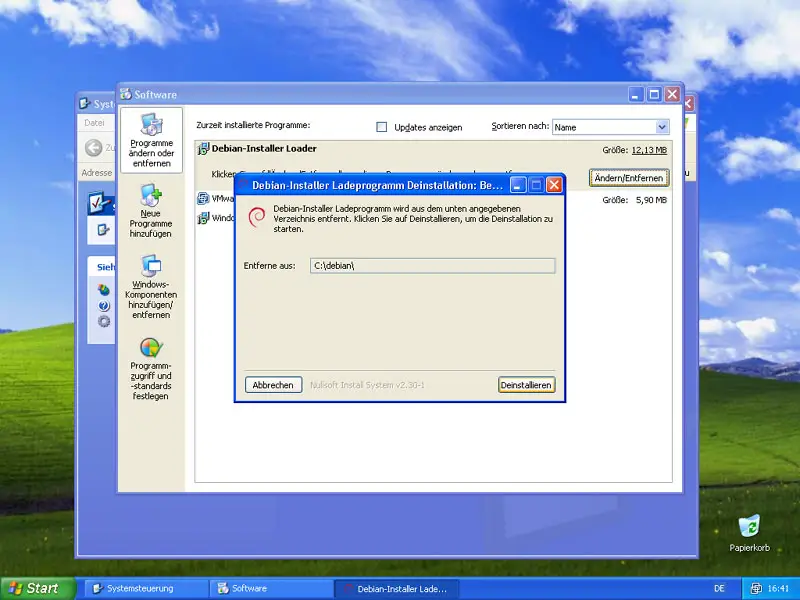
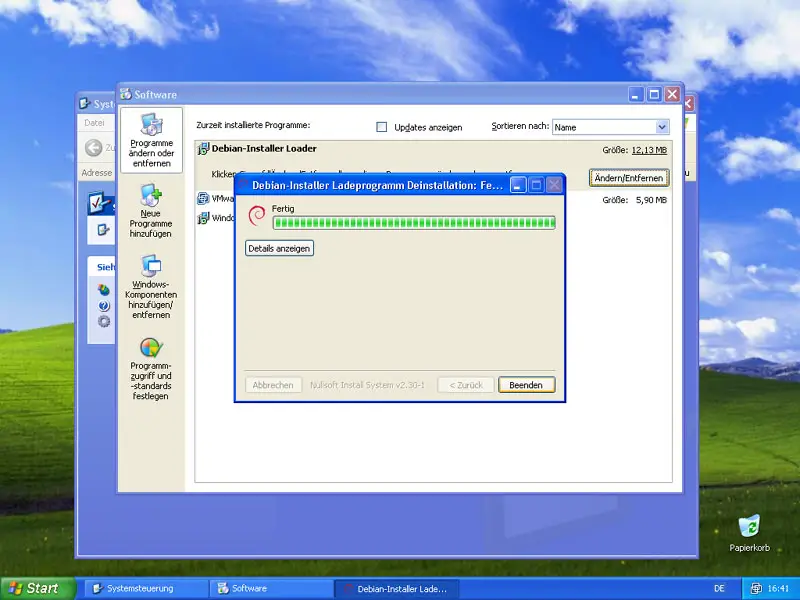
The Debian-Installer Loader is now being uninstalled. Afterwards, you can close the uninstaller and leave the Control Center:
Now when you reboot the system, you still have the option to boot into Debian or Windows...
... but the second boot menu with the Debian Installer (if you select Windows) is gone:
5 Links
- Debian-Installer Loader: http://goodbye-microsoft.com
- Debian: http://www.debian.org





