Installing Debian Etch From A Windows System With "Debian-Installer Loader" - Page 3
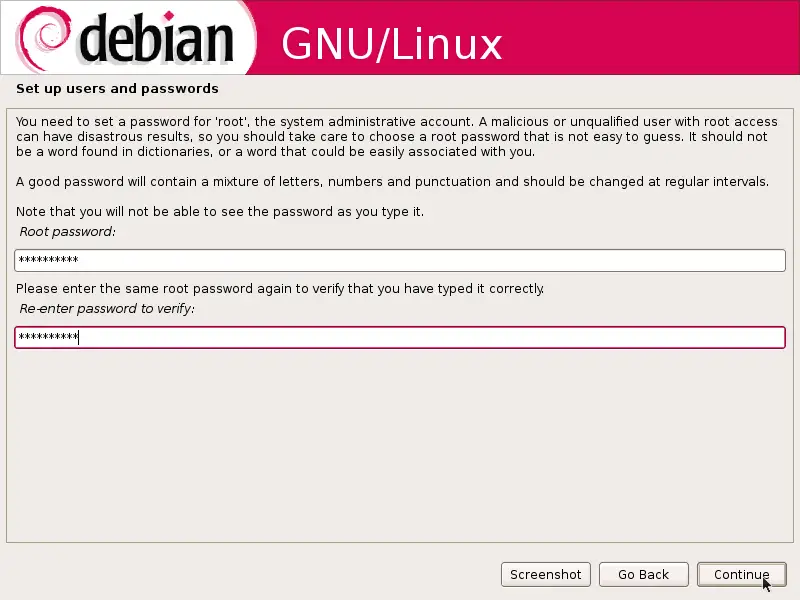
Afterwards, give the root user a password:
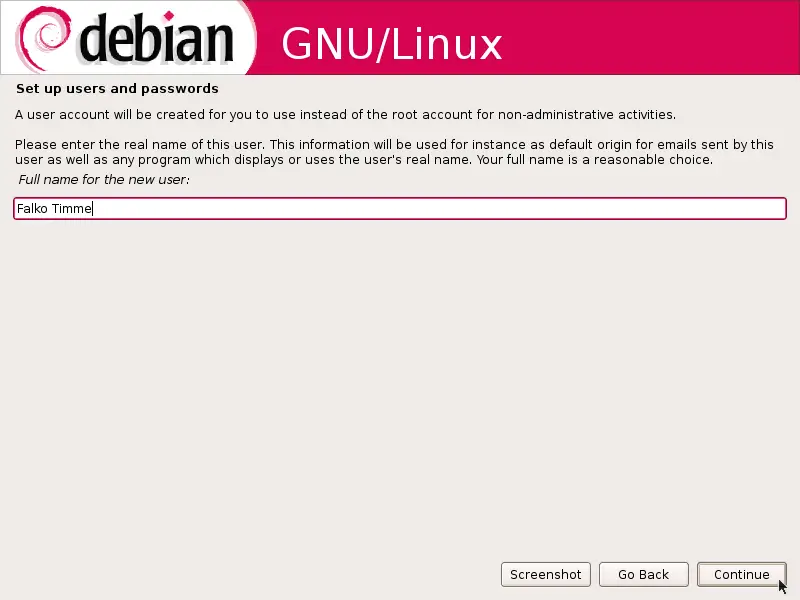
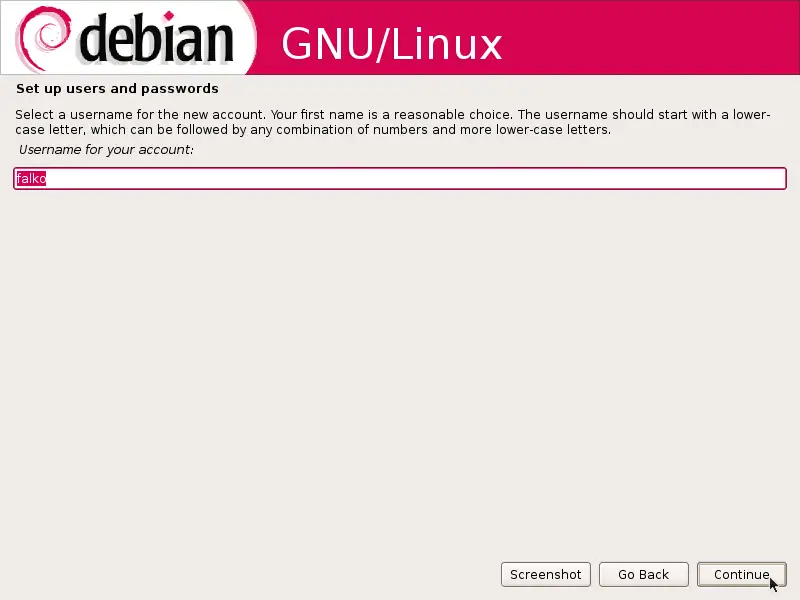
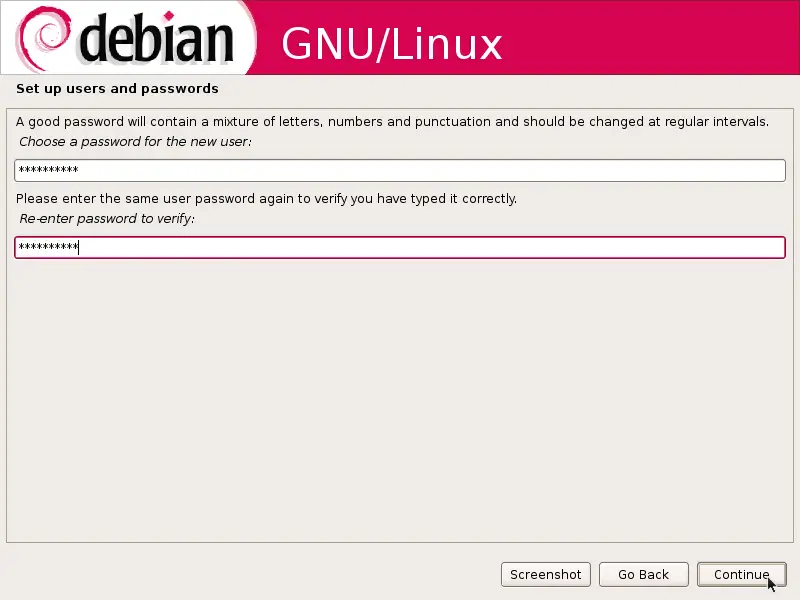
Create a normal user account:
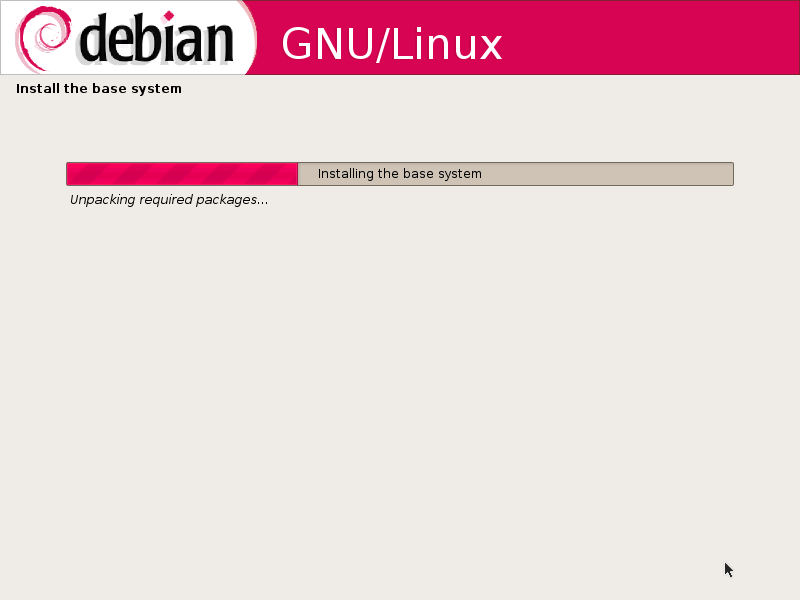
Now the base system is being installed:
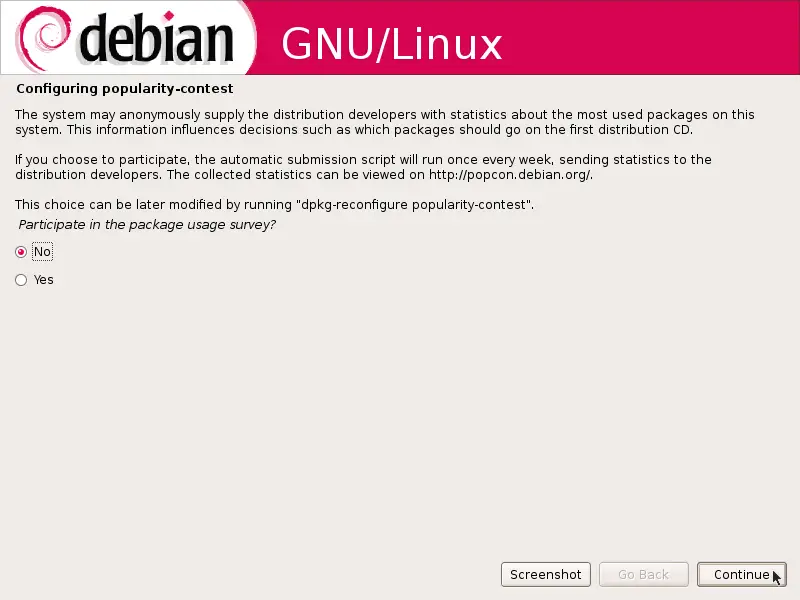
You can skip the package usage survey by selecting No, but this is up to you:
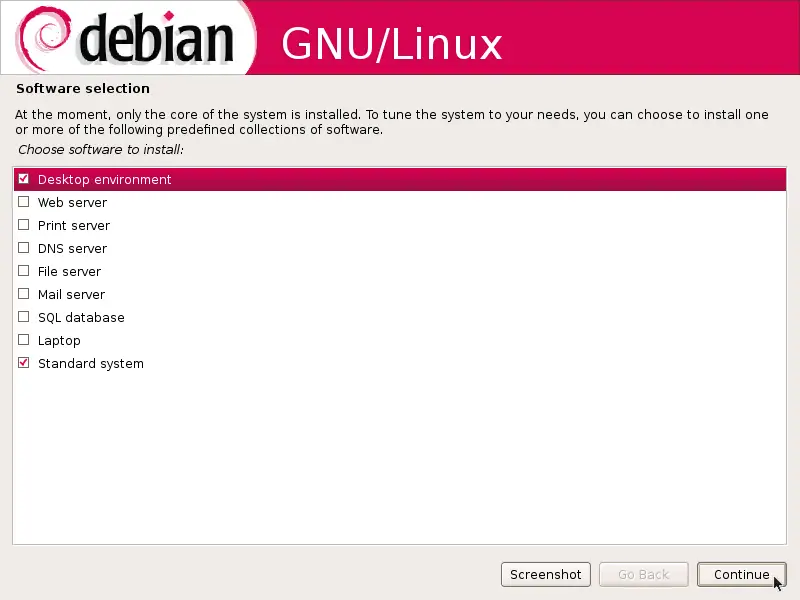
Next select the software you'd like to install (you should at least choose Standard system):
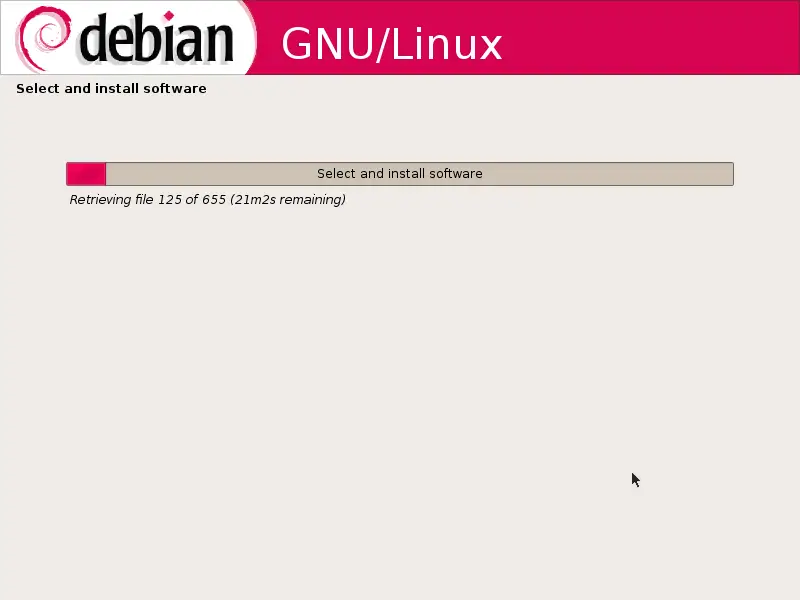
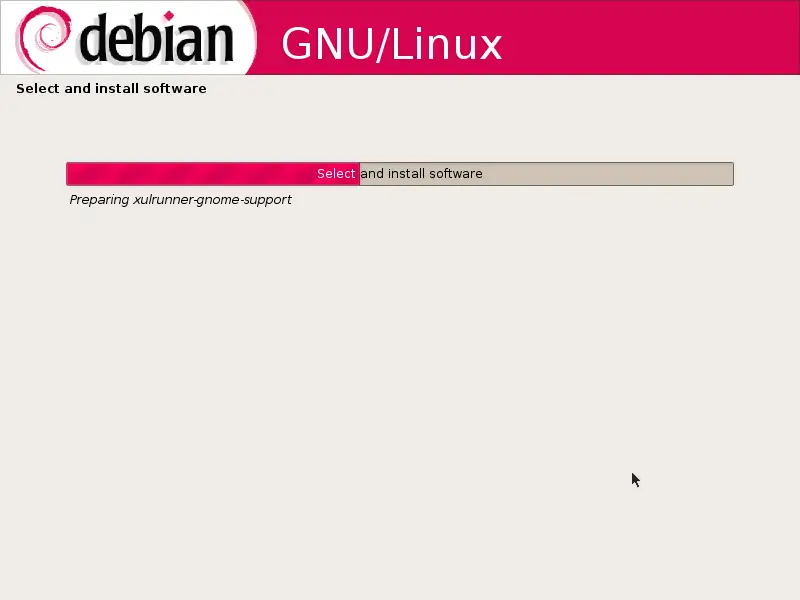
The required packages are being downloaded installed on the system:
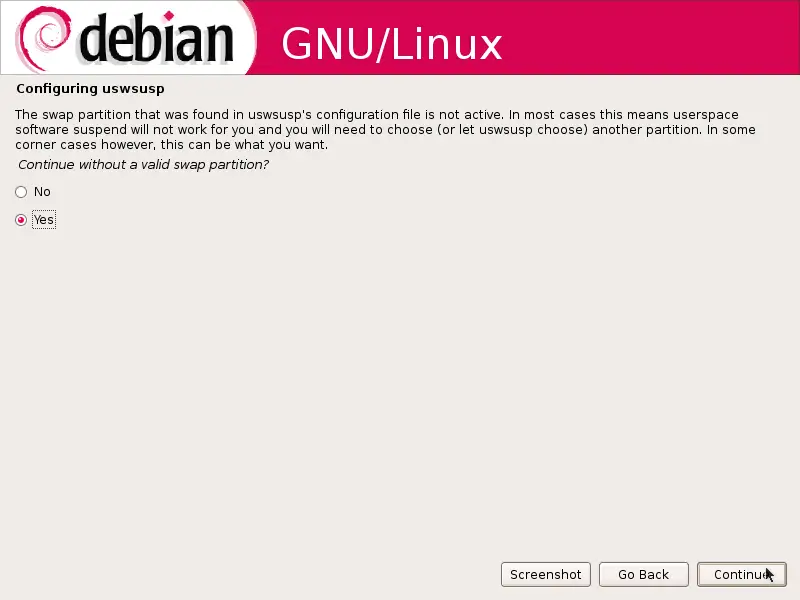
If you see this uswsusp message (Continue without a valid swap partition?), it's ok to select Yes. Swap should be working ok despite this message (at least it is on my system):
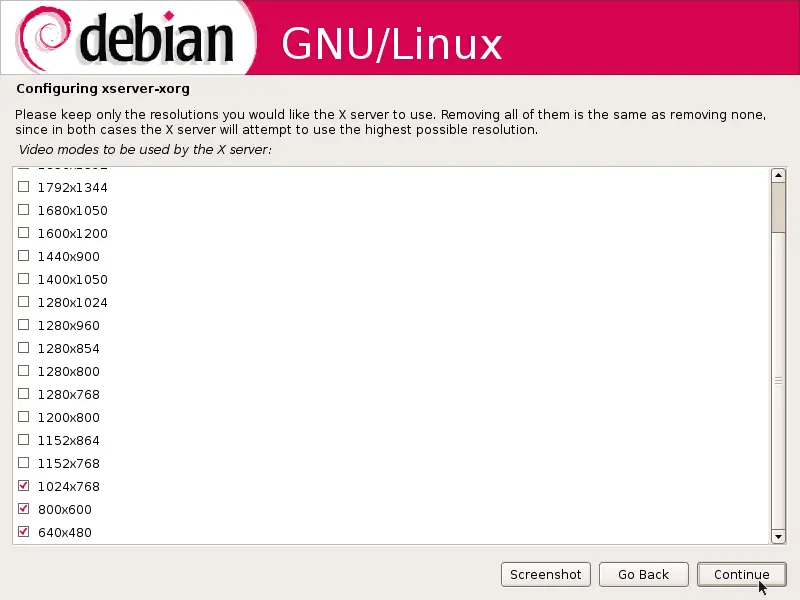
If you're installing a desktop system, specify the screen resolutions that you'd like to use and that are supported by your graphics card:
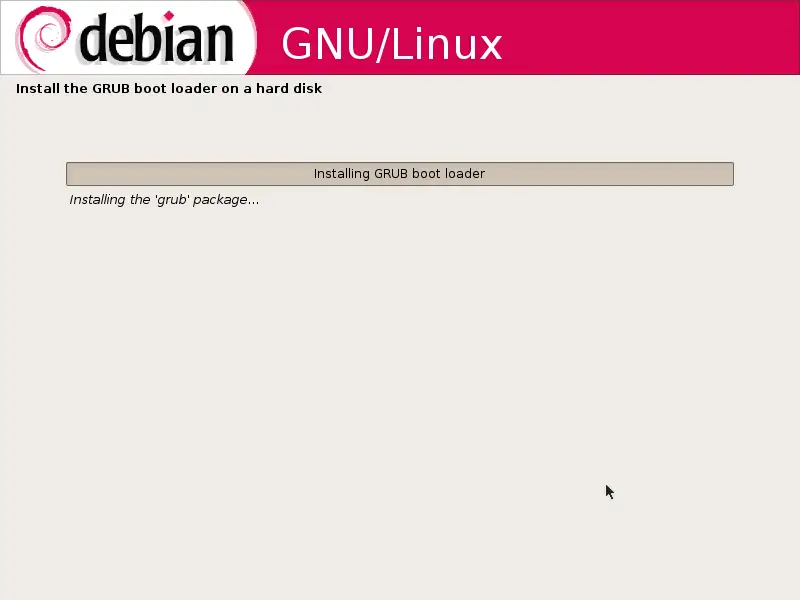
Afterwards, the GRUB boot loader gets installed:
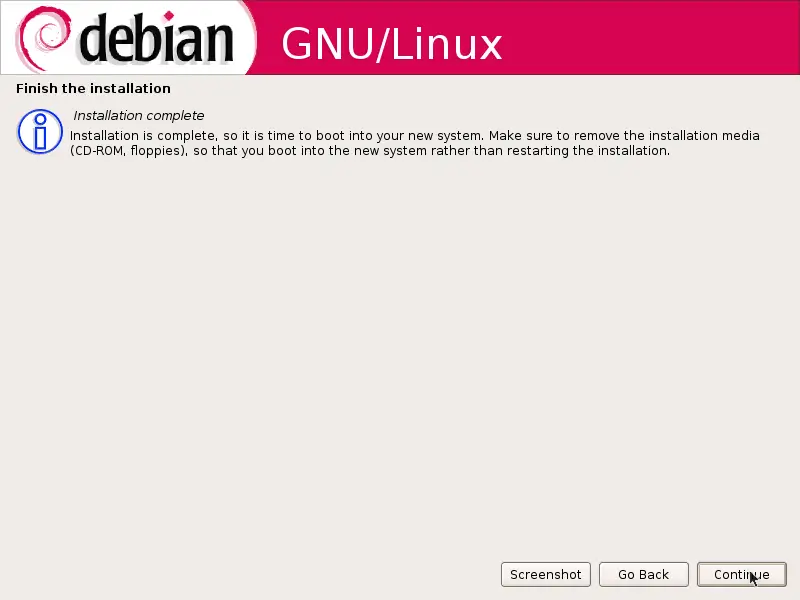
The system installation is now finished. Click on Continue to reboot the system: