Installing Debian Etch From A Windows System With "Debian-Installer Loader"
Version 1.0
Author: Falko Timme
Debian-Installer Loader is a Debian Etch installer for Windows which adds an entry to the boot menu that allows you to start the Debian installation. Unlike the Ubuntu installation with Wubi, real Debian partitions are created during the installation. In the end, you have a dual-boot system (Windows/Debian).
This document comes without warranty of any kind! I do not issue any guarantee that this will work for you!
1 Preliminary Note
I have tested this on a Windows XP Professional desktop.
2 Downloading And Installing "Debian-Installer Loader"
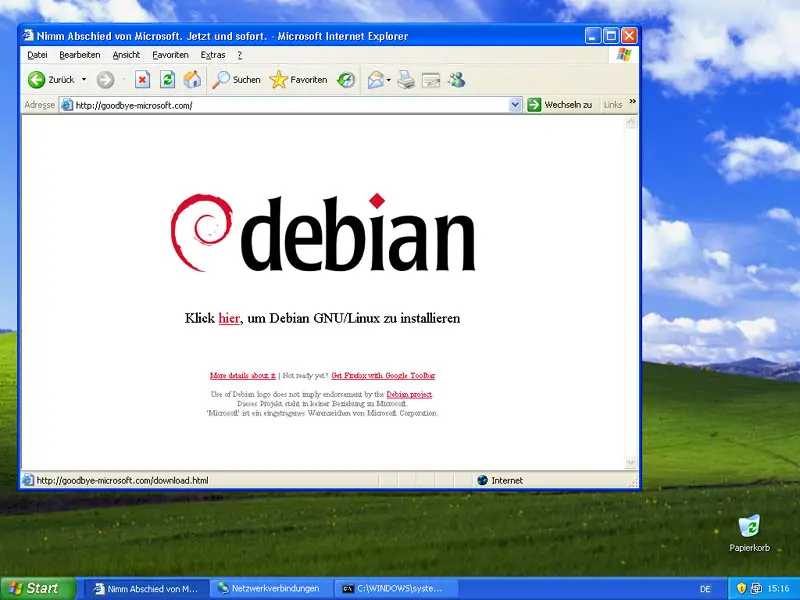
Open a browser and go to http://goodbye-microsoft.com and click on the download link. Save the Debian-Installer Loader somewhere on your hard drive:
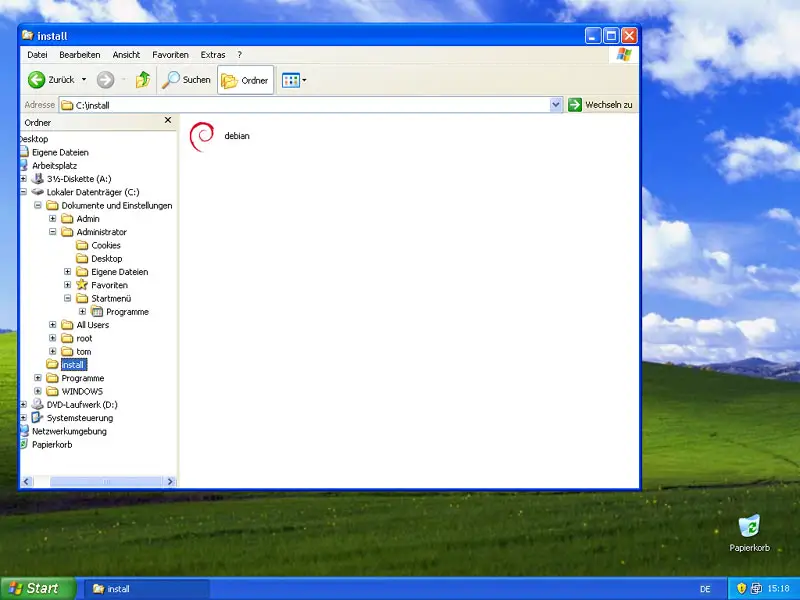
Afterwards, open Windows Explorer and go to the directory where you've saved the file. Double-click it to start the installation:
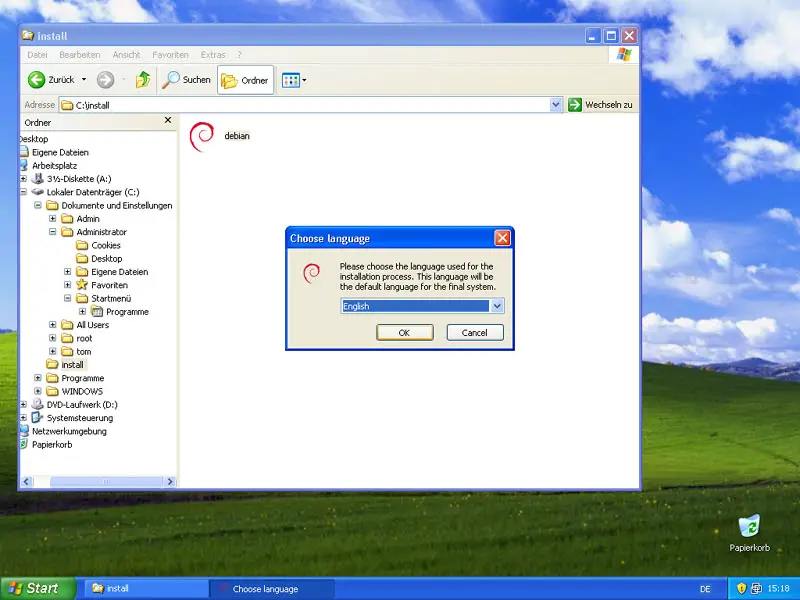
Select your language:
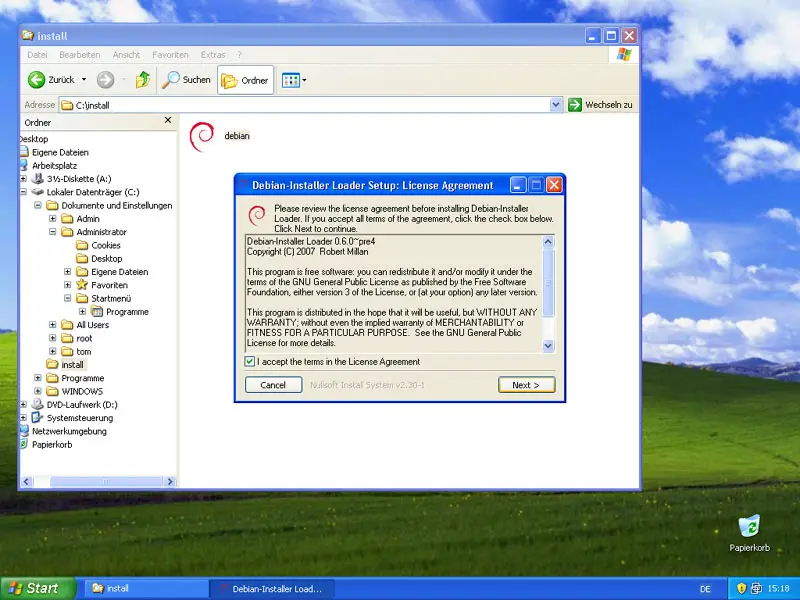
Accept the license of the Debian-Installer Loader:
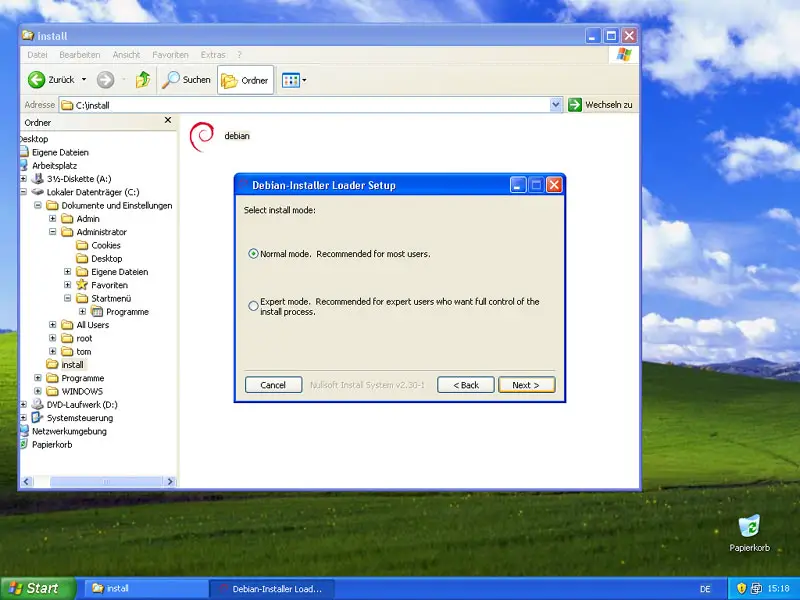
Select the installation mode in which you'd like to install Debian Etch. Usually Normal mode is a good choice:
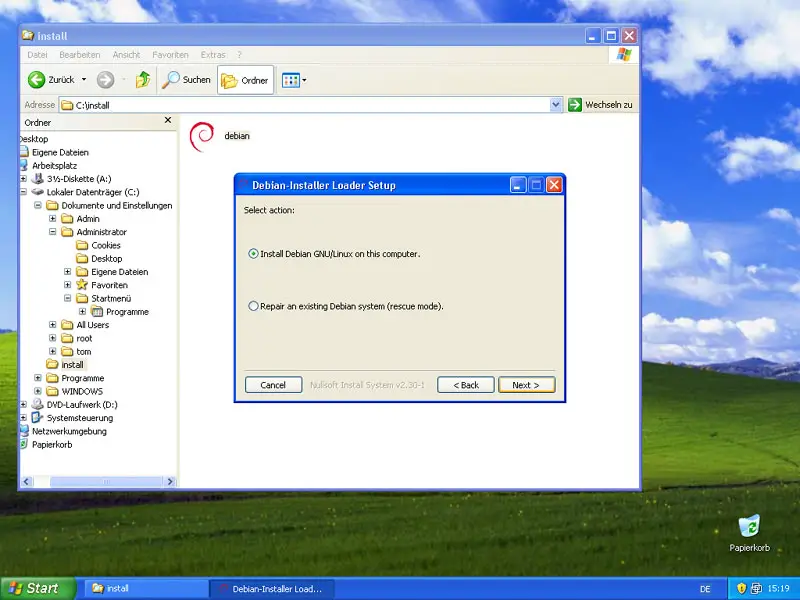
Next select Install Debian GNU/Linux on this computer:
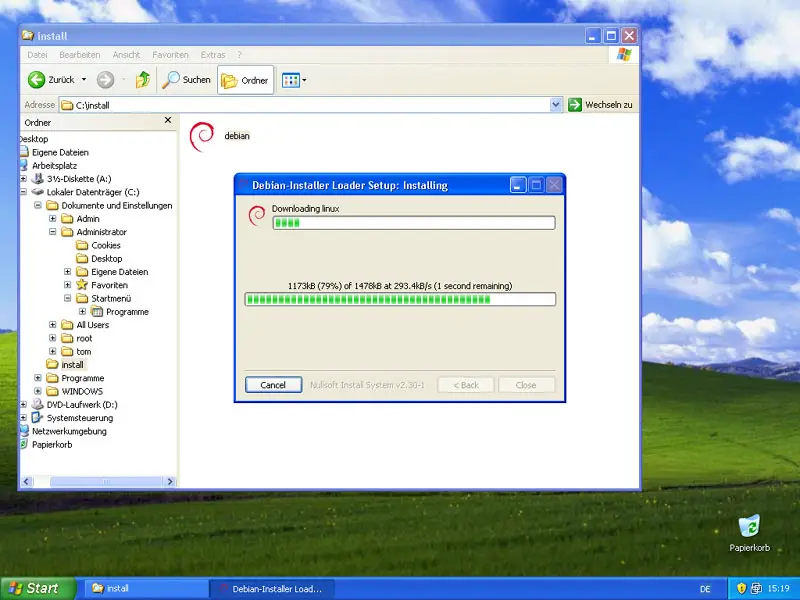
Now the Debian-Installer Loader downloads a few files that are needed for the Debian installation:
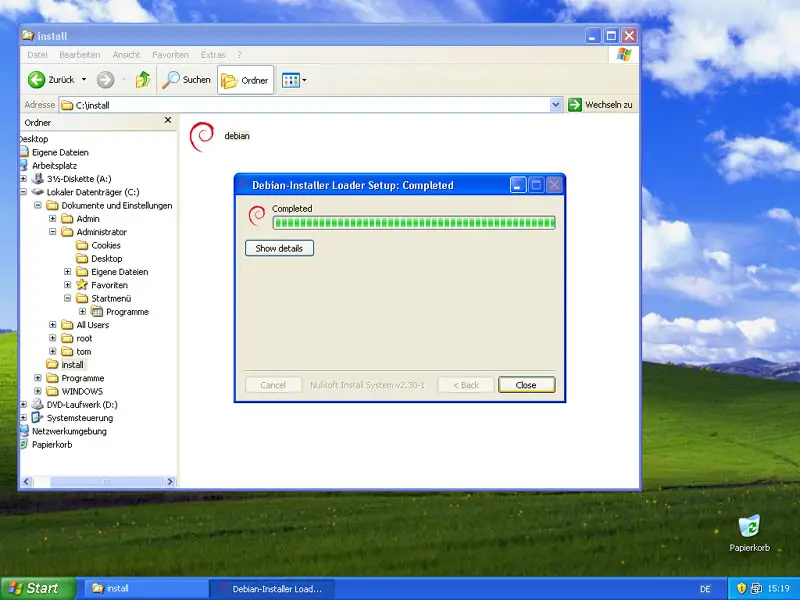
Afterwards, the Debian-Installer Loader setup is completed, and you can click on Close:
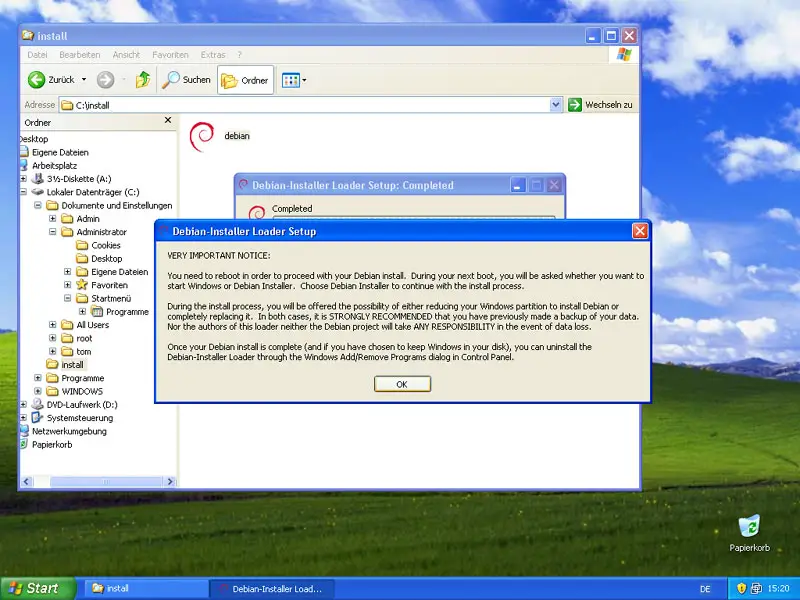
A notice comes up telling you that you need to reboot in order to install Debian Etch. Make sure that you've backed up all important data from your Windows system before you proceed (in case something goes wrong):
Now reboot the system: