
Watching Live-TV On Your Ubuntu Desktop With Zattoo - Page 2
On this page
4 Using Zattoo
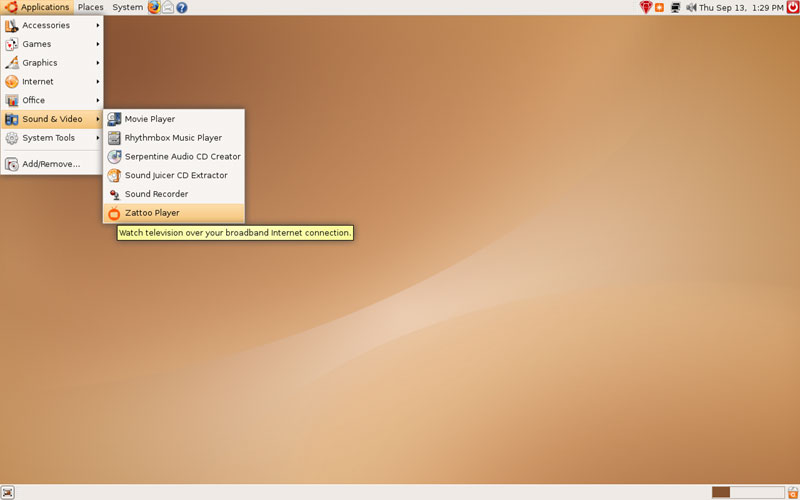
You can now start Zattoo here: Applications > Sound & Video > Zattoo Player:
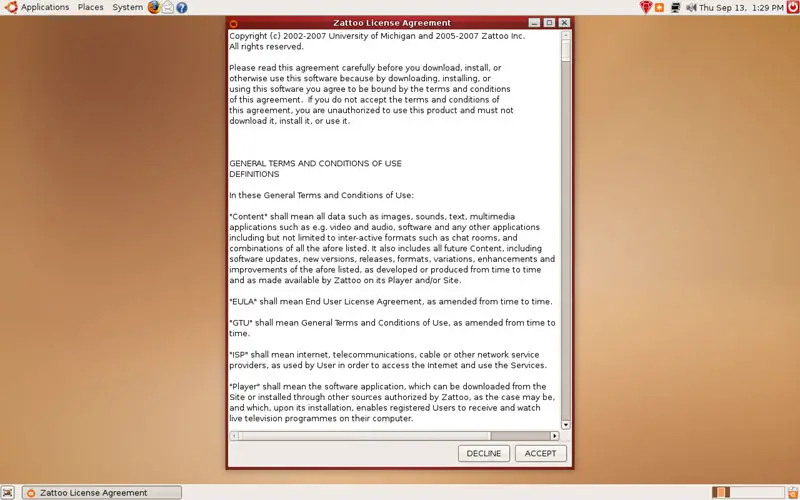
If you're using Zattoo for the first time, you must accept its license:
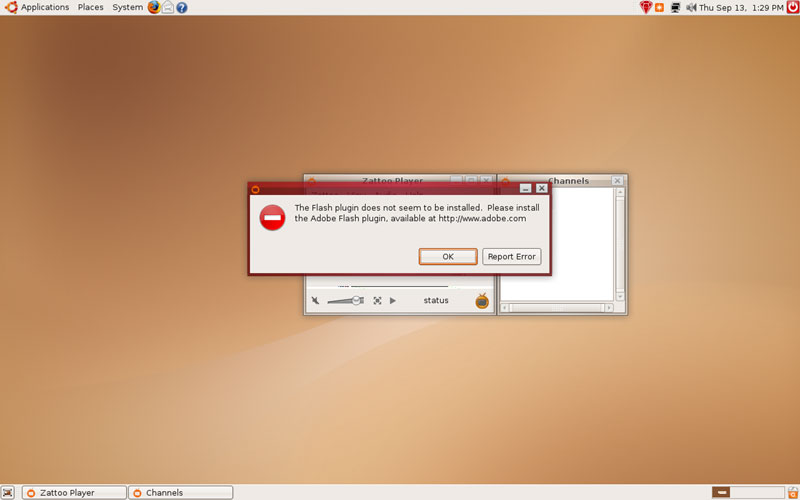
It's possible that you get an error message saying that the Adobe Flash plugin is not installed, even if it is (I've tried this on two different Ubuntu installations, both with the newest Flash Player (9.0.48) installed, and got this error message on both systems - maybe Zattoo's Flash detection isn't working properly?). Click on OK to make it go away:
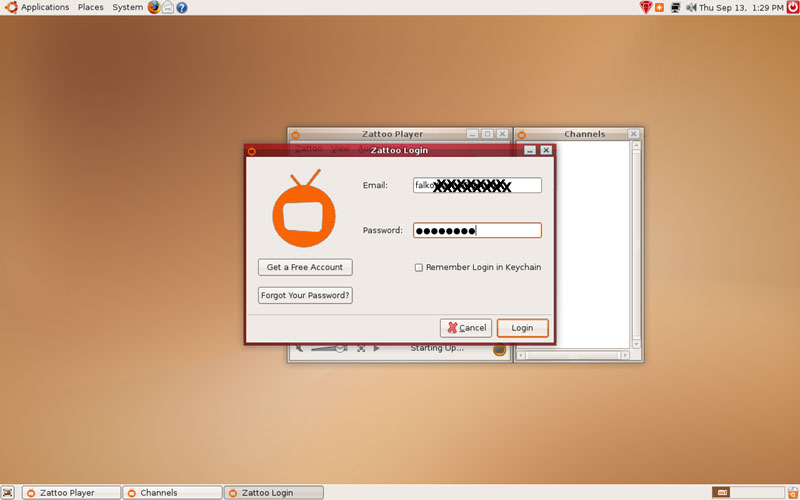
Afterwards, you have to log in with your email address (Zattoo username) and password:
That's it. Now you can select from the available channels and watch Live-TV:
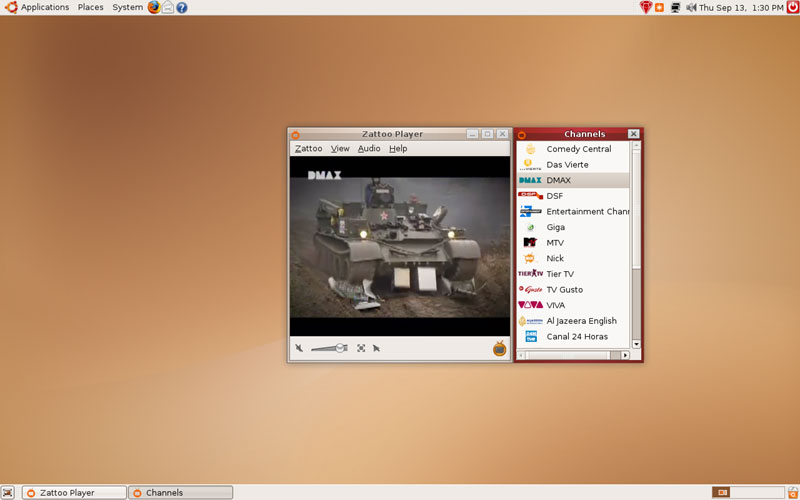
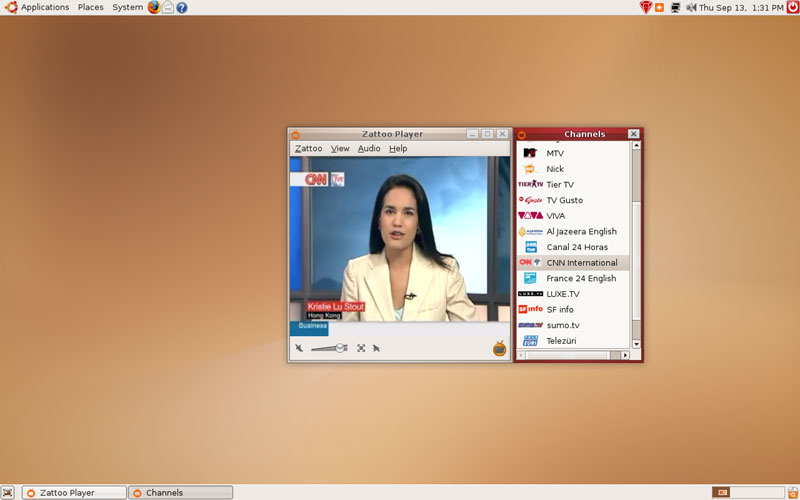
You can even watch in full-screen mode (press ESC to leave the full-screen mode):

5 Links
- Zattoo: http://www.zattoo.com
- Adobe Flash Player: http://www.adobe.com/products/flashplayer
- Ubuntu: http://www.ubuntu.com





