Watching Live-TV On Your Ubuntu Desktop With Zattoo
Version 1.0
Author: Falko Timme
Zattoo delivers free Live-TV (P2P IPTV) to Linux, Windows, and Mac desktops. Depending on the country you live in you can select between multiple real TV stations to watch (if Zattoo is available in your country). This article shows how you can install the Zattoo player on an Ubuntu desktop.
This document comes without warranty of any kind! I do not issue any guarantee that this will work for you!
1 Preliminary Note
I have tested this on an Ubuntu Feisty Fawn (7.04) desktop, but it should work on other versions/flavours of Ubuntu as well.
Before you can download the Zattoo player, you must register on the Zattoo web site. It's possible that Zattoo isn't available yet in your country - the Zattoo web site will tell you if this is the case. Here in Germany Zattoo has gone live for everybody today (September 13, 2007).
2 Flash Player
Zattoo requires that the Adobe Flash Player is installed on your Ubuntu desktop. If it isn't already installed, please follow the instructions from either this tutorial:
https://www.howtoforge.com/native_linux_flash_player9_in_ubuntu
or this one (using Automatix):
https://www.howtoforge.com/the_perfect_desktop_ubuntu7.04_p6
3 Installing Zattoo
Please make sure that you've registered before. Then go to http://www.zattoo.com and click on the Download Zattoo button:
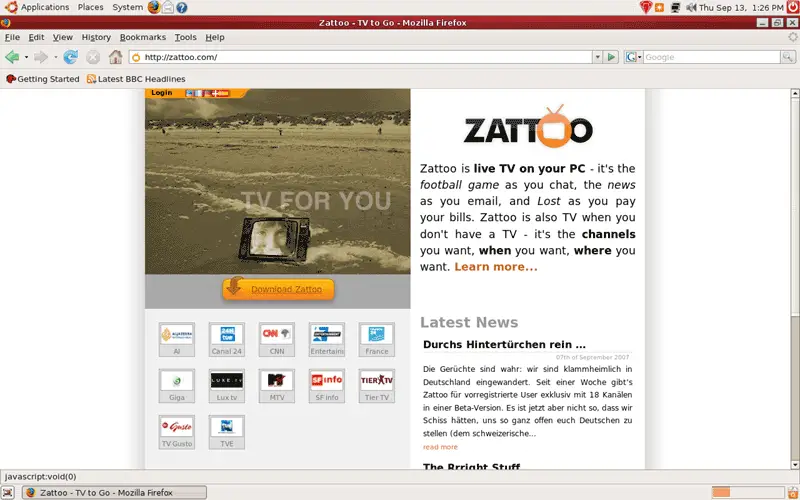
Click on Login...
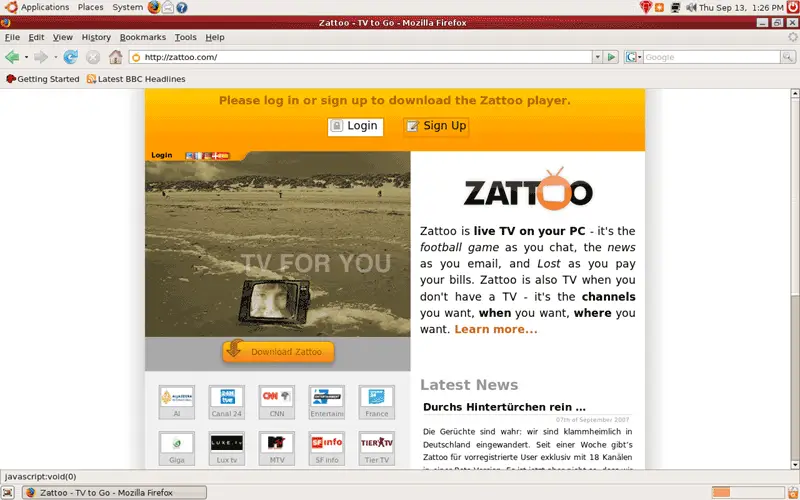
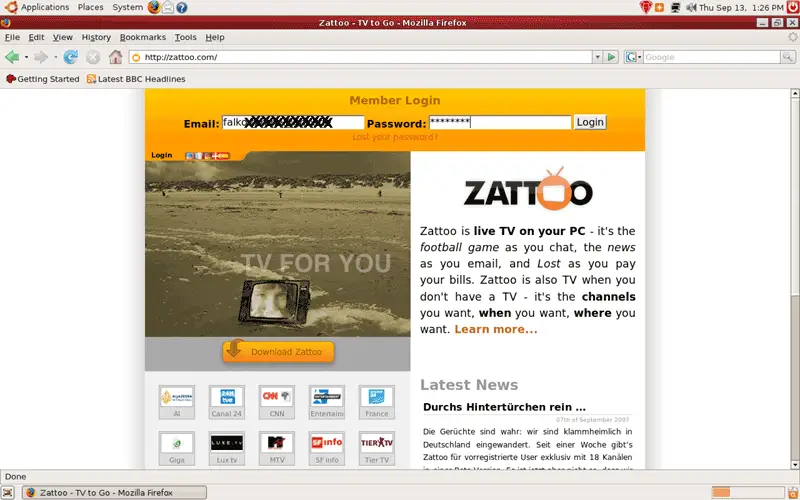
... and type in your email address (Zattoo username) and password:
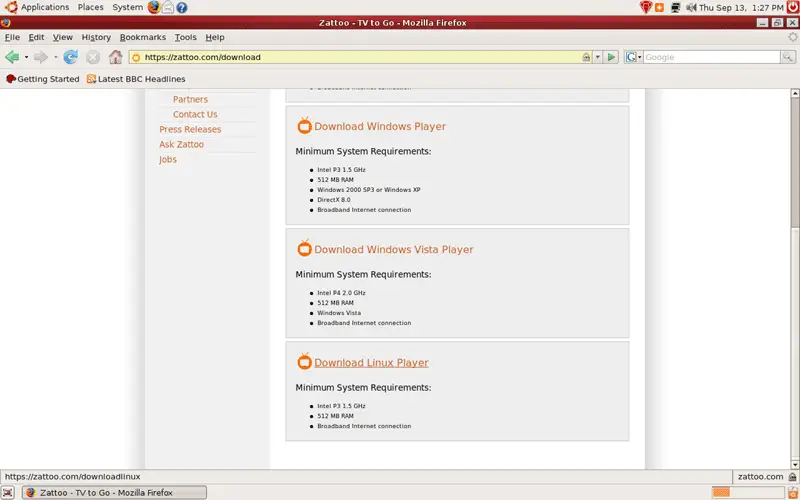
On the download page, scroll down to the bottom and click on the Download Linux Player link:
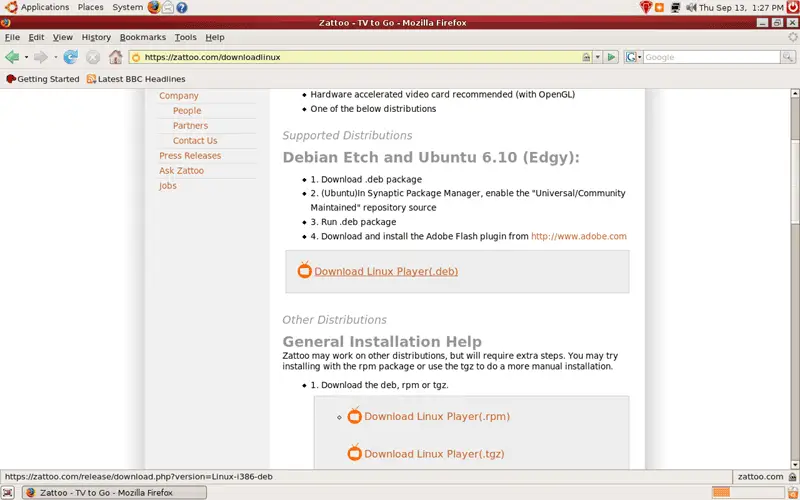
On the next page, click on the Download Linux Player (.deb) link:
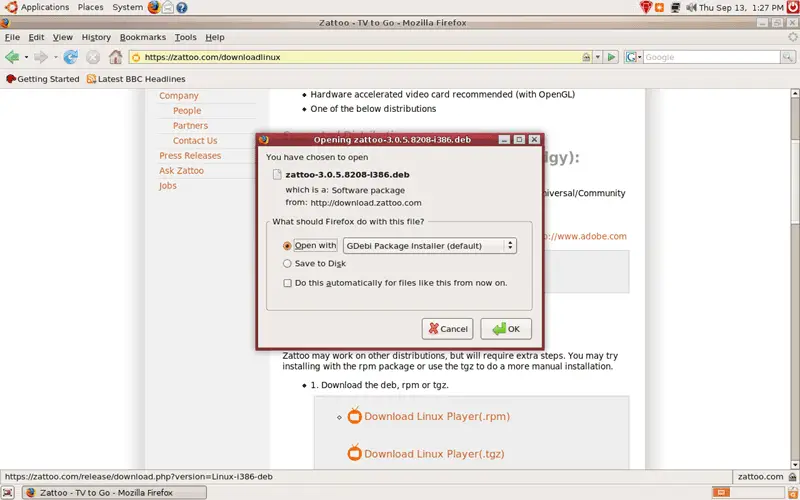
Select Open with GDebi Package Installer (default) in Firefox:
After the Package Installer has started, click on the Install Package button:
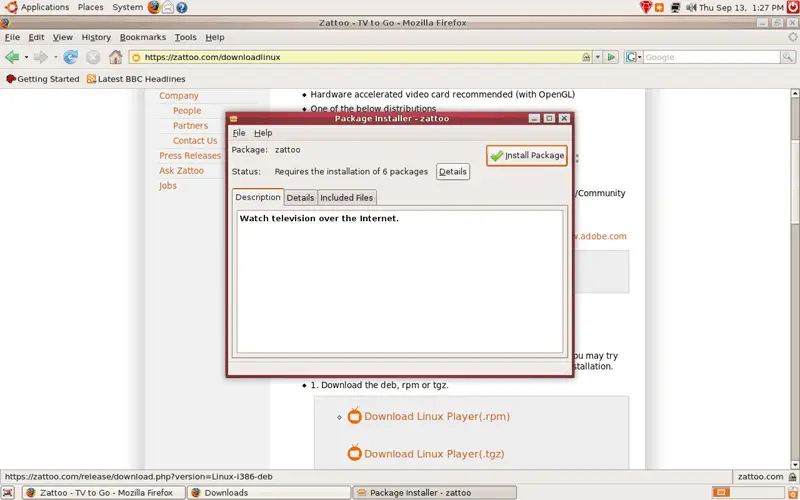
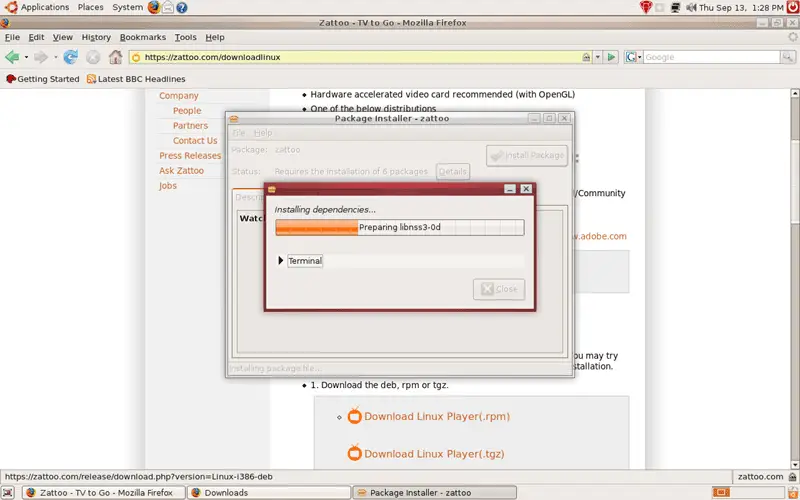
The Zattoo player has a few prerequisites that are now being downloaded and installed:
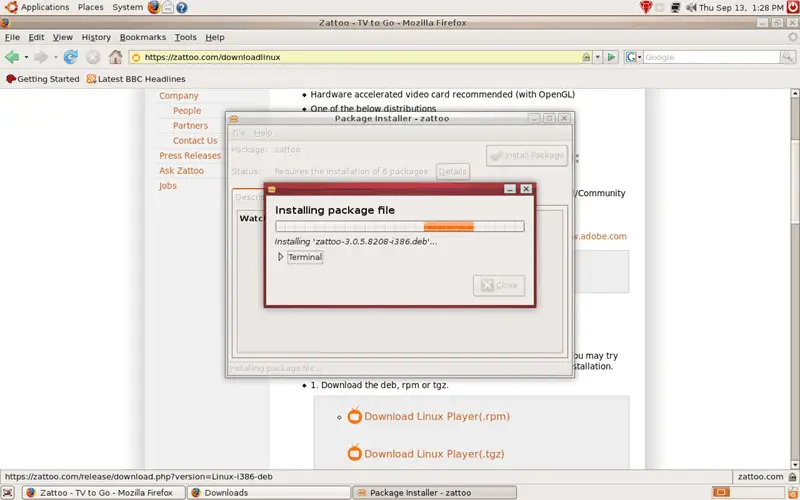
Afterwards, Zattoo is being installed:
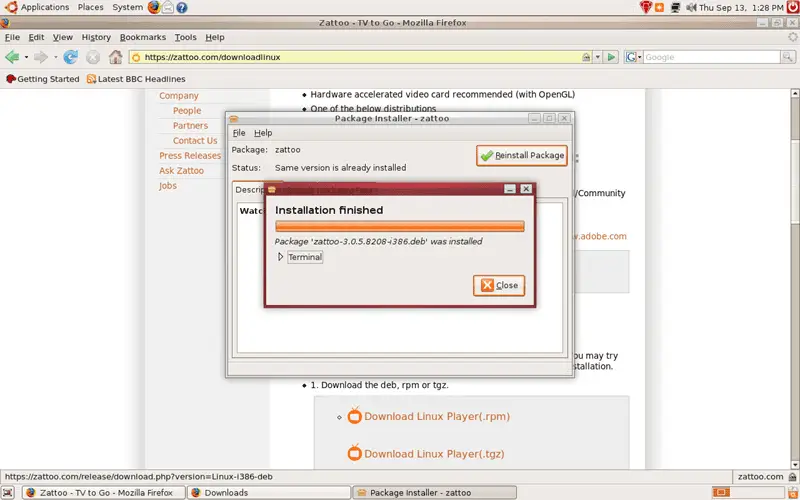
Afterwards, you can leave the Package Installer: