Convert Physical Windows Systems Into Virtual Machines To Be Run On A Linux Desktop - Page 2
3 Convert Your Windows Desktop Into A Virtual Machine
Now start VMware Converter (it will start automatically if you have chosen Run VMware Converter now. at the end of the VMware Converter installlation).
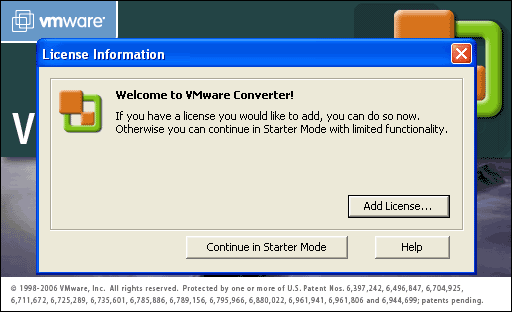
We don't need to add licenses as VMware Converter's Starter Mode offers all we need (and in Starter Mode VMware Converter is free). Therefore we click on Continue in Starter Mode:
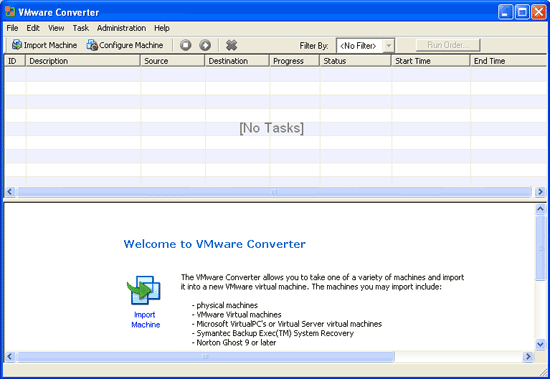
The VMware Converter interface opens. Please click on Import Machine:
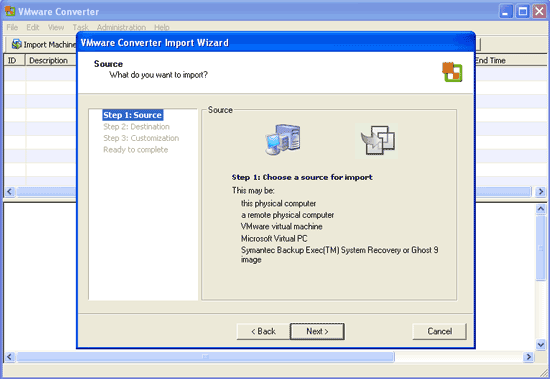
The VMware Converter wizard starts. Click on Next:
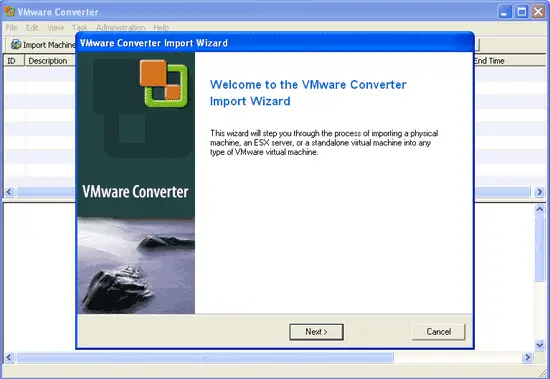
Click on Next again:
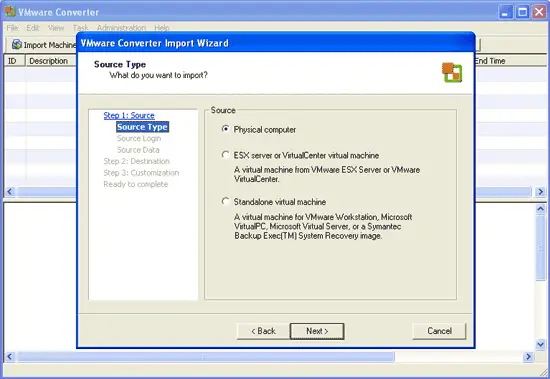
Choose Physical computer as the source:
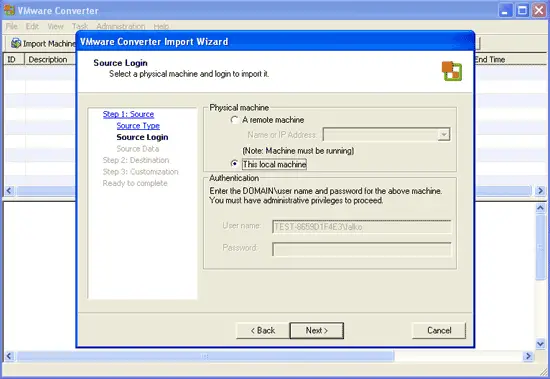
We want to convert the local machine, therefore we select This local machine and click on Next:
Select the volumes that you want to convert. Normally the default values are ok:
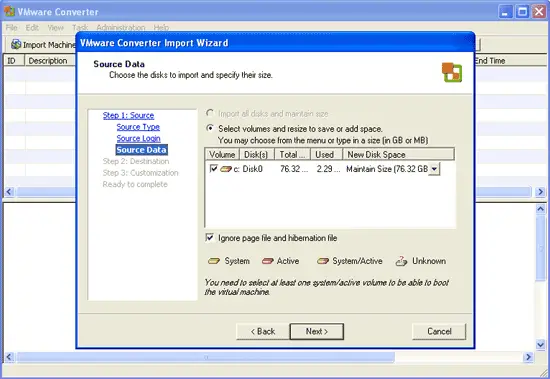
Click on Next:
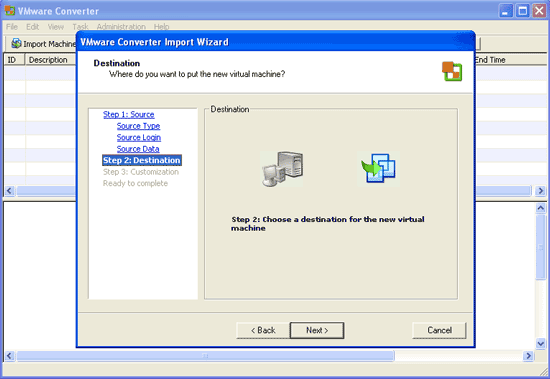
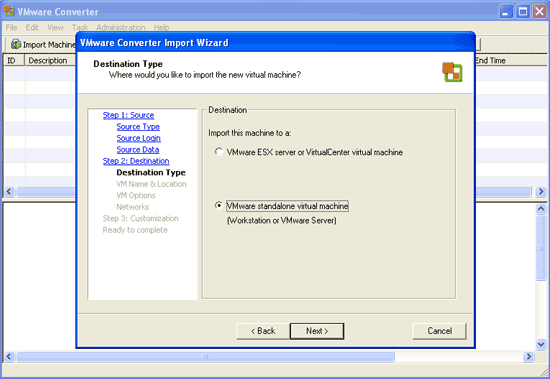
I want to run the virtual machine in VMware Server, therefore I select VMware standalone virtual machine (Workstation or VMware Server):