
VBoxHeadless - Running Virtual Machines With VirtualBox 3.0 On A Headless Fedora 11 Server - Page 2
4 Connecting To A VM From A Remote Desktop
4.1 Windows XP
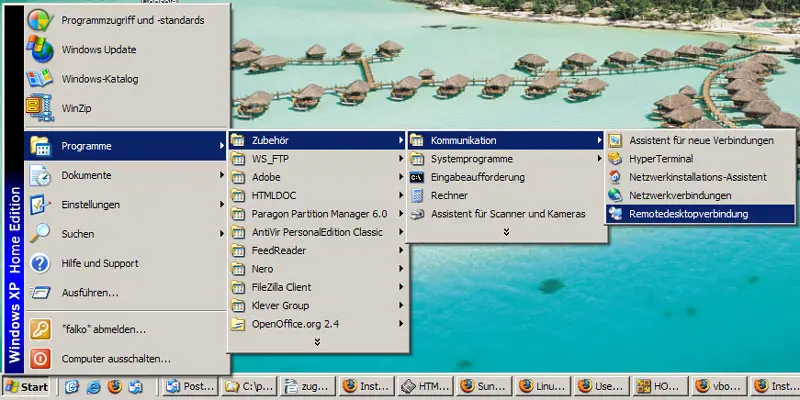
You can use the built-in Remote Desktop Connection utility to connect to the VM:
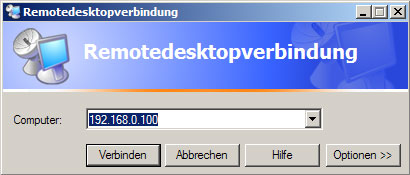
Type in the hostname or IP address of the host (not the guest!):
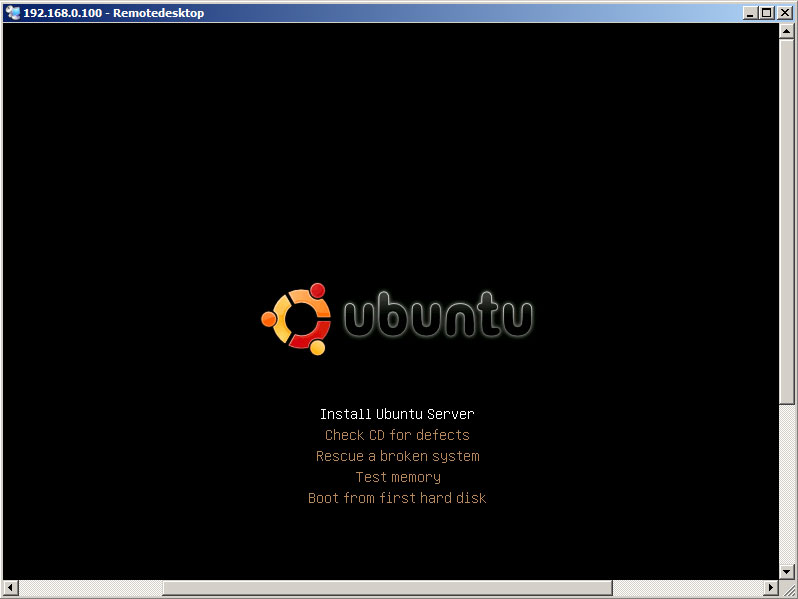
And voilà, you should be connected to the VM:
4.2 Linux
On Linux desktops, you can use the rdesktop command to connect to the VM. I'm assuming you're using a Fedora 11 desktop here.
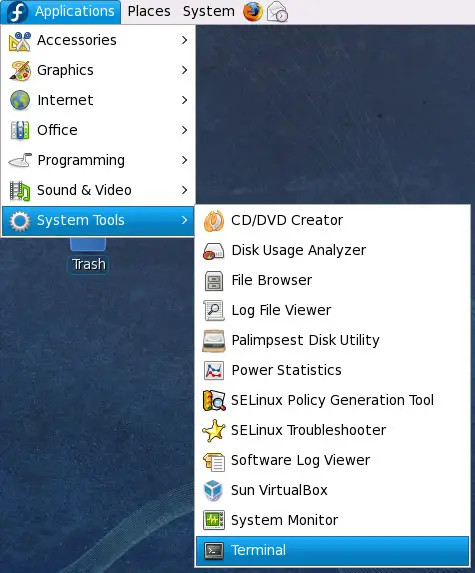
On Fedora 11, you must install rdesktop first. Open a terminal (Applications > System Tools > Terminal)...
... and become root:
$ su
Then install rdesktop...
# yum install rdesktop
... and leave the root shell:
# exit
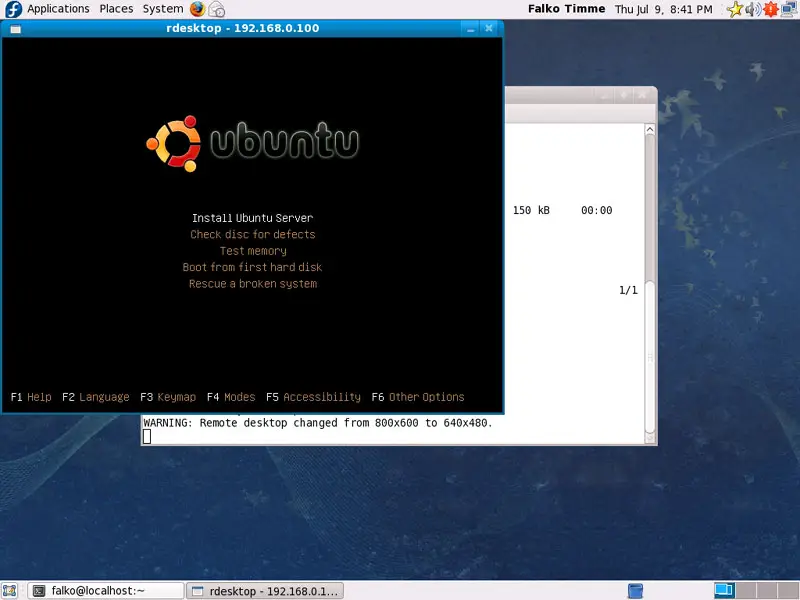
Then type in the following command:
$ rdesktop -a 16 192.168.0.100
(192.168.0.100 is the host IP address, not the one of the guest - replace it with your own IP address or hostname; -a 16 means 16 bit colour depth.)
And voilà, you should be connected to the VM:
5 Links
- VirtualBox: http://www.virtualbox.org/
- Fedora: http://fedoraproject.org/





