The Perfect Desktop - Fedora 7 - Page 6
This tutorial exists for these OS versions
On this page
11 Adobe Reader
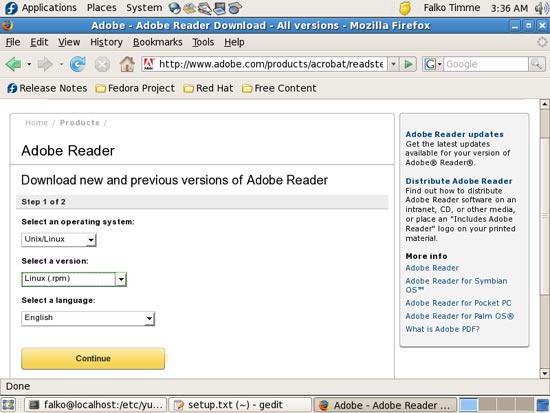
To download Adobe Reader, go to http://www.adobe.com/products/acrobat/readstep2_allversions.html and select the following:
Operating system: Unix/Linux
Version: Linux (.rpm)
Your language
Then click on Continue:
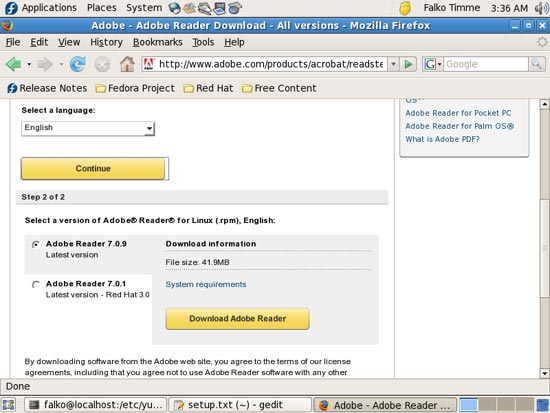
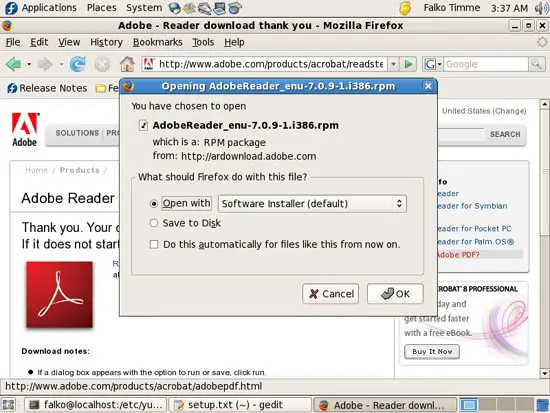
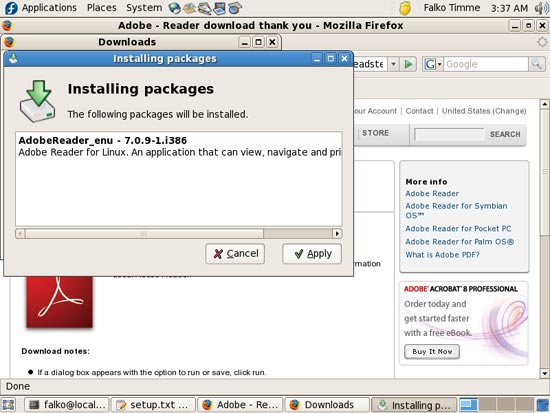
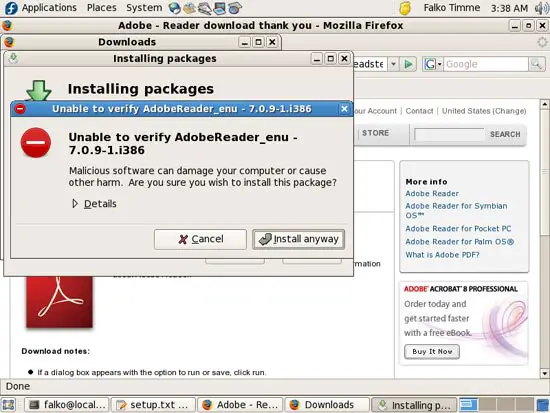
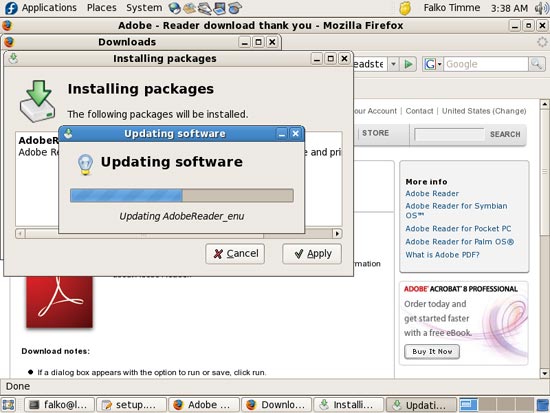
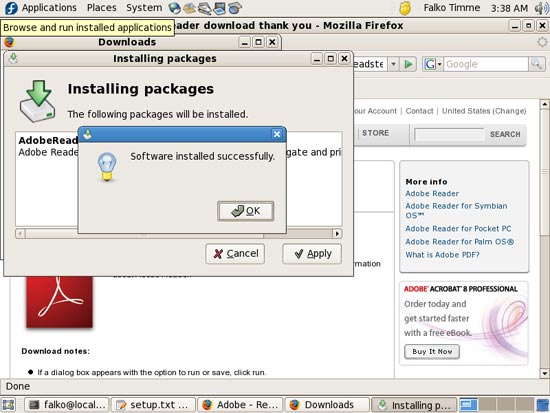
Then click on the Download Adobe Reader button and install the package exactly as shown for the TrueType fonts and RealPlayer in the two previous chapters:
12 Multimedia Codecs
To install multimedia codecs, open a terminal and become root:
su
Then run
wget ftp://mplayerhq.hu/MPlayer/releases/codecs/all-20061022.tar.bz2
tar xjf all-20061022.tar.bz2
mkdir /usr/lib/win32
mv all-20061022/* /usr/lib/win32
rm -fr all-20061022*
13 Skype
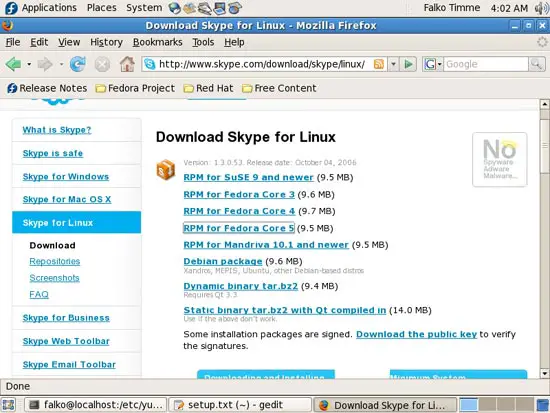
To download Skype, go to http://www.skype.com/download/skype/linux/, and choose RPM for Fedora Core 5 (works for Fedora 7, too):
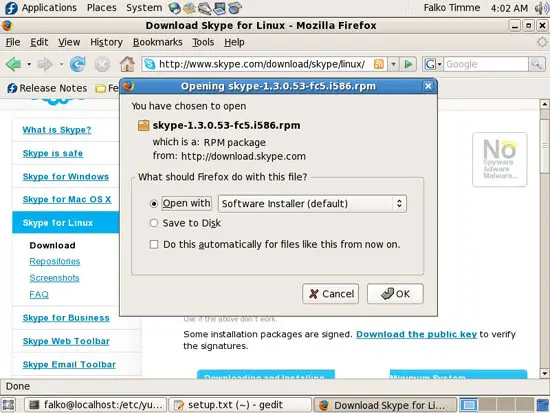
Then install it exactly as shown for RealPlayer, Adobe Reader, and the TrueType fonts before:
14 Opera
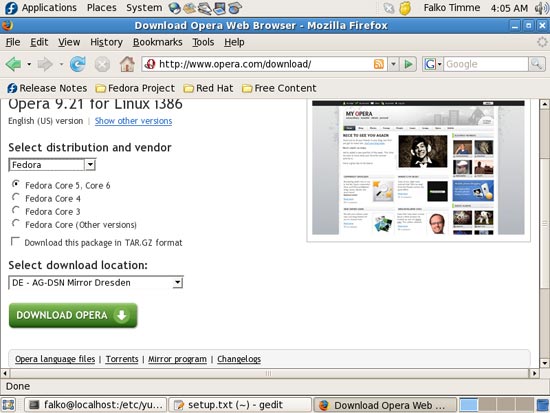
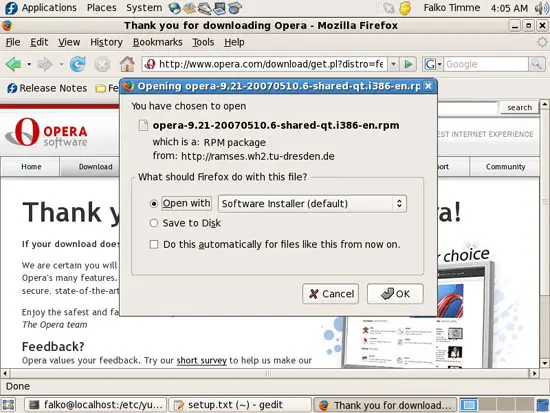
Go to http://www.opera.com/download/ in your browser and select Fedora as distribution, then Fedora Core 5, Core 6. Click on the Download Opera button and install it exactly as shown for the previous packages: