The Perfect Desktop - Fedora 7 - Page 5
This tutorial exists for these OS versions
On this page
8 Flash Player
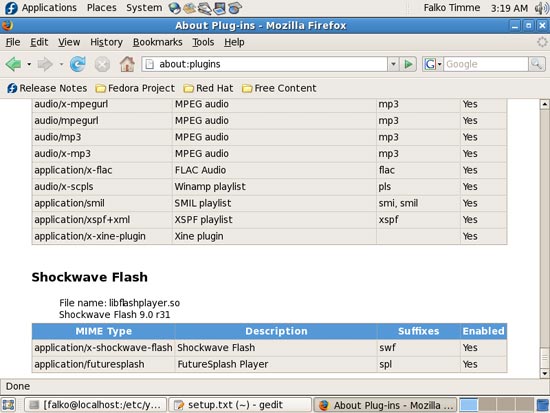
To see if the Flash plugin (which we installed before) is working, start Firefox. Then type about:plugins in the address bar. Firefox will then list all installed plugins, and it should list the Flash Player (version 9.0r31 which is the newest one at the time of this writing) among them:
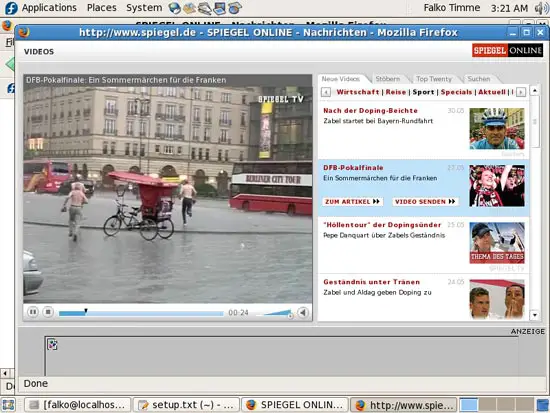
You can now open a web site of which you know that it uses Flash. For example, www.spiegel.de has video news in Flash. You should be able to see (and hear) the Flash movies:
Another web site that uses Flash movies is YouTube, for example.
A few applications are still missing, so let's install them now.
9 TrueType Fonts
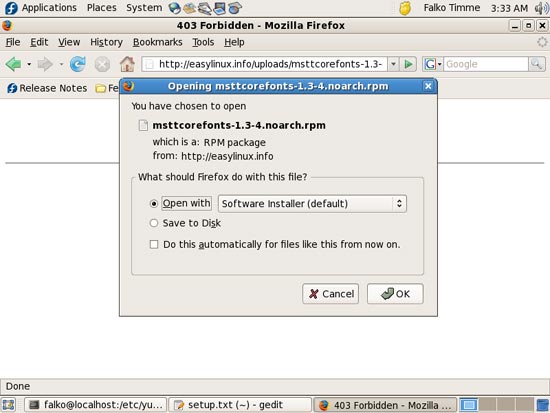
Open Firefox and download the file http://easylinux.info/uploads/msttcorefonts-1.3-4.noarch.rpm. Select Open with Software Installer (default) in the Firefox download dialogue:
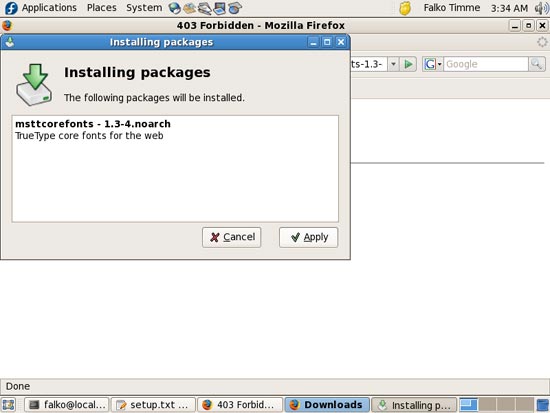
You might have to provide the root password before the Installing packages window comes up. The Installing packages window shows the package you want to install (in this case msttcorefonts). Click on Apply:
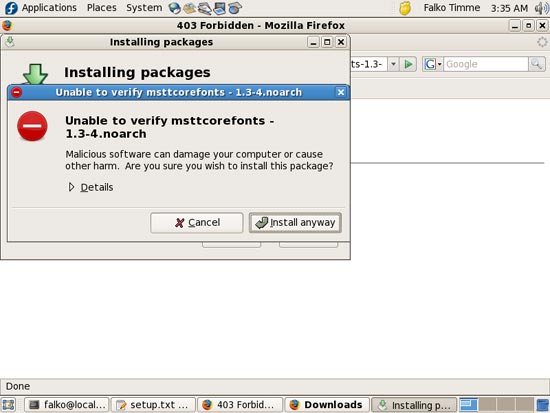
Click on Install anyway if you see a Unable to verify ... warning:
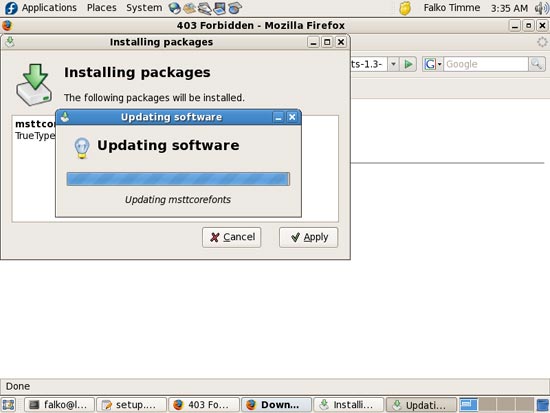
The package is being installed. Afterwards, click on OK:
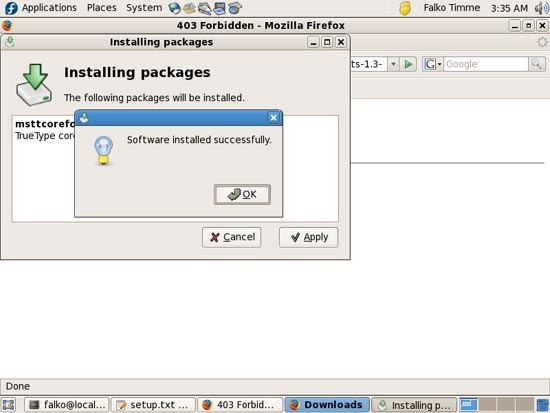
Then open a terminal again and become root:
su
The do the following:
/etc/init.d/xfs restart
10 RealPlayer
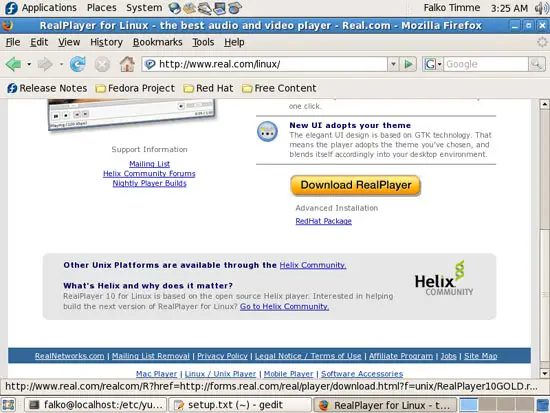
To install RealPlayer, visit http://www.real.com/linux/ in Firefox and download the RPM package (don't hit the big yellow Download RealPlayer button, but use the small link RedHat Package below it instead):
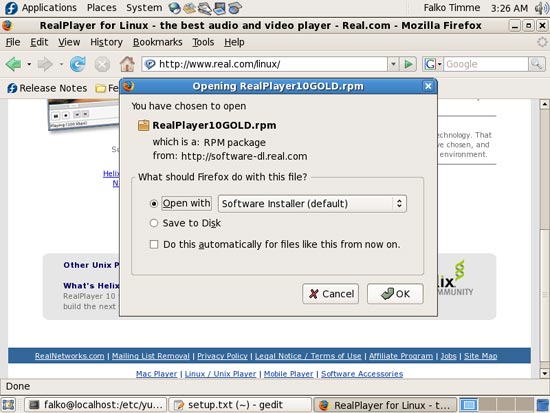
Select Open with Software Installer (default) in the Firefox download dialogue:
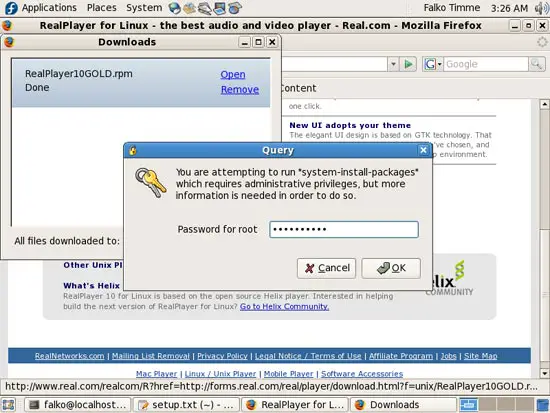
Again, you might have to provide the root password before the Installing packages window comes up:
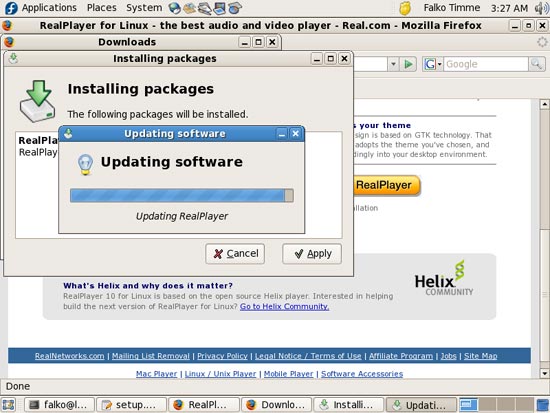
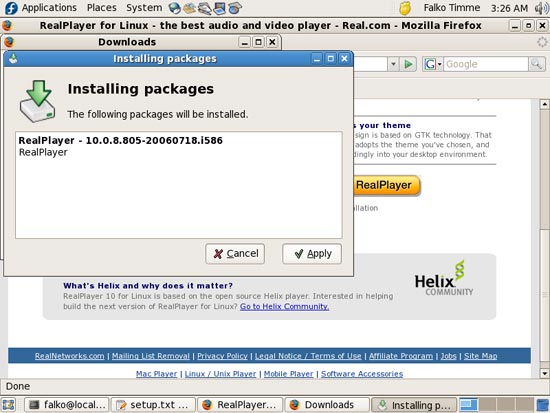
The Installing packages window shows the package you want to install. Click on Apply:
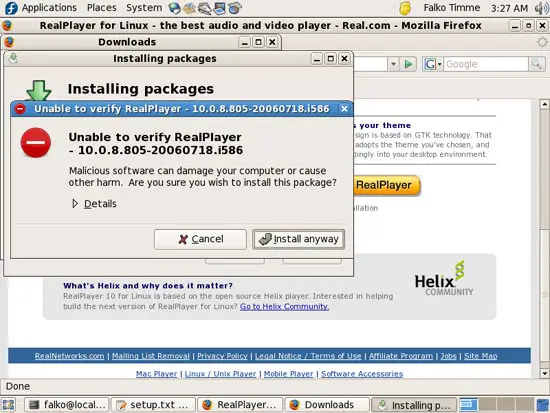
Click on Install anyway if you see a Unable to verify ... warning:
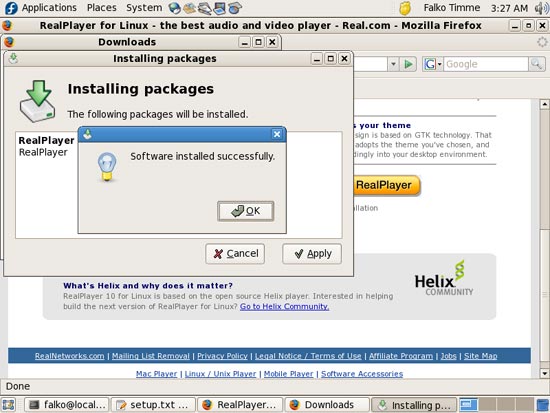
The package is being installed. Afterwards, click on OK: