The Perfect Desktop - Kubuntu 8.04 LTS (Hardy Heron) - Page 2
This tutorial exists for these OS versions
- Kubuntu 12.10 (Quantal Quetzal)
- Kubuntu 12.04 LTS (Precise Pangolin)
- Kubuntu 11.10 (Oneiric Ocelot)
- Kubuntu 11.04 (Natty Narwhal)
- Kubuntu 10.10 (Maverick Meerkat)
- Kubuntu 10.04 (Lucid Lynx)
On this page
3 Update The System
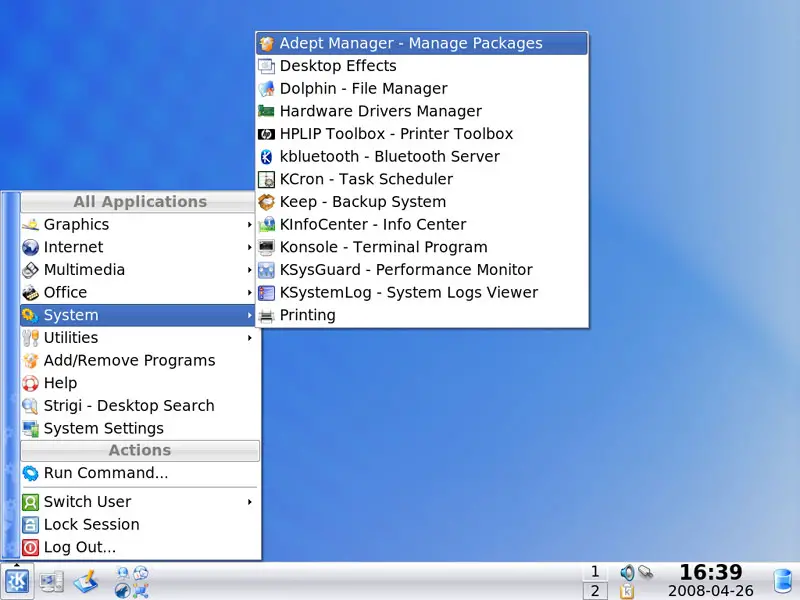
Before we go on, we should check if there are any updates available for our system. Start the Adept package manager (System > Adept Manager):
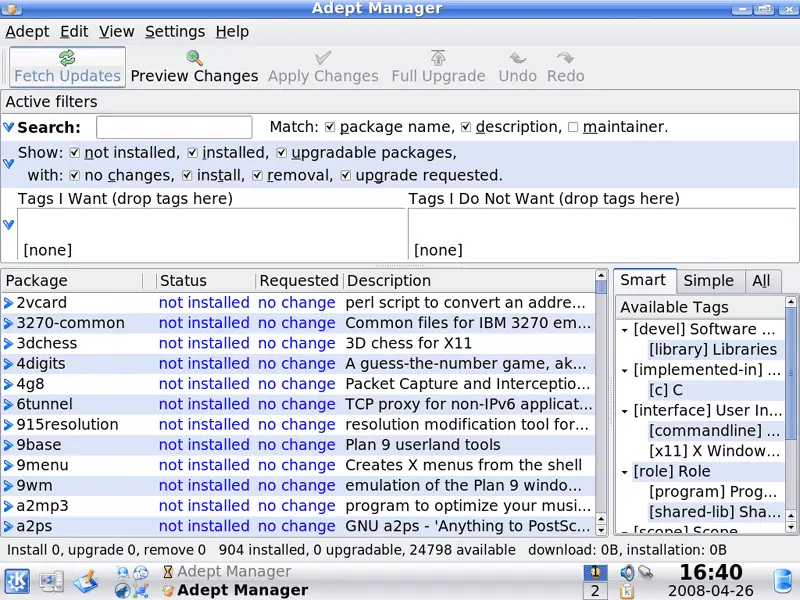
In Adept, click on the Fetch Updates button to check for updates:
The packages database is now being updated:
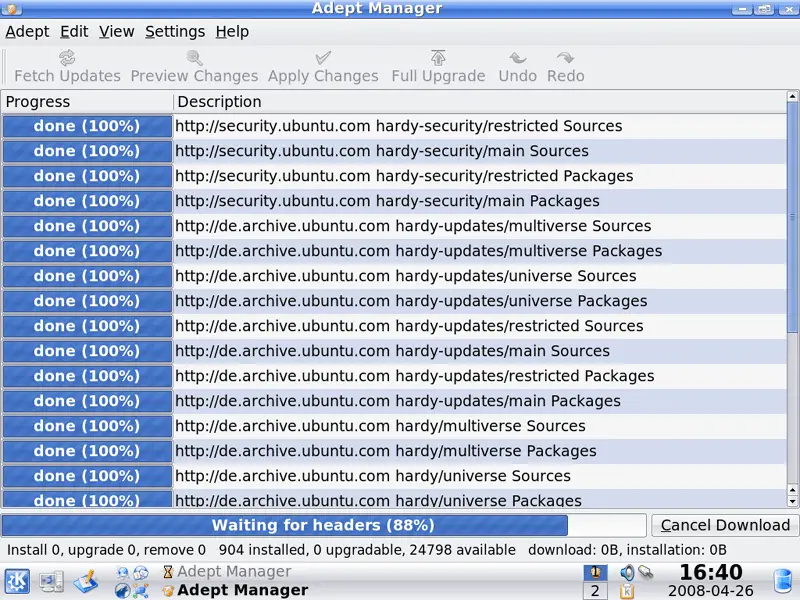
If there are any updates available, you can pick them one-by-one and click on the Apply Changes button, or you click on Full Upgrade to install all available updates.
4 Inventory Of What We Have So Far
Now let's browse all menus to see which of our needed applications are already installed:
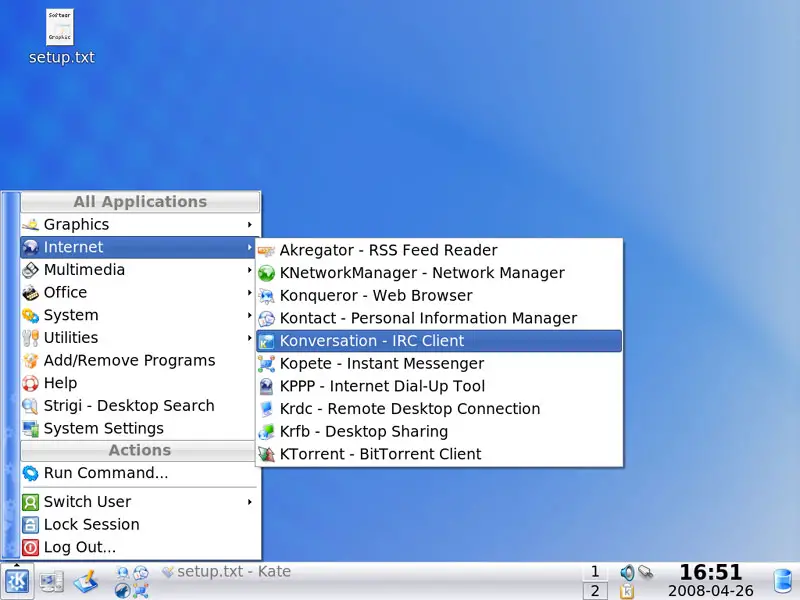
You should find the following situation ([x] marks an application that is already installed, where [ ] is an application that is missing):
Graphics:
[ ] The GIMP
[ ] F-Spot
[ ] Picasa
Internet:
[ ] Firefox
[ ] Opera
[ ] Flash Player
[ ] FileZilla
[ ] Thunderbird
[ ] Evolution
[ ] aMule
[x] KTorrent
[ ] Azureus
[x] Kopete
[ ] Skype
[ ] Google Earth
[x] Konversation
Office:
[x] OpenOffice Writer
[x] OpenOffice Calc
[ ] Adobe Reader
[ ] GnuCash
[ ] Scribus
Sound & Video:
[x] Amarok
[ ] Audacity
[ ] Banshee
[ ] MPlayer
[ ] Rhythmbox Music Player
[ ] gtkPod
[ ] XMMS
[ ] dvd::rip
[ ] Kino
[ ] Sound Juicer CD Extractor
[ ] VLC Media Player
[ ] Helix Player
[ ] Totem
[ ] Xine
[ ] GnomeBaker
[x] K3B
[ ] Multimedia-Codecs
Programming:
[ ] KompoZer
[ ] Bluefish
[ ] Quanta Plus
Other:
[ ] VMware Server
[ ] TrueType fonts
[ ] Java
[x] Read/Write support for NTFS partitions
So some applications are already on the system. NTFS read-/write support is enabled by default on Kubuntu 8.04 LTS.
5 Configure Additional Repositories
Some packages like the Adobe Reader or Opera are not available in the standard Ubuntu repositories. The easiest way to make such packages available to your system is to add the Medibuntu repository and enable the hardy partner repository.
Open the Adept package manager again:
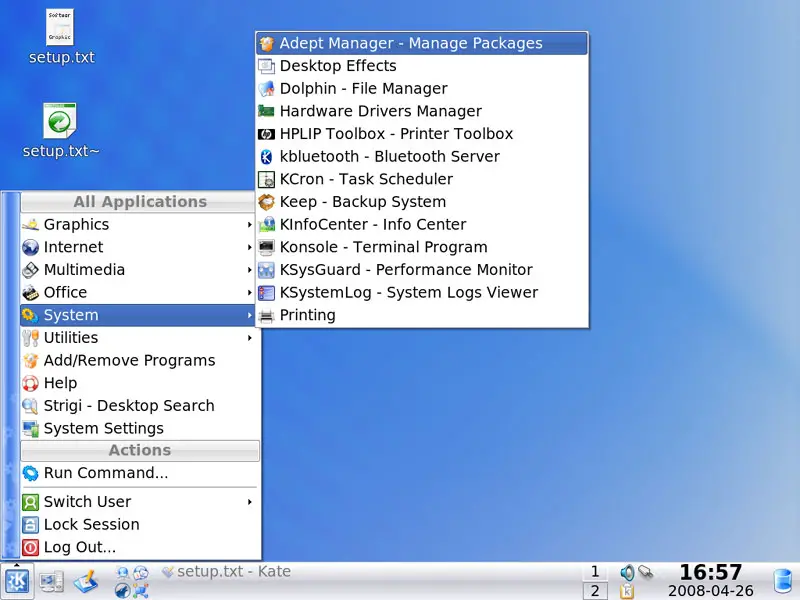
Click on the Adept menu and select Manage Repositories:
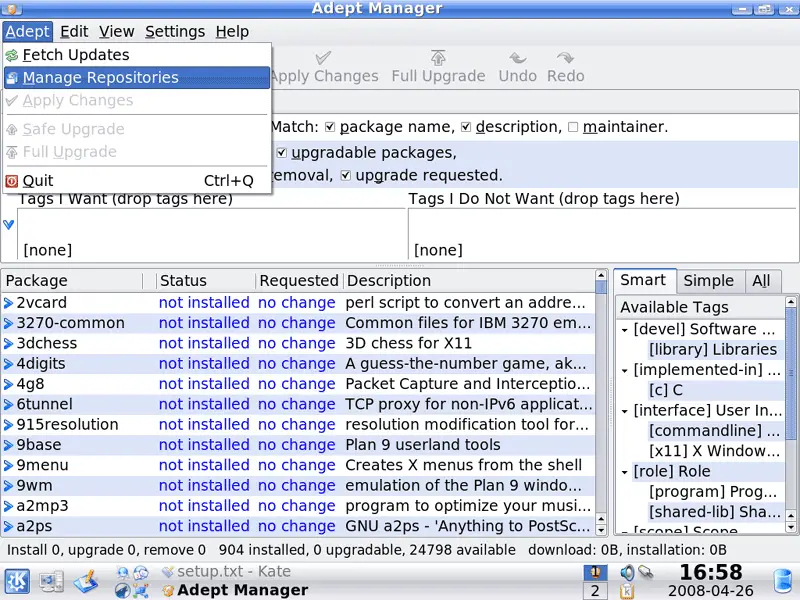
In the Software Sources window, go to the Third-Party Software tab and mark the hardy partner repositories:
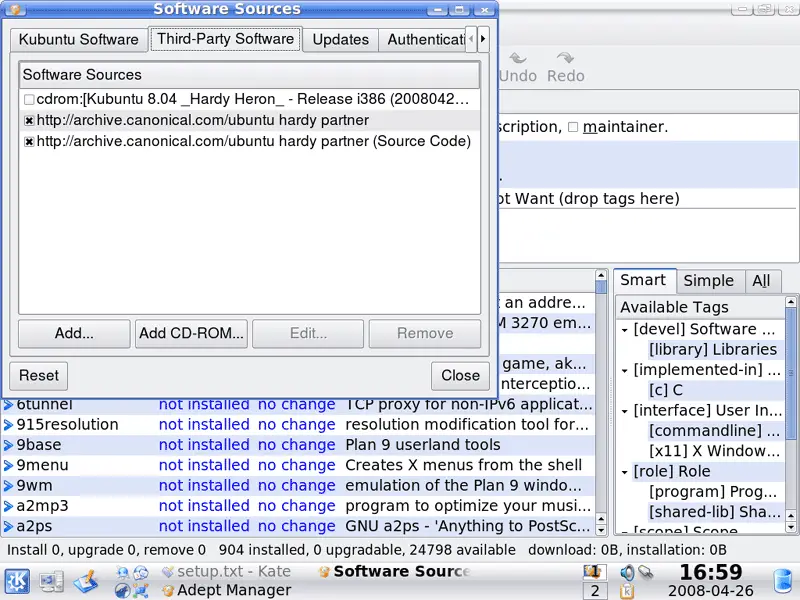
To enable the Medibuntu repository, click on the Add button:
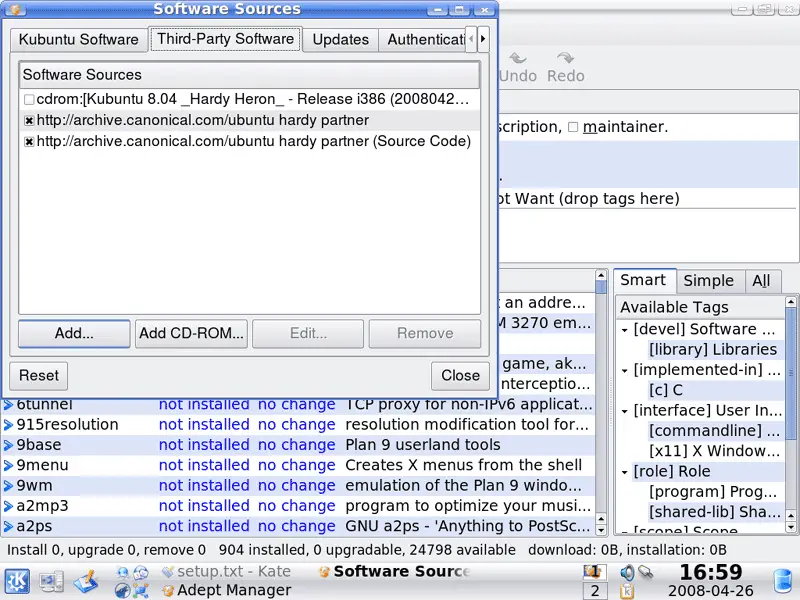
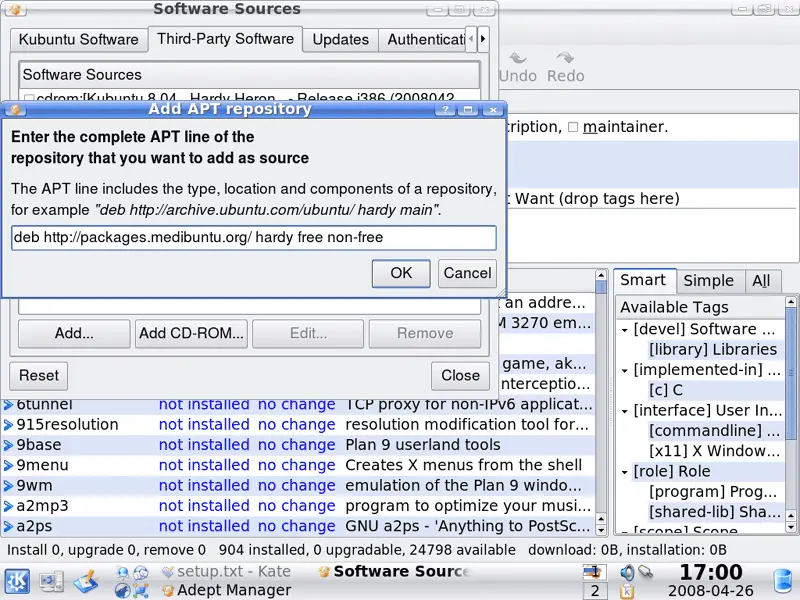
In the Add APT repository window, fill in the following line and click on OK:
deb http://packages.medibuntu.org/ hardy free non-free
Then click on Close:
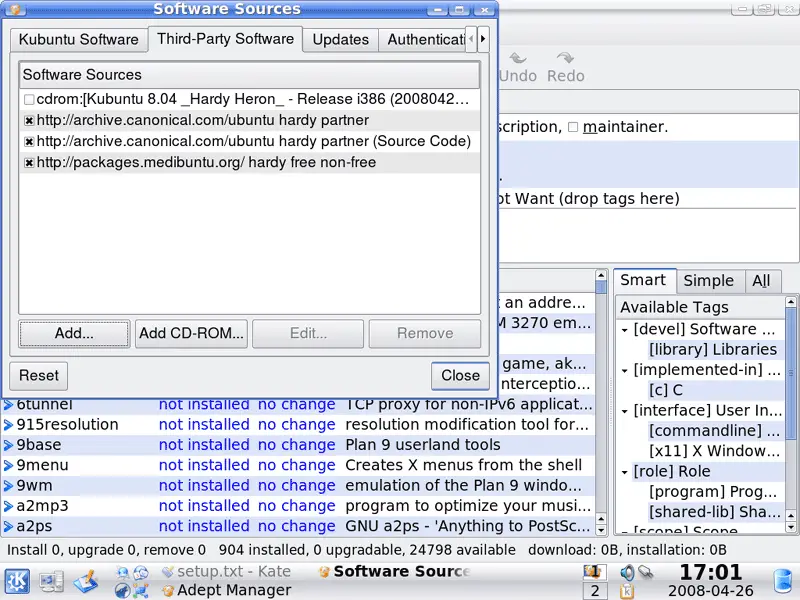
The package database is now being updated:
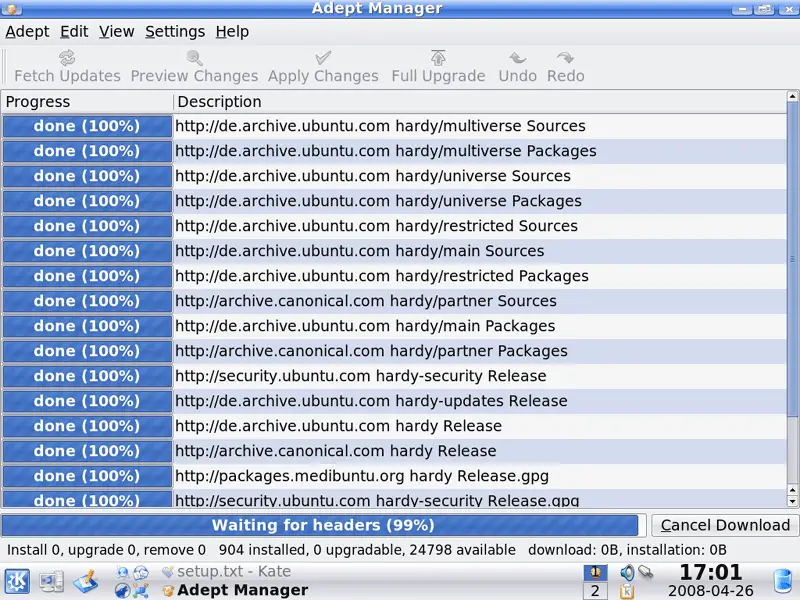
Click on Fetch Updates afterwards to check for new updates:
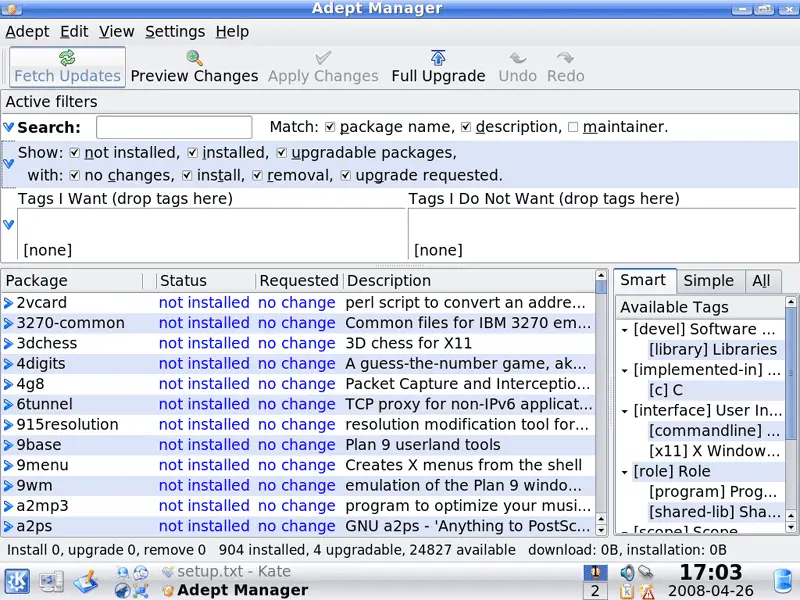
If new updates are available, click on the Full Upgrade button...
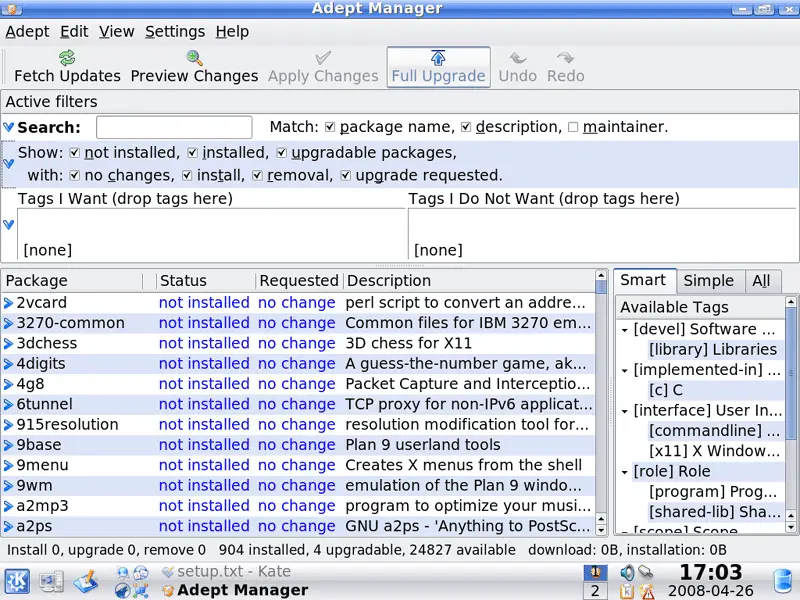
... and then on Apply Changes to install them:
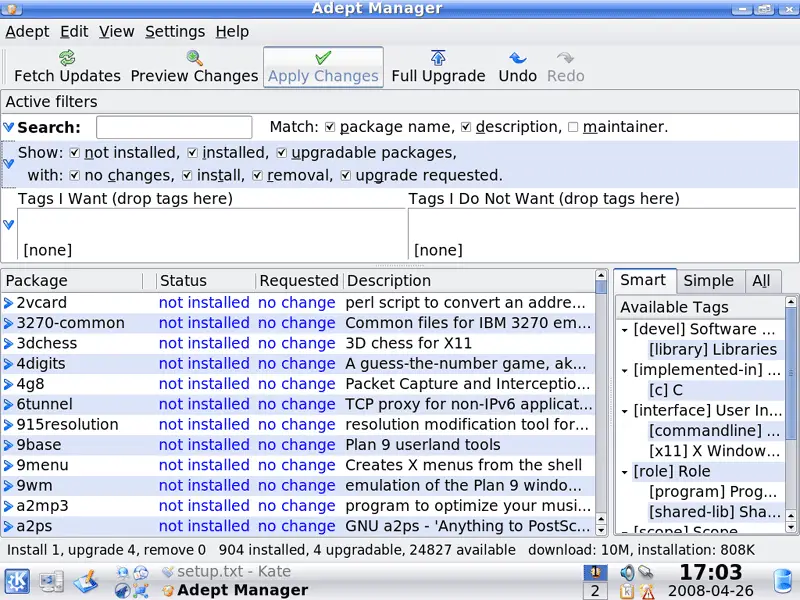
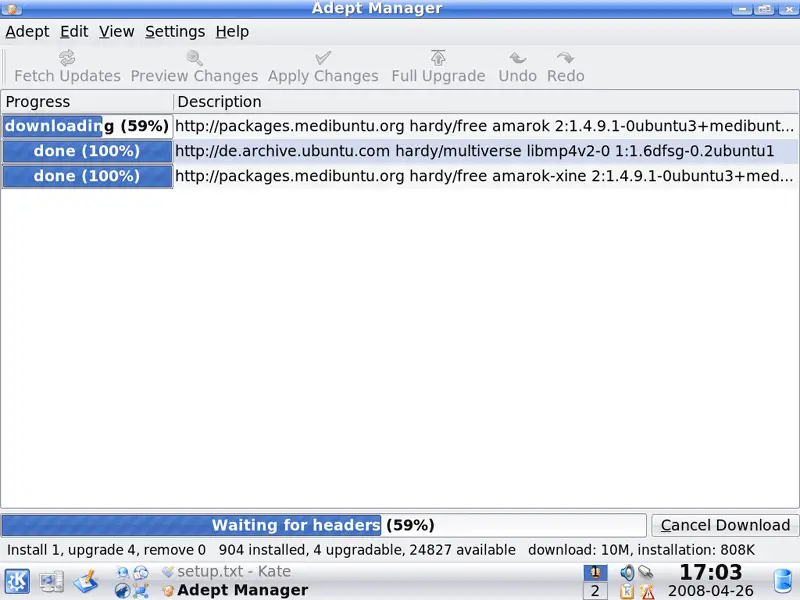
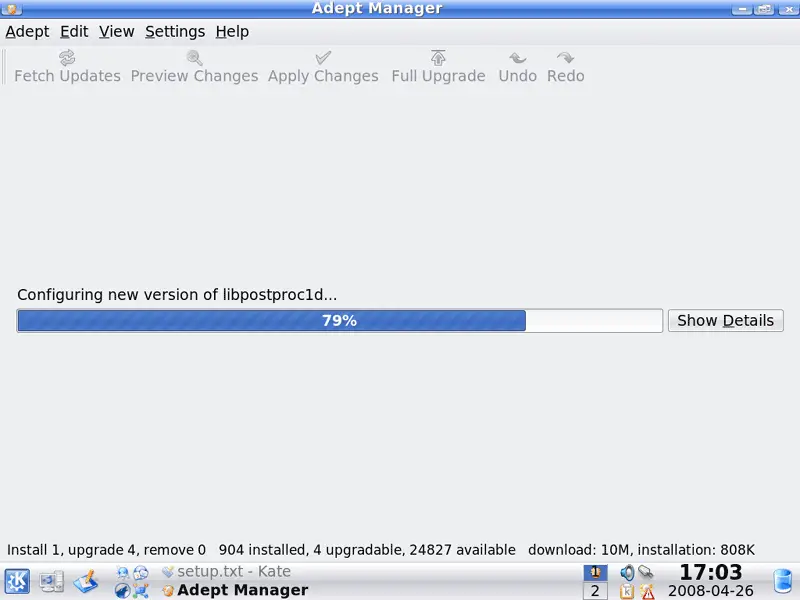
The updates are then being downloaded and installed: