
How To Configure Remote Access To Your Ubuntu Desktop - Page 3
On this page
4 Connecting From An Ubuntu Client
On an Ubuntu client, we don't have to install any software to connect to the remote desktop - it's all there. We can simply use the remmina command from chapter two. Open "Search your computer" and type in "remmina":
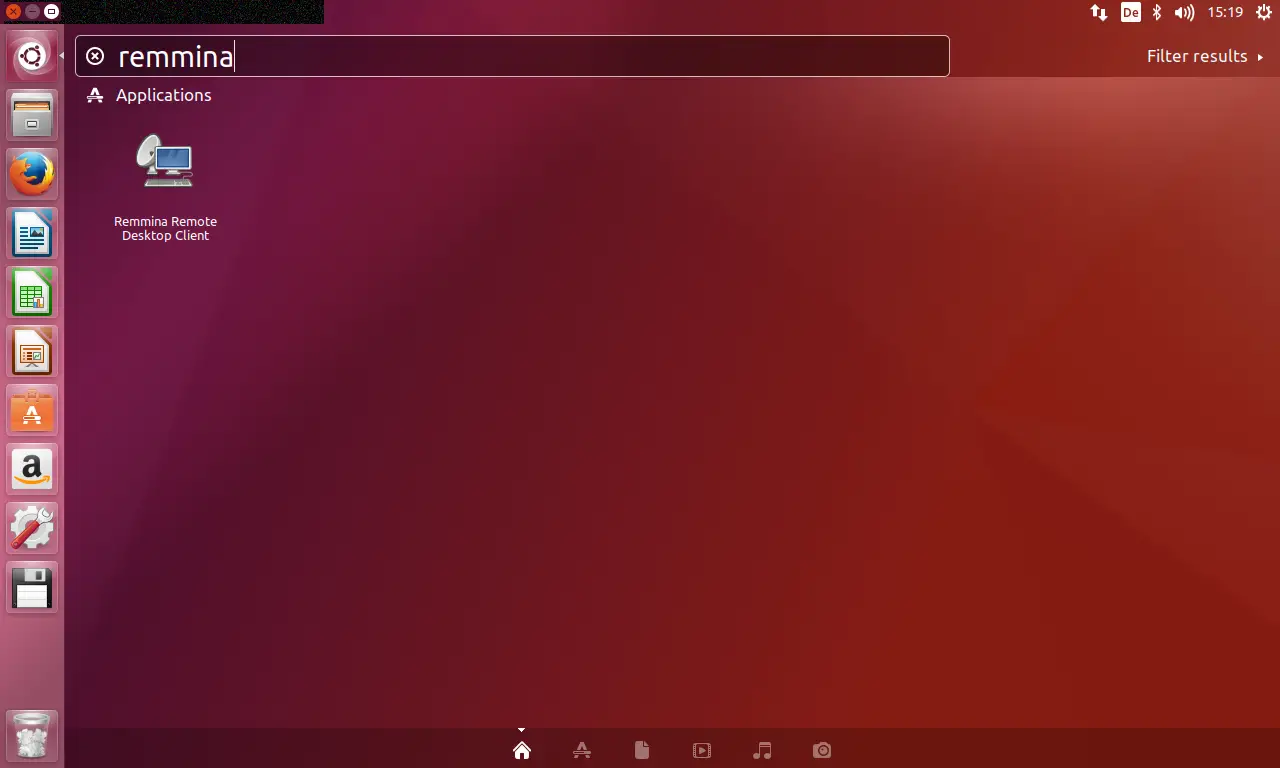
Click on the Remmina Remote Desktop Client icon to start the application.
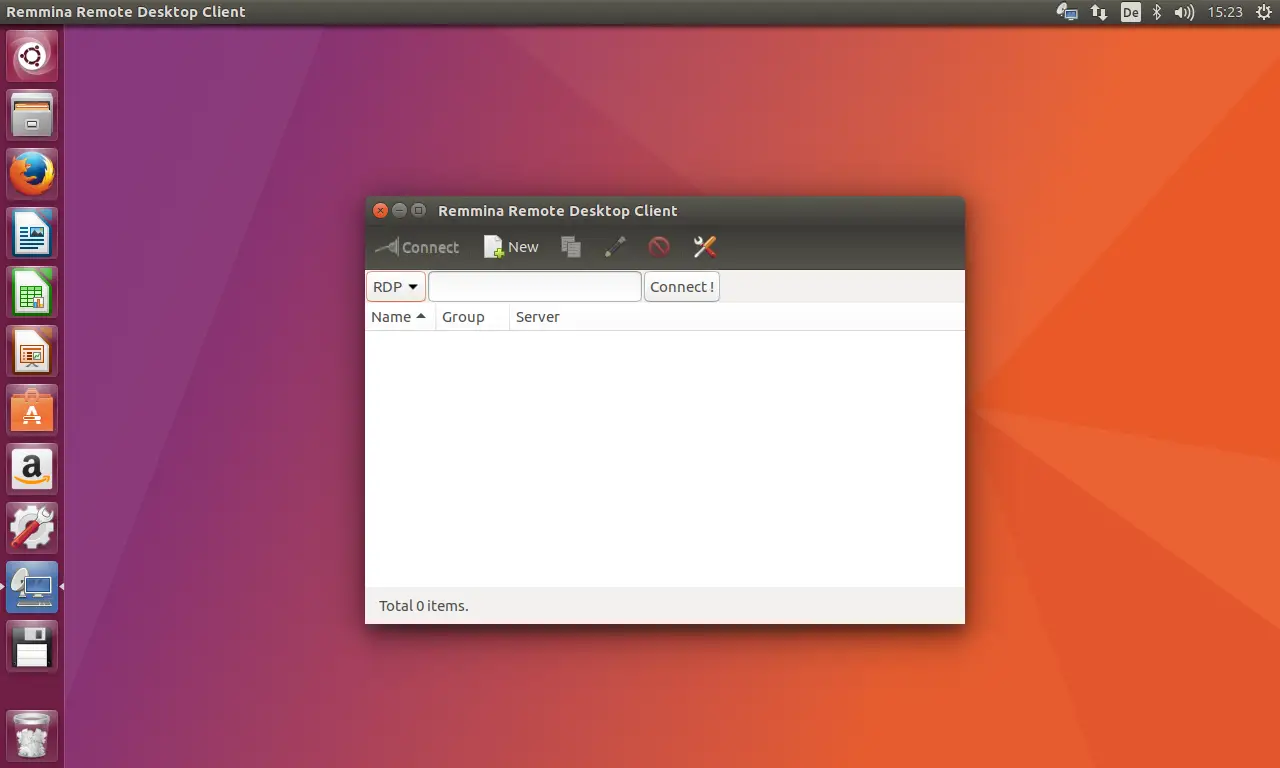
Select 'VNC' as protocol and enter the IP address or hostname of the desktop PC that you like to connect to.
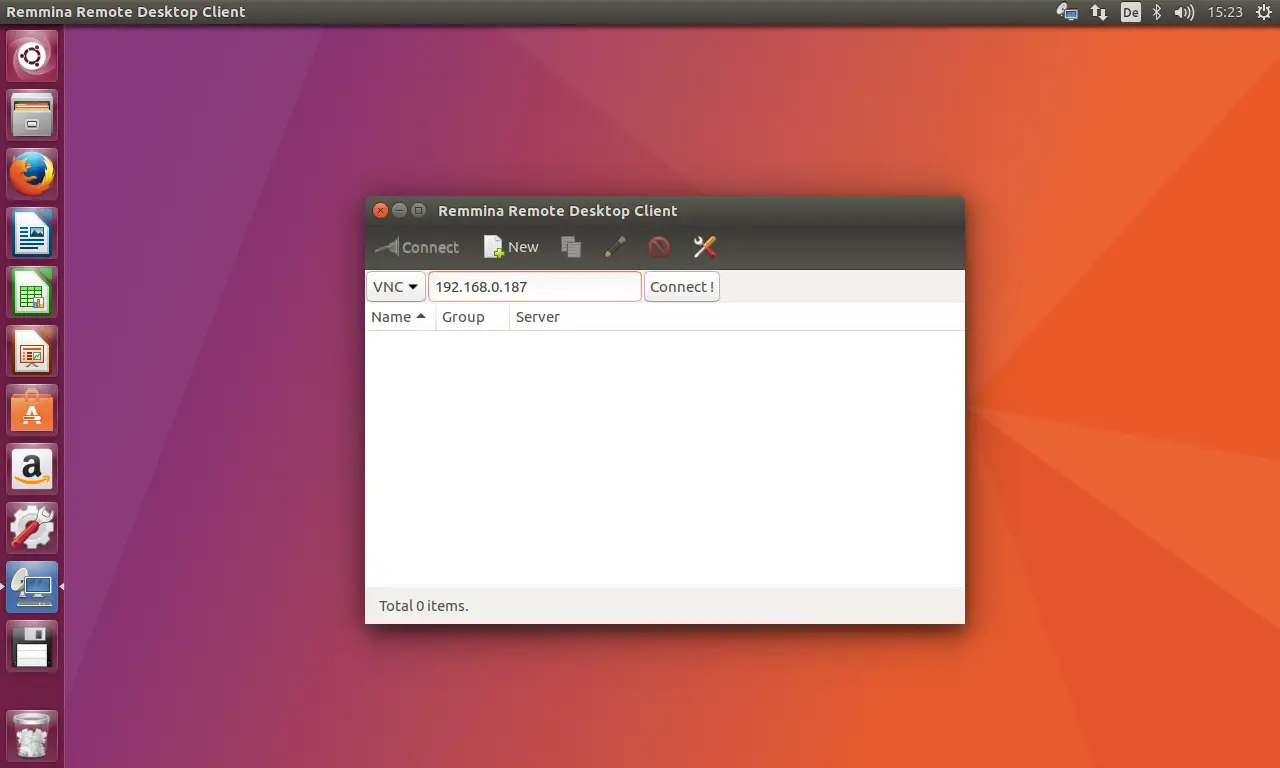
A window opens where you must type in the password for the remote desktop:
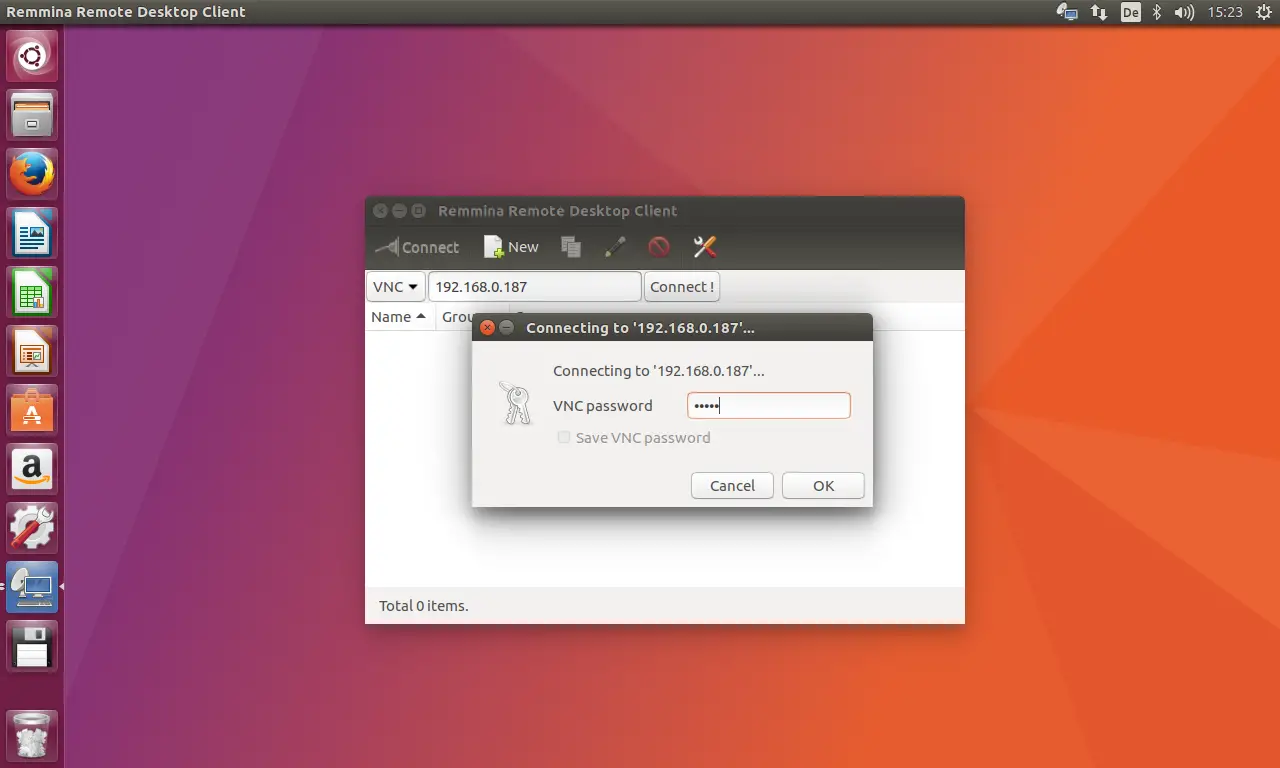
Afterwards, the remote Ubuntu desktop opens in a new window:
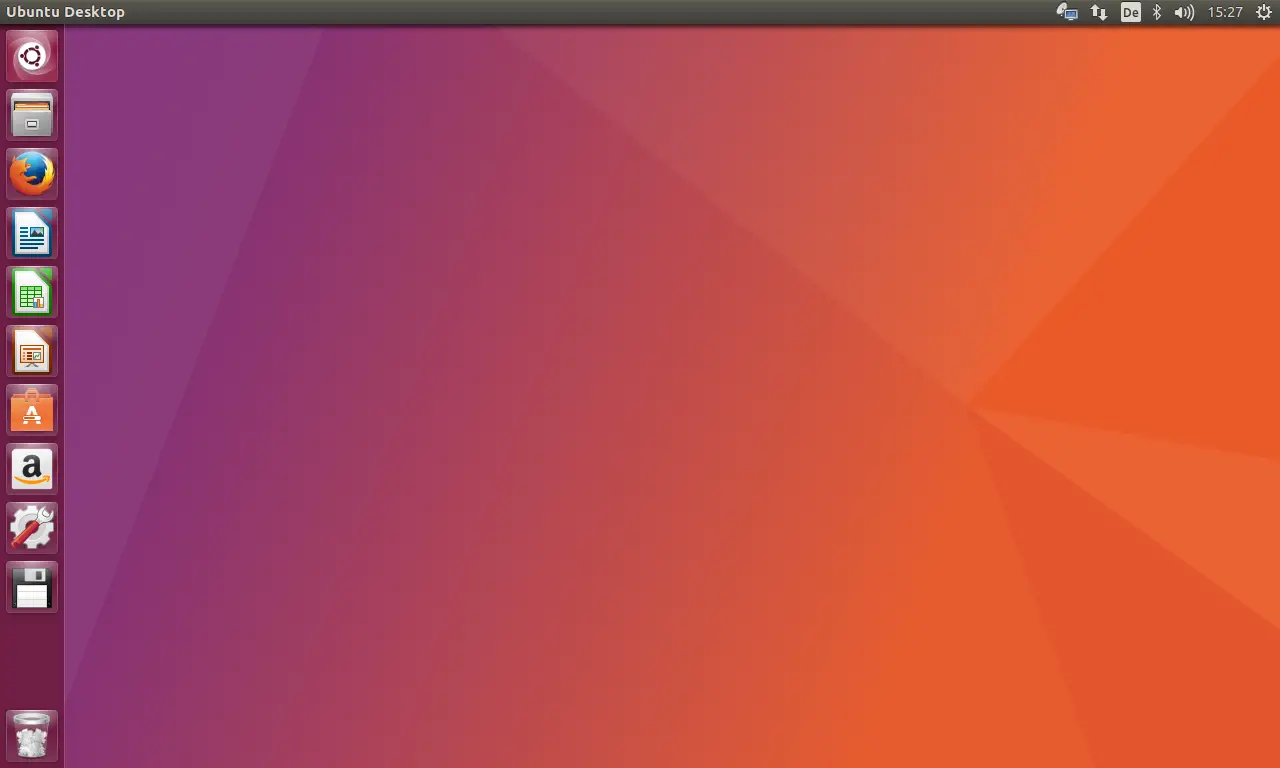
To stop the connection, simply close the window.
5 Links
- Ubuntu: http://www.ubuntu.com
- Virtual Network Computing (Wikipedia): http://en.wikipedia.org/wiki/VNC





