
How To Configure Remote Access To Your Ubuntu Desktop - Page 2
On this page
3 Connecting From A Windows Client
In order to connect from a Windows XP system, we must install a VNC client on the Windows system. There are multiple free VNC clients available, e.g. from https://www.realvnc.com/en/connect/download/viewer/. Select the Windows Edition...
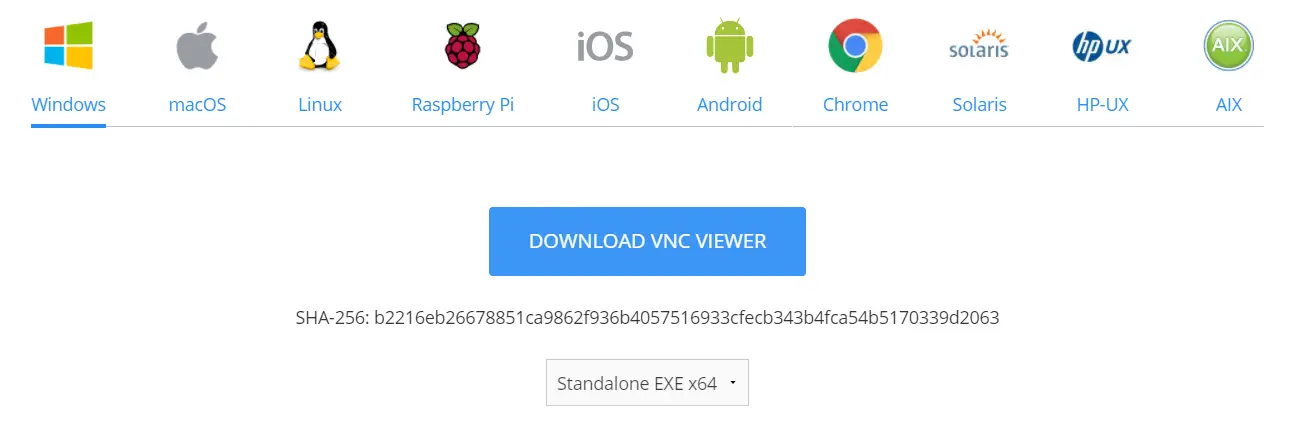
I'll choose the Standalone EXE x64 version, then click "Download the VNC Viewer and save it on the system, e.g. the desktop. The version that I've chosen is a standalone executable, i.e., you don't have to install it to use it. After the download has finished, simply double-click the file and the VNC Viewer starts.
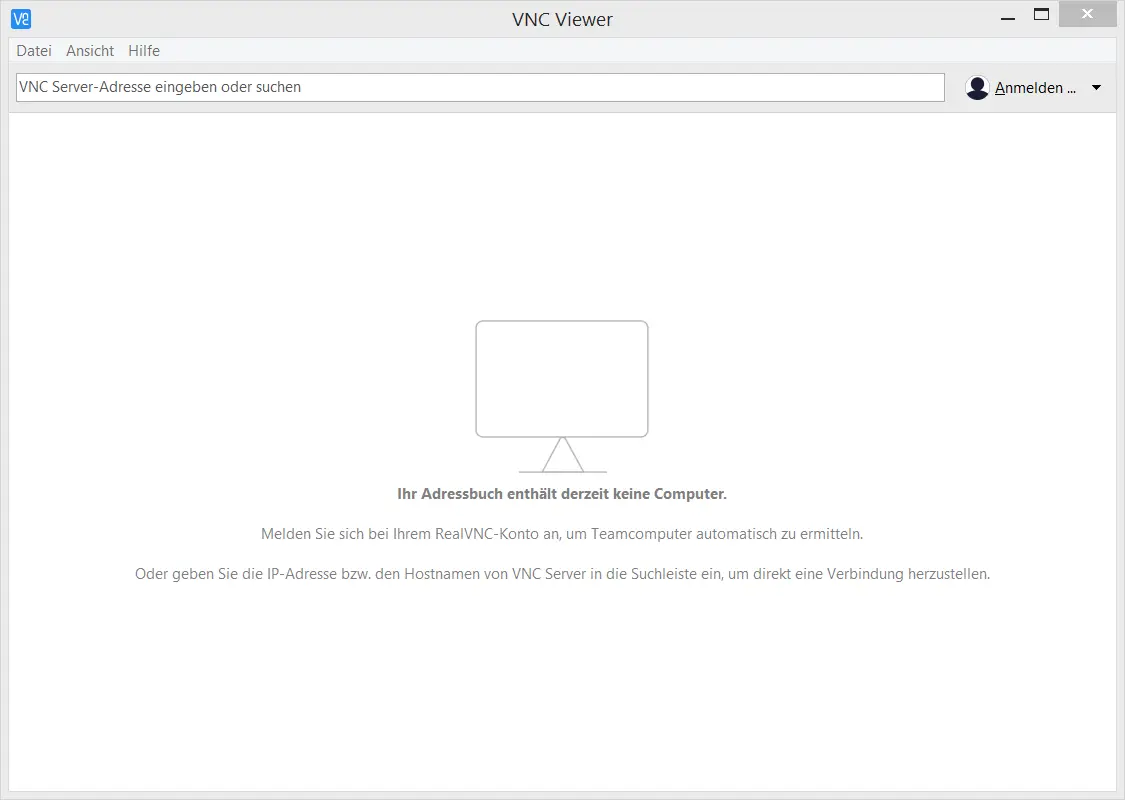
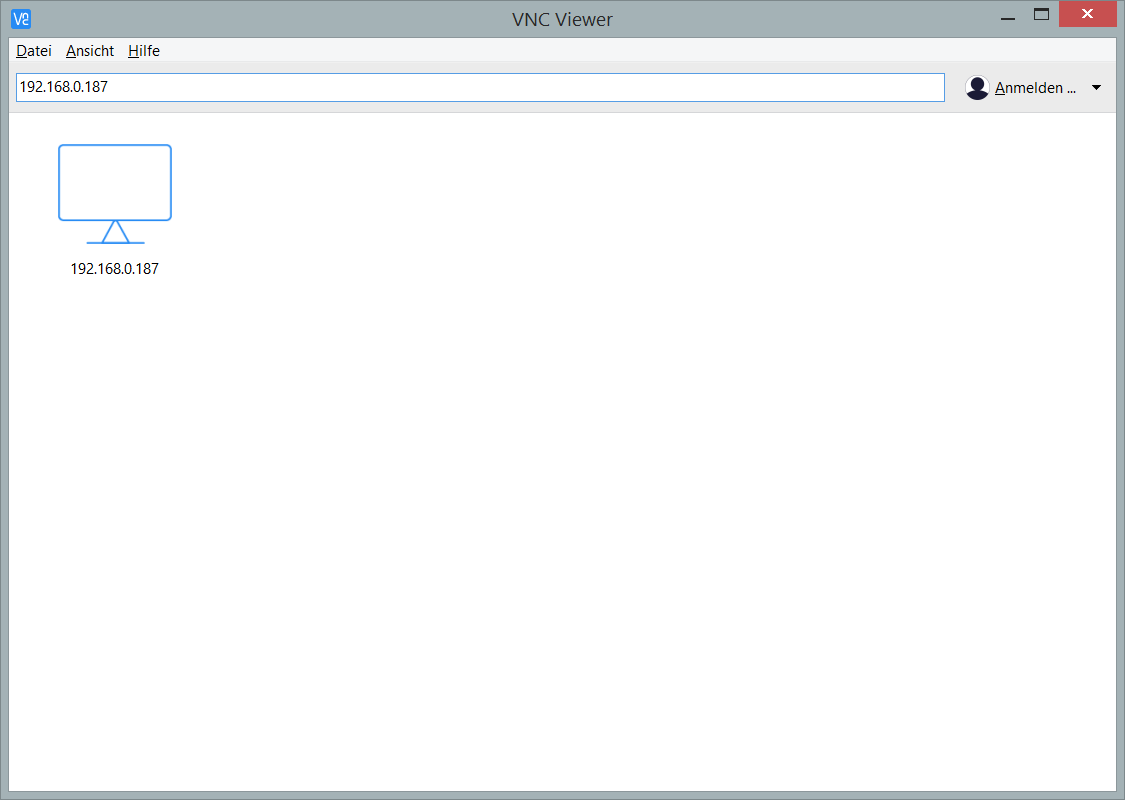
Type in the remote desktop's IP address 192.168.0.187
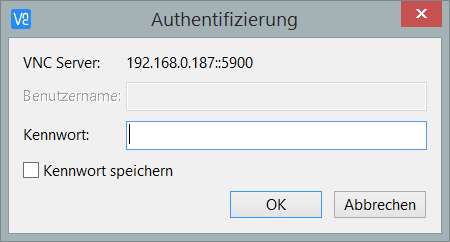
... and the password for the remote desktop (leave the Username field empty), then click on OK:
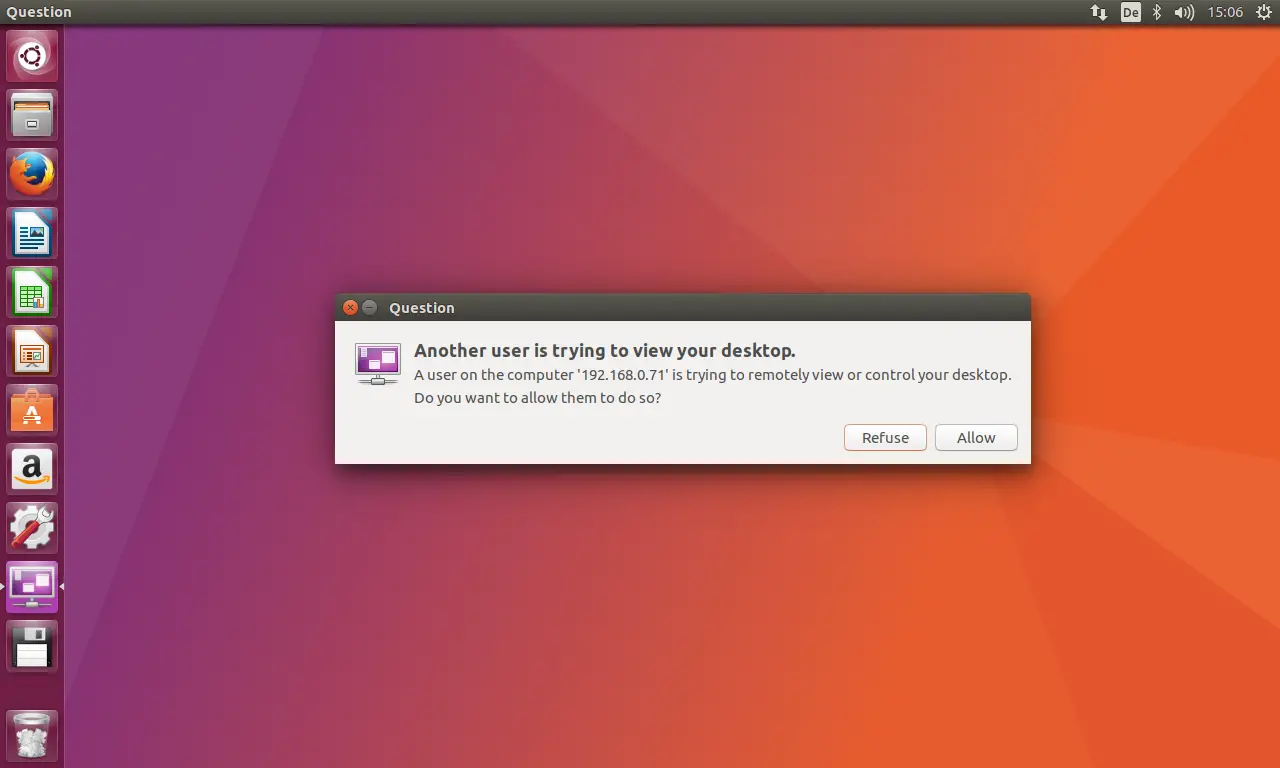
On the Linux Desktop, you will have to accept the connection:
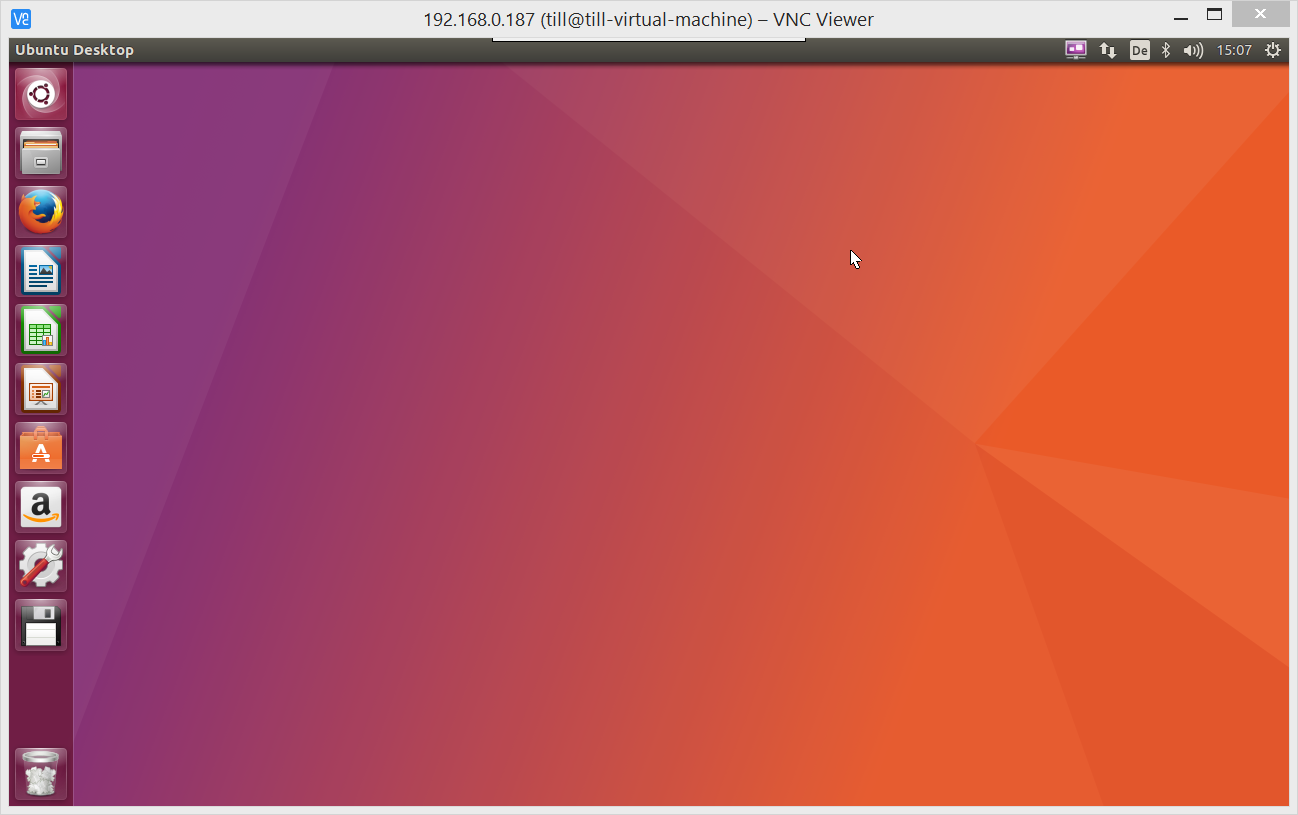
If all goes well, you should now see the remote Ubuntu desktop in a new window:
To stop the connection, simply close the window.





