
Compiz Fusion On Mandriva One 2008.1 Spring (GNOME/NVIDIA)
Version 1.0
Author: Oliver Meyer <o [dot] meyer [at] projektfarm [dot] de>
This document describes how to enable and configure Compiz Fusion on a Mandriva One 2008.1 Spring GNOME desktop with an NVIDIA graphics card.
This howto is a practical guide without any warranty - it doesn't cover the theoretical backgrounds. There are many ways to set up such a system - this is the way I chose.
1 Enable Compiz Fusion
1.1 Option 1: During The Installation
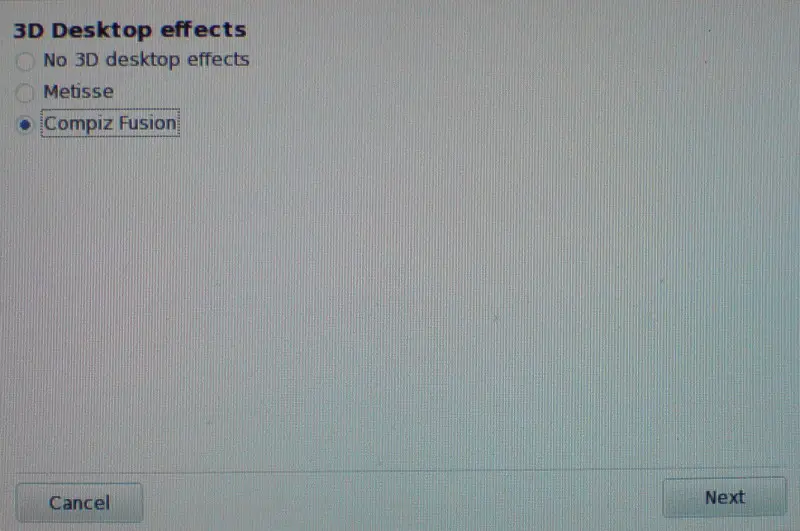
When the live/install media is booting you'll be asked if you want to enable 3D desktop effects. Choose "Compiz Fusion" and proceed with the boot process and the following installation.
1.2 Option 2: After The Installation
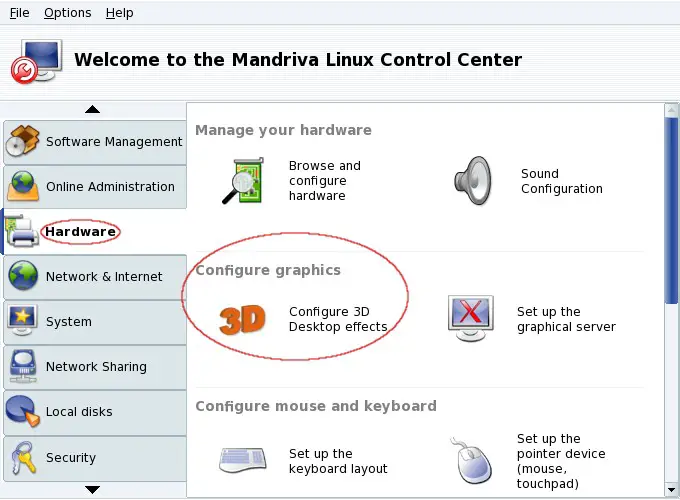
If you have already set up your system, you can enable the desktop effects within the "Mandriva Linux Control Center" - it's available in the upper GNOME panel and in the GNOME menu.

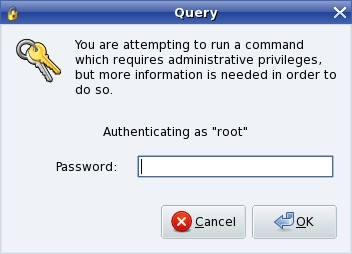
Enter the root password.
Now switch to the "Hardware"-tab and click on "Configure graphics".
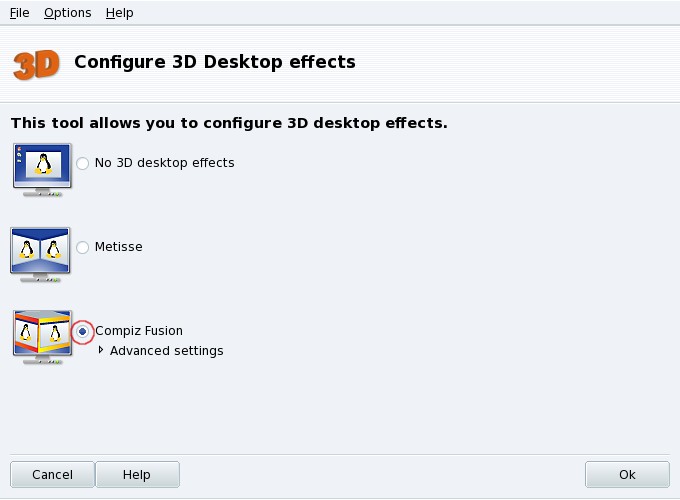
Mark the radio-button next to "Compiz Fusion" and click on "OK" to apply the settings.
2 Extra Plugins
Install the following packages to get a lot of additional plugins.
- compiz-fusion-plugins-extra
- compiz-fusion-plugins-unsupported
3 Configuration
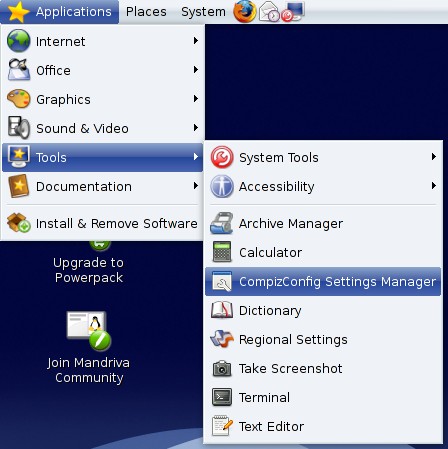
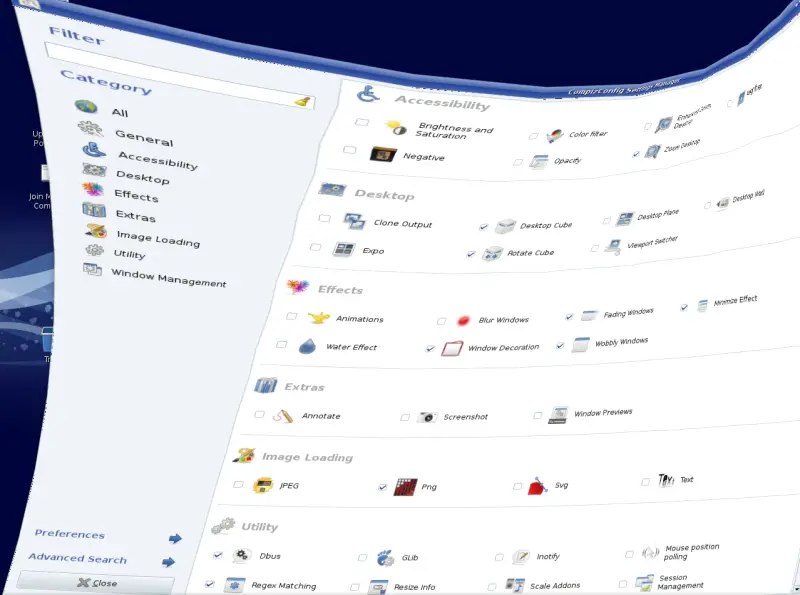
The compiz configurator is available in the GNOME applications menu.
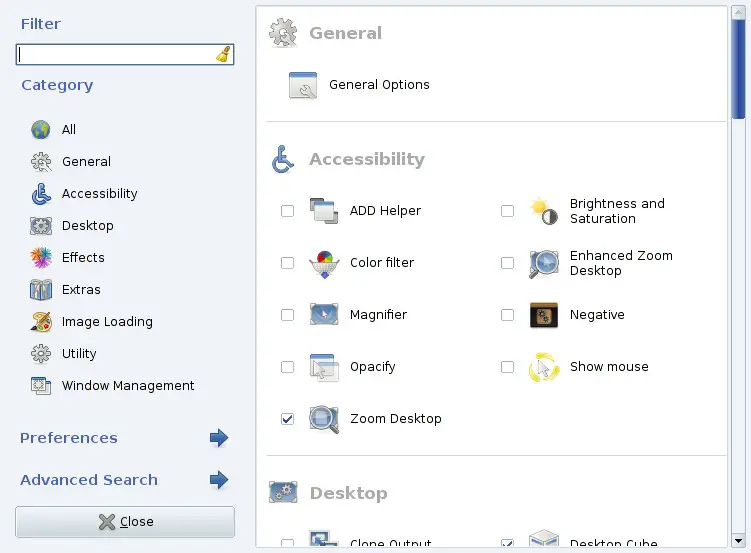
As you can see there are a lot of plugins available - and each plugin has its own options/settings.
4 Screenshots
To give you a slight foretaste I took a few screenshots :)
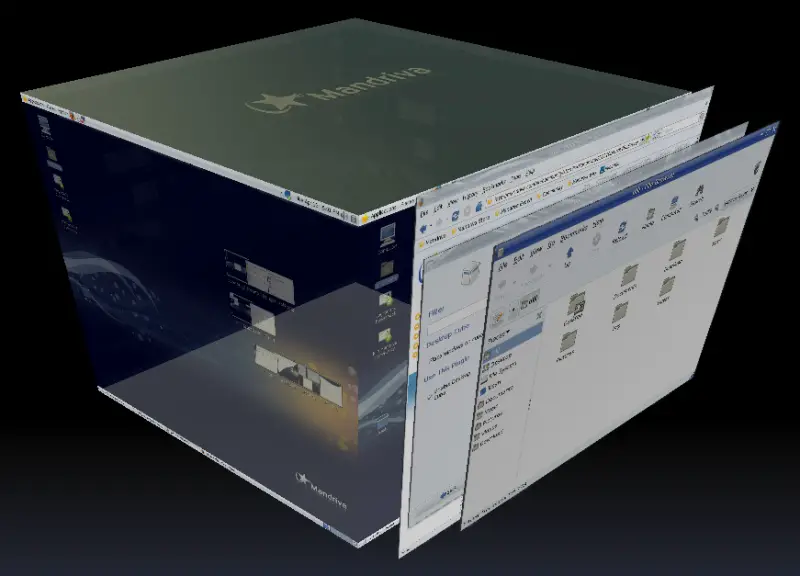
4.1 Desktop Cube
Main keyboard shortcuts:
CTRL+ALT+DRAG LEFT MOUSE = rotate cube (3D)
CTRL+ALT+LEFT ARROW = rotate cube to the left
CTRL+ALT+RIGHT ARROW = rotate cube to the right
CTRL+ALT+DOWN ARROW = unfold
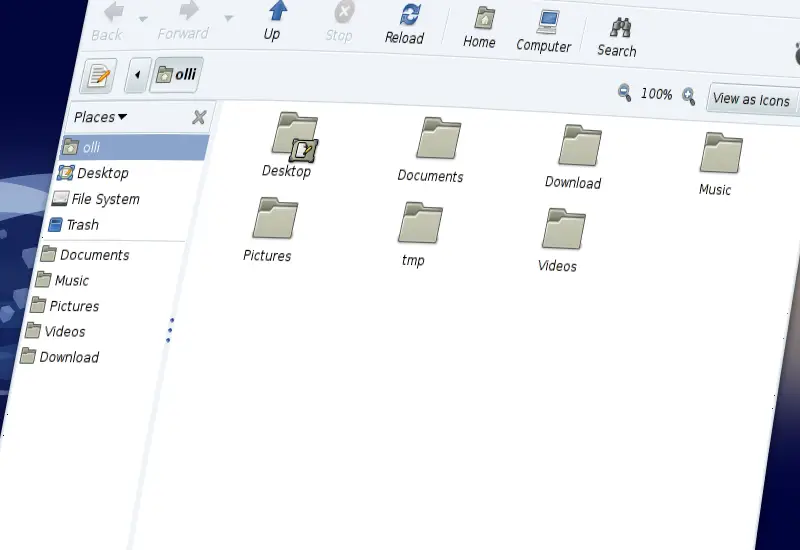
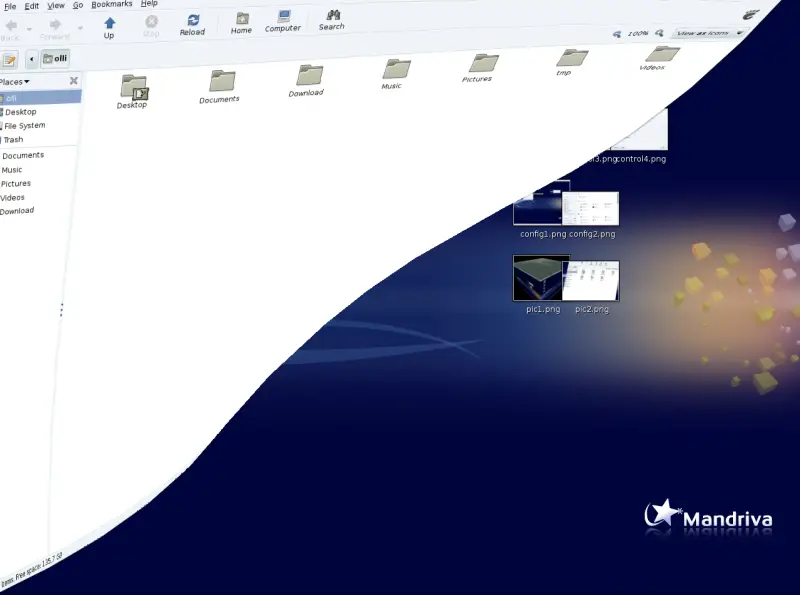
4.2 Wobbly Windows
4.3 Window Overview
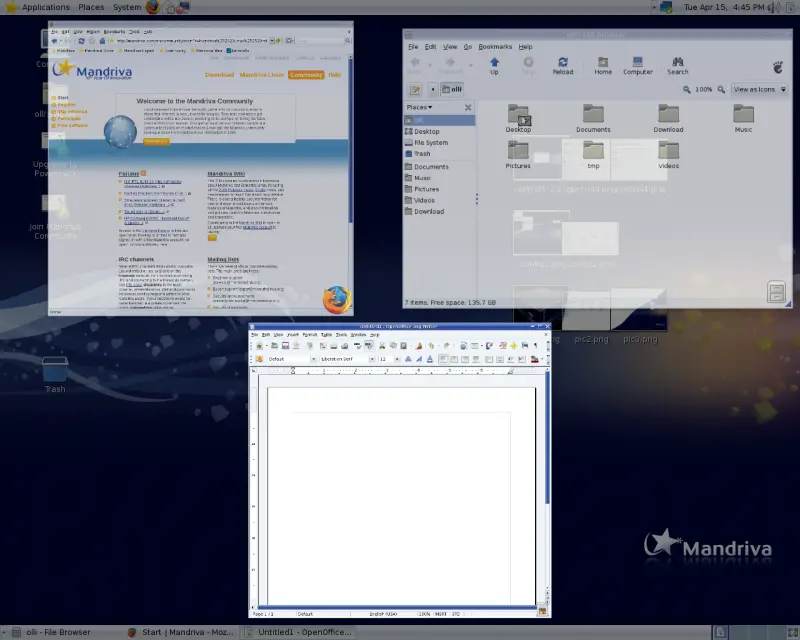
Move your mouse to the top right corner to see all open windows side by side - click on a window to focus it.
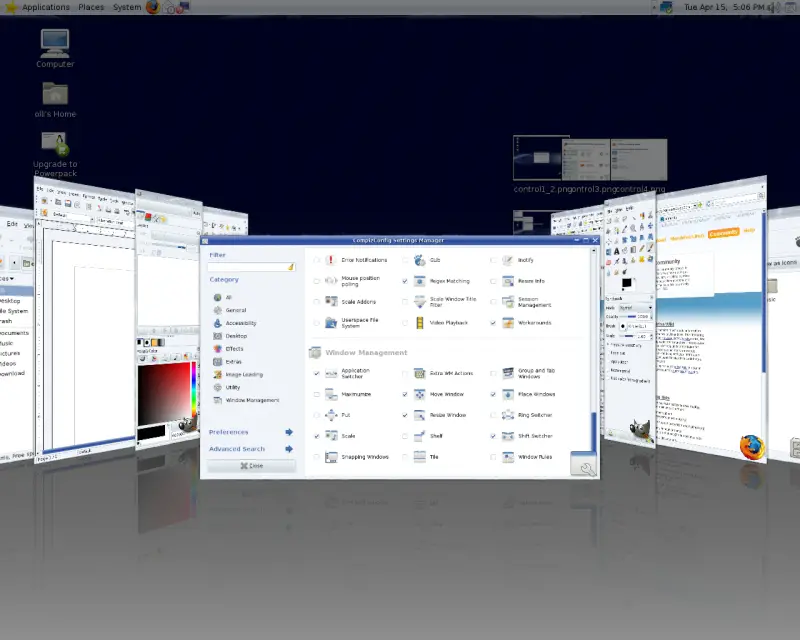
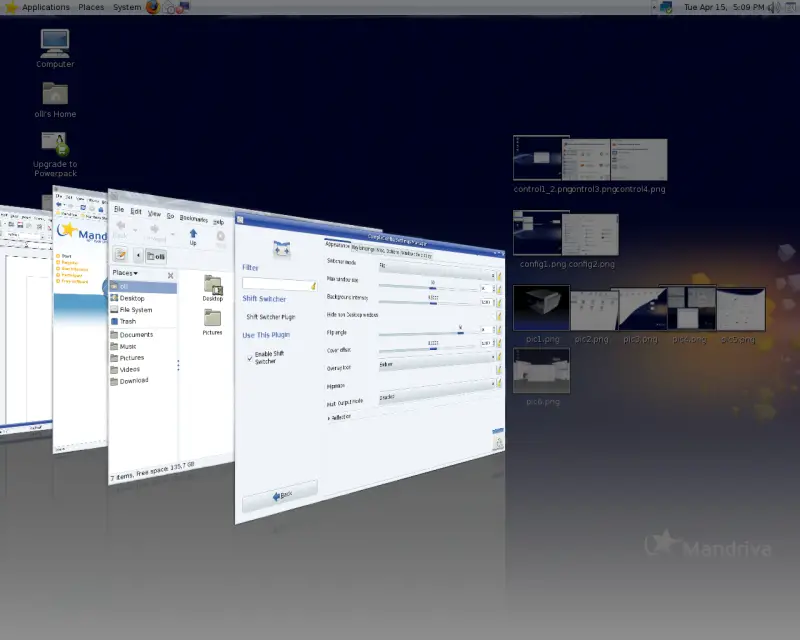
4.4 Shift Switcher (cover)
Main Keyboard Shortcuts:
SHIFT+SUPER+S = initiate the switcher
... use the UP ARROW or DOWN ARROW to switch the windows.
Alternative:
SUPER+TAB = next window
4.1.1 Switcher Mode: Cover
4.1.2 Switcher Mode: Flip
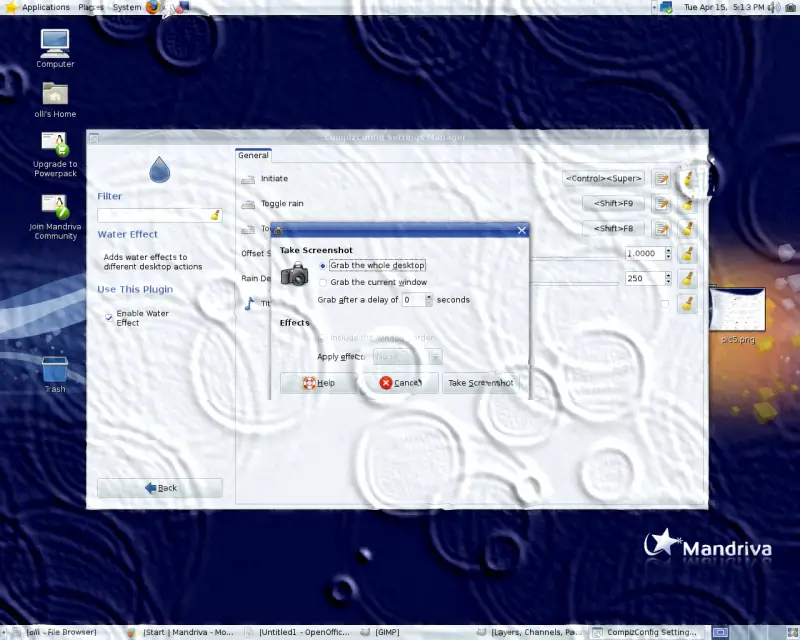
4.5 Water Effect
Main keyboard shortcuts:
CTRL+SUPER = single drop
SHIFT+F9 = toggle rain
SHIFT+F8 = toggle wiper
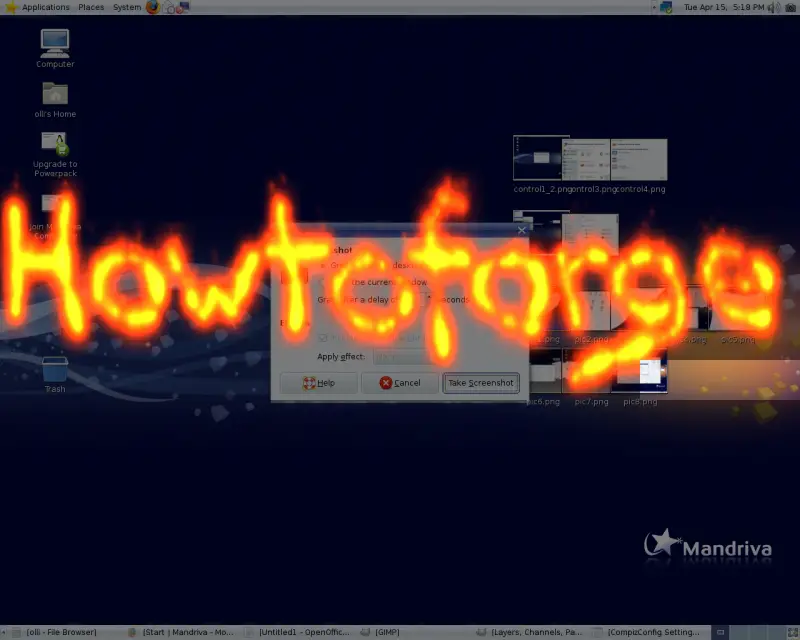
4.6 Paint Fire
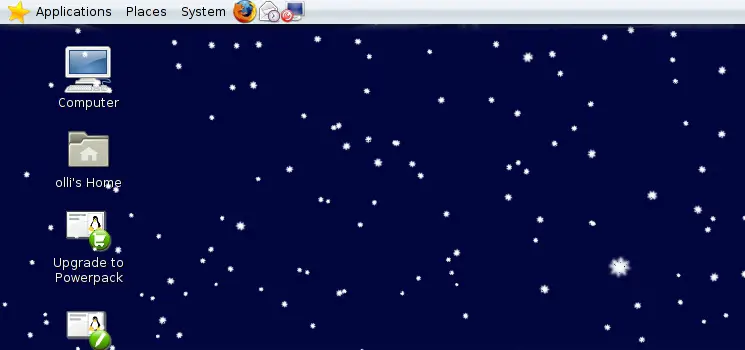
Keyboard shortcut:
SUPER+F3 = toggle snow
4.7 Snow
Main keyboard shortcut:
SHIFT+SUPER+DRAG LEFT MOUSE = draw fire
SHIFT+SUPER+C = clear
5 Links
- Mandriva: http://www.mandriva.com/
- Compiz Fusion: http://www.compiz-fusion.org/





