
Enabling Compiz Fusion On A Fedora 8 GNOME Desktop (NVIDIA GeForce FX 5200) - Page 2
3 Installing Compiz Fusion
Open the Package Manager (Applications > Add/Remove Software) again. After the Package Manager has started, go to the Search tab and search for compiz:
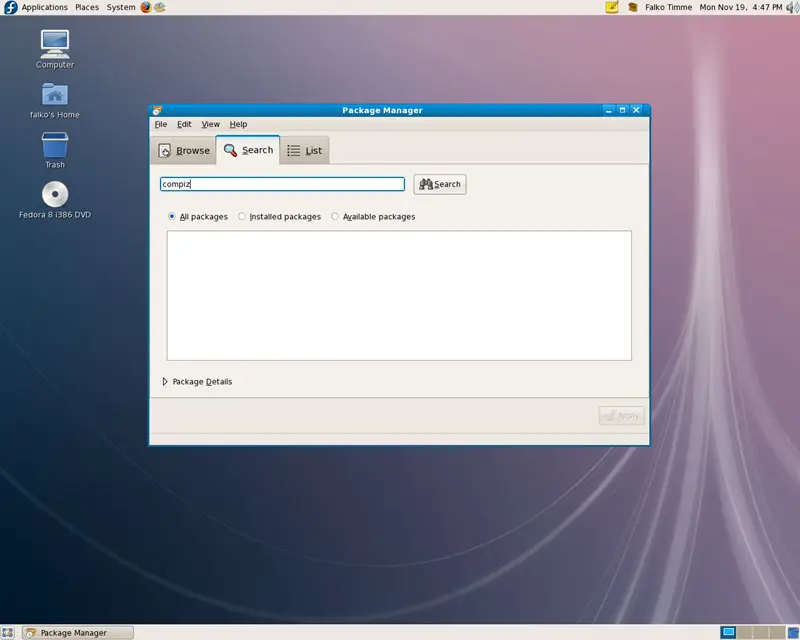
In the list of found packages, please mark the following ones for installation:
- emerald-themes
- compiz-fusion-extras
- emerald
- compiz-fusion
- compiz-manager
- compiz-fusion-extras-gnome
- gnome-compiz-manager
- libcompizconfig
- compiz-fusion-gnome
- ccsm
Click on Apply afterwards:
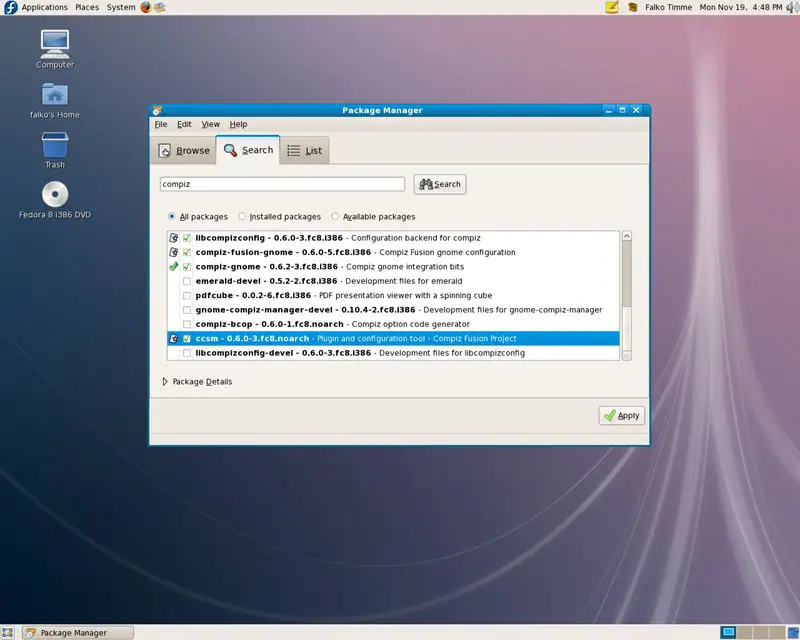
Confirm your selection by clicking on Continue:
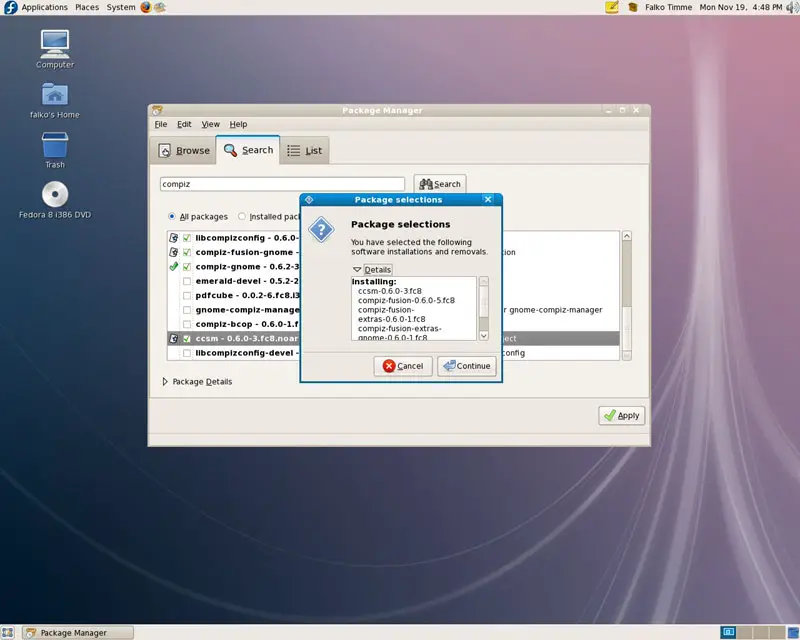
The selected packages might have a few dependencies that must be installed as well. Click on Continue to accept these dependencies:
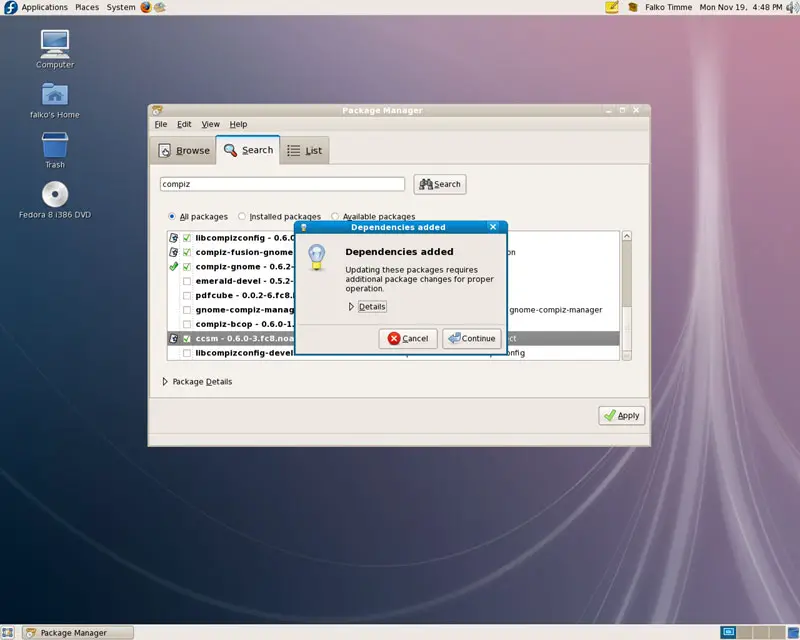
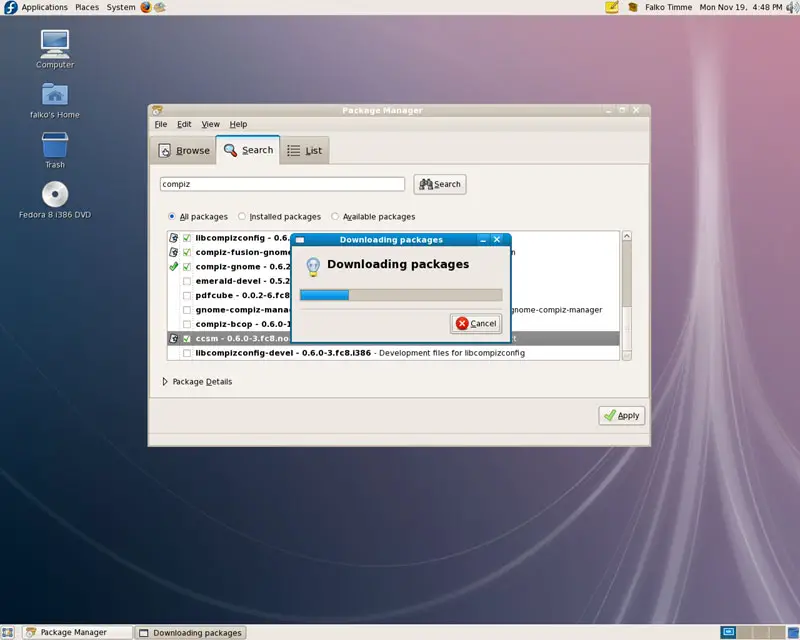
The packages are now being downloaded:
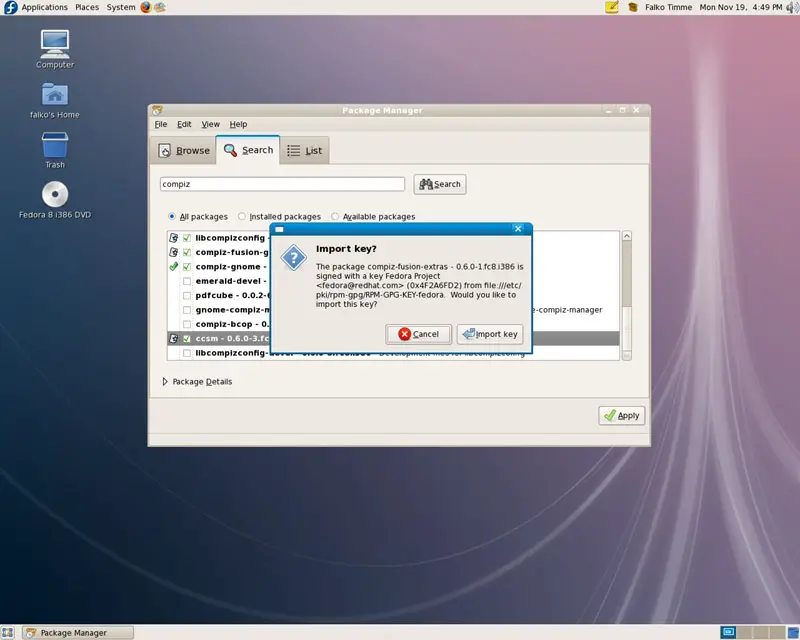
It might happen that your system doesn't know the GPG key of a package. If that happens, simply click on Import key to continue with the installation:
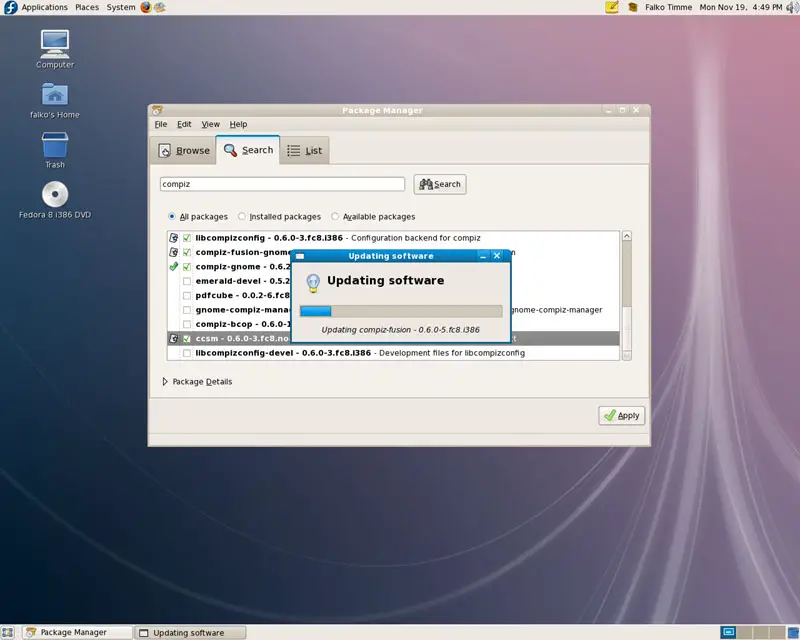
The packages are now being installed:
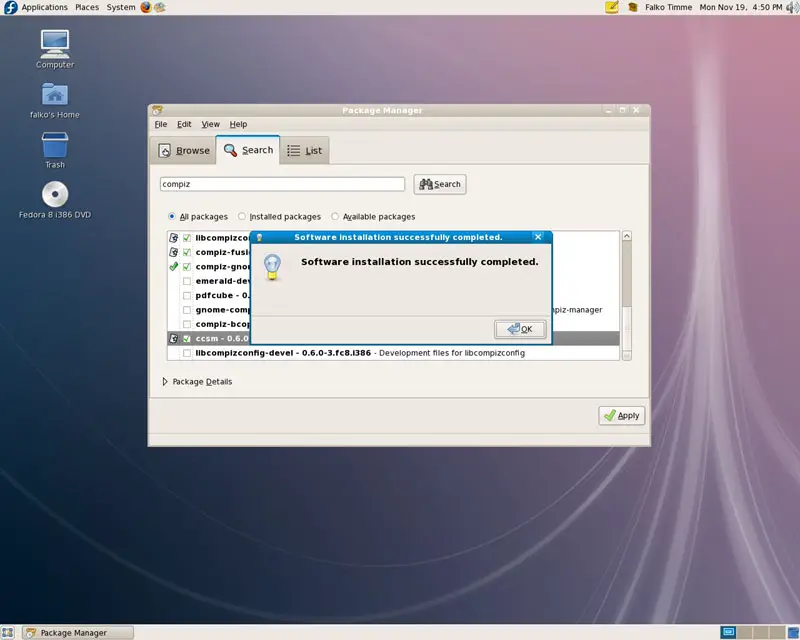
You can close the Package Manager afterwards:
4 Enabling Compiz Fusion
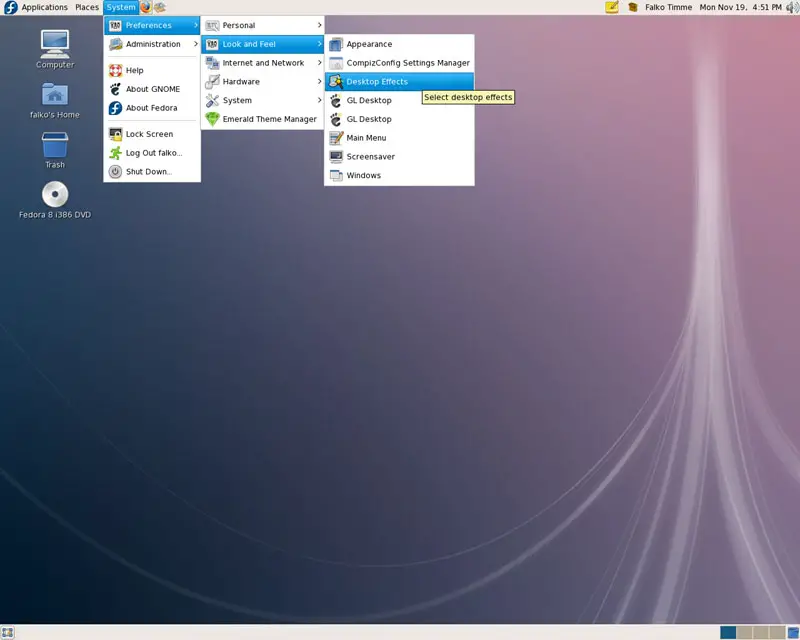
To enable Compiz Fusion, go to System > Preferences > Look and Feel > Desktop Effects:
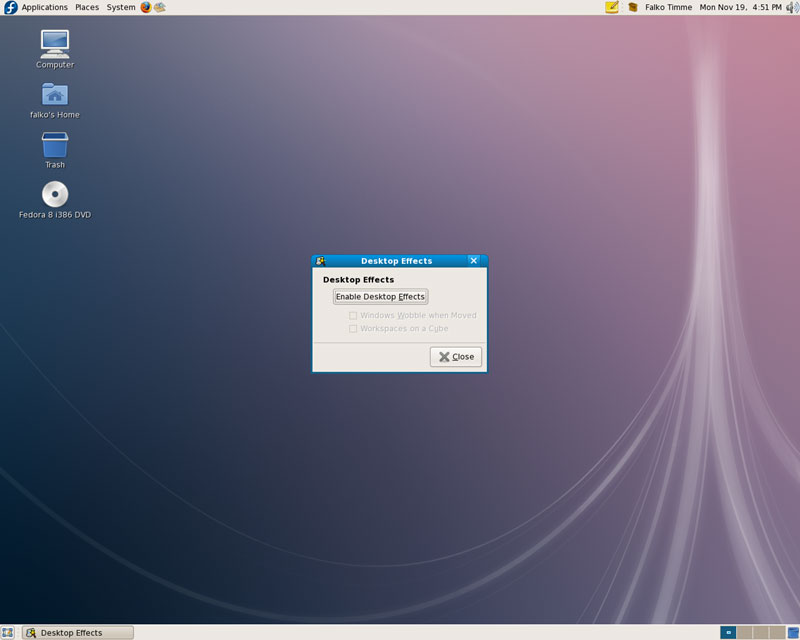
Click on Enable Desktop Effects:
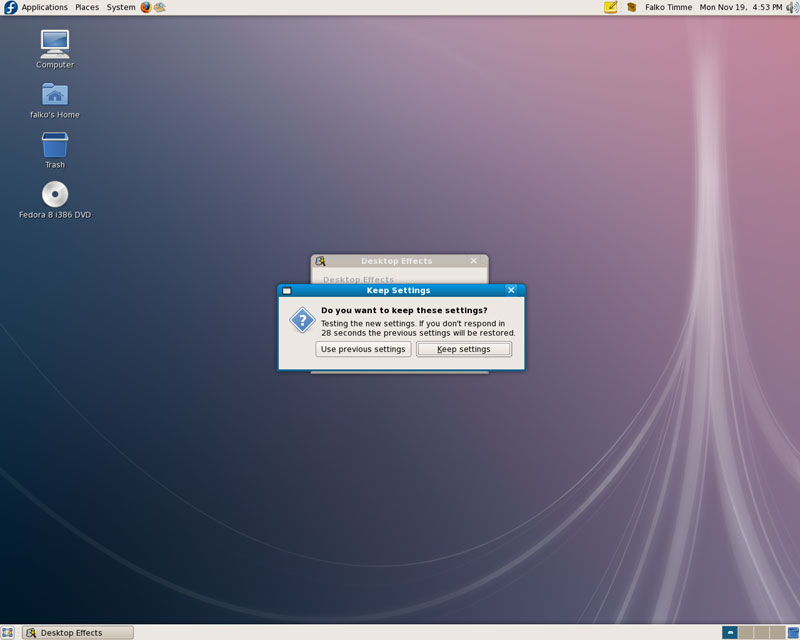
The new settings are now being tested. If everything seems to work ok, click on Keep settings (otherwise you won't be able to use Compiz Fusion):
Afterwards, you can enable Windows Wobble when Moved and Workspaces on a Cube, if you like, and click on Close to leave the Desktop Effects window:
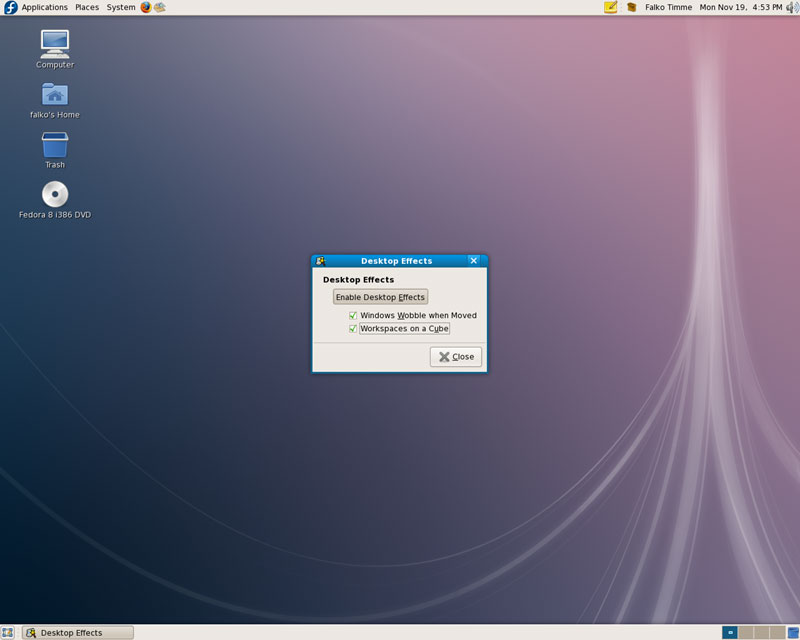
Compiz Fusion should now be working.
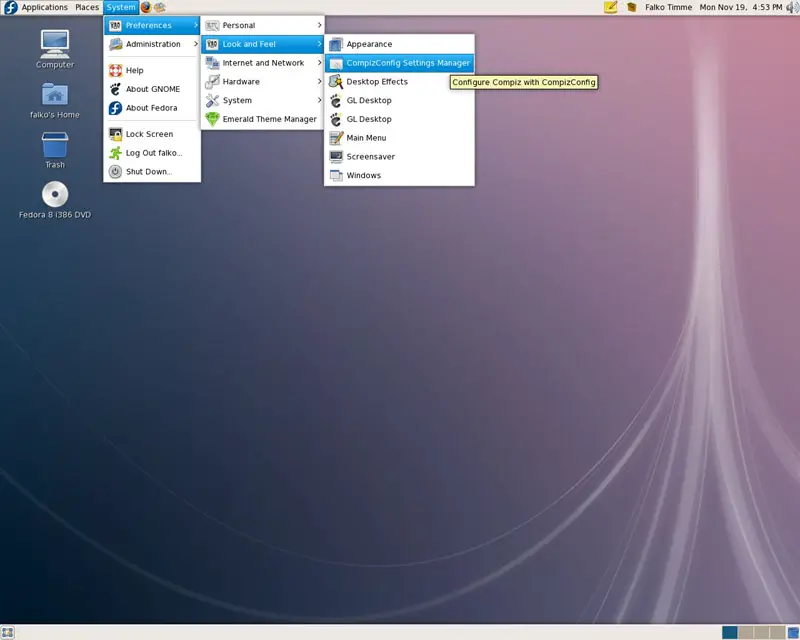
To configure Compiz Fusion, open the CompizConfig Settings Manager (System > Preferences > Look and Feel > CompizConfig Settings Manager):
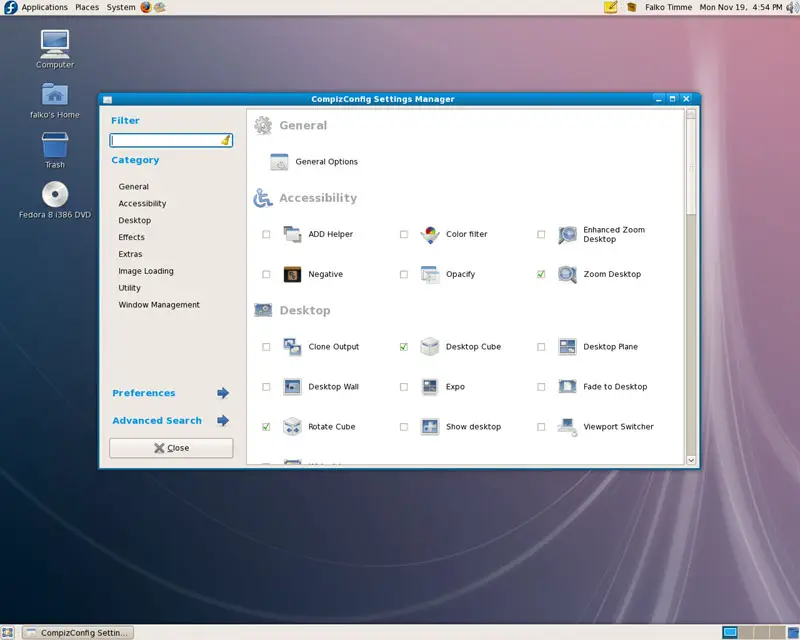
In the CompizConfig Settings Manager you can define the behaviour of Compiz Fusion:
5 Keyboard Shortcuts
Here's a list of the most common Compiz Fusion keyboard shortcuts:
SUPER+SHIFT+DRAG LEFT MOUSE = draw fire
SUPER+SHIFT+C = clear fire
CTRL+ALT+DRAG LEFT MOUSE = rotate cube
CTRL+ALT+LEFT ARROW = rotate cube
CTRL+ALT+DOWN ARROW = flat desktop
SHIFT+ALT+UP = initiate window picker
CTRL+ALT+DOWN = unfold cube
ALT+TAB = window switch
SUPER+TAB = flip switcher or ring switcher, depending on which is enabled.
ALT+F7 = initiate 'move windows'
SHIFT+F9 = water effect
SHIFT+F10 = slow animations
CTRL+ALT+D = show desktop
For Grouping and Tabbing:
SUPER+S = select single window
SUPER+T = tab group
SUPER+Left = change left tab
SUPER+Right = change right tab
SUPER+G = group windows
SUPER+U = ungroup windows
SUPER+R = remove group window
SUPER+C = close group
SUPER+X = ignore group
Hold the SUPER button then select the windows you want to group and then hit SUPER+G.
The SUPER key is the Windows key on most keyboards.
6 Some Screenshots
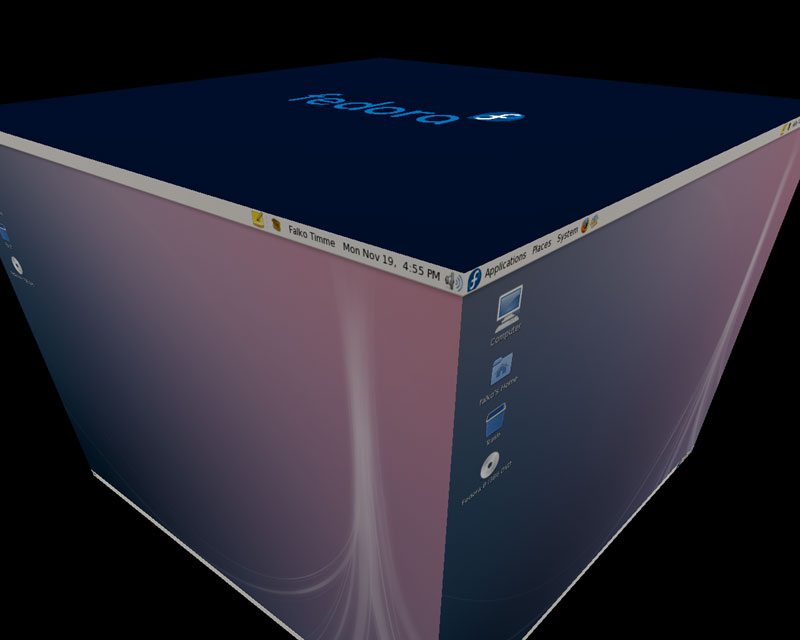
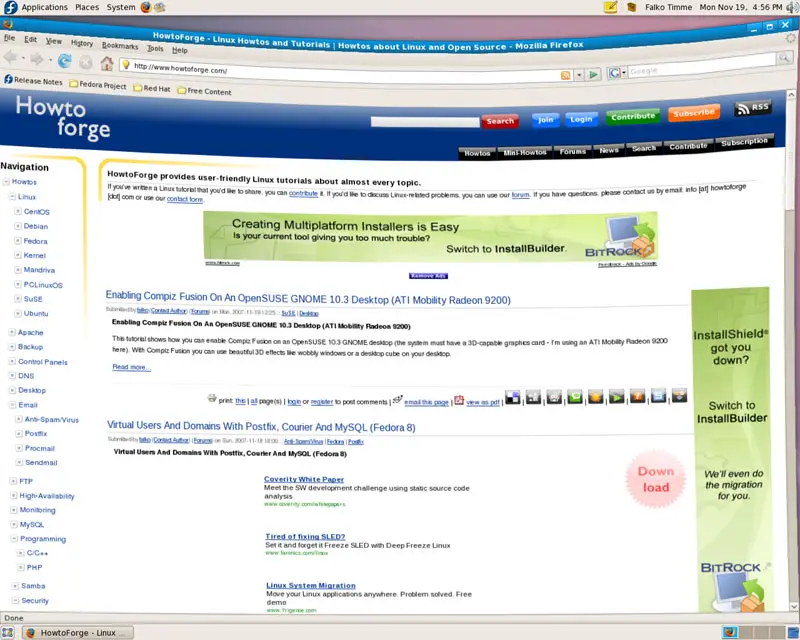
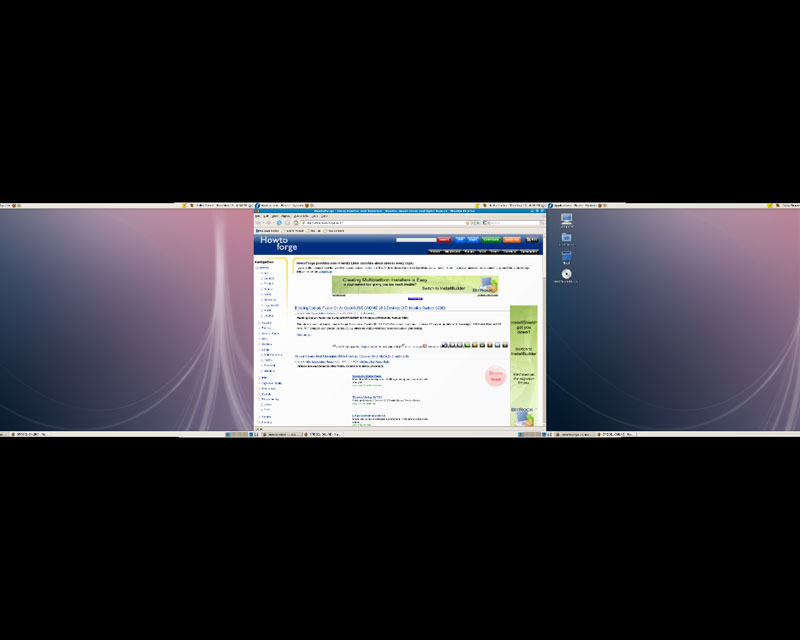
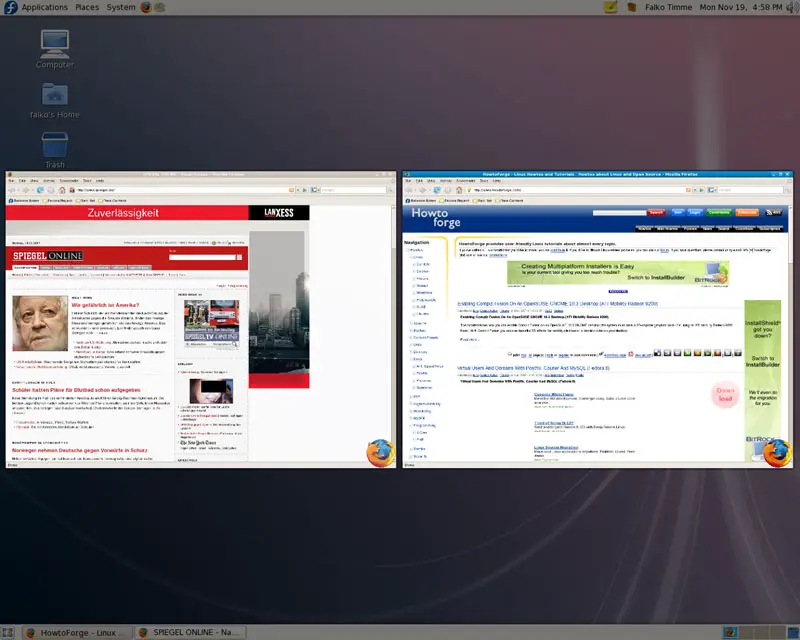
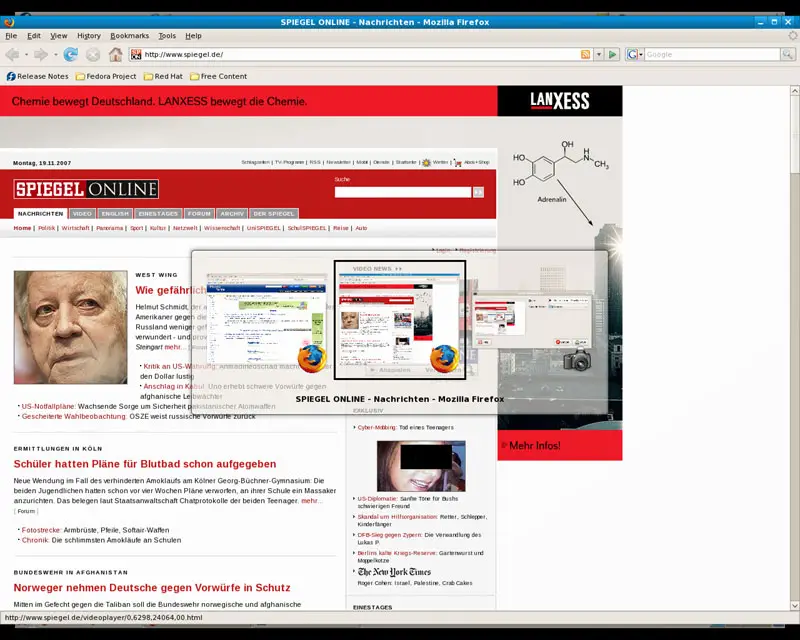
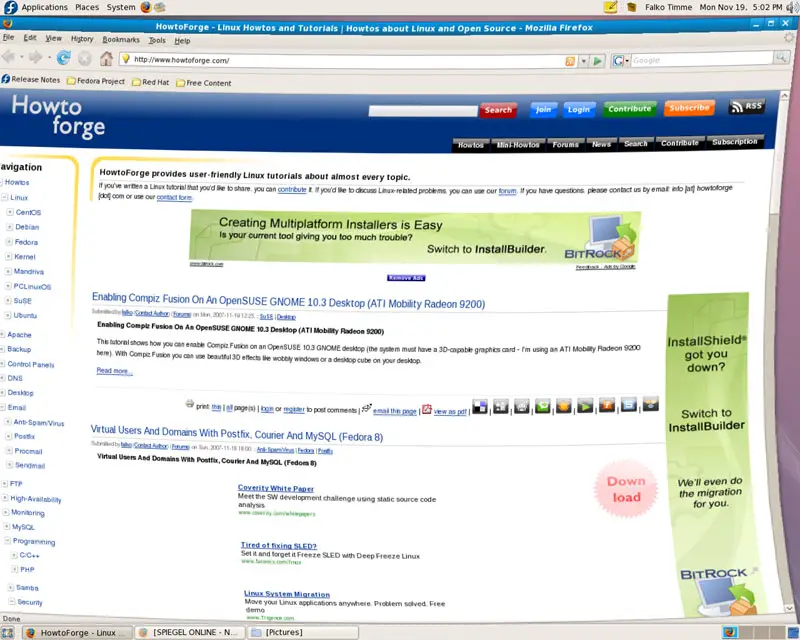
Here are some screenshots of Compiz Fusion in action:
7 Links
- Compiz Fusion: http://www.compiz-fusion.org
- Fedora: http://fedoraproject.org





