On this page
Twitter Clients For Ubuntu 8.04 Desktop
Version 1.0
Author: Falko Timme
In this article I will show how to install and use two clients for the popular microblogging platform Twitter on an Ubuntu 8.04 desktop. The first one is Twitux, the second Twitter client is gtwitter. Both clients have similar features, so it is up to you which one you want to install.
This document comes without warranty of any kind! I do not issue any guarantee that this will work for you!
1 Twitux
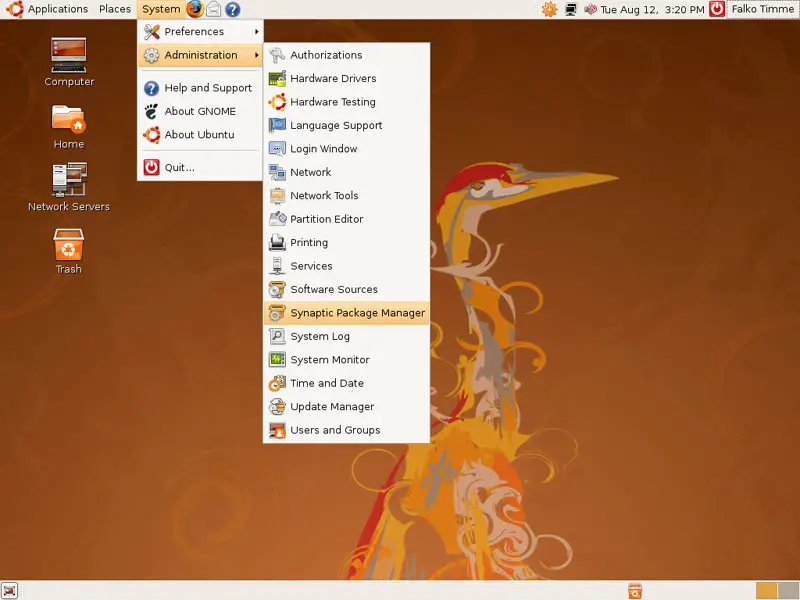
Open the Synaptic Package Manager (System > Administration > Synaptic Package Manager):
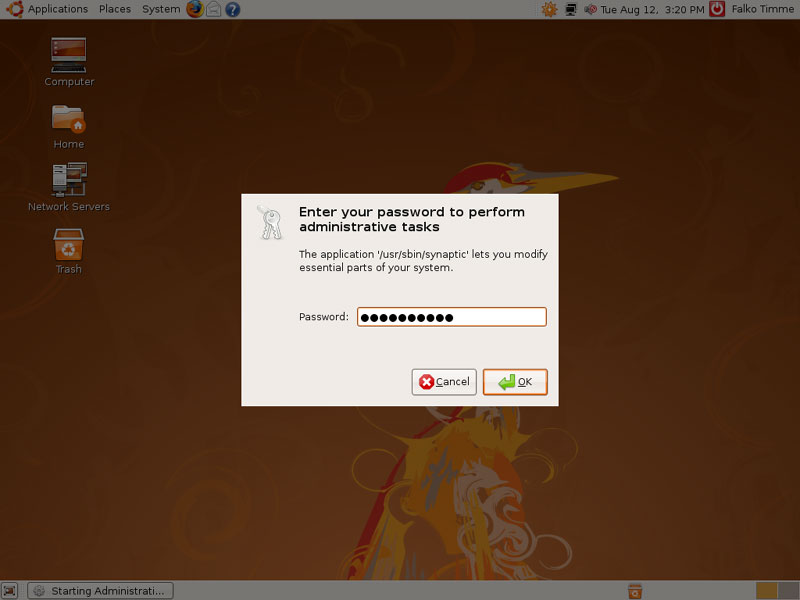
Type in your password:
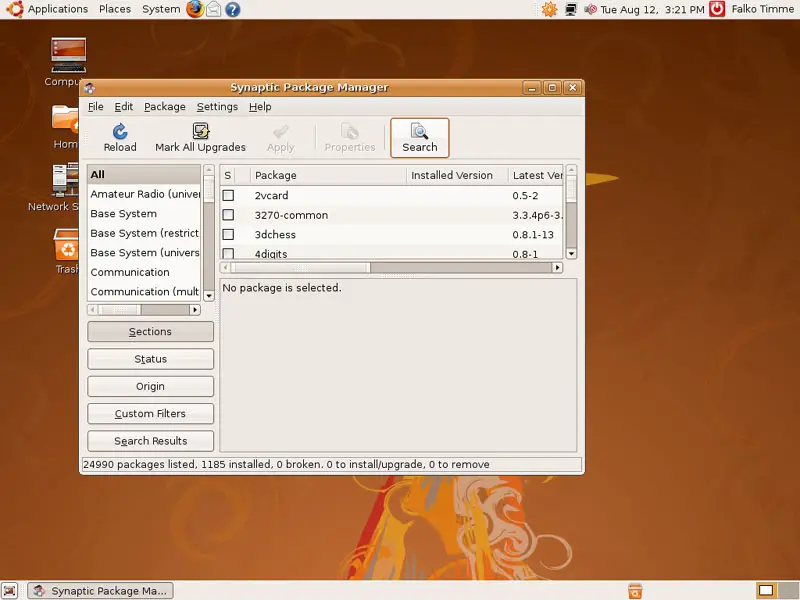
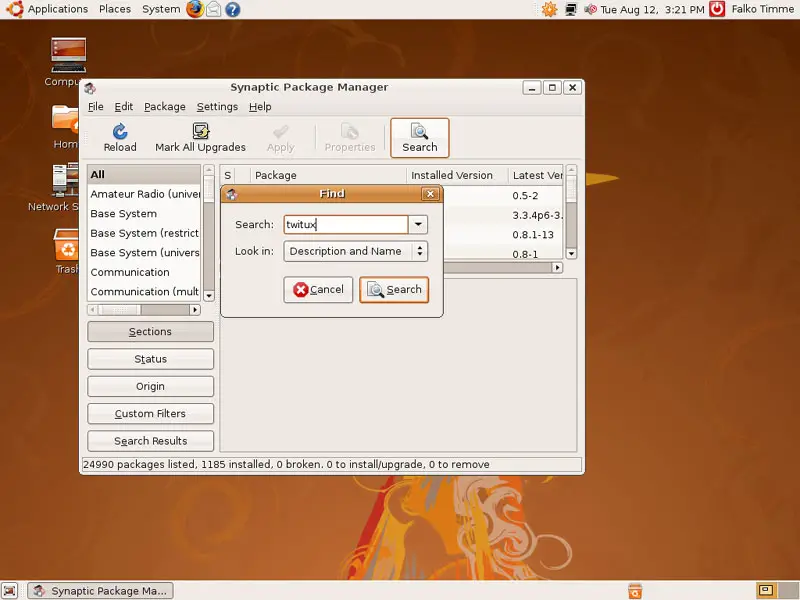
In the Synaptic Package Manager, click on the Search button...
... and type twitux in the search box:
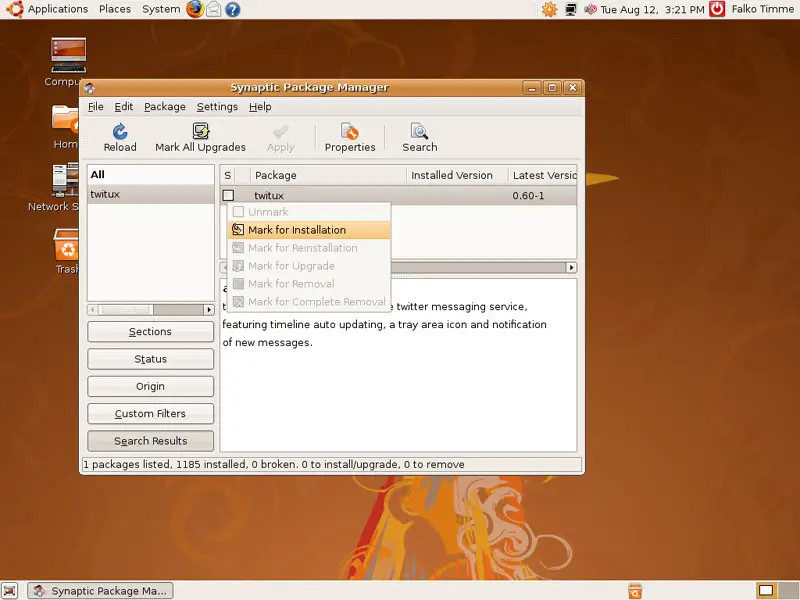
The package twitux should appear in the search result. Click on the checkbox left of it and select Mark for Installation from the drop-down menu:
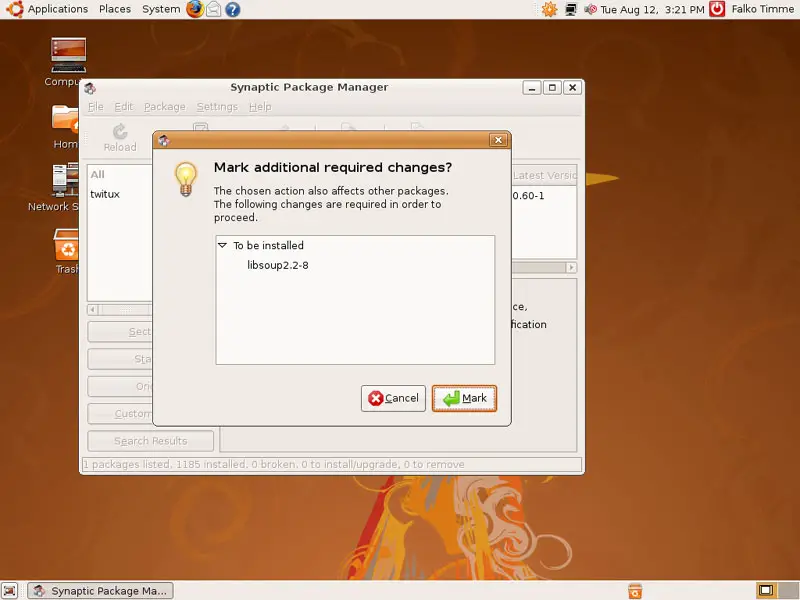
Accept the dependencies of the twitux package by clicking on the Mark button:
Click on Apply afterwards:
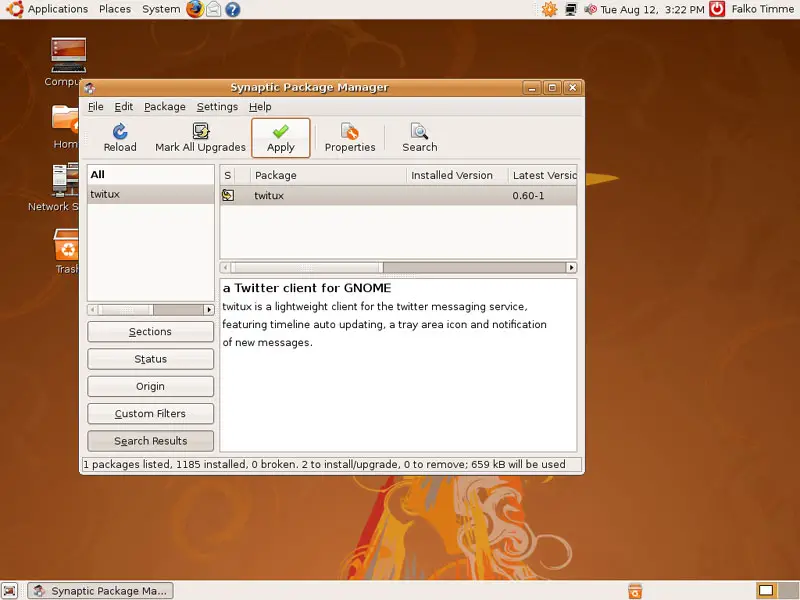
Confirm your selection by clicking on Apply again:
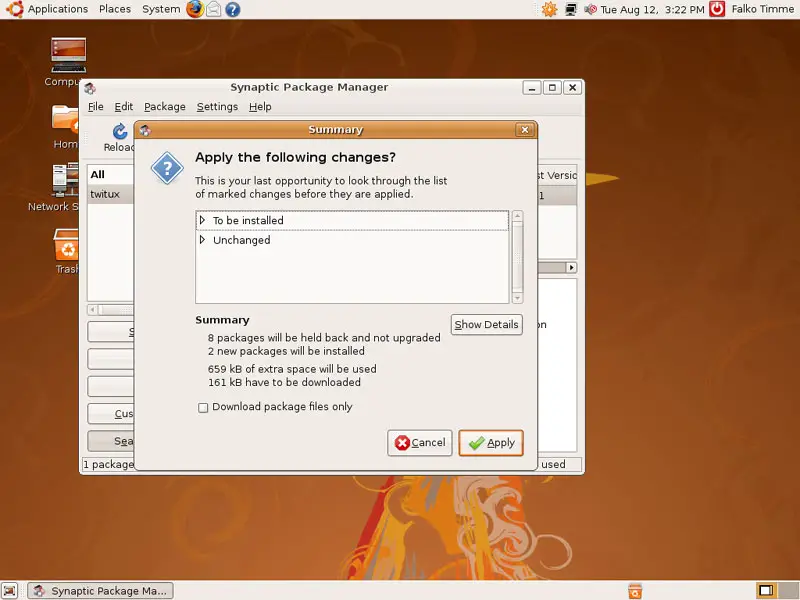
The packages are now being downloaded and installed:
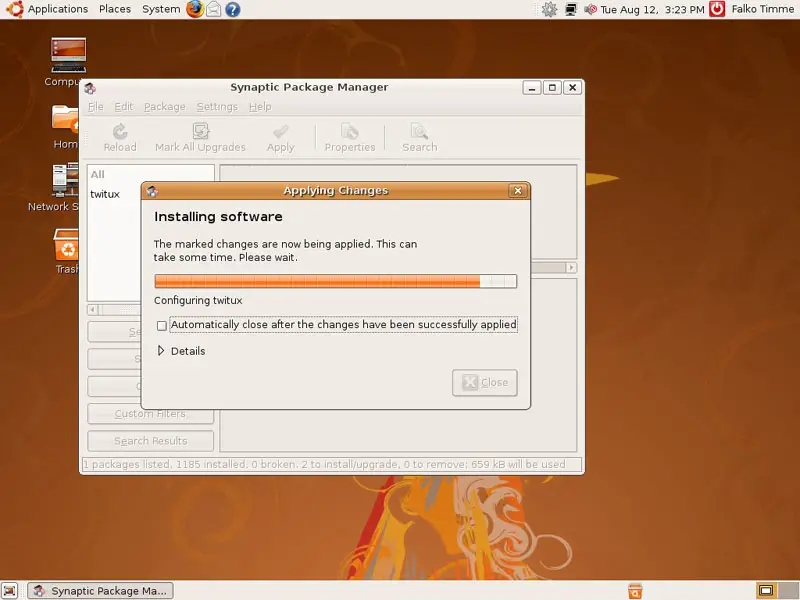
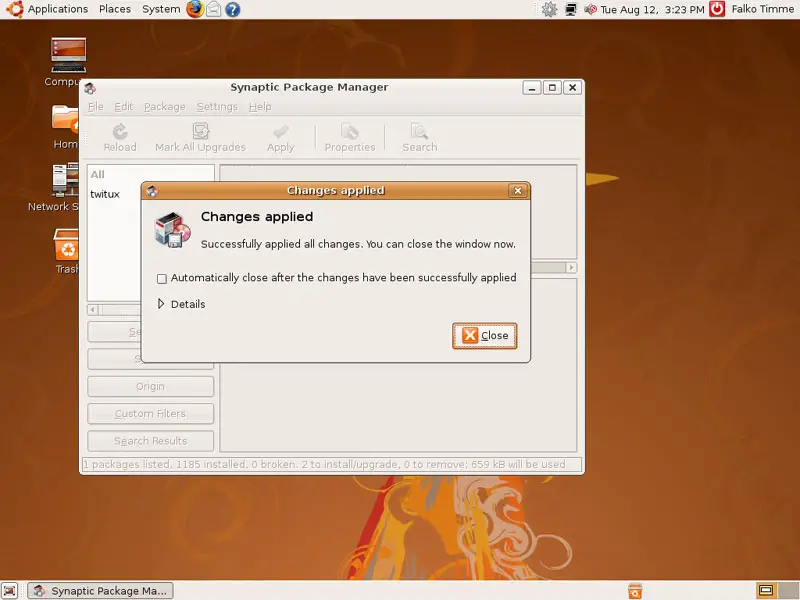
Click on Close afterwards and leave the Synaptic Package Manager:
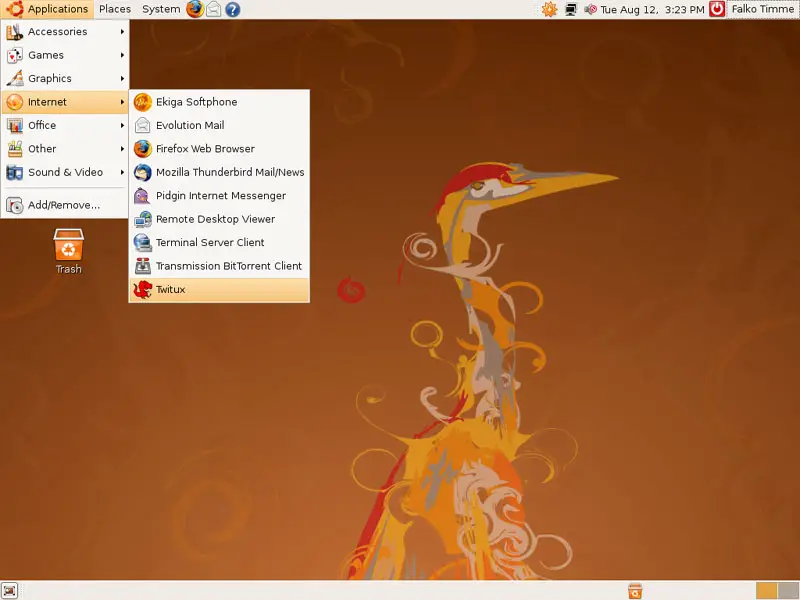
You can now launch Twitux by going to Applications > Internet > Twitux:
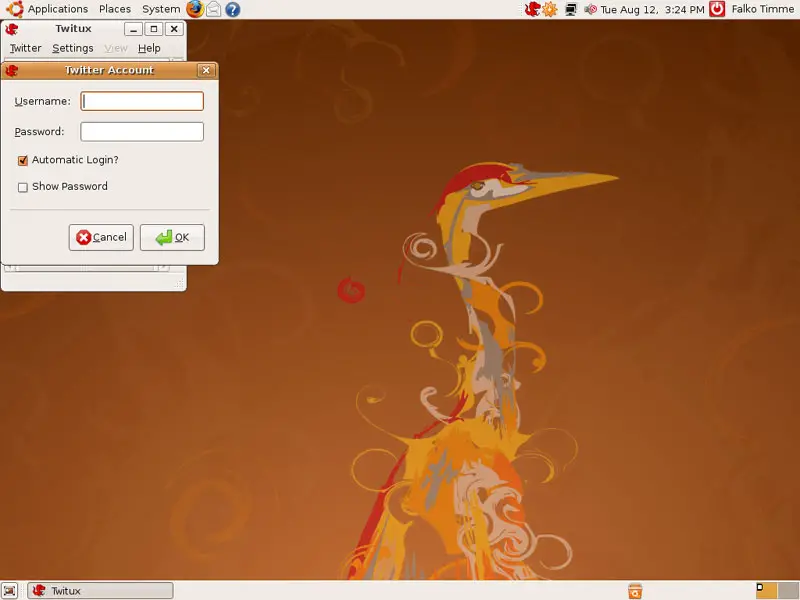
When you start Twitux for the first time, you are asked to fill in your Twitter username and password:
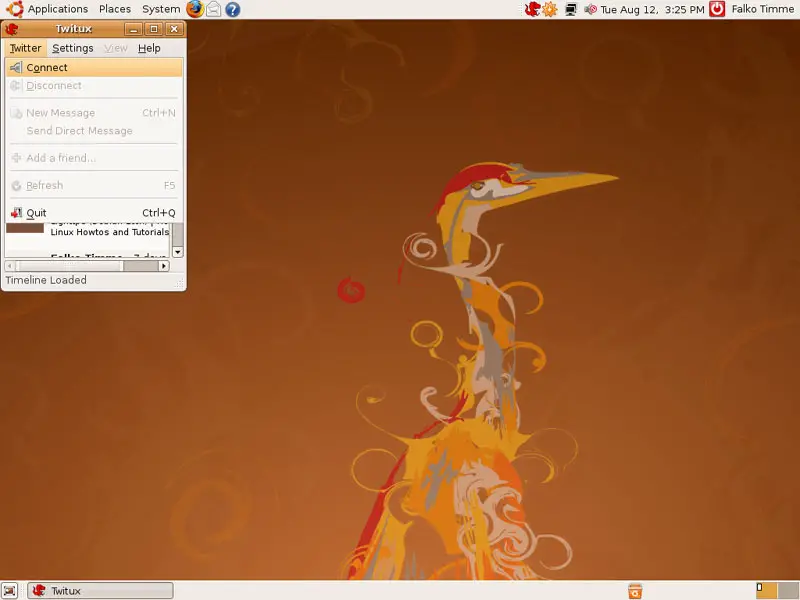
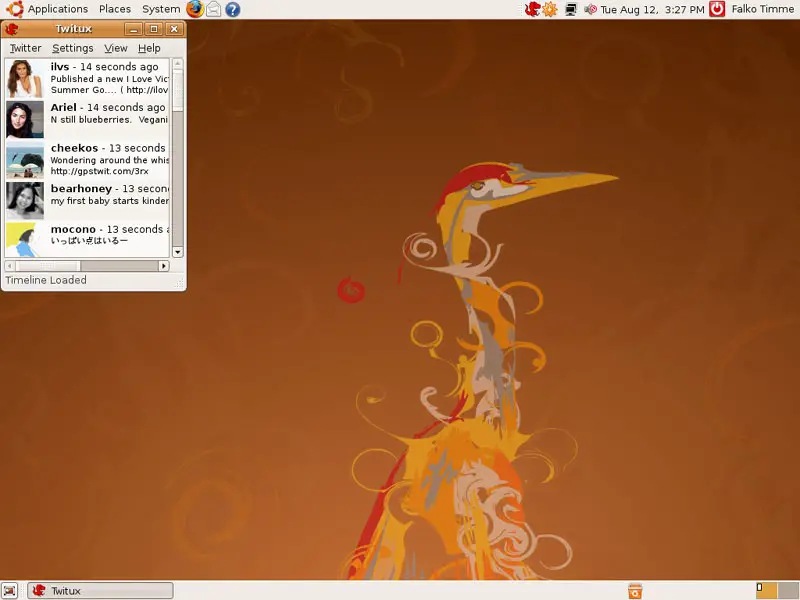
Afterwards, select Connect from the Twitter menu. Twitux will then connect to Twitter and display your latest Twitter contributions:
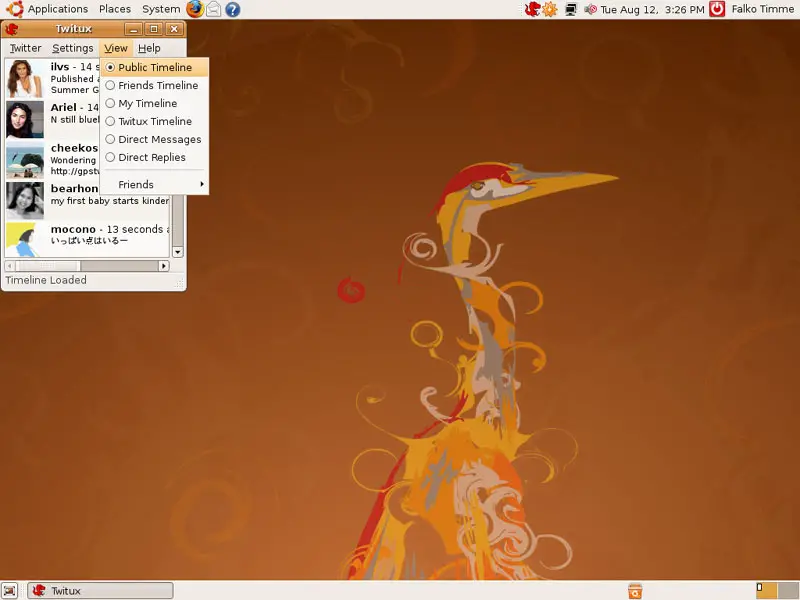
If you don't want to see your own Twitter contributions, but the latest public Twitter contributions, go to View and select Public Timeline:
To post a new message, go to Twitter > New Message...
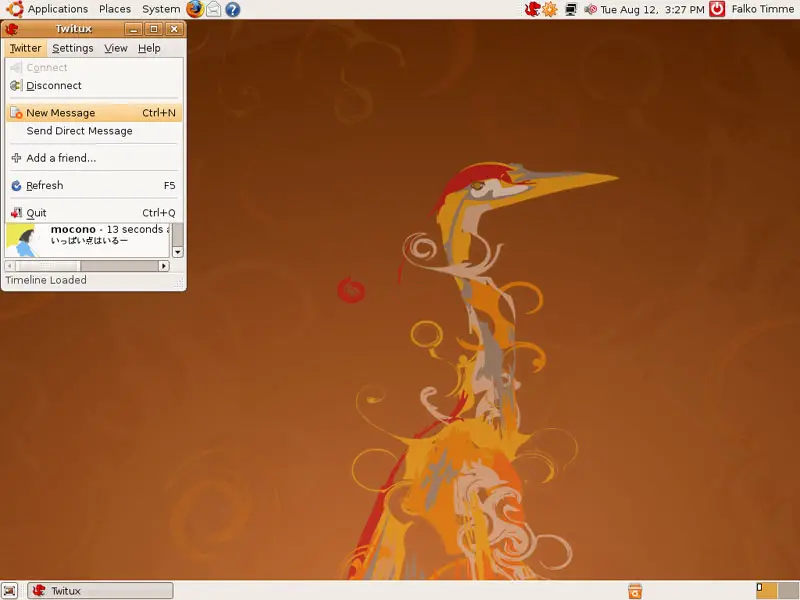
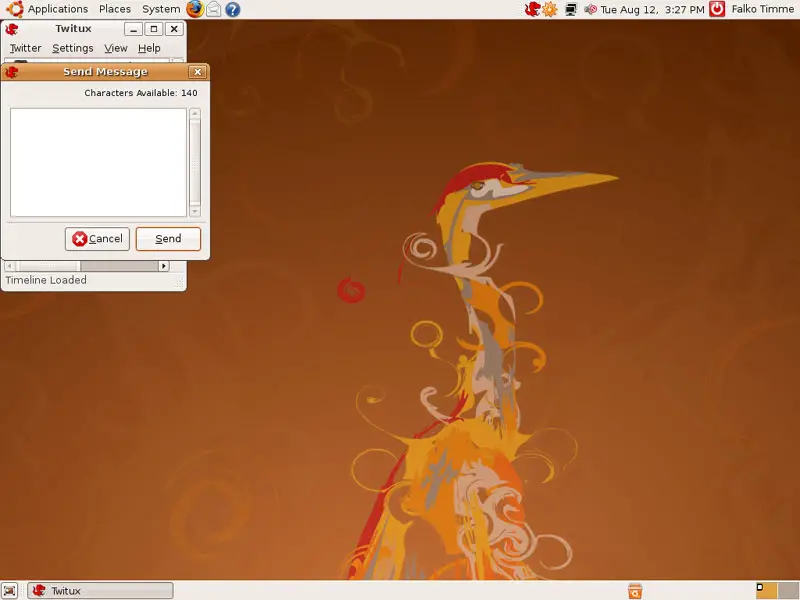
... type in your new message and click on the Send button: