
The Perfect Desktop - Ubuntu 7.10 "Gutsy Gibbon" - Page 4
This tutorial exists for these OS versions
- Ubuntu 14.10 (Utopic Unicorn)
- Ubuntu 13.10 (Saucy Salamander)
- Ubuntu 14.04 LTS (Trusty Tahr)
- Ubuntu 13.04 (Raring Ringtail)
- Ubuntu 12.10 (Quantal Quetzal)
- Ubuntu 12.04 LTS (Precise Pangolin)
On this page
5 Additional Software
I present you a little assortment of additional software to make the agony of choice easier for you. I don't recommend to install all this software - there is no point in installing three audio-players etc... Don't forget to deinstall an already installed software if you are going to install a replacement.
How to install or deinstall software is explained at step 4.
5.1 Medibuntu
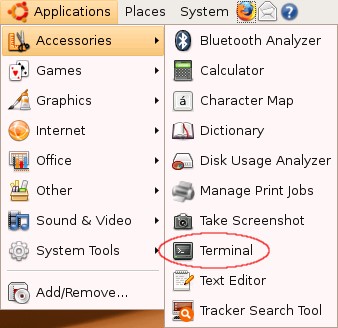
Some packages like the Adobe Reader are not available in the standard-repositories. The easiest way to make such packages available to your system is to add the medibuntu repository. If you want to add this repository open a terminal ...
... import the repository ...
sudo wget http://www.medibuntu.org/sources.list.d/gutsy.list -O /etc/apt/sources.list.d/medibuntu.list
... import the gpg-key and update your package-list.
wget -q http://packages.medibuntu.org/medibuntu-key.gpg -O- | sudo apt-key add - && sudo apt-get update
5.2 Recommended
5.2.1 Microsoft's TrueType Core Fonts
Some fonts, including Arial, Times New Roman and Verdana for example.
If you want to use these fonts, install the following package:
- msttcorefonts
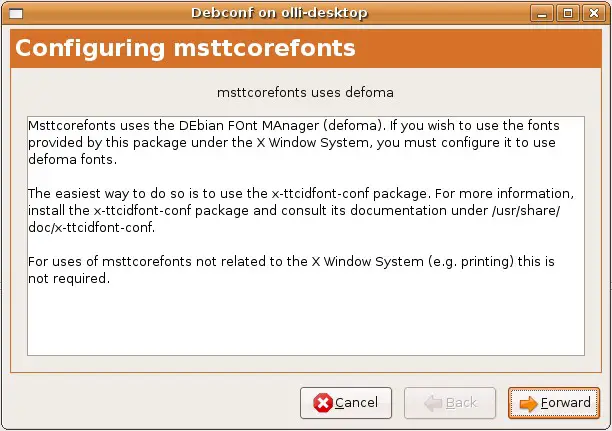
You will see this window during the setup. Simply click on "Forward".
5.2.2 W32codecs
Codecs needed to play MS video formats.
If you want to use these codecs, install the following package:
- w32codecs
Note: The medibuntu repository is required for this package.
5.2.3 Adobe Reader
Homepage: http://www.adobe.com/products/reader/
With the Adobe Reader you can open PDF-documents.
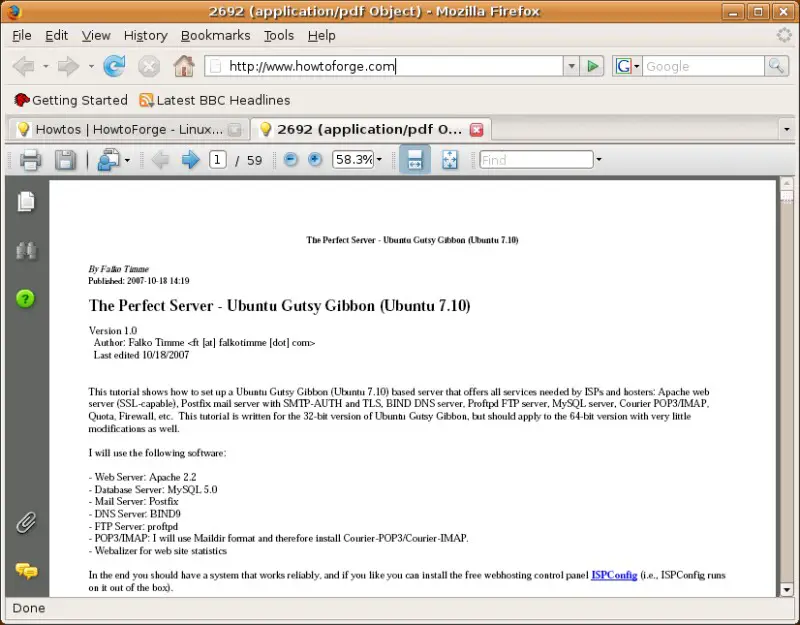
If you want to use the Adobe Reader, install the following packages:
- acroread
- acroread-plugins
- mozilla-acroread
Note: The medibuntu repository is required for this package.
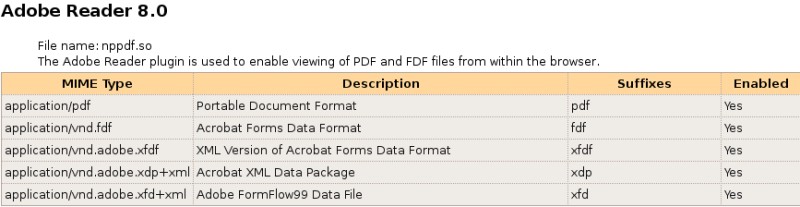
The plugin for firefox will be installed automatically. If you want to check it, open firefox and enter about:plugins into the url-field. Afterwards you should see this:
5.2.4 Adobe Flash Player
Homepage: http://www.adobe.com/products/flashplayer/
The Adobe Flash Player enables your browser to play embedded flash content.
If you want to use the Adobe Flash Player, install the following package:
- flashplugin-nonfree
The plugin for firefox will be installed automatically. If you want to check it, open firefox and enter about:plugins into the url-field. Afterwards you should see this:

5.2.5 Sun's JAVA
Homepage: http://www.java.com/en/download/manual.jsp
Sun's Java Runtime Environment adds full Java support to your system.
If you want to use Sun's Java Runtime Environment, install the following packages:
- sun-java6-jre
- sun-java6-bin
- sun-java6-plugin
- sun-java6-fonts
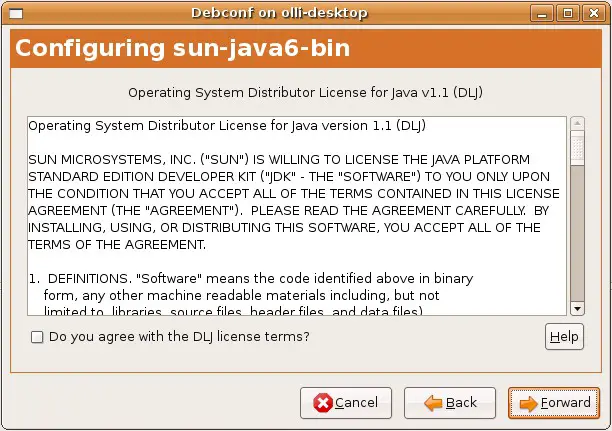
You will see this window during the setup. If you agree with the license terms, mark the corresponding checkbox and click on "Forward".
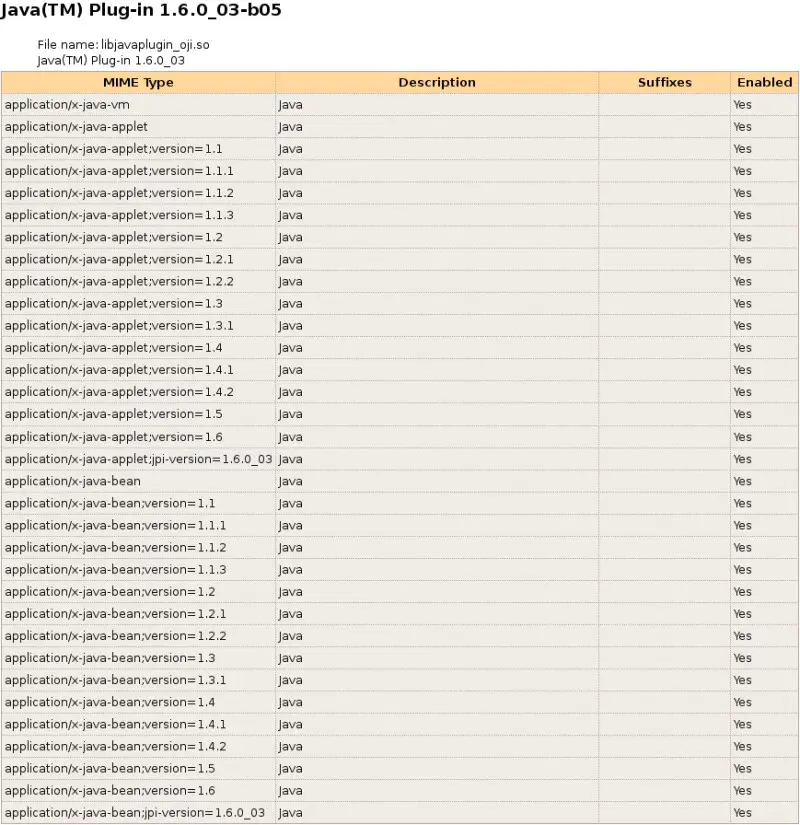
The plugin for firefox will be installed automatically. If you want to check it, open firefox and enter about:plugins into the url-field. Afterwards you should see this:
5.2.6 NTFS Configuration Tool (ntfs-config)
Homepage: http://flomertens.free.fr/ntfs-config/
With nfts-config you can enable or disable write capability for all your internal and/or external NTFS devices.
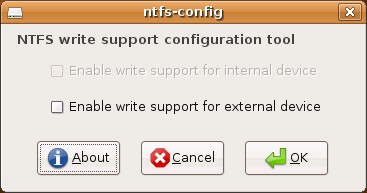
If you want to use ntfs-config, install the following package:
- ntfs-config





