The Perfect Desktop - Part 1: Fedora Core 6 - Page 8
This tutorial exists for these OS versions
On this page
15 Google Earth
To install Google Earth, open a terminal and become root:
su
Then run
cd /home/falko/Desktop
wget http://dl.google.com/earth/GE4/GoogleEarthLinux.bin
sh GoogleEarthLinux.bin
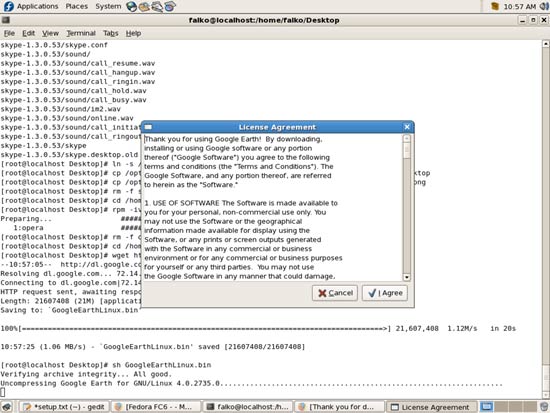
This will download Google Earth and start the installation. Before the installation starts, you must accept the license agreement, so click on I Agree:
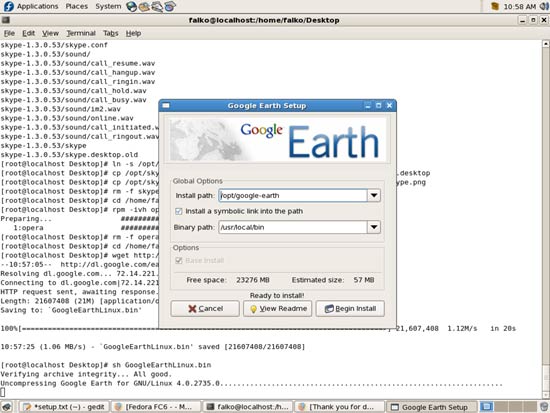
Accept all default settings and click on Begin Install:
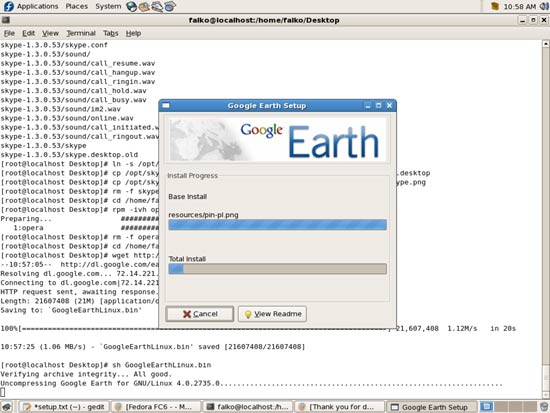
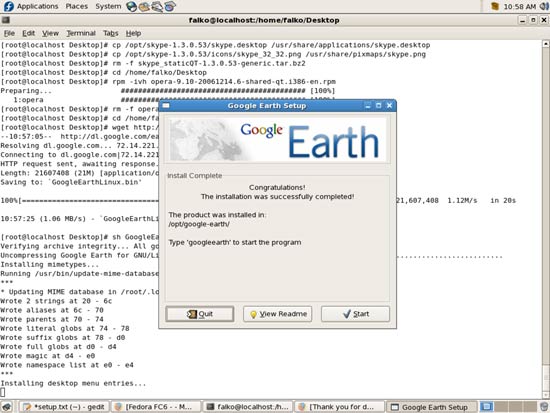
After the installation, you can click on Quit or on Start, if you want to start Google Earth now:
To create a Google Earth icon in our desktop menu, run
cp /opt/google-earth/googleearth.desktop /usr/share/applications/
rm -f GoogleEarthLinux.bin
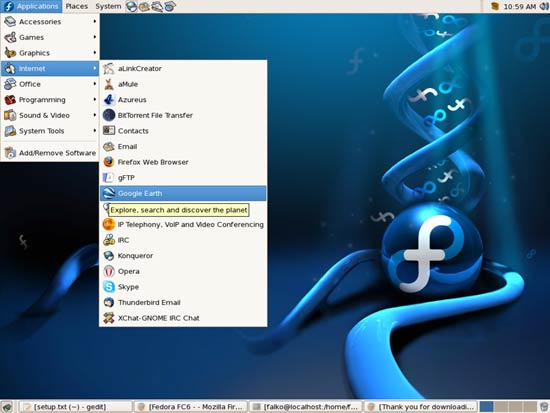
Google Earth can be found under Applications > Internet:
16 Google Picasa
To install Google Picasa, open a terminal and become root:
su
Then run
cd /home/falko/Desktop
wget http://dl.google.com/linux/rpm/stable/i386/picasa-2.2.2820-5.i386.rpm
rpm -ivh picasa-2.2.2820-5.i386.rpm
rm -f picasa-2.2.2820-5.i386.rpm
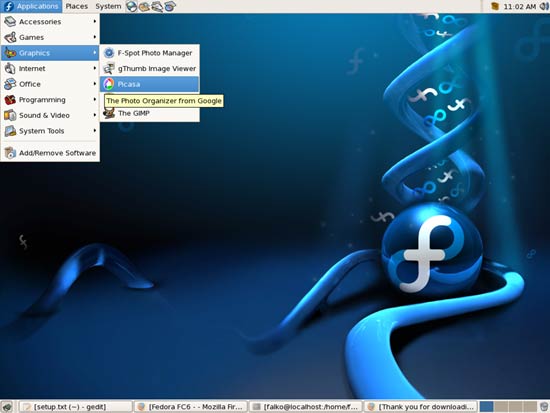
Afterwards you can find Picasa under Applications > Graphics: