The Perfect Desktop - OpenSUSE 11 (GNOME) - Page 3
This tutorial exists for these OS versions
On this page
5 Inventory Of What We Have So Far
Now let's browse all menus under Computer > More Applications... to see which of our needed applications are already installed:
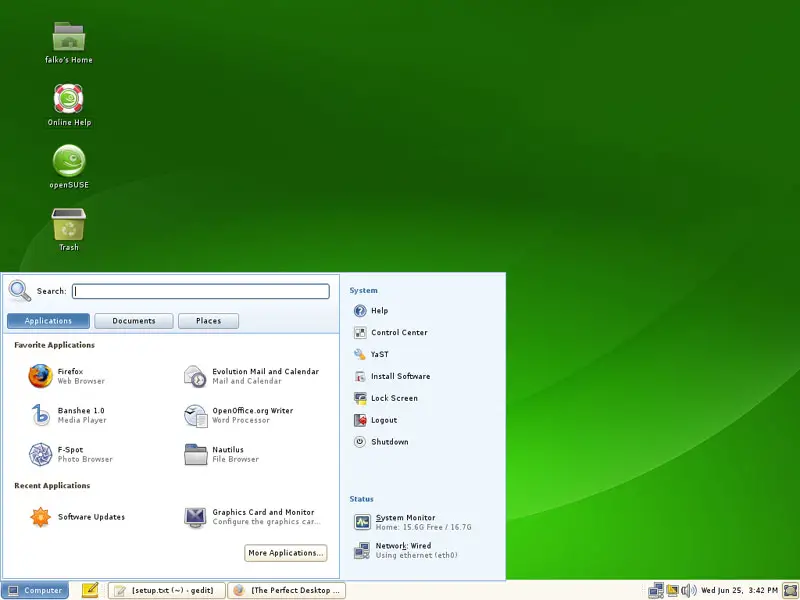
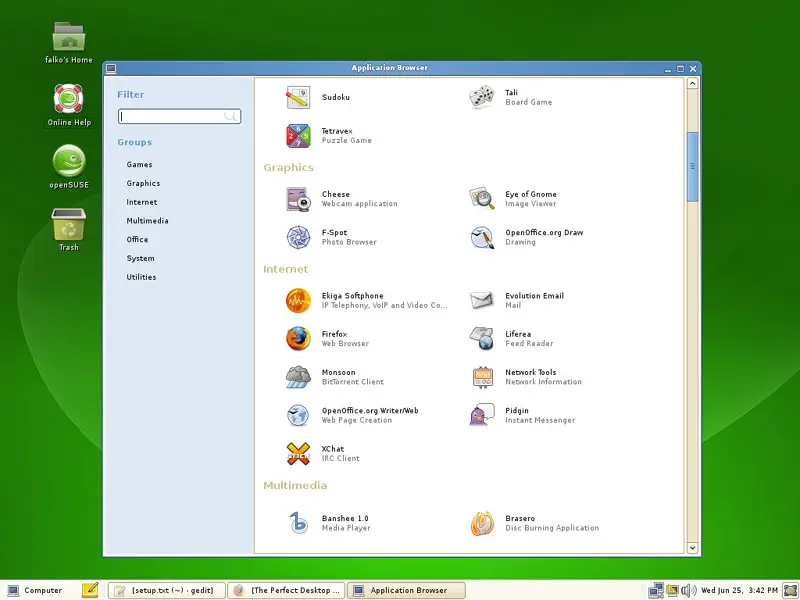
You should find the following situation ([x] marks an application that is already installed, where [ ] is an application that is missing) (read-/write-support for NTFS partitions is enabled by default in OpenSUSE 11 - you can test this by plugging in an external NTFS drive and try to write to it):
Graphics:
[ ] Gimp
[x] F-Spot
[ ] Picasa
Internet:
[x] Firefox
[ ] Opera
[ ] Flash Player
[ ] Filezilla
[ ] Thunderbird
[x] Evolution
[ ] aMule
[ ] Azureus
[x] Monsoon
[x] Pidgin
[ ] Skype
[ ] Google Earth
[x] Xchat IRC
Office:
[x] OpenOffice Writer
[x] OpenOffice Calc
[ ] Adobe Reader
[ ] GnuCash
[ ] Scribus
Sound & Video:
[ ] Amarok
[ ] Audacity
[x] Banshee
[ ] MPlayer
[ ] Rhythmbox Music Player
[ ] gtkPod
[ ] XMMS
[ ] dvd::rip
[ ] Sound Juicer CD Extractor
[ ] VLC Media Player
[ ] Real Player
[x] Totem
[ ] Xine
[x] Brasero
[ ] K3B
[ ] Multimedia-Codecs
Programming:
[ ] Bluefish
[ ] NVU
[ ] Quanta Plus
Other:
[ ] VMware Server
[ ] TrueType Fonts
[ ] Java
[x] Read/Write Support for NTFS Partitions
So some applications are already on the system...
6 Configure Online Software Repositories
Now we configure the online software repositories that our OpenSUSE 11 system will use to install further software. Go to Computer > YaST:
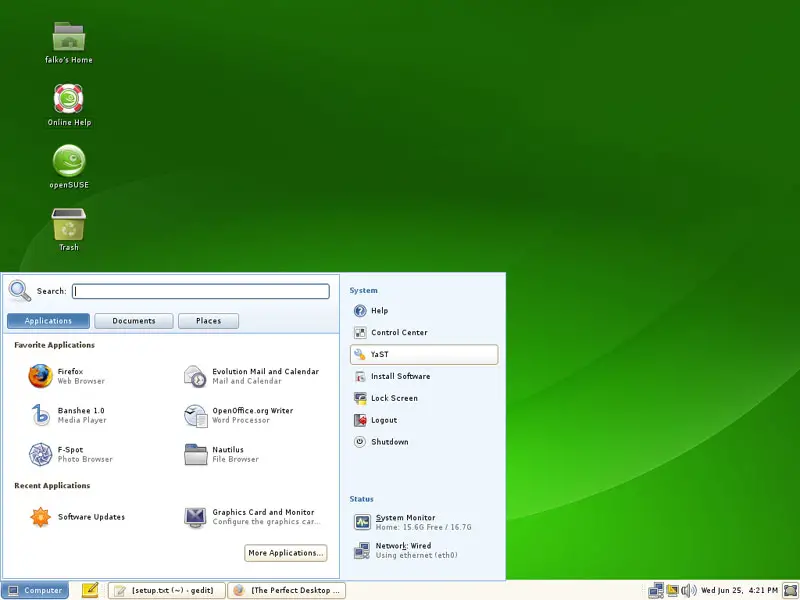
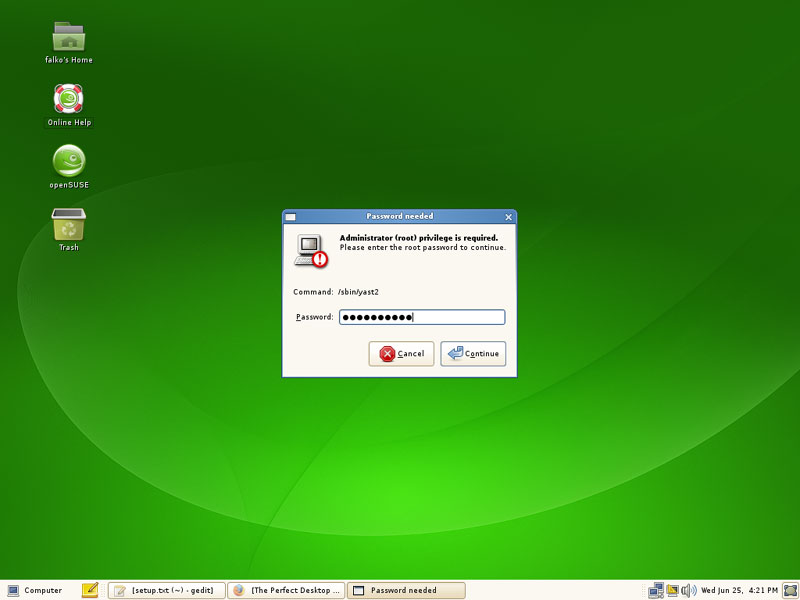
You will have to type in the root password:
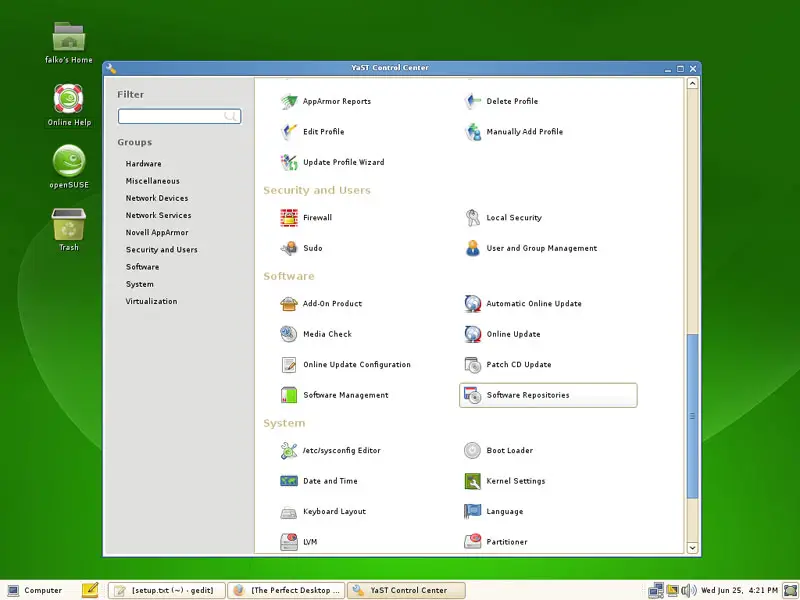
In YaST, select Software Repositories:
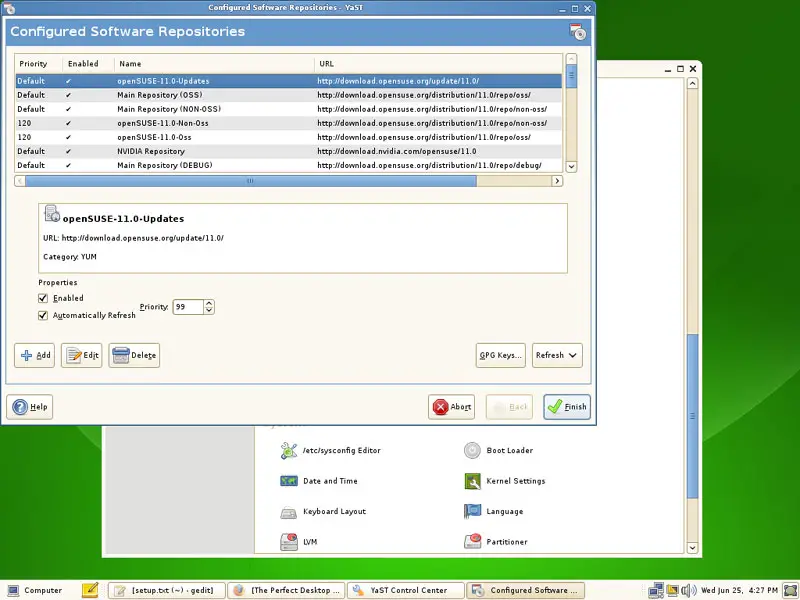
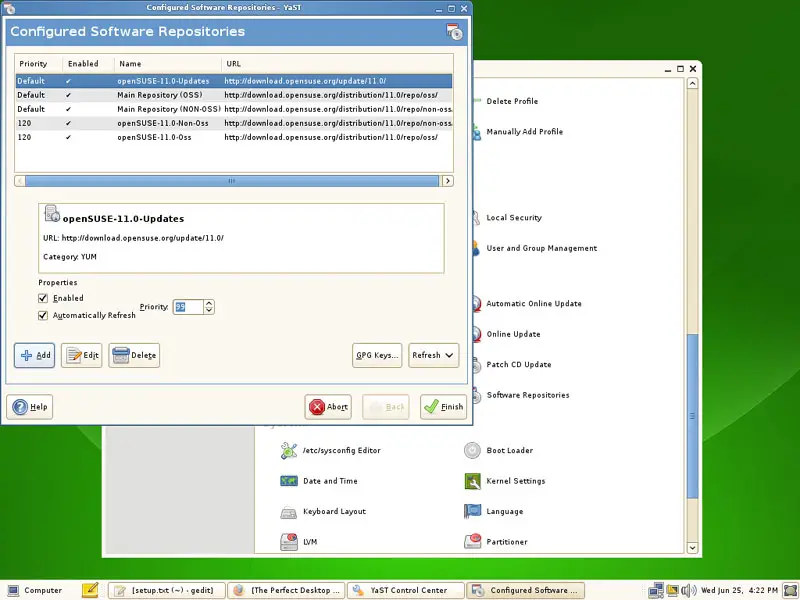
The Configured Software Repositories window opens. Click on the Add button:
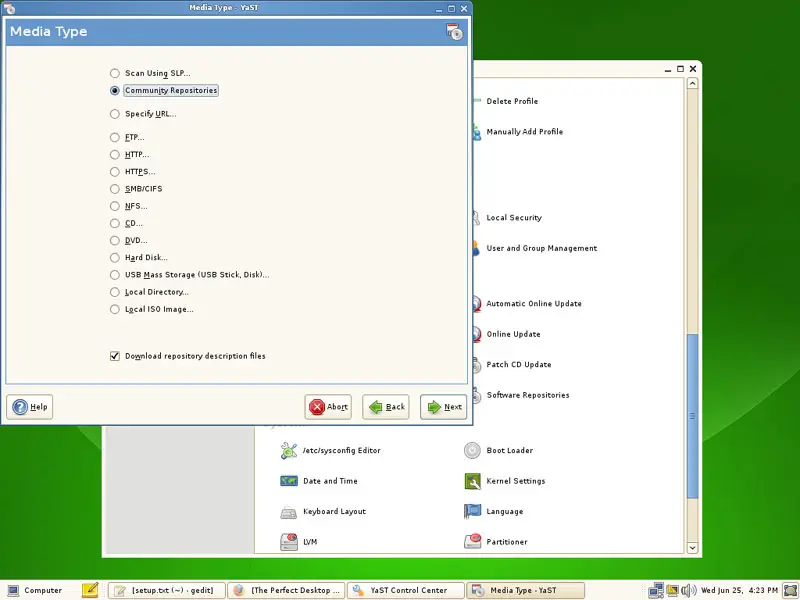
Select Community Repositories:
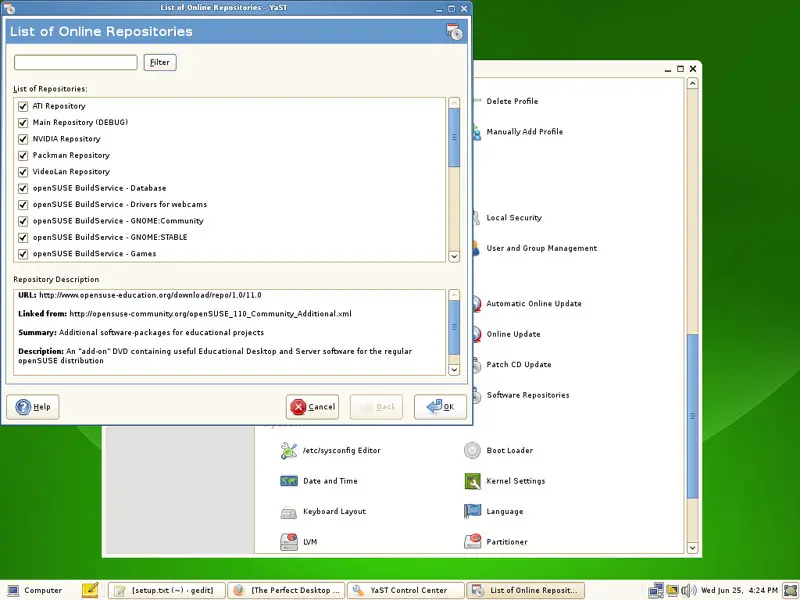
You will get a list of predefined online repositories. Select them all to make sure your system can install all available OpenSUSE 11 packages if they are needed. Click on OK afterwards:
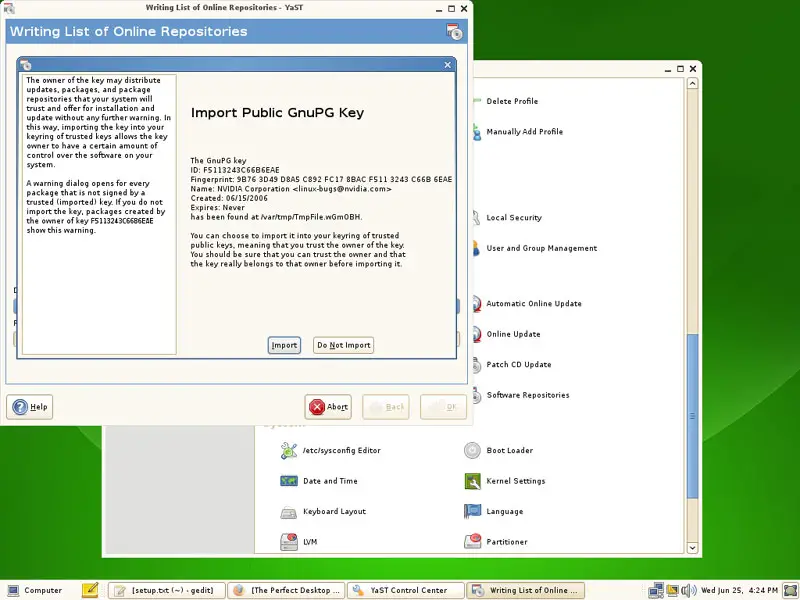
Now the lists of available packages are being downloaded from the repositories. It's possible that your system doesn't know the public keys of all repositories, so if you see a message like this, you can click on the Import button:
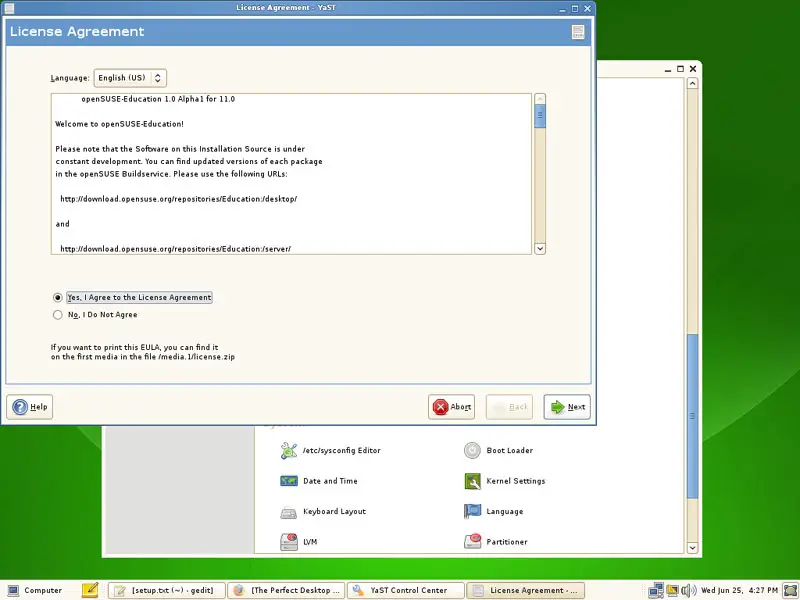
You might as well have to accept a few licenses:
Click on Finish afterwards to leave the Configured Software Repositories window: