
The Perfect Desktop - Fedora 11 (GNOME) - Page 5
This tutorial exists for these OS versions
On this page
15 Google Earth
To install Google Earth, open a terminal and become root:
su
Then run
cd /home/falko/Download
wget http://dl.google.com/earth/client/current/GoogleEarthLinux.bin
sh GoogleEarthLinux.bin
This will download Google Earth and start the installation. Click on Begin Install:
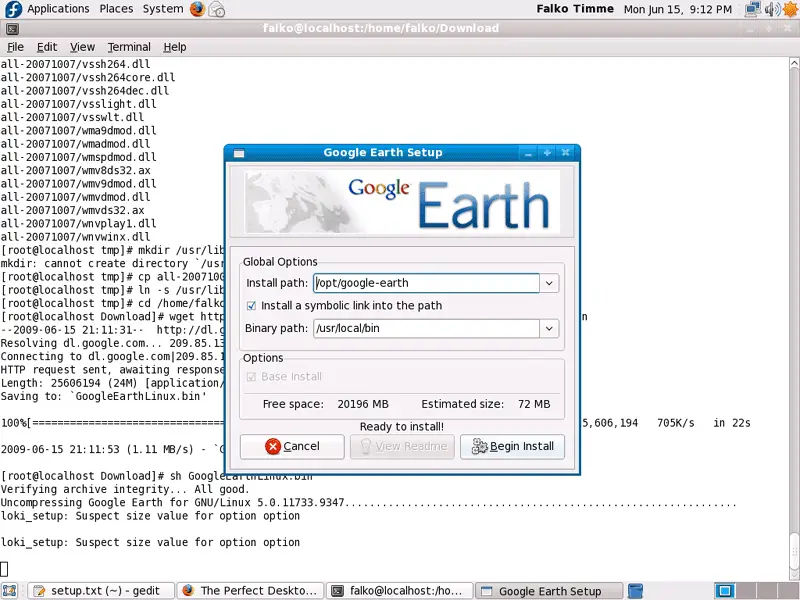
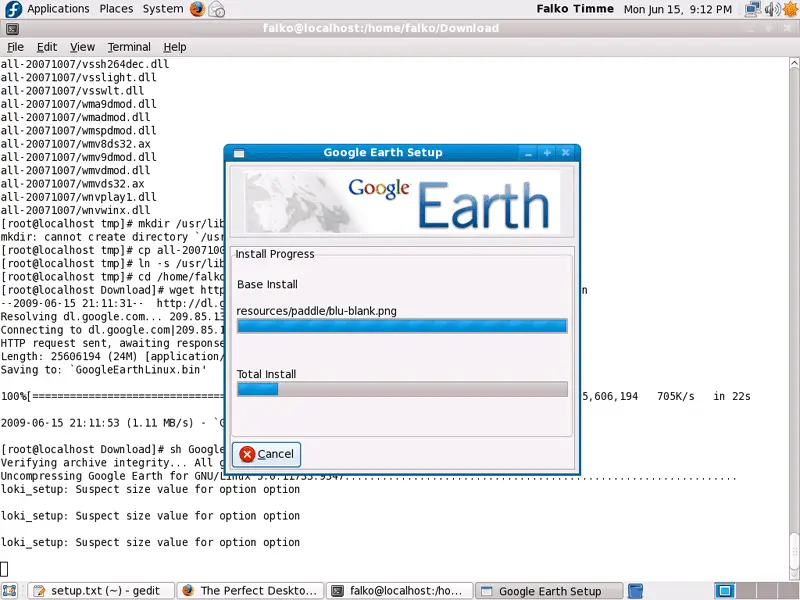
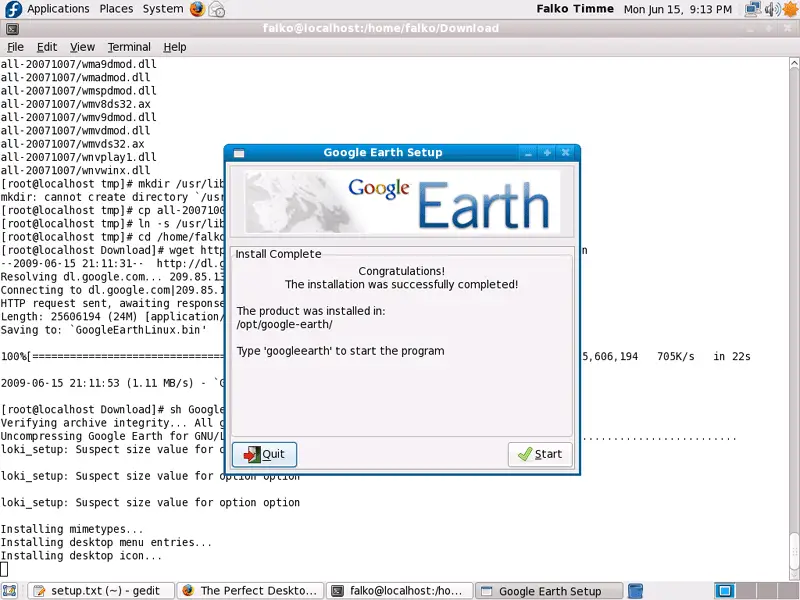
After the installation, you can click on Quit or on Start, if you want to start Google Earth now:
Afterwards, we delete the Google Earth installer:
rm -f GoogleEarthLinux.bin
16 Google Picasa
Open Firefox and go to http://picasa.google.com/linux/download.html#picasa30. Click on the rpm, for Red Hat/Fedora/Suse/Mandriva i386 or x86_64 link (http://dl.google.com/linux/rpm/testing/i386/picasa-3.0-current.i386.rpm) and select Open with Package Installer (default) in the Firefox download dialogue:
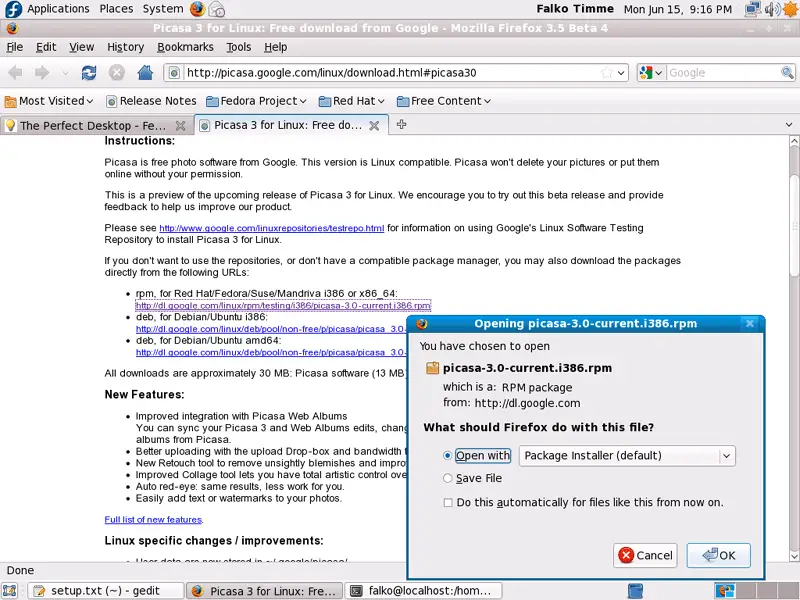
The Package Installer will then come up and guide you through the installation.
17 Kompozer
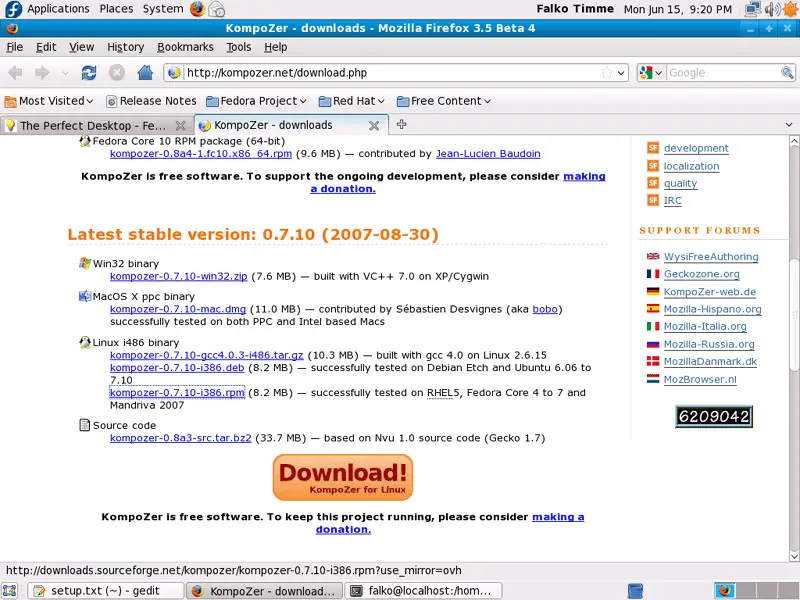
Go to http://kompozer.net/download.php and click on the kompozer-0.7.10-i386.rpm link:
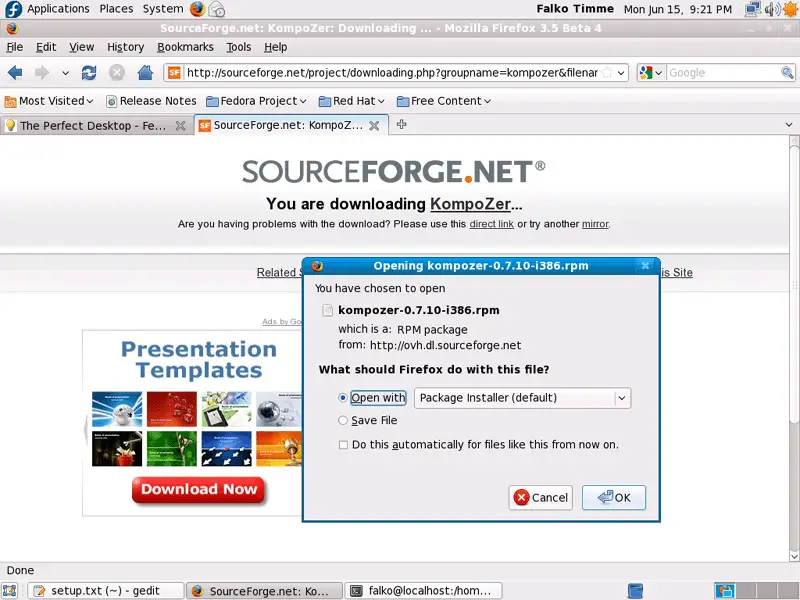
This will bring you to SourceForge, and after a few seconds the Firefox download dialogue should pop up (if it does not, click on direct link) where you select Open with Package Installer (default), as usual:
18 Inventory (III)
We have now all wanted applications installed:
Graphics:
[x] Gimp
[x] F-Spot
[x] Picasa
Internet:
[x] Firefox
[x] Opera
[x] Flash Player
[x] FileZilla
[x] Thunderbird
[x] Evolution
[x] aMule
[x] Azureus/Vuze
[x] Transmission BitTorrent Client
[x] Pidgin
[x] Skype
[x] Google Earth
[x] Xchat IRC
Office:
[x] OpenOffice Writer
[x] OpenOffice Calc
[x] Adobe Reader
[x] GnuCash
[x] Scribus
Sound & Video:
[x] Amarok
[x] Audacity
[x] Banshee
[x] MPlayer
[x] Rhythmbox Music Player
[x] gtkPod
[x] XMMS
[x] dvd::rip
[x] Kino
[x] Sound Juicer CD Extractor
[x] VLC Media Player
[x] Real Player
[x] Totem
[x] Xine
[x] Brasero
[x] K3B
[x] Multimedia-Codecs
Programming:
[x] Kompozer
[x] Bluefish
[x] Quanta Plus
Other:
[x] VirtualBox
[x] TrueType Fonts
[x] Java
[x] Read/Write Support for NTFS Partitions
19 Links
- Fedora: http://fedoraproject.org





