
The Perfect Desktop - Fedora 11 (GNOME) - Page 4
This tutorial exists for these OS versions
On this page
10 TrueType Fonts
To install Windows TrueType fonts, open a terminal and become root again:
su
Then run:
cd /tmp/
wget http://corefonts.sourceforge.net/msttcorefonts-2.0-1.spec
yum -y install rpm-build cabextract ttmkfdir
rpmbuild -bb msttcorefonts-2.0-1.spec
rpm -ivh /root/rpmbuild/RPMS/noarch/msttcorefonts-2.0-1.noarch.rpm --nodeps
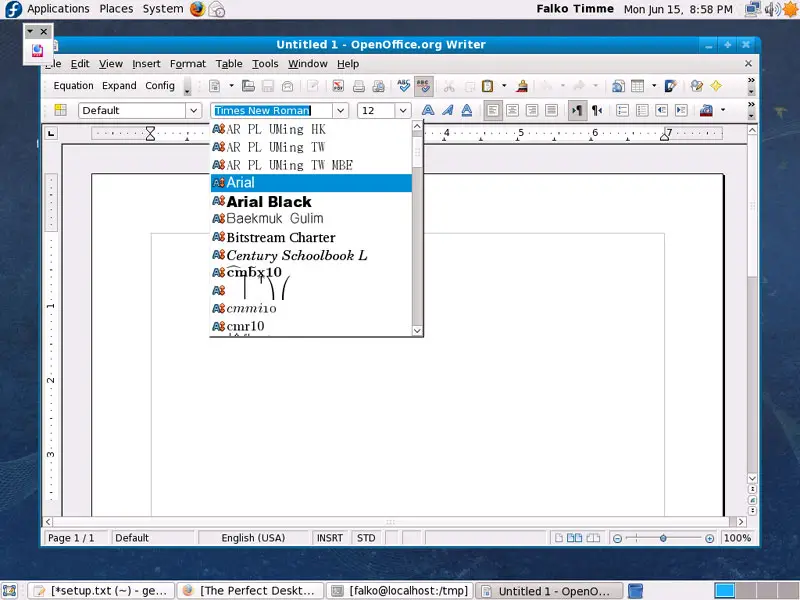
To check if the TrueType fonts have been installed correctly, open a word processor like OpenOffice. You should now find your new Windows fonts there:
11 libdvdcss2
To install libdvdcss2, open a terminal again, become root...
su
... and run the following command:
rpm -ivh http://dl.atrpms.net/all/libdvdcss2-1.2.10-5.fc11.i586.rpm
12 Win32-Codecs
To install Win32-codecs, open a terminal again, become root...
su
... and run the following commands:
cd /tmp/
wget http://www.mplayerhq.hu/MPlayer/releases/codecs/all-20071007.tar.bz2
tar xfvj all-20071007.tar.bz2
mkdir /usr/lib/codecs/
cp all-20071007/* /usr/lib/codecs/
ln -s /usr/lib/codecs/ /usr/lib/win32
13 RealPlayer
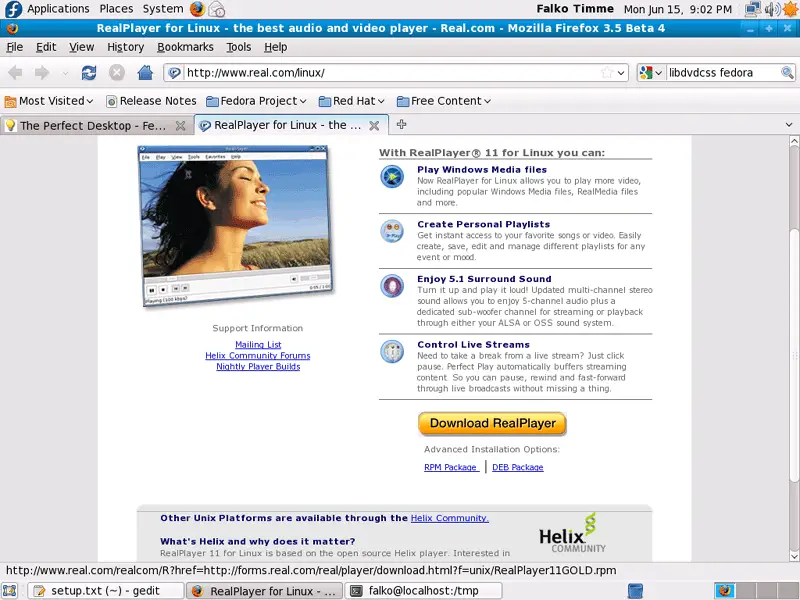
To install RealPlayer, visit http://www.real.com/linux/ in Firefox and download the RPM package (don't hit the big yellow Download RealPlayer button, but use the small link RPM Package below it instead):
Select Open with Package Installer (default) in the Firefox download dialogue:
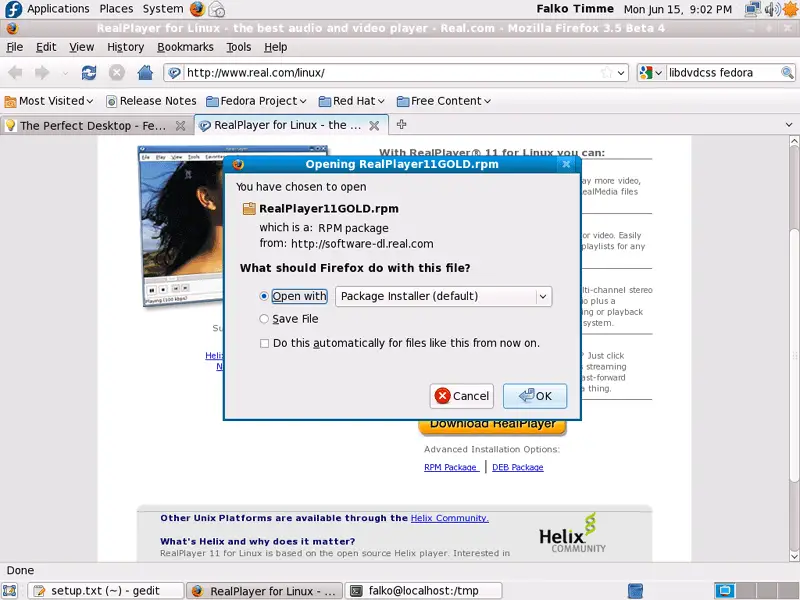
The Package Installer will then come up and guide you through the installation.
14 Opera
Go to http://www.opera.com/download/ in your browser and select Fedora as distribution, then Fedora 7, 8, 9, 10. Click on the Download Opera button...
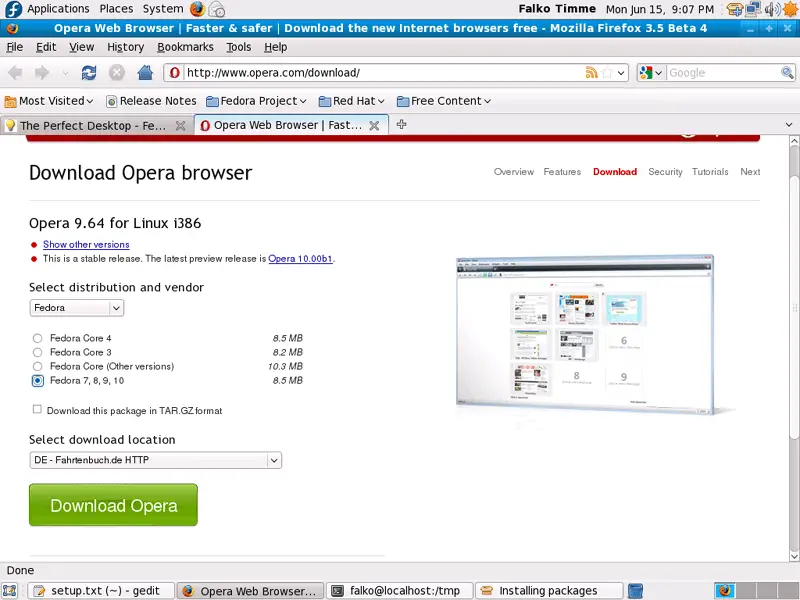
... and select Open with Package Installer (default):
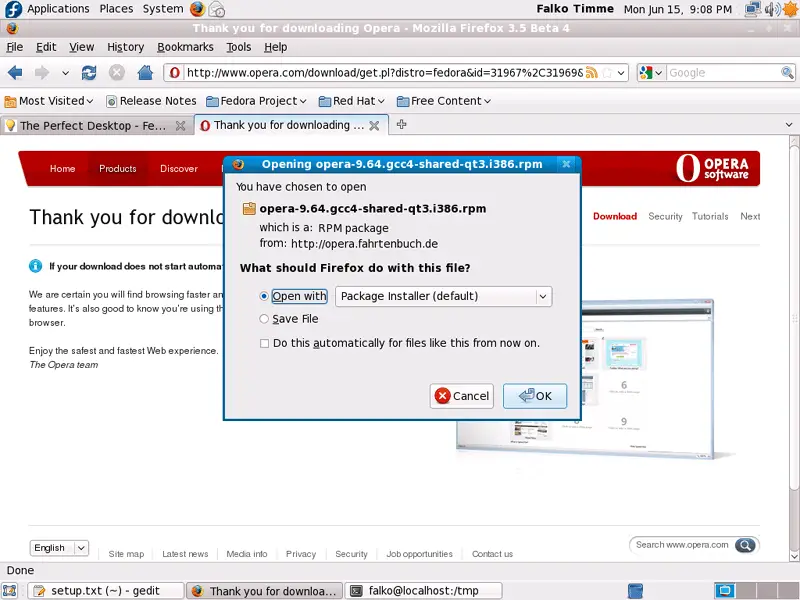
The Package Installer will then come up and guide you through the installation.





