Running SugarCRM Community Edition On Nginx (LEMP) on Debian Squeeze/Ubuntu 11.04
Version 1.0
Author: Falko Timme  Follow me on Twitter
SugarCRM is a webbased CRM solution written in PHP. SugarCRM is available in different flavours called "Editions" ("Community" (free), "Professional", and "Enterprise"). For a detailed overview of the different editions, have a look at the SugarCRM website. In this tutorial I will describe the installation of the free Community Edition on a Debian Squeeze or Ubuntu 11.04 system that has nginx installed instead of Apache (LEMP = Linux + nginx (pronounced "engine x") + MySQL + PHP). With the modules My Portal, Calendar, Activities, Contacts, Accounts, Leads, Opportunities, Cases, Bugtracker, Documents and Email, SugarCRM Community Edition offers everything that can be expected from a CRM solution.
I do not issue any guarantee that this will work for you!
1 Preliminary Note
I want to install SugarCRM in a vhost called www.example.com/example.com here with the document root /var/www/www.example.com/web.
You should have a working LEMP installation, as shown in these tutorials:
- Installing Nginx With PHP5 And MySQL Support On Debian Squeeze
- Installing Nginx With PHP5 (And PHP-FPM) And MySQL Support On Ubuntu 11.04
A note for Ubuntu users:
Because we must run all the steps from this tutorial with root privileges, we can either prepend all commands in this tutorial with the string sudo, or we become root right now by typing
sudo su
2 Installing APC
APC is a free and open PHP opcode cacher for caching and optimizing PHP intermediate code. It's similar to other PHP opcode cachers, such as eAccelerator and XCache. It is strongly recommended to have one of these installed to speed up your PHP page.
APC can be installed as follows:
apt-get install php-apc
Afterwards we need to check two settings in our php.ini. If you use PHP-FPM as your FastCGI daemon (like in Installing Nginx With PHP5 (And PHP-FPM) And MySQL Support On Ubuntu 11.04), your php.ini is /etc/php5/fpm/php.ini:
vi /etc/php5/fpm/php.ini
Make sure that the memory_limit is at least 64M and set the upload_max_filesize to 20M:
[...] memory_limit = 128M ; Maximum amount of memory a script may consume (128MB) [...] ; Maximum allowed size for uploaded files. ; http://php.net/upload-max-filesize upload_max_filesize = 20M [...] |
Restart PHP-FPM as follows:
/etc/init.d/php5-fpm restart
If you use lighttpd's spawn-fcgi program as your FastCGI daemon (like in Installing Nginx With PHP5 And MySQL Support On Debian Squeeze), your php.ini is /etc/php5/cgi/php.ini:
vi /etc/php5/cgi/php.ini
[...] memory_limit = 128M ; Maximum amount of memory a script may consume (128MB) [...] ; Maximum allowed size for uploaded files. ; http://php.net/upload-max-filesize upload_max_filesize = 20M [...] |
We must kill the current spawn-fcgi process (running on port 9000) and create a new one. Run
netstat -tap
to find out the PID of the current spawn-fcgi process:
root@server1:~# netstat -tap
Active Internet connections (servers and established)
Proto Recv-Q Send-Q Local Address           Foreign Address         State       PID/Program name
tcp        0      0 *:sunrpc                *:*                     LISTEN      734/portmap
tcp        0      0 *:www                   *:*                     LISTEN      2987/nginx
tcp        0      0 *:ssh                   *:*                     LISTEN      1531/sshd
tcp        0      0 *:57174                 *:*                     LISTEN      748/rpc.statd
tcp        0      0 localhost.localdom:smtp *:*                     LISTEN      1507/exim4
tcp        0      0 localhost.localdom:9000 *:*                     LISTEN      1542/php5-cgi
tcp        0      0 localhost.localdo:mysql *:*                     LISTEN      1168/mysqld
tcp        0     52 server1.example.com:ssh 192.168.0.198:2462      ESTABLISHED 1557/0
tcp6       0      0 [::]:www                [::]:*                  LISTEN      2987/nginx
tcp6       0      0 [::]:ssh                [::]:*                  LISTEN      1531/sshd
tcp6       0      0 ip6-localhost:smtp      [::]:*                  LISTEN      1507/exim4
root@server1:~#
In the above output, the PID is 1542, so we can kill the current process as follows:
kill -9 1542
Afterwards we create a new spawn-fcgi process:
/usr/bin/spawn-fcgi -a 127.0.0.1 -p 9000 -u www-data -g www-data -f /usr/bin/php5-cgi -P /var/run/fastcgi-php.pid
3 Installing SugarCRM
The document root of my www.example.com web site is /var/www/www.example.com/web - if it doesn't exist, create it as follows:
mkdir -p /var/www/www.example.com/web
Install unzip to be able to unpack the SugarCRM package:
apt-get install unzip
You can download SugarCRM Community Edition from http://www.sugarforge.org/frs/?group_id=6 or http://www.sugarcrm.com/crm/download/sugar-suite.html. Pick the latest .zip file (version 6.3.0RC1 at the time of this wrinting) and place it in your document root:
cd /tmp
wget http://www.sugarforge.org/frs/download.php/8516/SugarCE-6.3.0RC1.zip
unzip SugarCE-6.3.0RC1.zip
cd SugarCE-Full-6.3.0RC1/
mv * /var/www/www.example.com/web/
It is recommended to make the document root and the SugarCRM files in it writable by the nginx daemon (otherwise SugarCRM cannot write configuration files) which is running as user www-data and group www-data:
chown -R www-data:www-data /var/www/www.example.com/web
Next we create an nginx vhost configuration for our www.example.com vhost in the /etc/nginx/sites-available/ directory as follows:
vi /etc/nginx/sites-available/www.example.com.vhost
server {
       listen 80;
       server_name www.example.com example.com;
       root /var/www/www.example.com/web;
       if ($http_host != "www.example.com") {
                 rewrite ^ http://www.example.com$request_uri permanent;
       }
       index index.php index.html;
       location = /favicon.ico {
                log_not_found off;
                access_log off;
       }
       location = /robots.txt {
                allow all;
                log_not_found off;
                access_log off;
       }
       # Deny all attempts to access hidden files such as .htaccess, .htpasswd, .DS_Store (Mac).
       location ~ /\. {
                deny all;
                access_log off;
                log_not_found off;
       }
       location / {
                try_files $uri $uri/ /index.php?$args;
       }
       # Add trailing slash to */wp-admin requests.
       rewrite /wp-admin$ $scheme://$host$uri/ permanent;
       location ~*  \.(jpg|jpeg|png|gif|css|js|ico)$ {
                expires max;
                log_not_found off;
       }
       location ~ \.php$ {
                try_files $uri =404;
                include /etc/nginx/fastcgi_params;
                fastcgi_pass 127.0.0.1:9000;
                fastcgi_param SCRIPT_FILENAME $document_root$fastcgi_script_name;
       }
}
|
To enable that vhost, we create a symlink to it from the /etc/nginx/sites-enabled/ directory:
cd /etc/nginx/sites-enabled/
ln -s /etc/nginx/sites-available/www.example.com.vhost www.example.com.vhost
Reload nginx for the changes to take effect:
/etc/init.d/nginx reload
Start the webbased SugarCRM installer by opening the URL http://www.example.com in your browser.
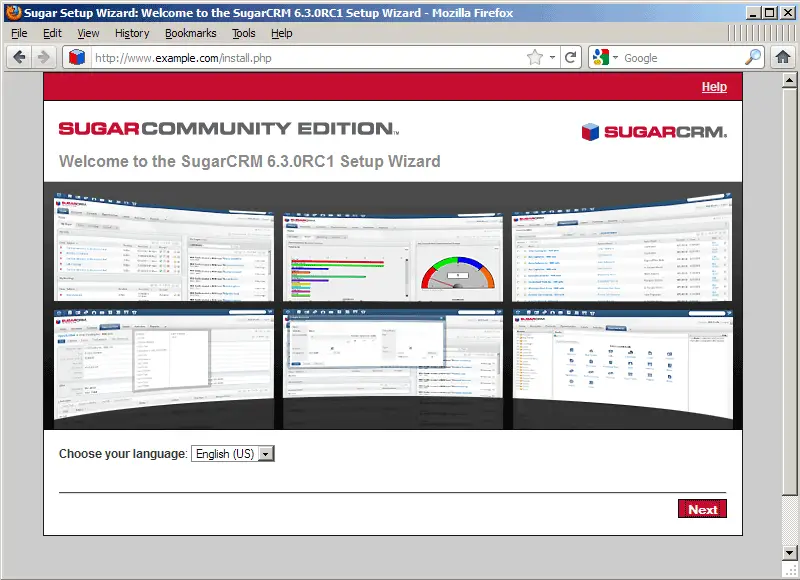
The SugarCRM setup wizard comes up - click on Next:
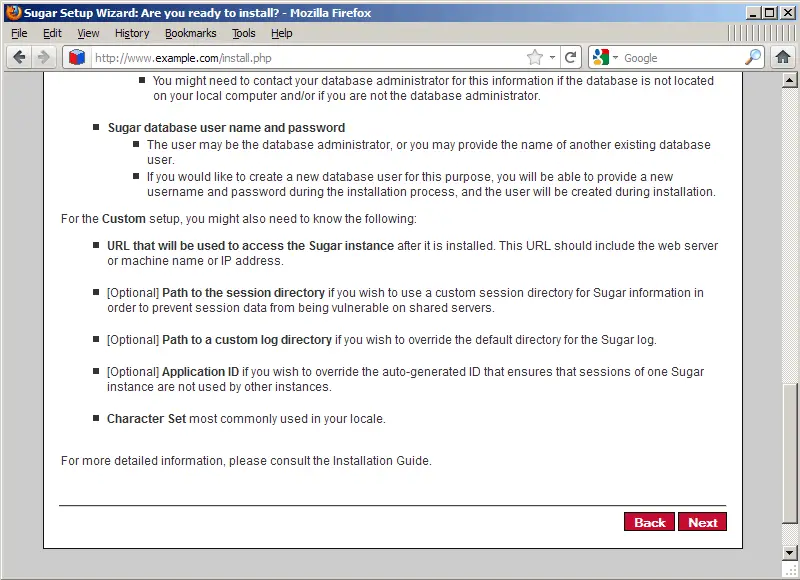
On the next page, scroll down and click on the Next button:
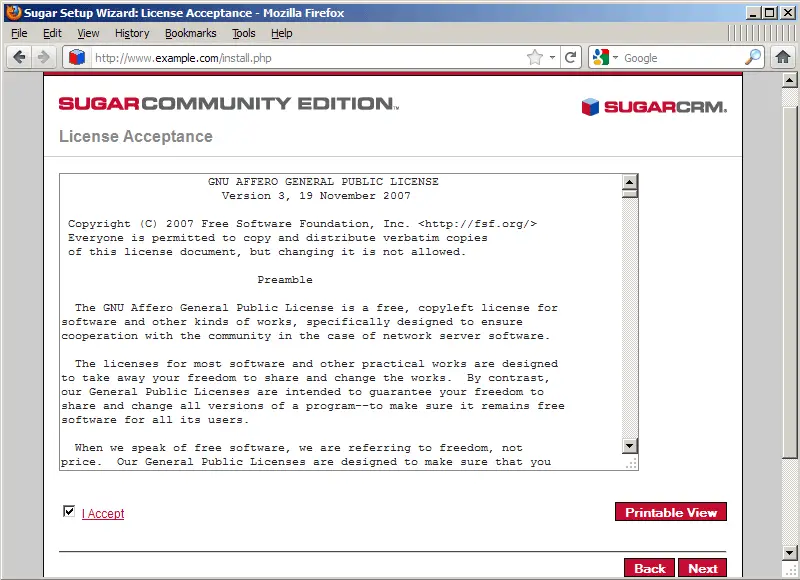
Accept the license (GNU Affero General Public License) and click on Next:
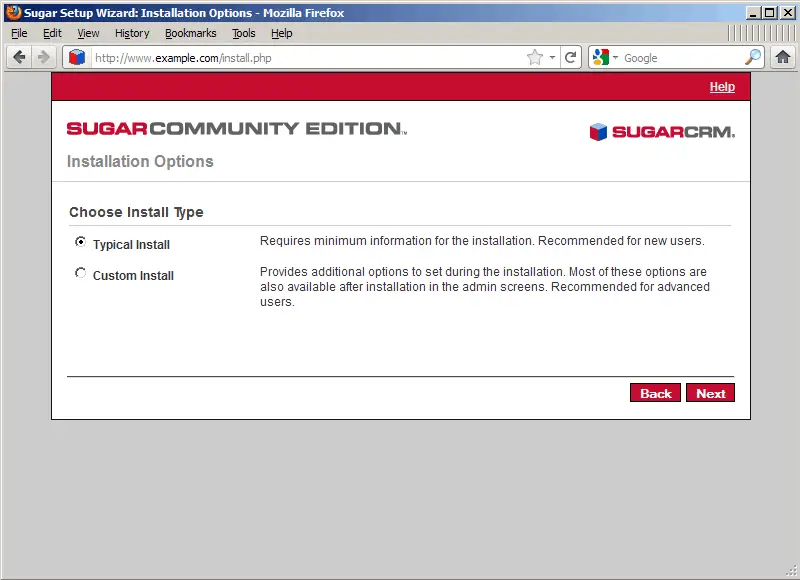
Select Typical Install and click on Next:
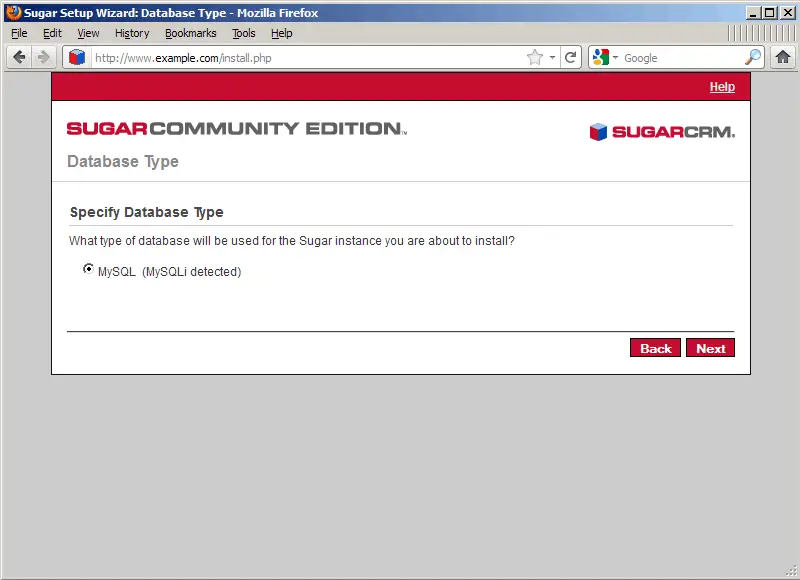
Select the database type (MySQL):