QuickStart, The Swiss Army Knife For Ubuntu 8.04 Desktop - Page 3
On this page
4 Creating A TAR Backup
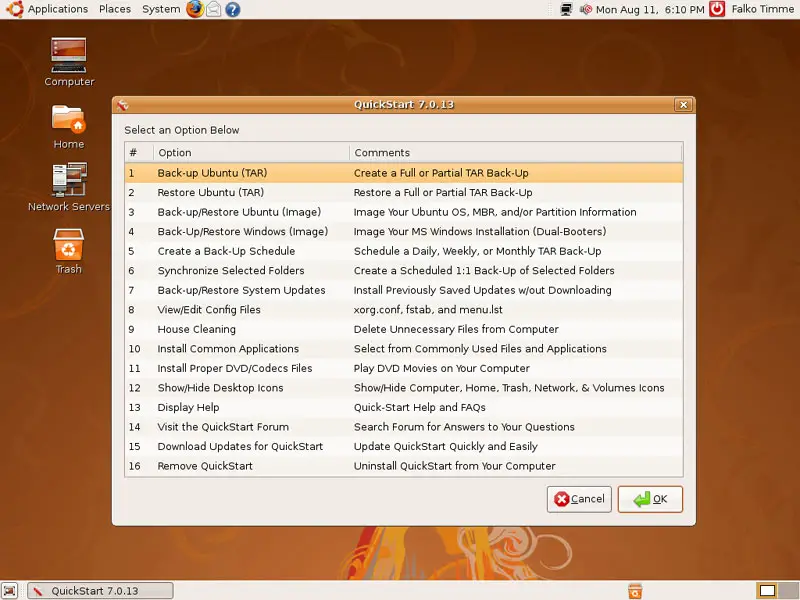
To create a TAR backup of one or more partitions, select 1 Back-up Ubuntu (TAR):
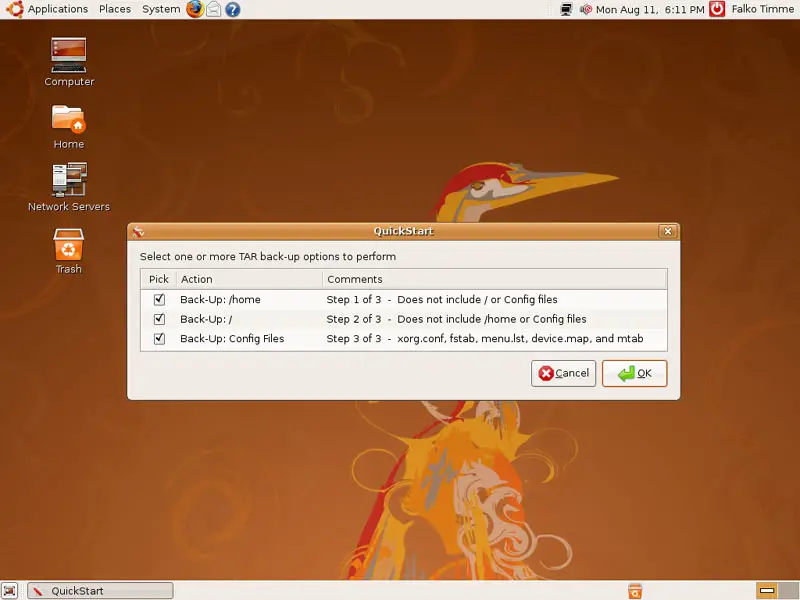
Select what you want to back up:
Enter a descriptive name for the backup:
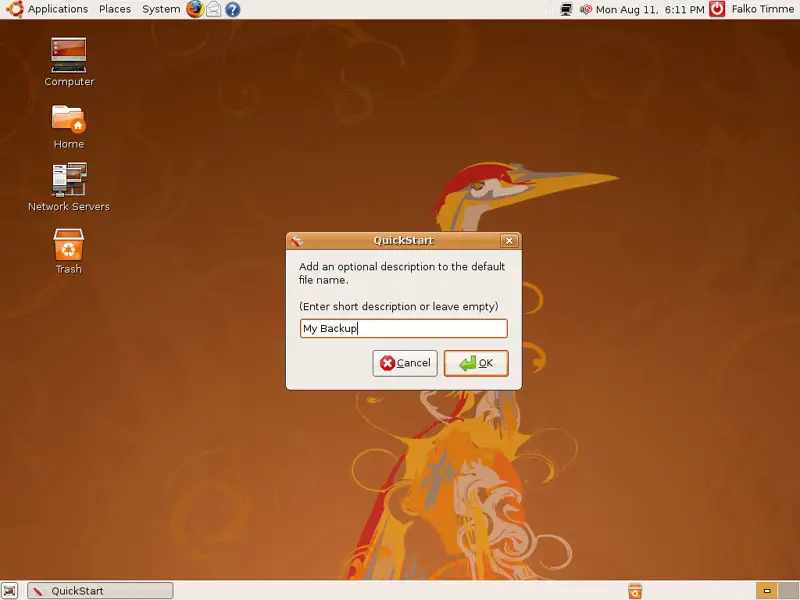
Next select where you'd like to store the backup:
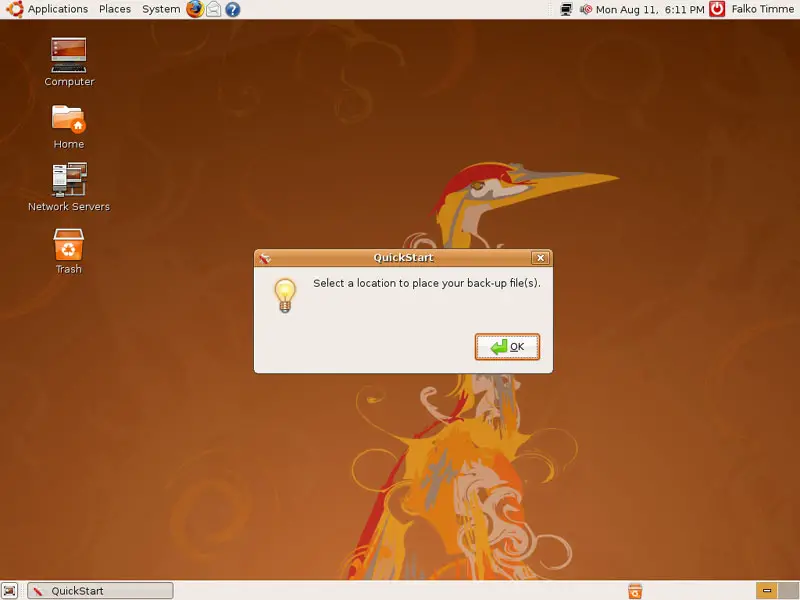
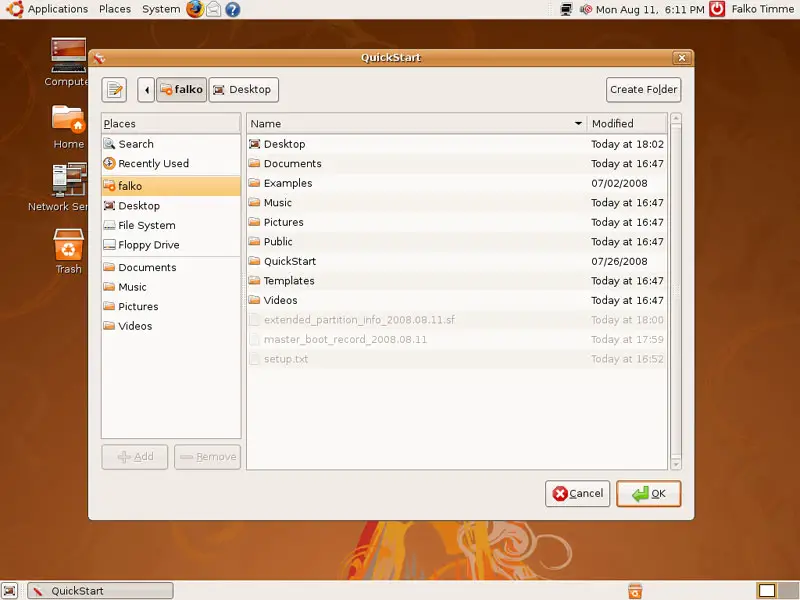
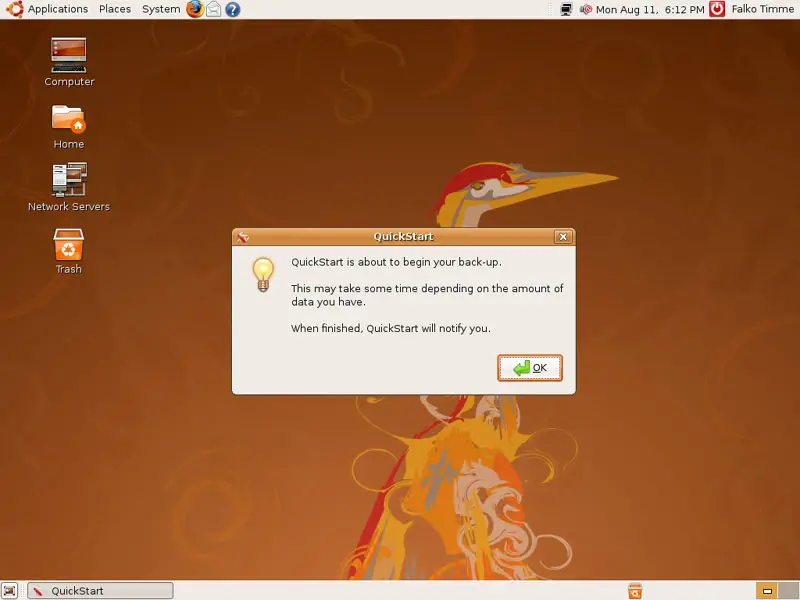
You can exclude one or more folders from the backup;...
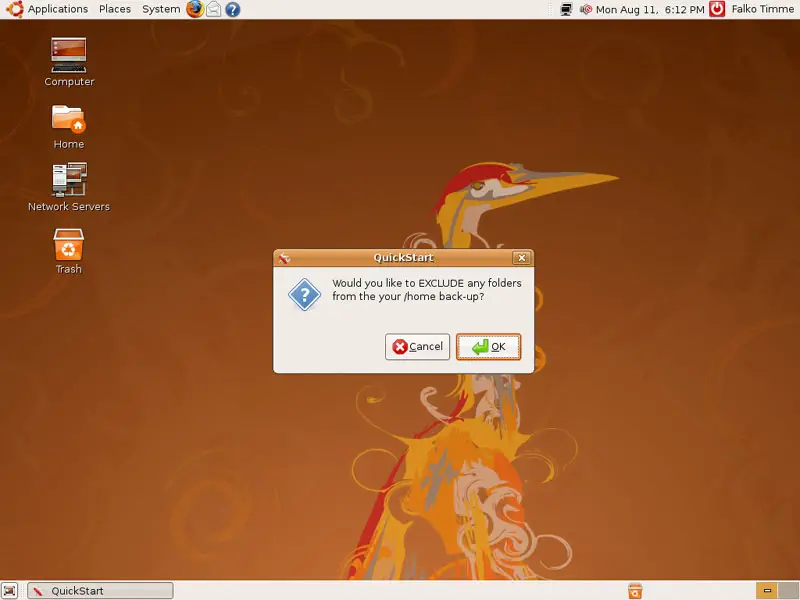
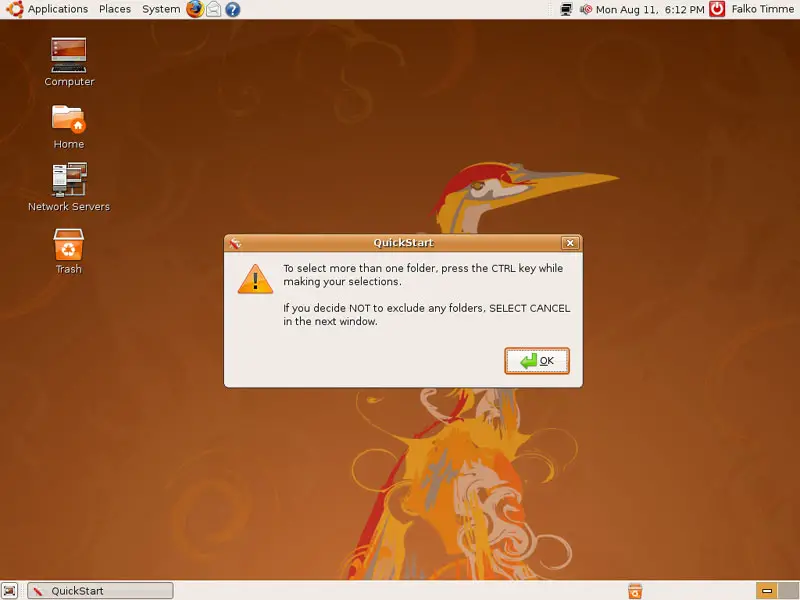
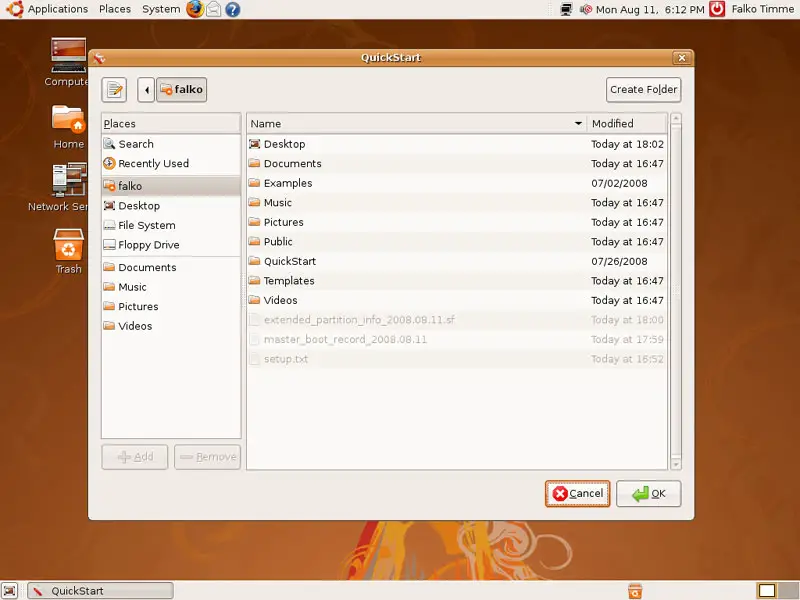
... simply select the folders that you want to exclude (hold down the CTRL key if you want to select more than one folder) and click on OK; if you don't want to exclude any folders, click on Cancel:
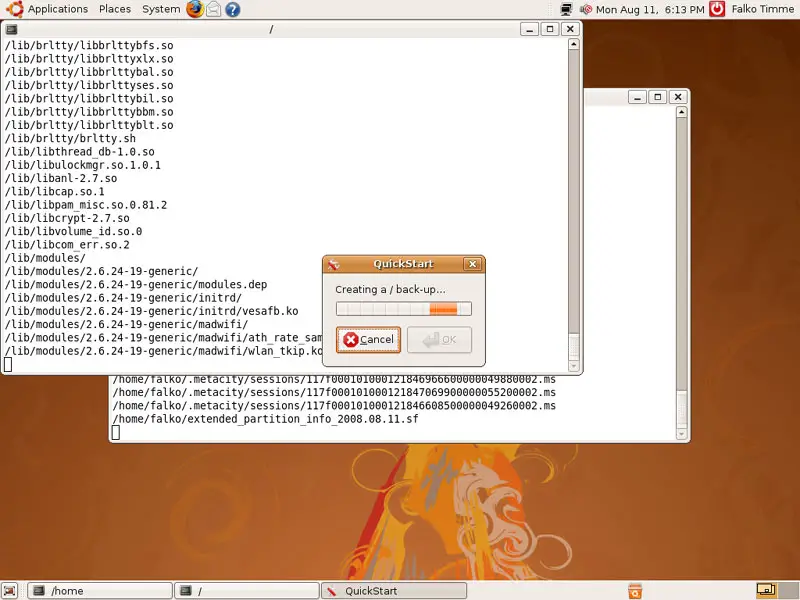
Afterwards, the backup is being created. This can take some time, so please be patient:
5 House Cleaning
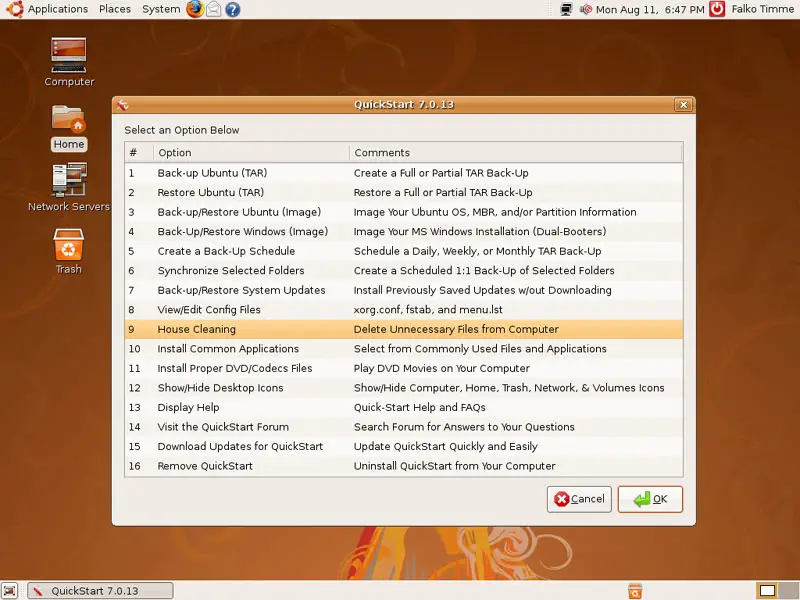
To delete unnecessary files from your computer, select 9 House Cleaning:
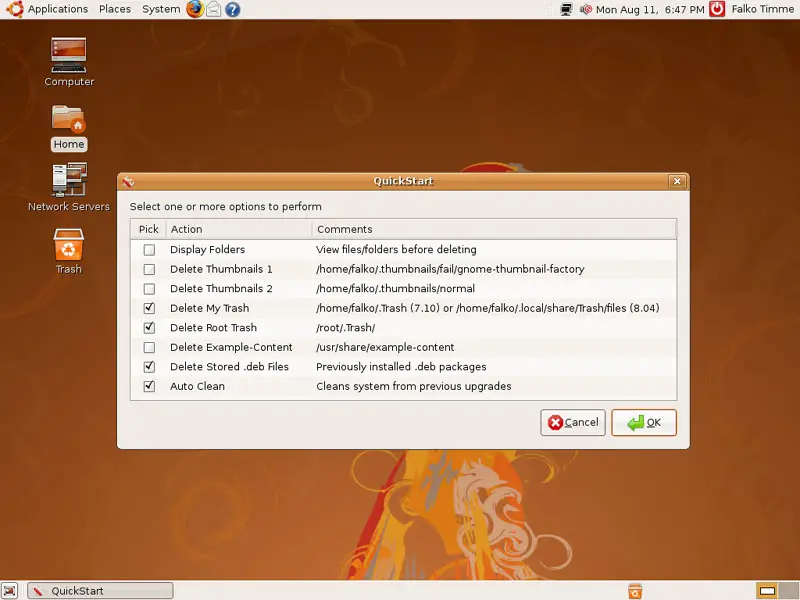
Next select what you want to remove from your computer:
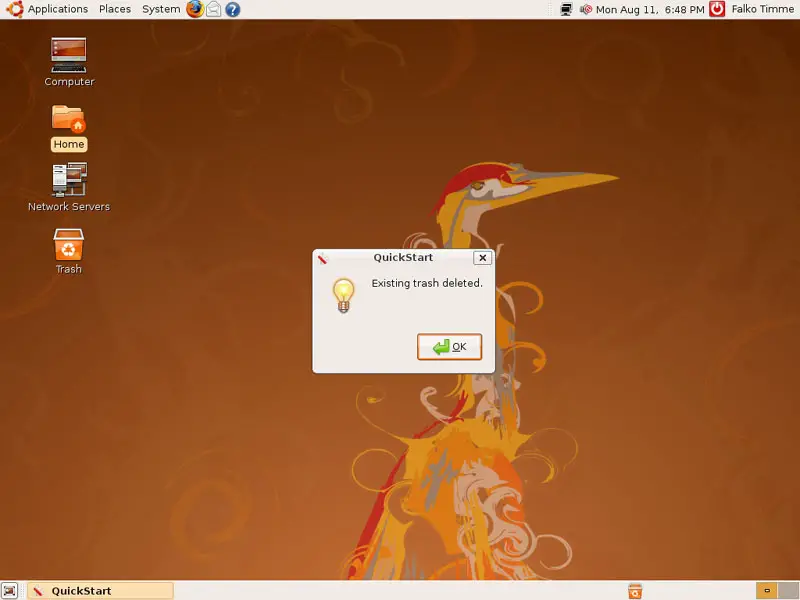
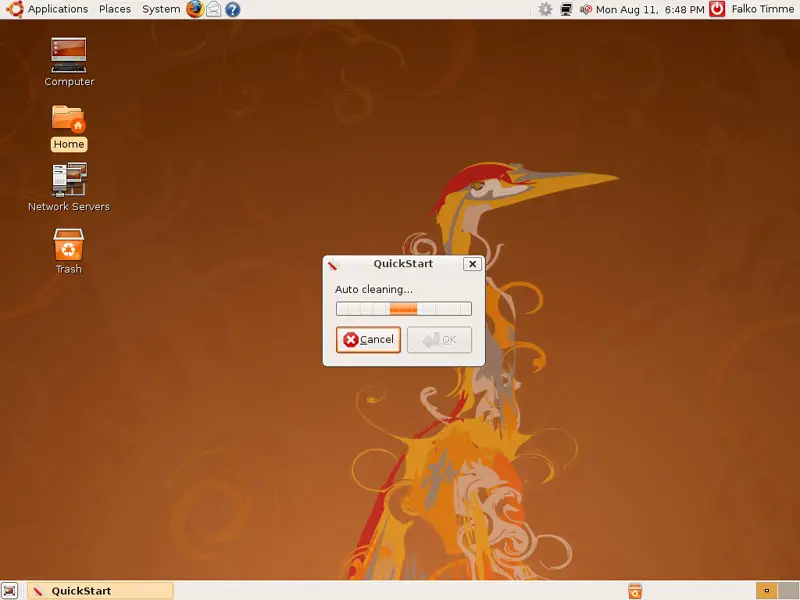
Afterwards the files are being deleted: