ISP-Server Setup - Ubuntu 5.0.4 "The Hoary Hedgehog" - Page 2
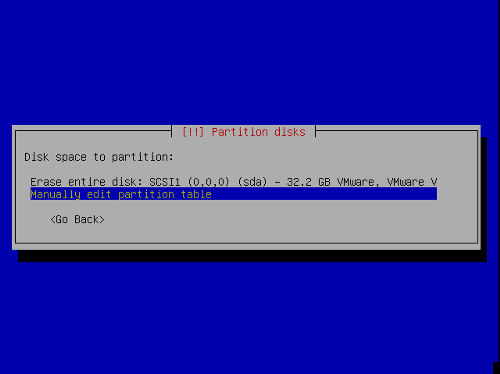
Now we create the partitions. Select Manually edit partition table. If there are already some partitions, delete them first by selecting them, hit return and then select delete.
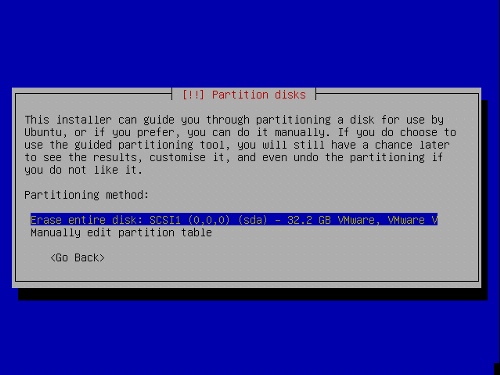
I will use the folowing partition scheme:
/boot 50 MB
/swap 1GB
/ 10 GB
/var the rest of the harrdisk
Creating a partition: Select Free Space, hit enter, then:
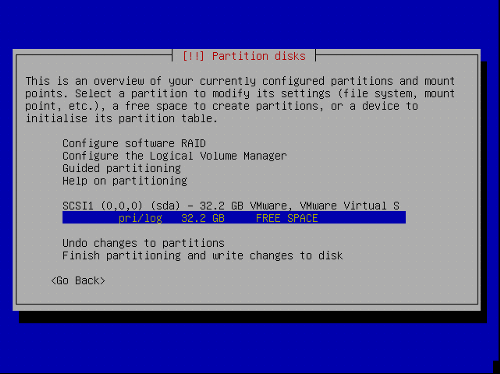
1) Select Create new partition.
2) Enter the size of the partition. Values can be entered in MB and GB or percent (%)
3) Select type of partition: primary
4) Select location of partition: beginning
5) Change Use as: I will use EXT3 for all partitions except the swap partition, that is of type swap.
6) Change: Select the mountpoint
7) Select Done setting up the partition
Repeat this for all partitions in the above partition table.
Now your partition table should look similar to this:
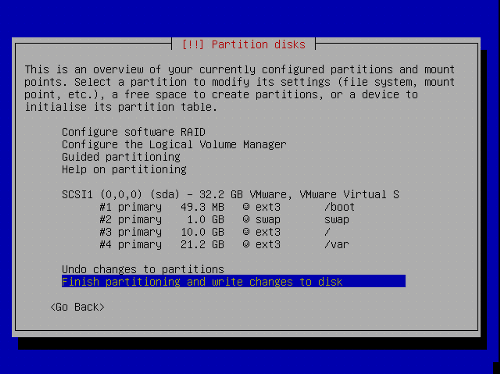
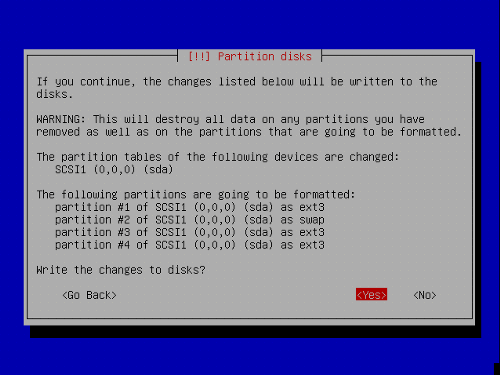
Select Finish partitioning and write changes to disk, then Yes, to proceed with the next step.
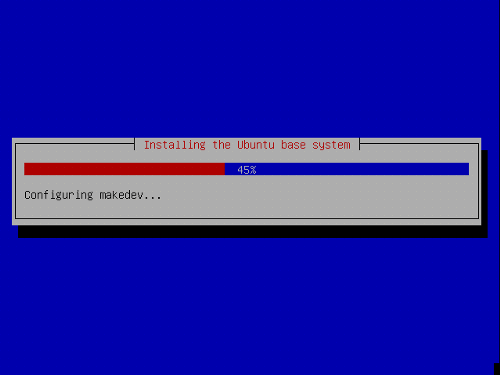
Now the base system is being installed:
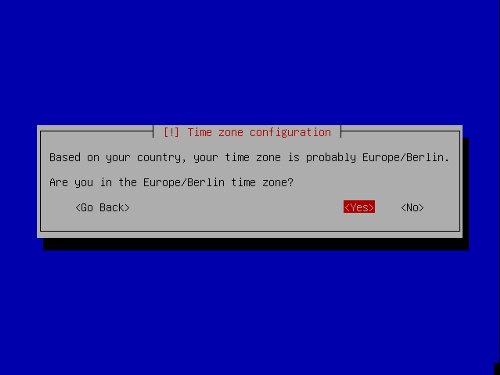
Configure your time zone:
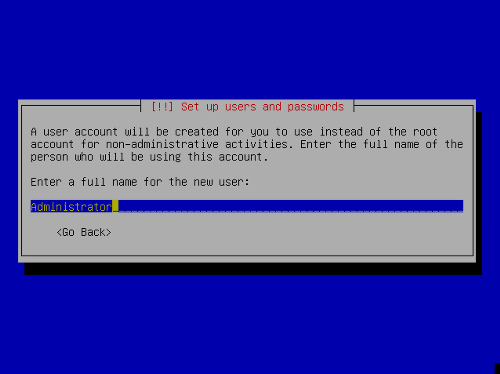
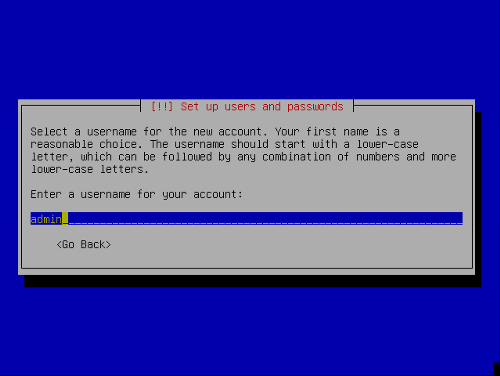
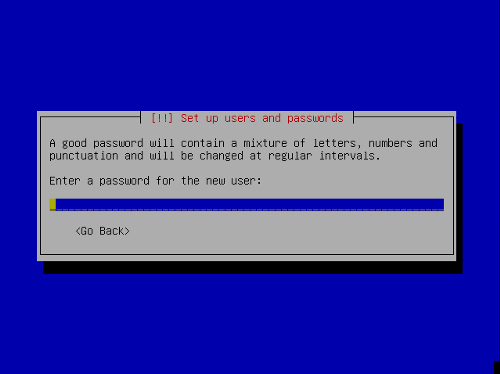
Setup a user:
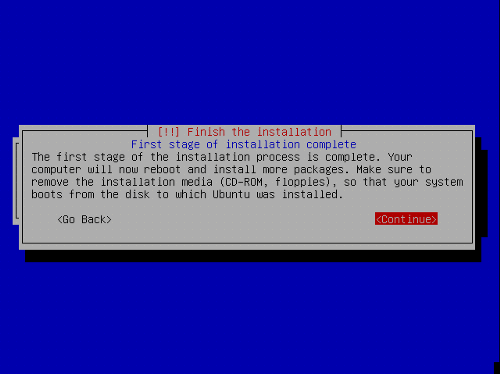
The first stage of the installation process is finished and the server boots into the installed Ubuntu linux.