
The Perfect Setup - Mandriva 2007 Free Edition - Page 3
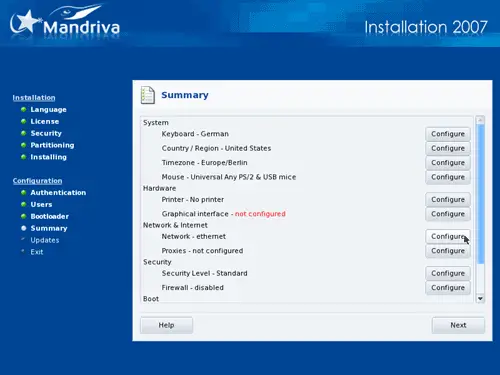
Finally we change our network settings. Click on the Configure button next to Network - ethernet:
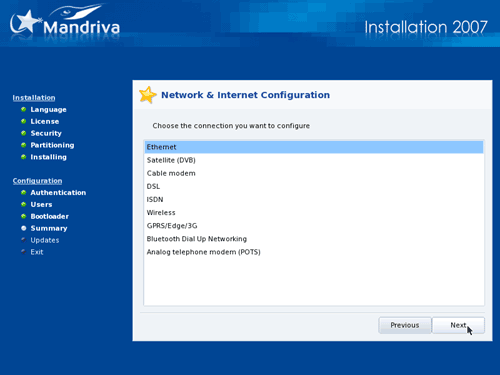
Select Ethernet unless you're using something different:
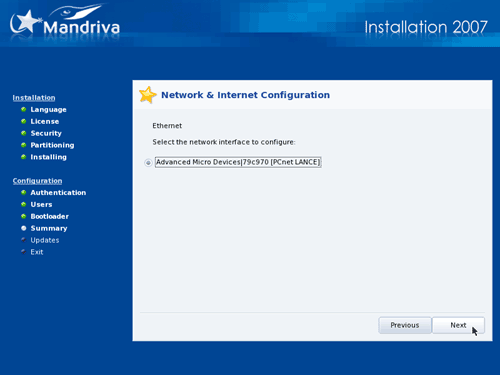
Select the network interface that you want to configure:
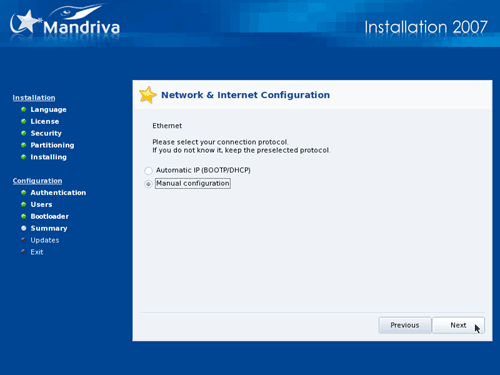
We want to assign a static IP address to our network interface (remember, we're installing a server...), so we do not want to get an IP address using BOOTP or DHCP. Therefore we choose Manual configuration:
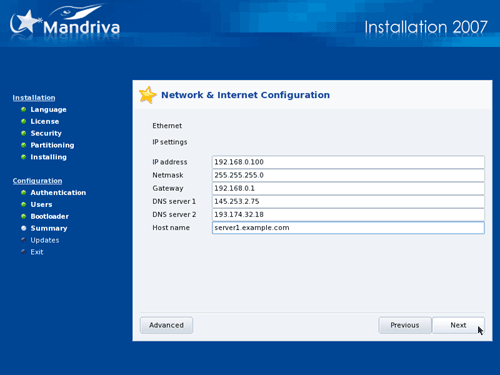
Now enter the IP address, Netmask, and Gateway. Also enter the Host name (e.g. server1.example.com), up to two DNS servers (e.g. 145.253.2.75 and 193.174.32.18):
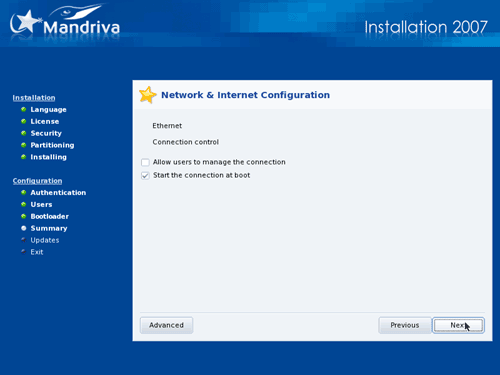
Do not allow users to start the connection. It's a server, and servers are always online (at least, they should be...). But select Start the connection at boot:
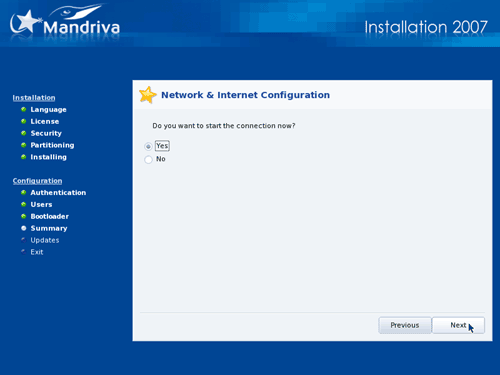
Choose to start the network connection now:
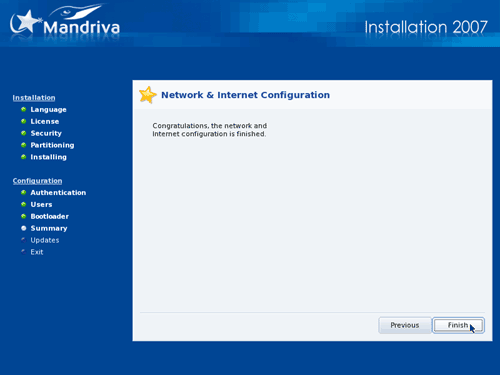
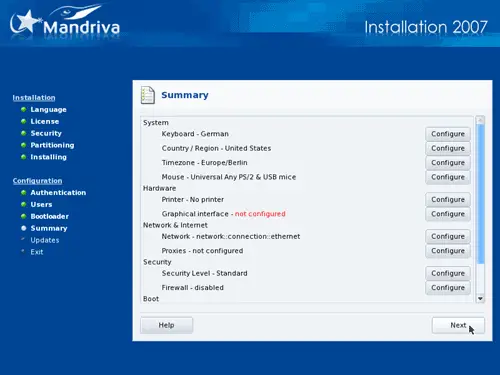
We've now made all necessary configurations, so we can leave the summary screen by clicking on Next:
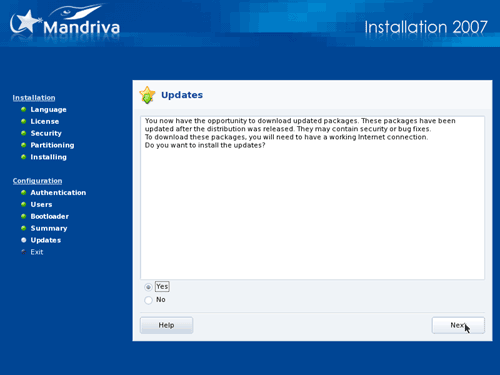
Now you can download the latest updates. Please note: this is optional. In one of my test installations I had problems with the update function (maybe a problem with a non-responding update server?) which caused the installer to hang forever, and all I could do was a hard-reset. If you want to go sure, select No here.
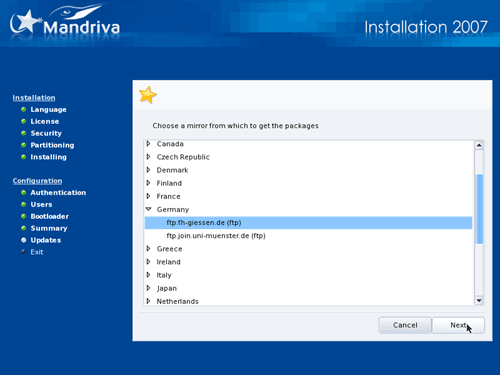
If you have chosen to do an online update, select a mirror close to you:
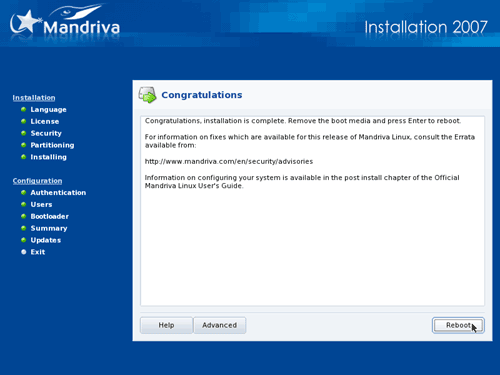
The base installation is now finished, you can now remove the CD and reboot the system:
Now on to the system configuration...





