The Perfect Server - Fedora 10 [ISPConfig 3]
Version 1.1
Author: Falko Timme
This tutorial shows how to prepare a Fedora 10 server for the installation of ISPConfig 3, and how to install ISPConfig 3. ISPConfig 3 is a webhosting control panel that allows you to configure the following services through a web browser: Apache web server, Postfix mail server, MySQL, MyDNS nameserver, PureFTPd, SpamAssassin, ClamAV, and many more.
Please note that this setup does not work for ISPConfig 2! It is valid for ISPConfig 3 only!
I do not issue any guarantee that this will work for you!
In order to learn how to use ISPConfig 3, I strongly recommend to download the ISPConfig 3 Manual.
On nearly 300 pages, it covers the concept behind ISPConfig (admin, resellers, clients), explains how to install and update ISPConfig 3, includes a reference for all forms and form fields in ISPConfig together with examples of valid inputs, and provides tutorials for the most common tasks in ISPConfig 3. It also lines out how to make your server more secure and comes with a troubleshooting section at the end.
1 Requirements
To install such a system you will need the following:
- Download the Fedora 10 DVD iso image from a mirror near you (the list of mirrors can be found here: http://mirrors.fedoraproject.org/publiclist/Fedora/10/), e.g. http://fedora.tu-chemnitz.de/pub/linux/fedora/linux/releases/10/Fedora/i386/iso/Fedora-10-i386-DVD.iso
- an Internet connection...
2 Preliminary Note
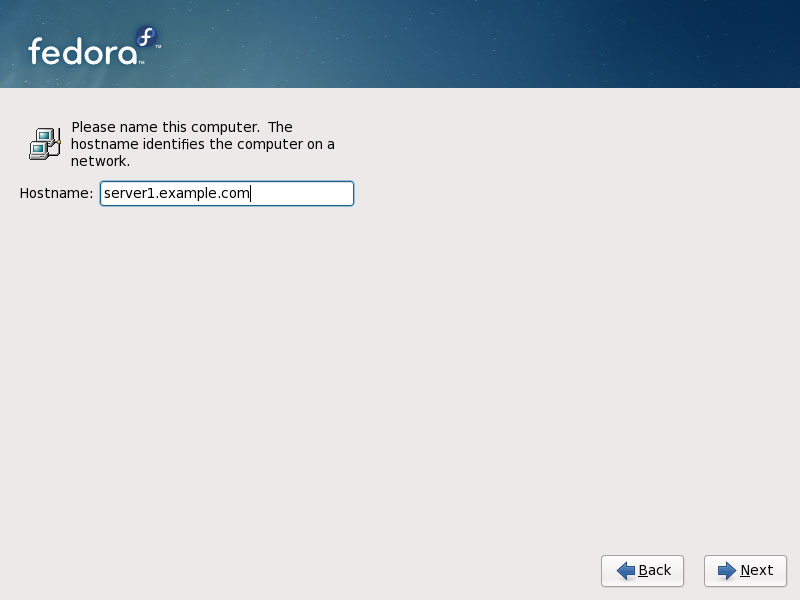
In this tutorial I use the hostname server1.example.com with the IP address 192.168.0.100 and the gateway 192.168.0.1. These settings might differ for you, so you have to replace them where appropriate.
3 Install The Base System
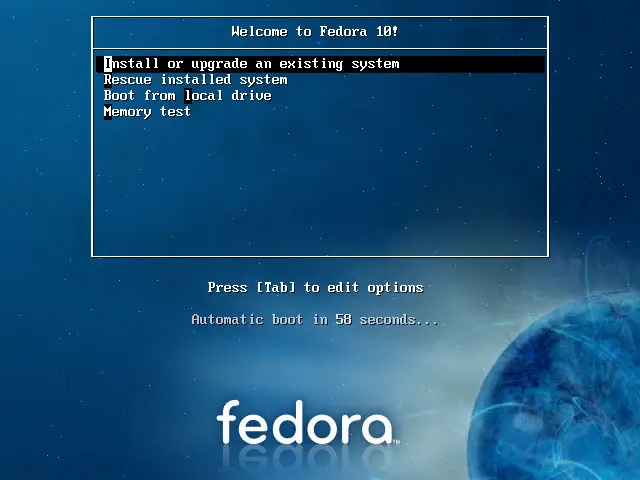
Boot from your Fedora 10 DVD. Select Install or upgrade an existing system:
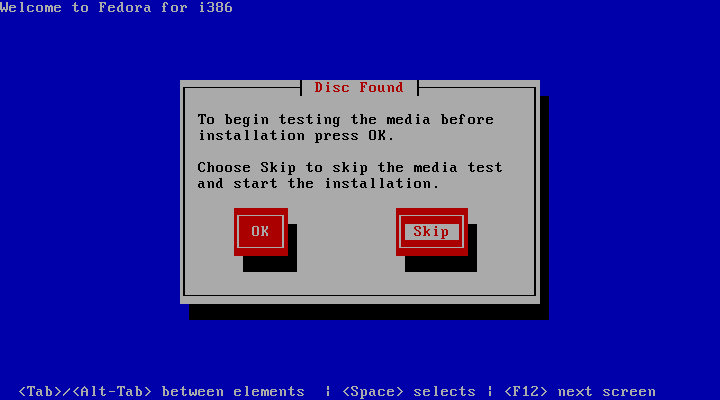
It can take a long time to test the installation media so we skip this test here:
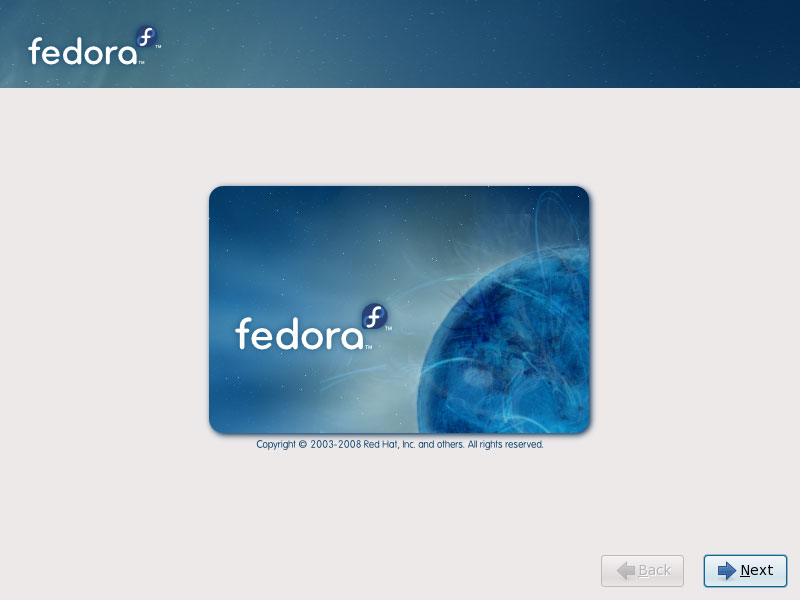
The welcome screen of the Fedora installer appears. Click on Next:
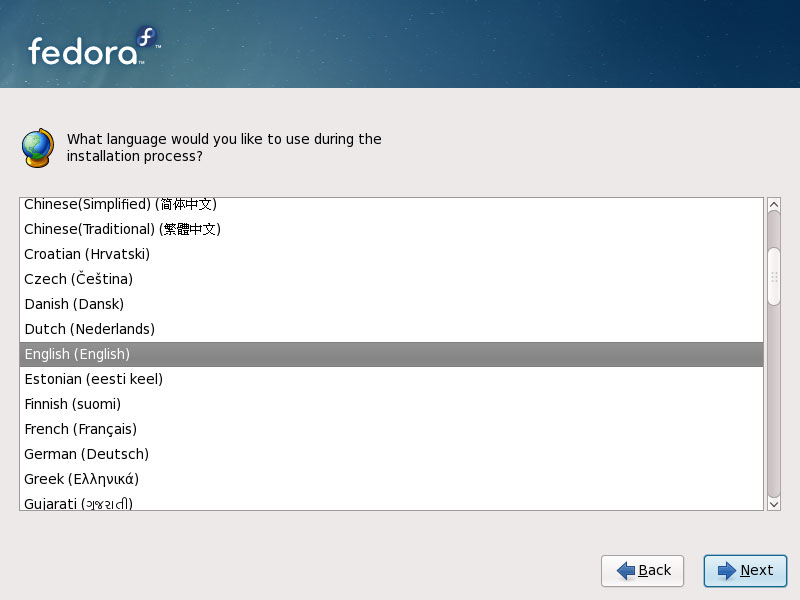
Choose your language next:
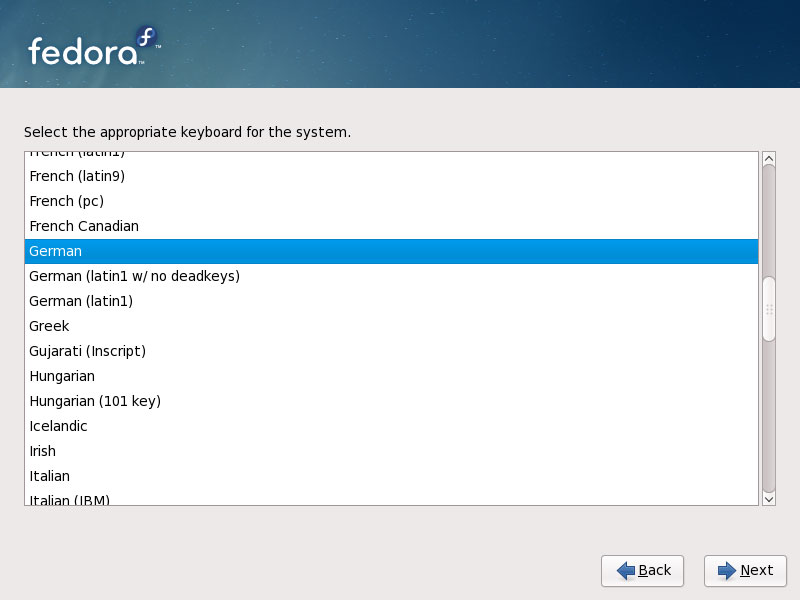
Select your keyboard layout:
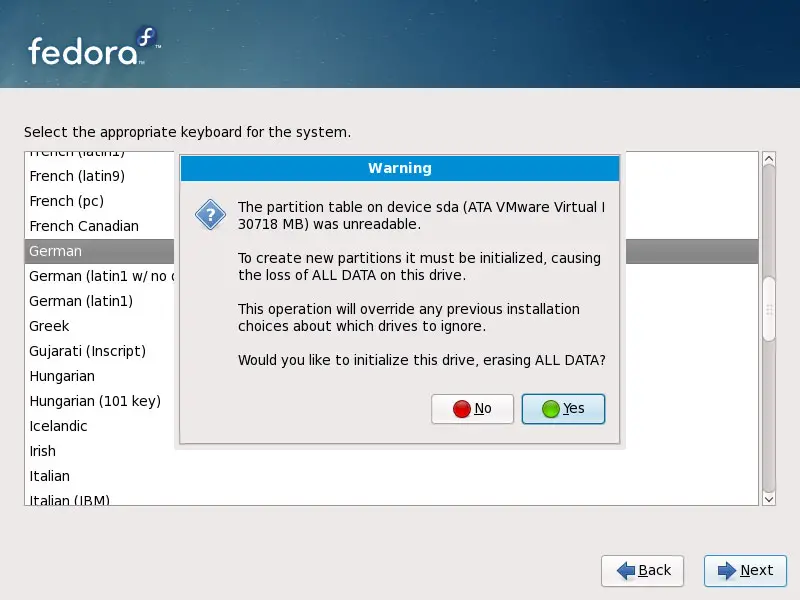
I'm installing Fedora 10 on a fresh system, so I answer Yes to the question Would you like to initialize this drive, erasing ALL DATA?:
Fill in the hostname of the server:
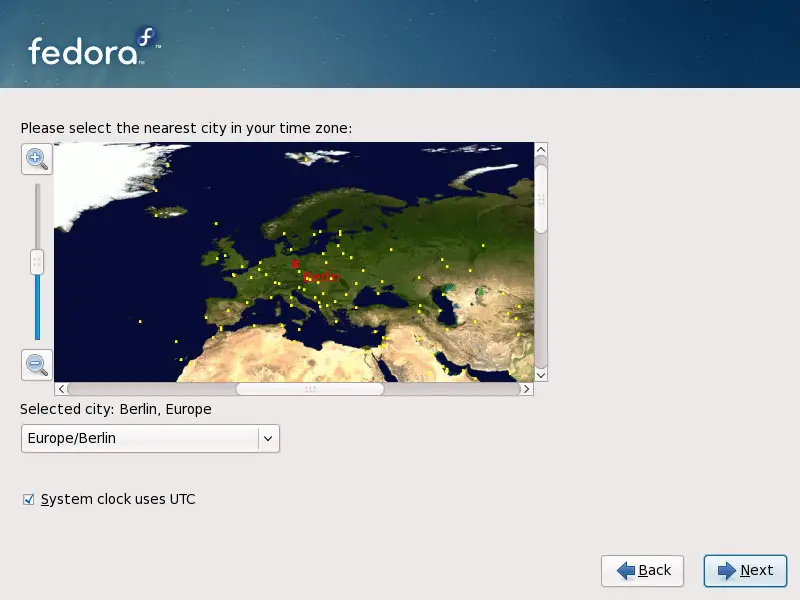
Choose your time zone:
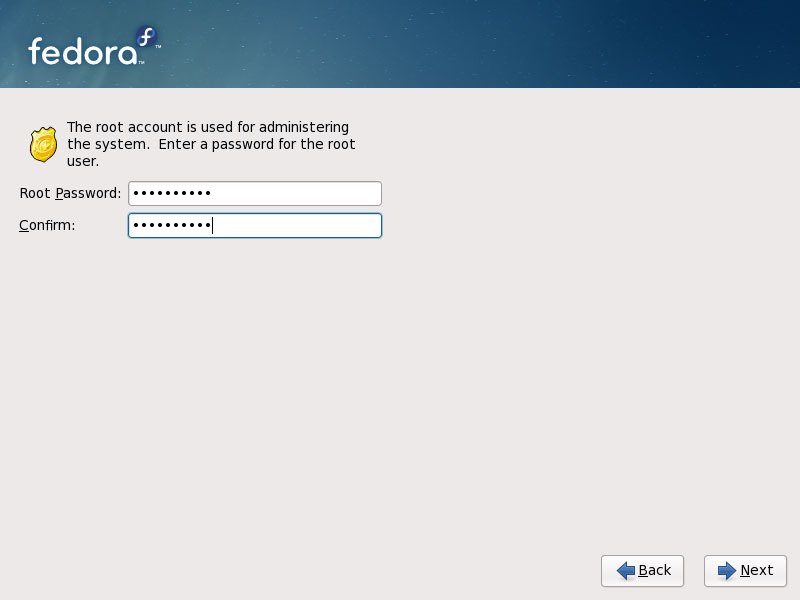
Give root a password:
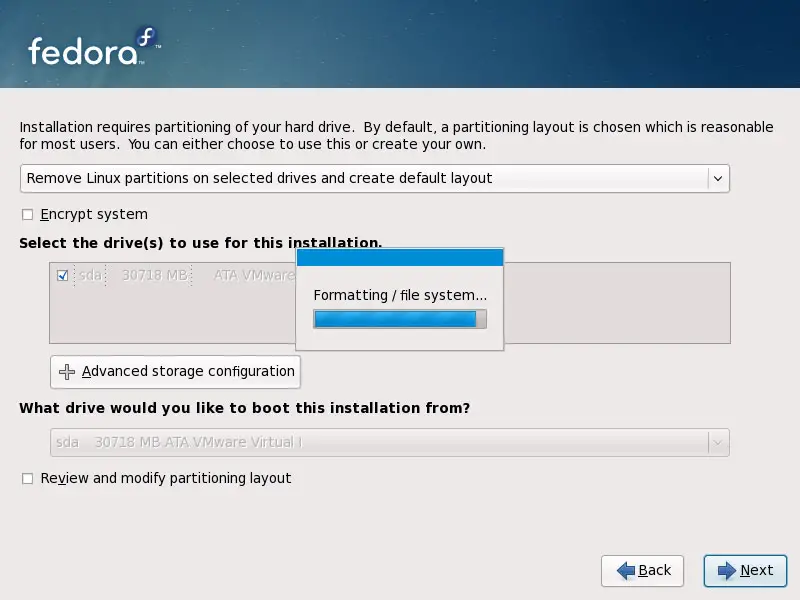
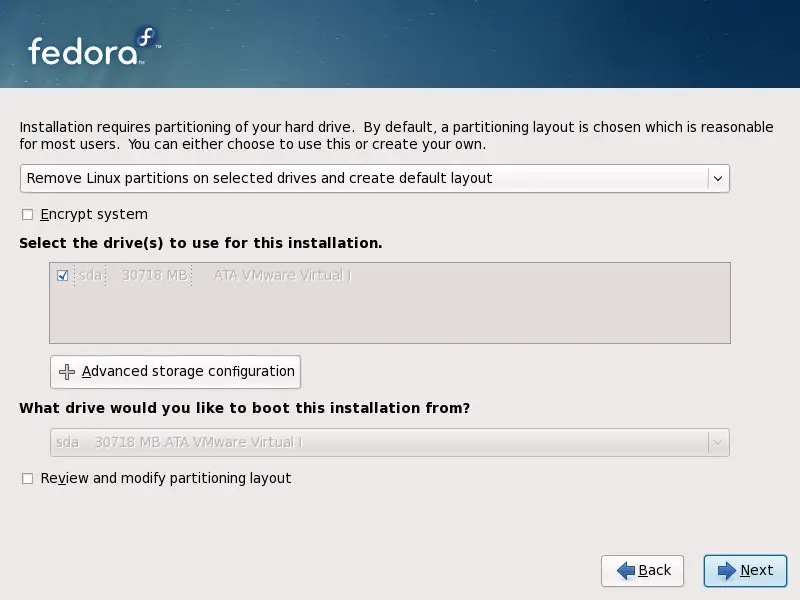
Next we do the partitioning. Select Remove Linux partitions on selected drives and create default layout. This will give you a small /boot partition and a large / partition which is fine for our purposes:
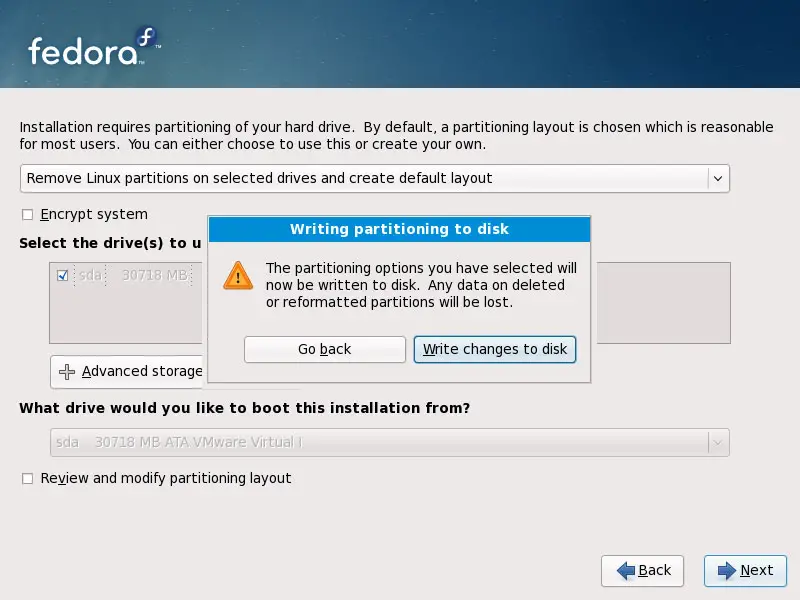
Select Write changes to disk:
The hard drive is being formatted: