Setting Up A News-Voting Website With Pligg - Page 3
On this page
6 Configure Pligg
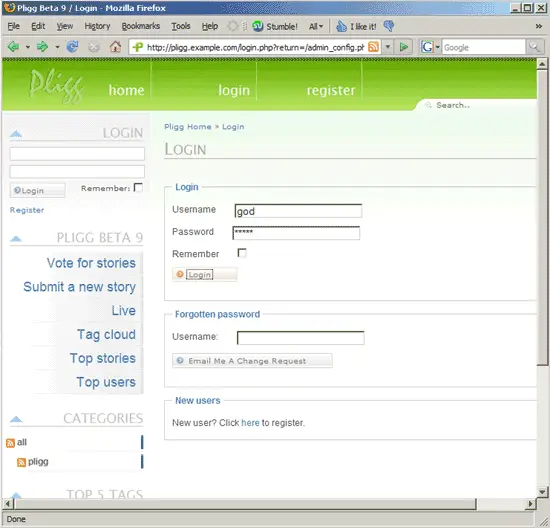
Now go to http://pligg.example.com/admin_config.php and log in as god with the password 12345:
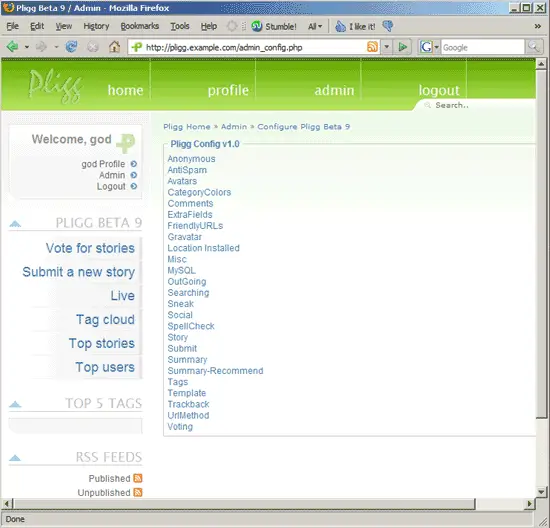
The Pligg admin interface looks like this:
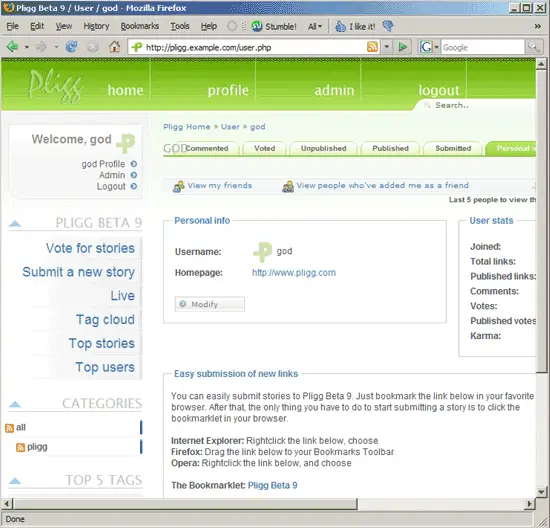
Go to god Profile -> Modify to change the password:
In the admin menu you will find the following submenus:
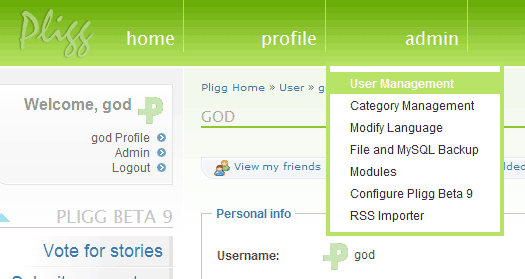
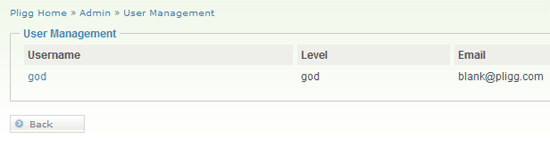
This is the User Management interface:
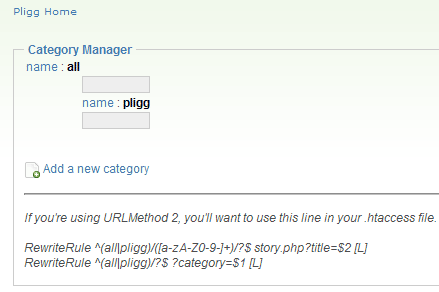
Under Category Management you can create news categories that the users can submit news to (like Politics, Sports, Technology, etc.):
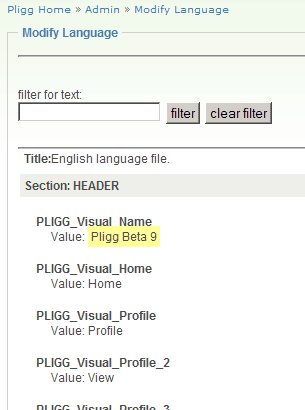
Under Modify Language you can modify every single word and phrase used in Pligg:
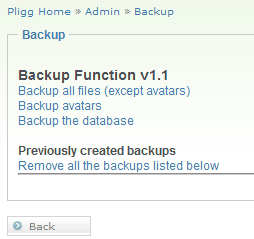
Under File and MySQL Backup you can back up all Pligg files, the users' avatars, and the Pligg MySQL database:
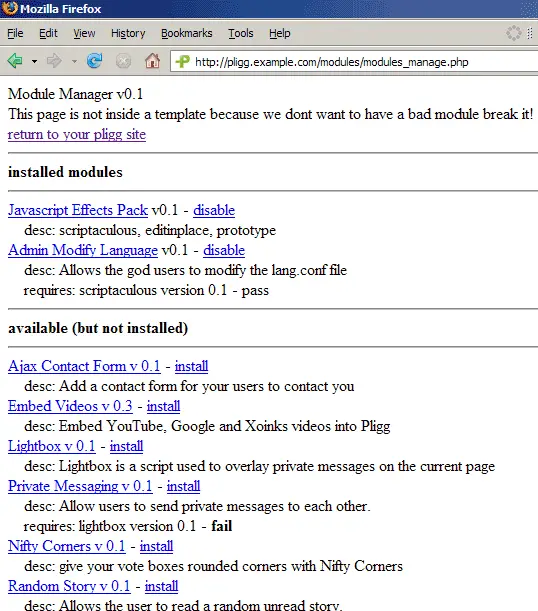
When you click on Modules, a new browser window opens where you can enable additional modules (like Embed Videos or Private Messaging):