Setting Up A News-Voting Website With Pligg
Version 1.0
Author: Falko Timme
This article shows how to set up your own news-voting website with Pligg. Pligg is a content-management system published under the Affero General Public License, and it is written in PHP and uses a MySQL database for storing its data. With a little work you can create your own community and let users vote news to the front page.
I do not issue any guarantee that this will work for you!
1 Preliminary Note
To install Pligg, you need some web space with FTP access, PHP, and a MySQL database. Ask your ISP to set it up for you, or use your hosting control panel to set it up yourself. If it is your own server, you can also use the command line to set up the web space, the FTP account, and the MySQL database.
Pligg works with both PHP 4 and PHP 5, but PHP 5 is preferred because some optional modules work only with PHP 5.
In this tutorial I will use the URL http://pligg.example.com for my web space, and my FTP user is web2_falko with the password howtoforge. My MySQL database is web2_db1 with the MySQL username web2_u1 and the password howtoforge.
2 Download Pligg
Go to http://sourceforge.net/projects/pligg and download Pligg to your desktop. At the time of this writing the current version of Pligg is Pligg beta 9.
Afterwards, unzip Pligg. You should then have a directory called Pligg_Beta_9.0 with the Pligg sources in it.
3 Upload Pligg To Your Web Space And Change Permissions
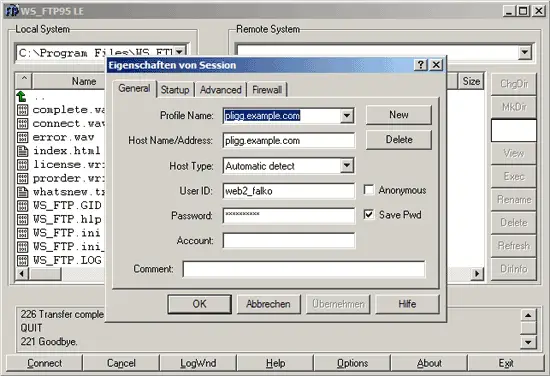
Next open your favourite FTP client and connect to your web space:
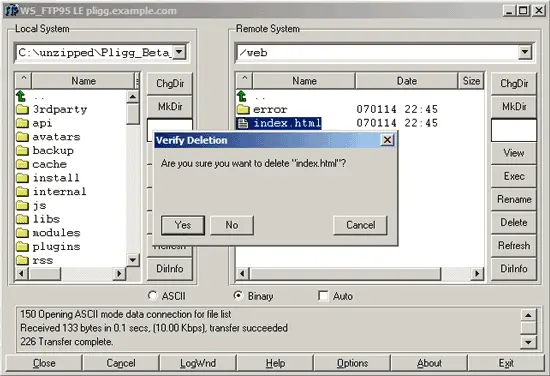
Go to the document root of your web space (in this case /web). If there is an index file in it (like index.html), delete it:
Then upload the contents of the Pligg_Beta_9.0 directory (not the directory itself) to your document root. This can take a few minutes:
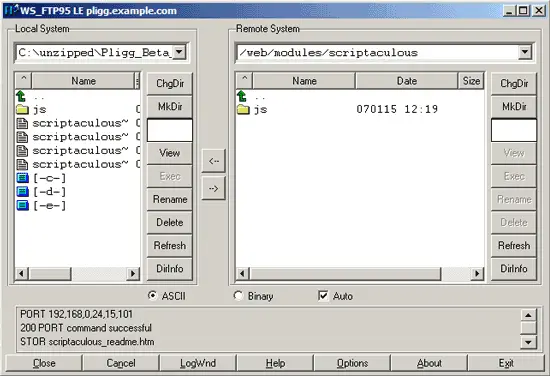
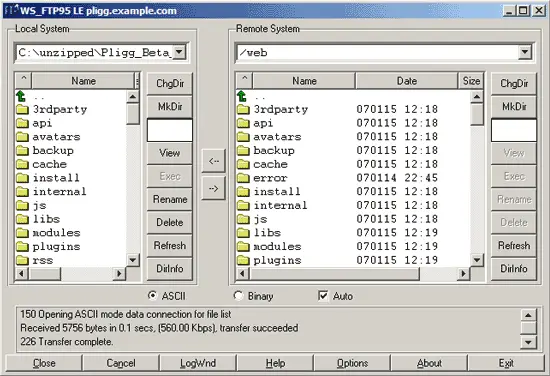
After the upload has finished, it should look like this:
Now we rename /settings.php.default to /settings.php like this:
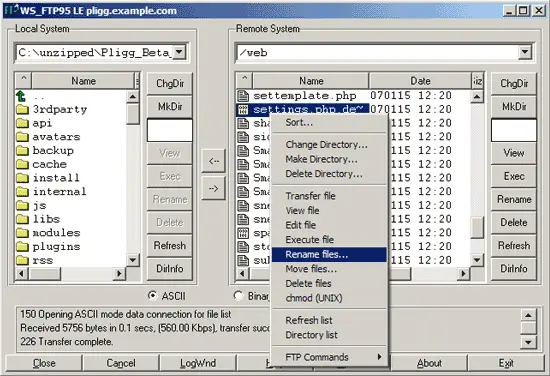
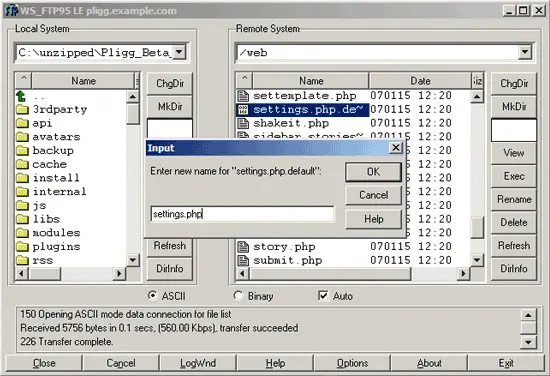
Do the same for /libs/dbconnect.php.default.
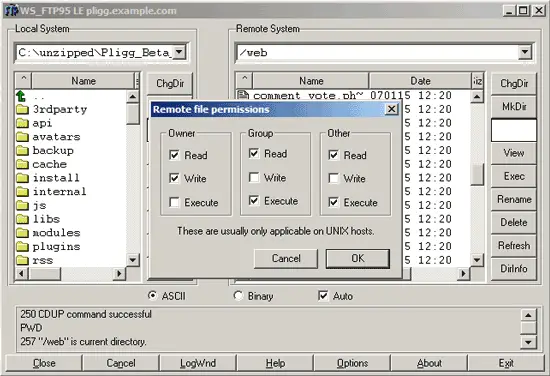
Next we must change the permissions of the /templates folder to 777 (chmod 777) (777 = Read, Write, Execute for Owner, Group, Other) like this:
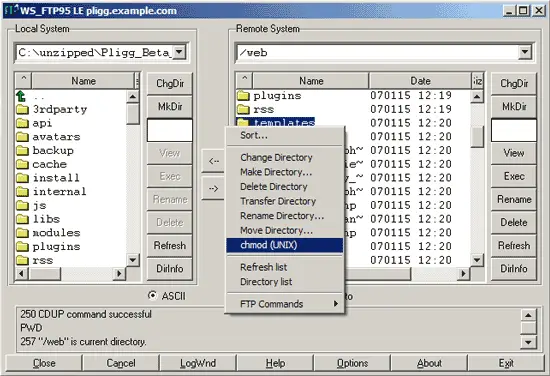
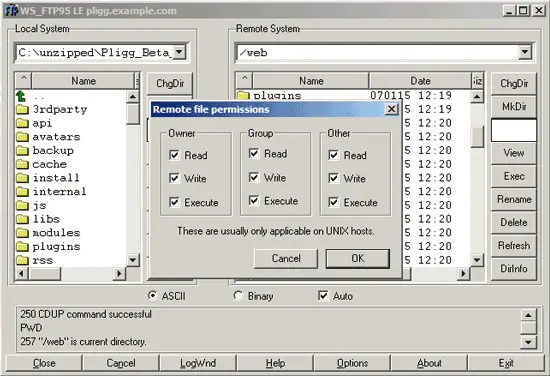
Do the same for /templates_c, /backup, /avatars/user_uploaded, settings.php, /libs/dbconnect.php, /libs/options.php, /libs/lang.conf, /rss/templates, and /rss/templates_c.
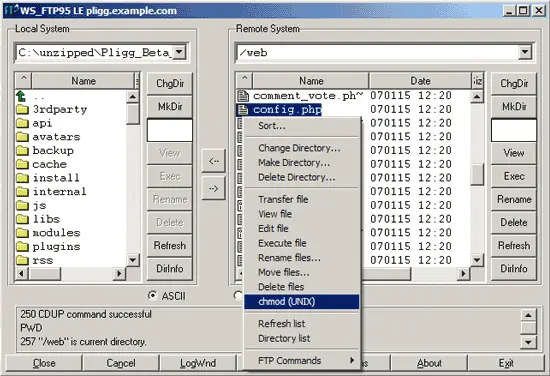
Then change the permissions of /config.php to 655: