
How To Set Up Mumble Voice Chat On Fedora 7 - Page 2
On this page
3 The Mumble Client
On the Fedora 7 Desktop:
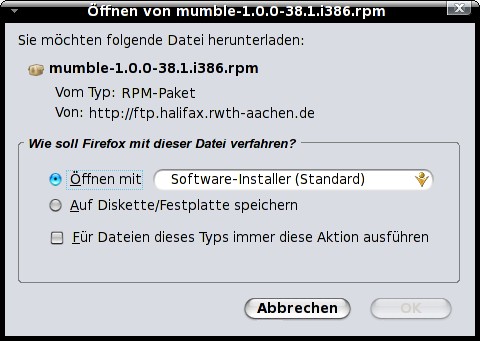
Open http://download.opensuse.org/repositories/home:/pirast/Fedora_7/repodata/repoview/mumble-0-1.0.0-38.1.html in your preferred browser. Click on mumble-1.0.0-38.1.i386.rpm and install it via the software-installer.
Note: There are also packages for other distributions available - have a look at http://mumble.sourceforge.net/Installing_Mumble.
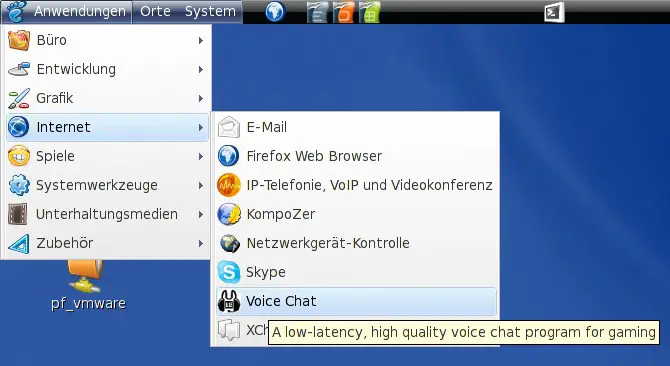
Afterwards the mumble-client is available in the gnome-applications menu:
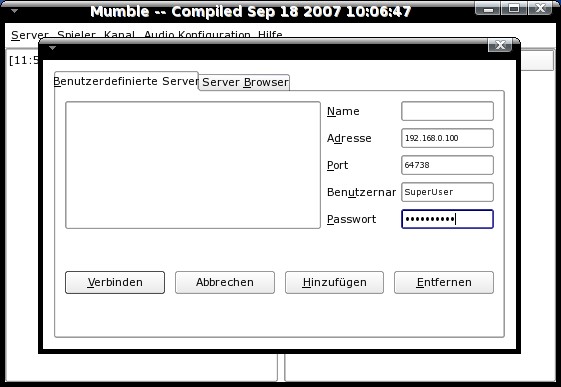
Connect to your mumble-server as the "SuperUser" with the password and server-port ( default is 64738 ) that you selected at step 2.2:
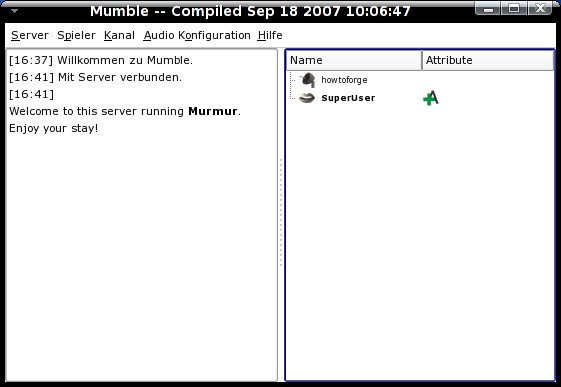
After you logged in, you'll see the server-messages ( also messages from other users ) on the left side and the server with it's channels and users on the right side. You can adjust several settings via the menu on the top. To switch a channel simply drag and drop your username into the new channel.
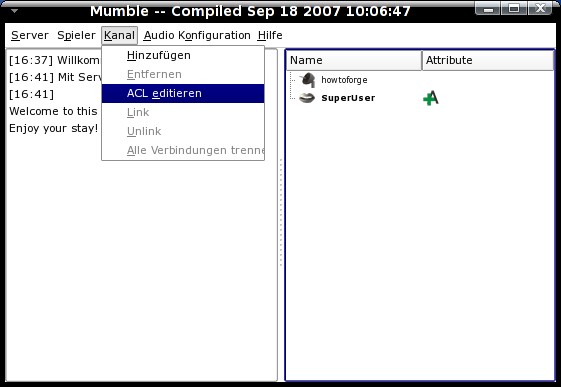
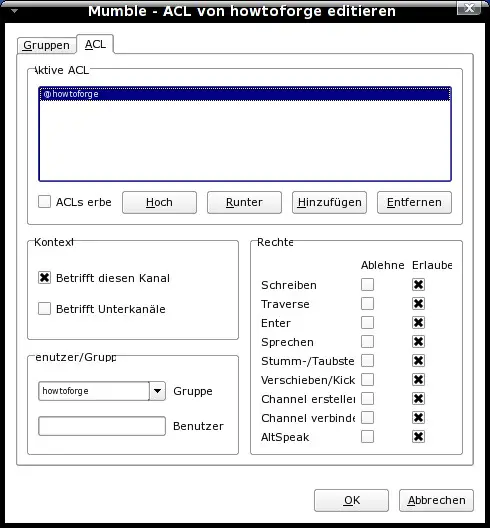
First you should add ACLs ( Access control lists ). You can add ACLs to the whole server, groups ( for each channel if you want ) and single users ( for each channel if you want ). To add an ACL to the whole server, be sure that no channel is selected on the right side, select "Channel -> edit ACL" from the menu on the top. If you select a channel before, the ACL will only affect this channel ( and every channel you create in this channel if you mark the corresponding checkbox in the ACL-tab). If you want to add an ACL for a single user, simply enter his name in the field "user" in the ACL-tab and hit enter.
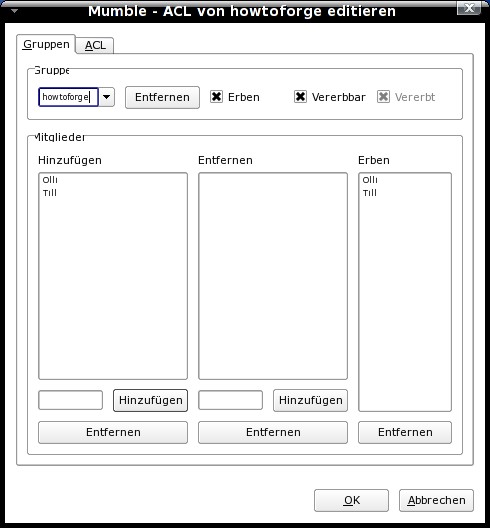
In the "groups"-tab you can add ( registered ) users to your groups.
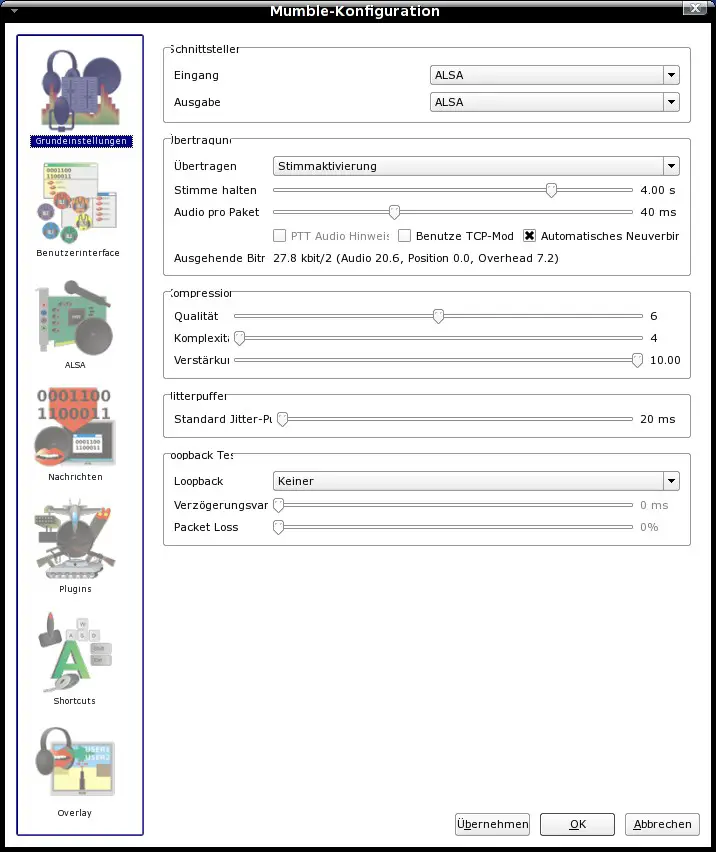
The options to configure the client are also available via the menu at the top. Here you can adjust everything to your needs.
Links
- Mumble: http://mumble.sourceforge.net/
- Mumble forum (en): http://sourceforge.net/forum/?group_id=147372
- Mumble forum (de): http://mumblefunkde.h1196812.stratoserver.net
- Sqliteman: http://sqliteman.com/
- Fedora: http://fedoraproject.org/





