Monitoring Network Latency With Smokeping (Debian Etch)
Version 1.0
Author: Falko Timme
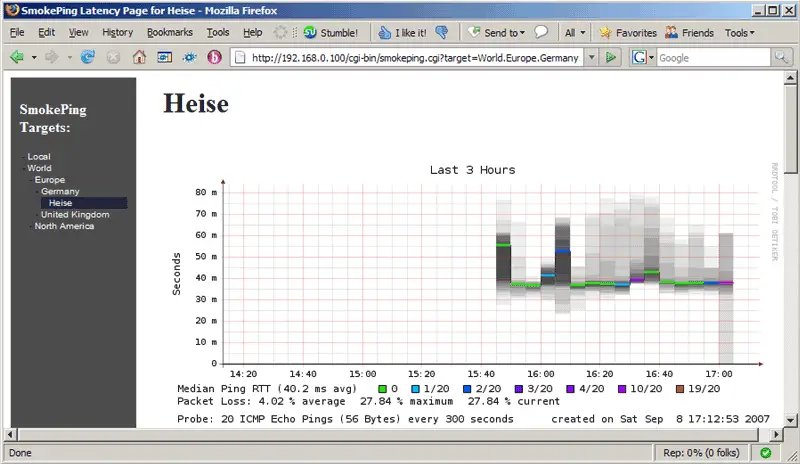
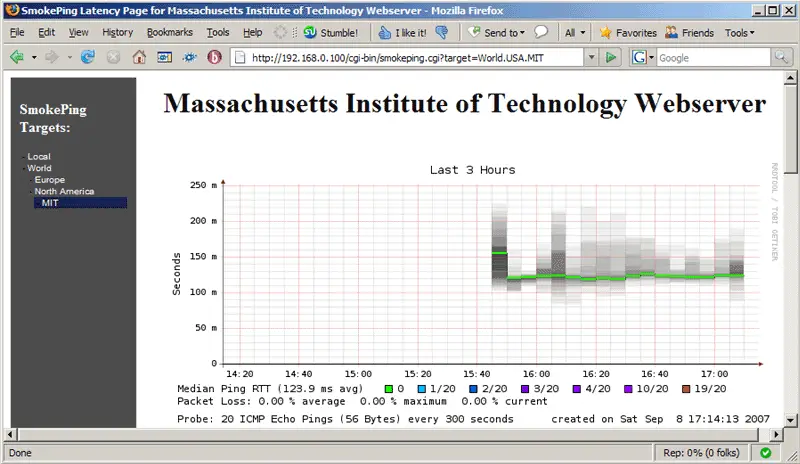
This guide shows how to install and configure Smokeping on Debian Etch to monitor network latency. From the Smokeping web site: "SmokePing is a deluxe latency measurement tool. It can measure, store and display latency, latency distribution and packet loss. SmokePing uses RRDtool to maintain a longterm data-store and to draw pretty graphs, giving up to the minute information on the state of each network connection."
This document comes without warranty of any kind! I do not issue any guarantee that this will work for you!
1 Preliminary Note
I have tested this on a Debian Etch system. I will use the hostname www.example.com for this system in this tutorial. We need a web server on the system to display the graphs. I will install Apache2 and use Apache's default vhost for hosting the graphs. If you use a different vhost, you might have to adjust its settings or copy the smokeping.cgi script from /usr/lib/cgi-bin/smokeping.cgi to the appropriate location.
2 Installing Smokeping
To install Smokeping along with some other recommended packages, we simply run:
apt-get install smokeping curl libauthen-radius-perl libnet-ldap-perl libnet-dns-perl libio-socket-ssl-perl libnet-telnet-perl libsocket6-perl libio-socket-inet6-perl apache2
3 Configuring Smokeping
The Smokeping configuration is in the file /etc/smokeping/config. Near the beginning of the file, you find some email settings and the URL of the Smokeping web interface. Change them like this:
vi /etc/smokeping/config
[...] # Please edit this to suit your installation owner = Falko Timme contact = [email protected] cgiurl = http://www.example.com/cgi-bin/smokeping.cgi mailhost = smtp.example.com # specify this to get syslog logging syslogfacility = local0 # each probe is now run in its own process # disable this to revert to the old behaviour # concurrentprobes = no *** Alerts *** to = [email protected] from = [email protected] [...] |
(Make sure that mailhost contains the primary MX for your email domain!)
Further down the file, you find the remark line. Modify it to your likings:
[...] remark = Welcome to the SmokePing website of 'Example Company' [...] |
3.1 Basic Example
We will now do a basic configuration to measure the network latency to certain servers in various countries (e.g. Germany, UK, USA). In this example, I'm going to test the network connection to the servers www.heise.de (Germany), www.bbc.co.uk (UK), and web.mit.edu (USA). You should choose different servers to avoid a DOS!
Open /etc/smokeping/config again:
vi /etc/smokeping/config
Find the section that begins with ++ Europe. Add a stanza for Germany between it and the Switzerland stanza (which you can comment out if you don't want to monitor a server in Switzerland):
[...] ++ Europe menu = Europe title =European Connectivity +++ Germany menu = Germany title = German Connectivity alerts = bigloss,someloss,startloss ++++ Heise menu = Heise title = Heise host = www.heise.de #+++ Switzerland # #menu = Switzerland #title =Swiss Connectivity #alerts = bigloss,someloss,startloss [...] |
Further down, modify the UK stanza as follows:
[...] +++ UK menu = United Kingdom title = United Kingdom ++++ BBC menu = BBC title = BBC host = www.bbc.co.uk [...] |
Then change the USA stanza:
[...] ++ USA menu = North America title =North American Connectivity +++ MIT menu = MIT title = Massachusetts Institute of Technology Webserver host = web.mit.edu [...] |
Save your changes and restart Smokeping:
/etc/init.d/smokeping restart
Smokeping will now probe the servers by pinging them (by using /usr/bin/fping) - this is the default test.
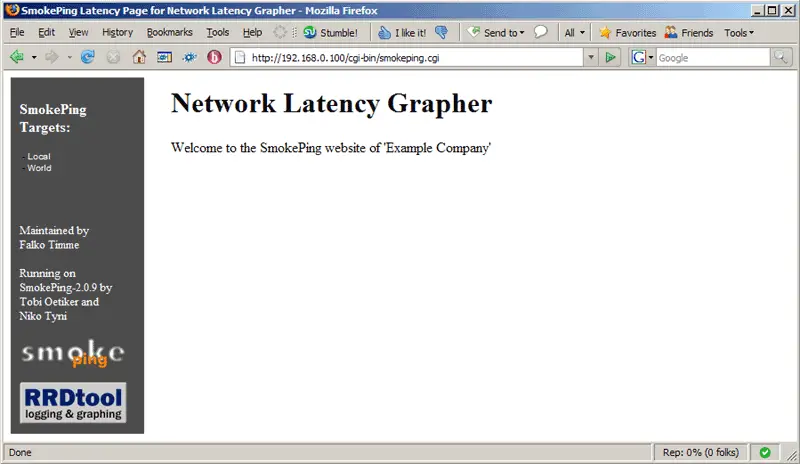
Now open a web browser and go to http://www.example.com/cgi-bin/smokeping.cgi. This is the start page:
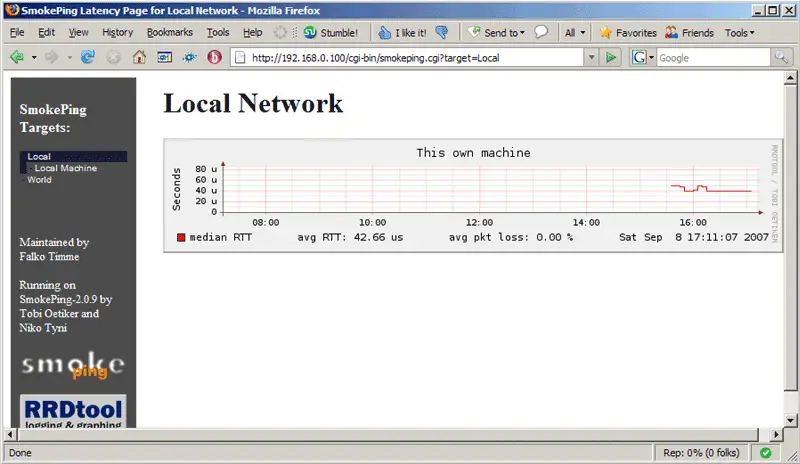
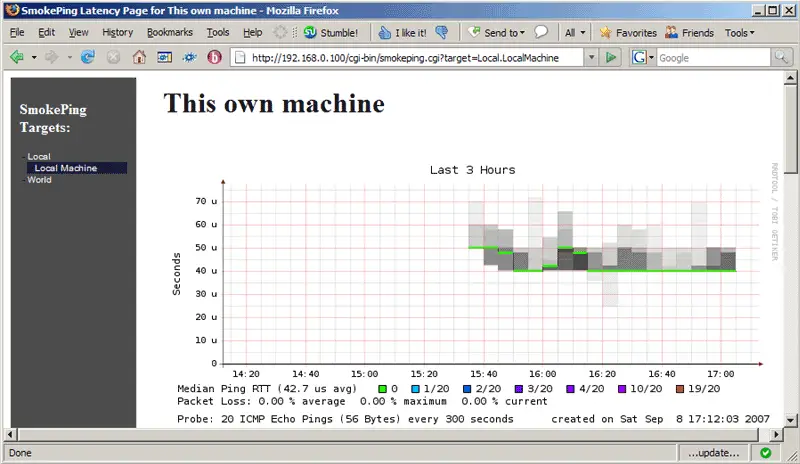
After a few minutes you should see the first graphs. This is how the latency of localhost looks (which is configured by default in /etc/smokeping/config unless you changed that):
In the menu on the left side we can now go to the countries/servers that we configured earlier and take a look at their graphs: