Back Up Linux And Windows Systems With BackupPC - Page 2
On this page
3 The BackupPC Web Interface
Now that you are logged in to BackupPC's web interface, you should browse the menu to become familiar with it. The entry page is the Status page:
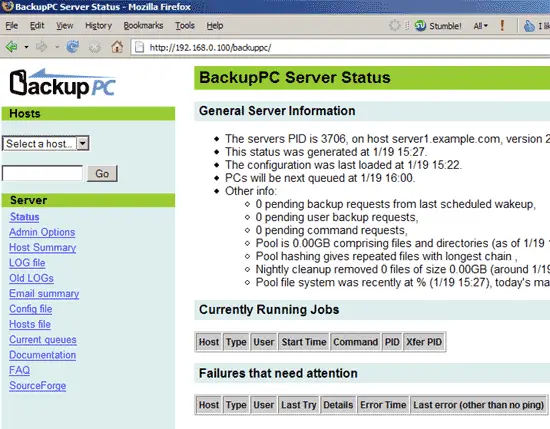
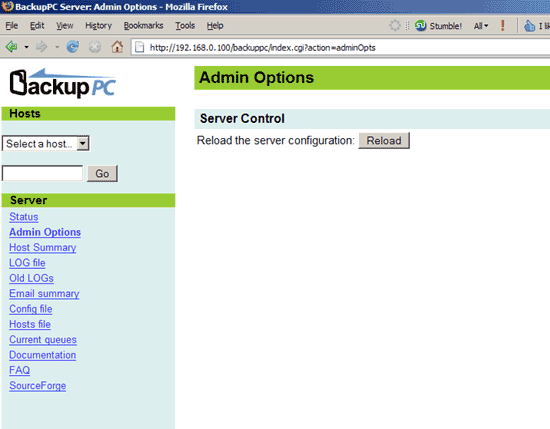
Admin Options allows you to reload the server configuration:
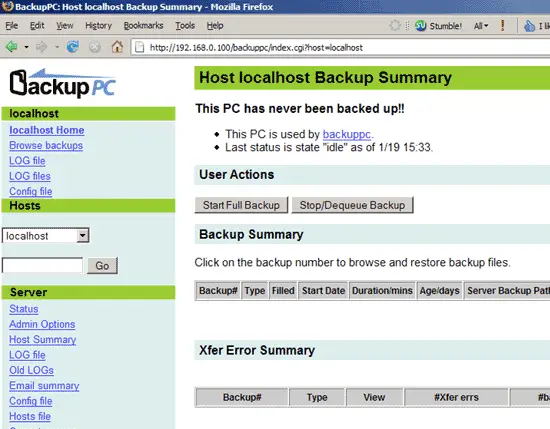
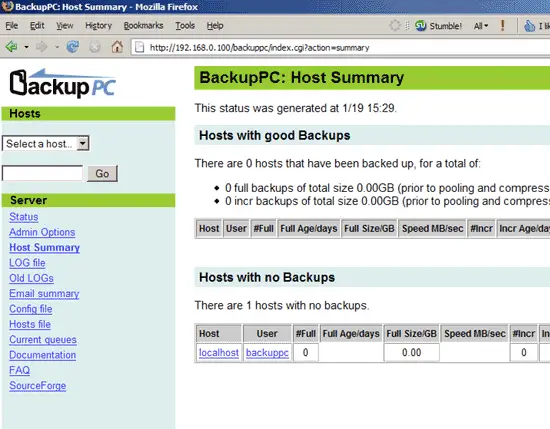
Host Summary shows a summary of all configured clients and their backup status. Currently only localhost is configured as a client for backups. We will remove localhost later on because we don't want to back it up.
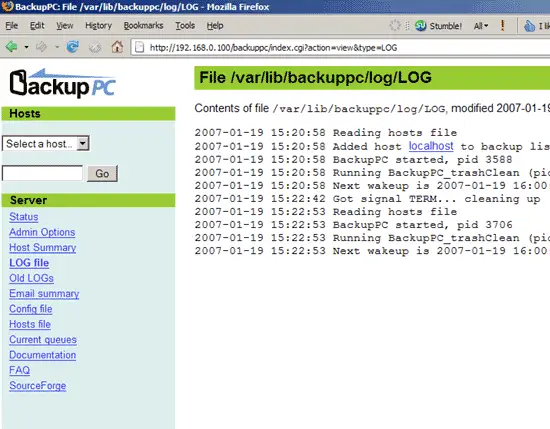
Under LOG file you can find the latest log entries:
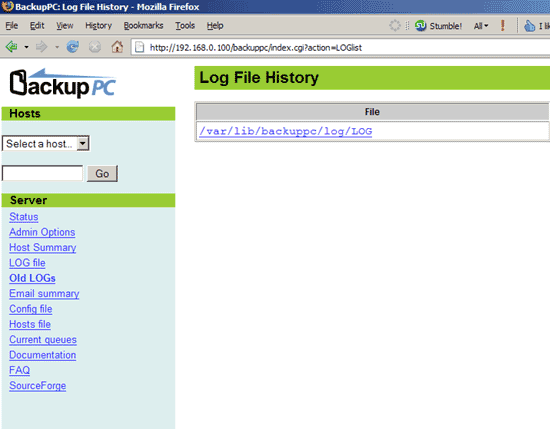
Old LOGs shows which log files are available. BackupPC has a built-in log rotation mechanism, so there will be more than one log file over time. The max. amount of log files can be specified in /etc/backuppc/config.pl.
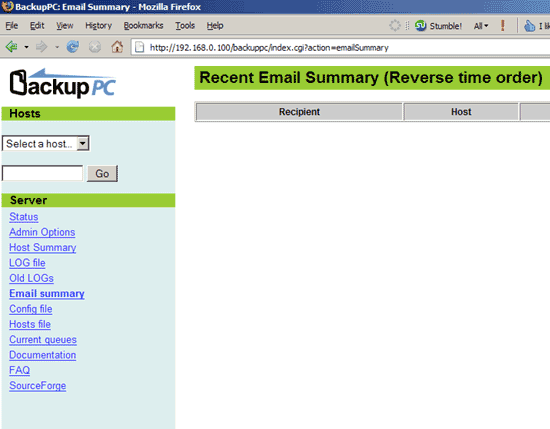
Email summary shows a list of backup reports that have been sent by email. Currently it is empty:
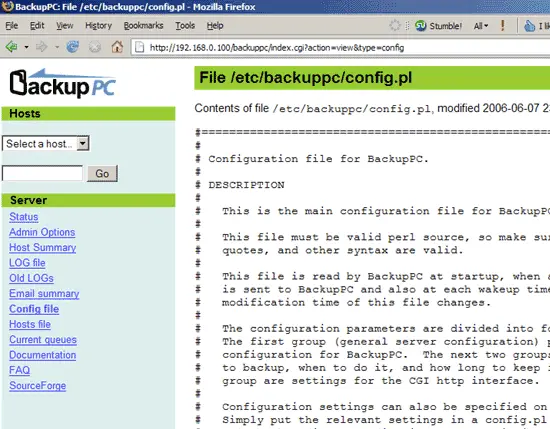
Config file shows the contents of BackupPC's main configuration file, /etc/backuppc/config.pl:
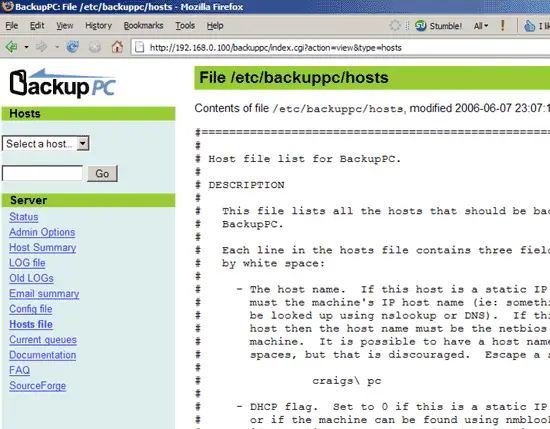
Hosts file shows the contents of /etc/backuppc/hosts (the file where the backup clients are specified):
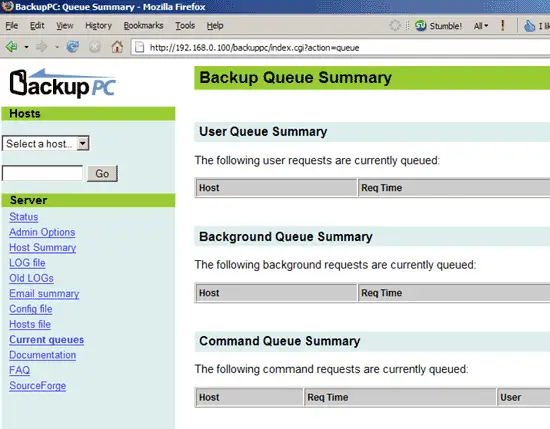
Current queues shows requests that currently aren't processed:
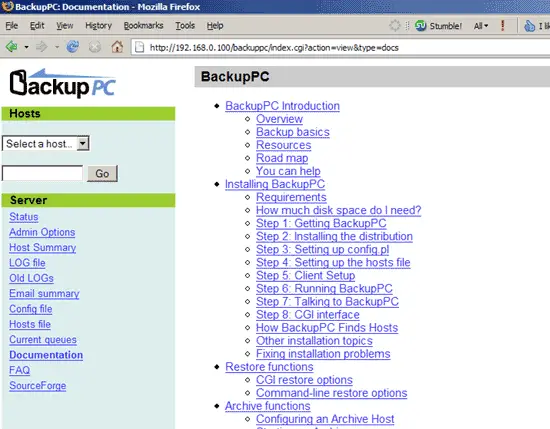
Documentation contains the whole BackupPC documentation. You should consider studying it later on:
FAQ and SourceForge are external links to the BackupPC FAQ and BackupPC's SourceForge project site.
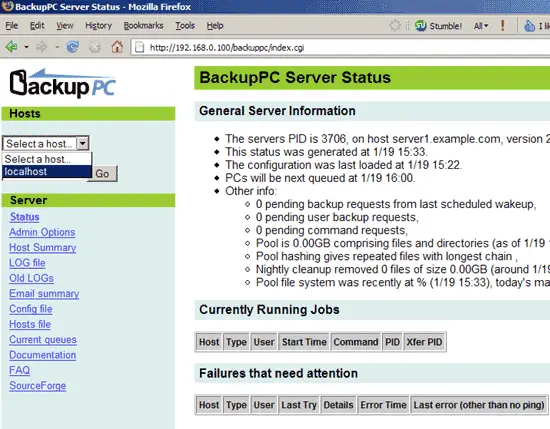
In the drop-down menu under Hosts you find all backup clients that are currently configured. localhost is in there by default, but as I said before, we will remove it.