
Installing The Open Source Ticket Request System (OTRS) On Fedora 8 - Page 2
2.6 Installation Part II
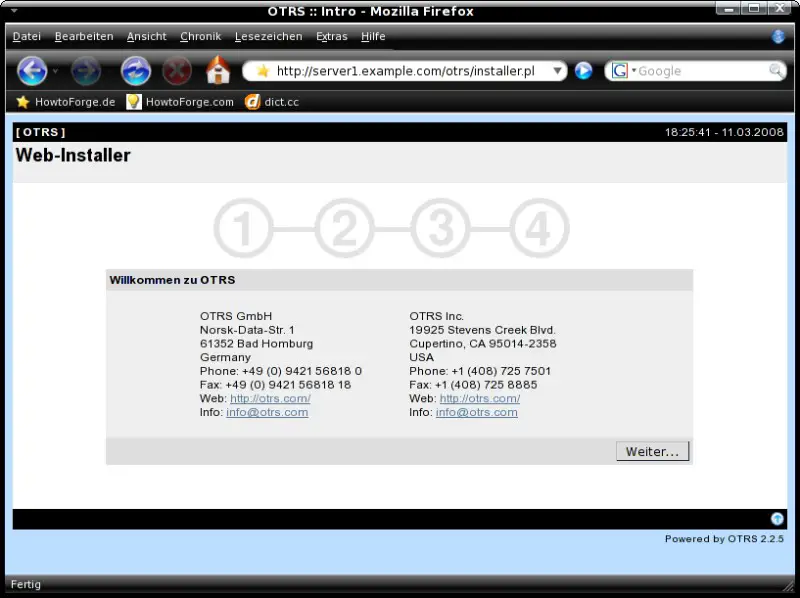
Open http://server1.example.com/otrs/installer.pl within your preferred browser. A wizard will guide you through the installation.
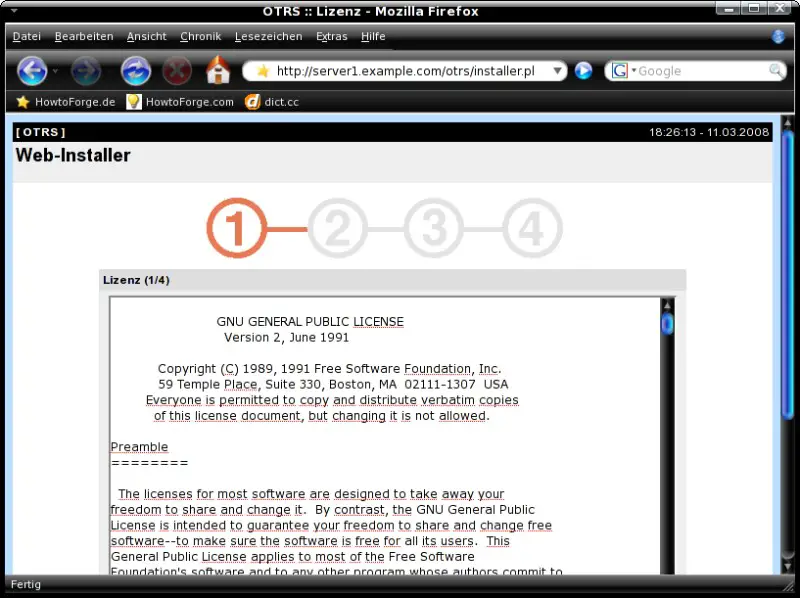
Read the license agreement (GPL v2) - proceed if you agree with it.
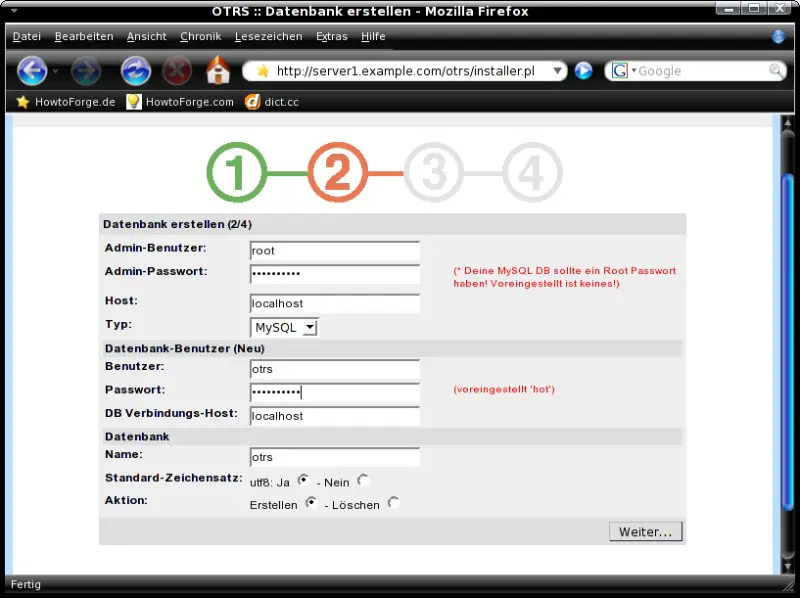
Insert the MySQL root user password that you set at step 2.4 and insert a password for the otrs database user.
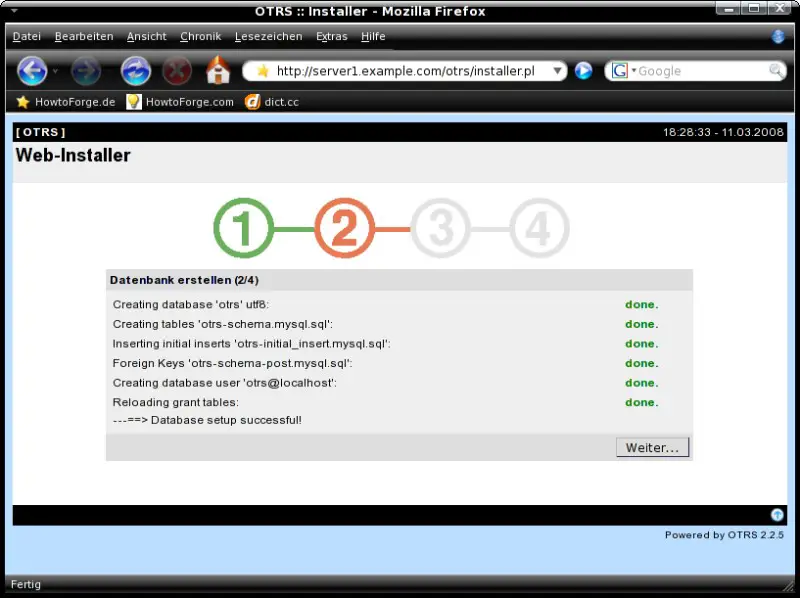
The database has been created.
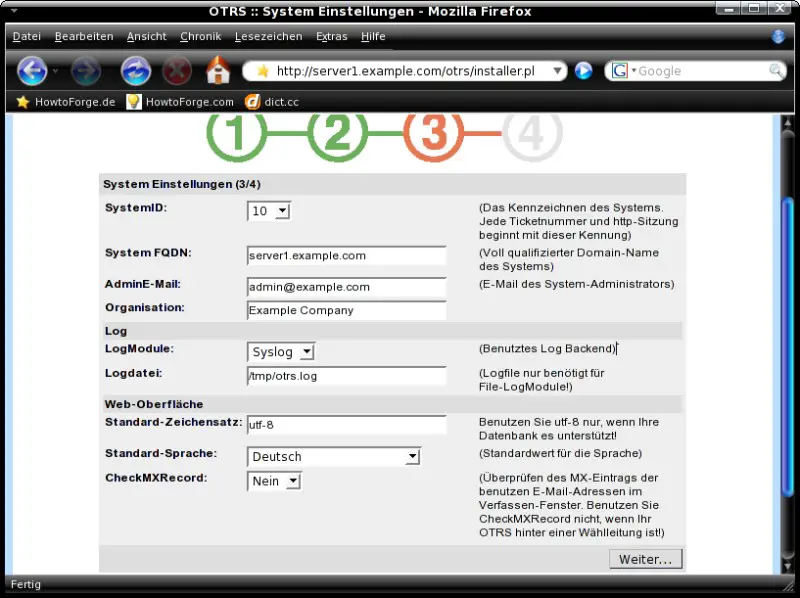
Insert your server's FQDN, your company name and select the standard language.
Finished.
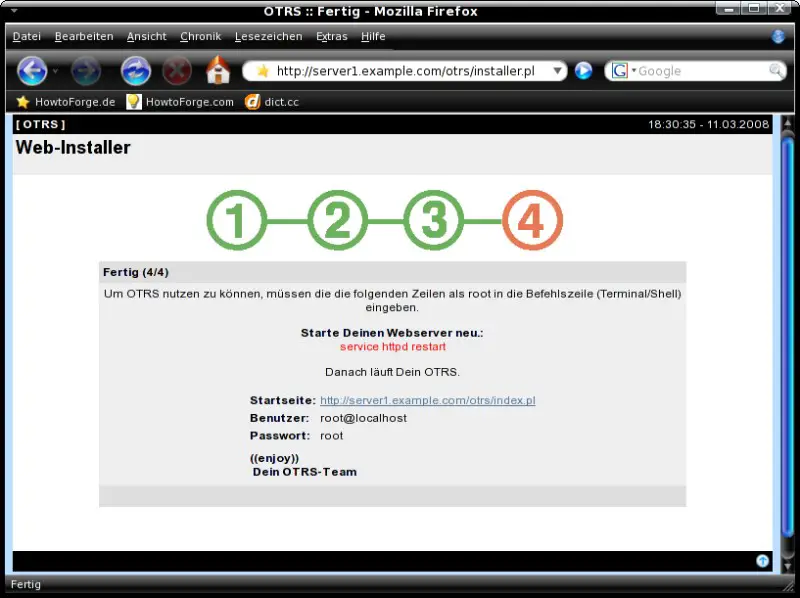
Finally restart the Apache server.
/etc/init.d/httpd restart
2.7 Access
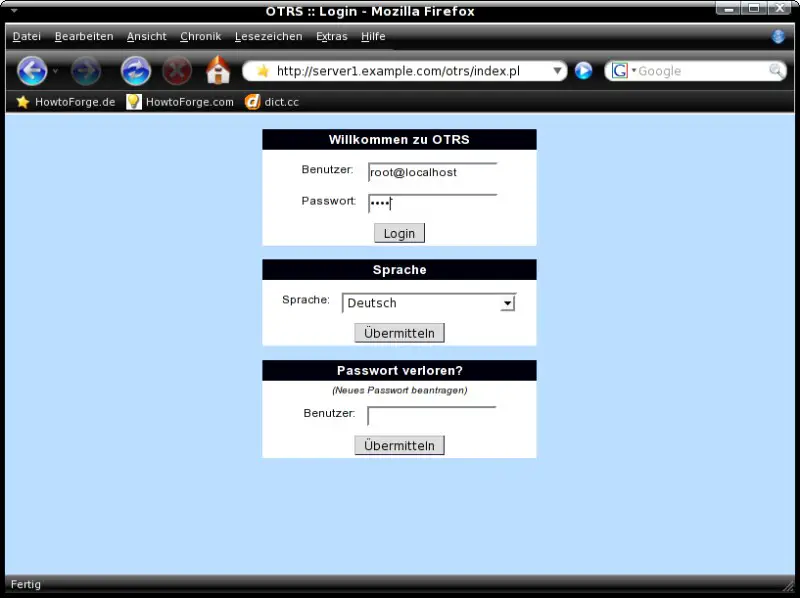
Open http://server1.example.com/otrs/index.pl within your preferred browser and log in with the username "root@localhost" and the password "root".
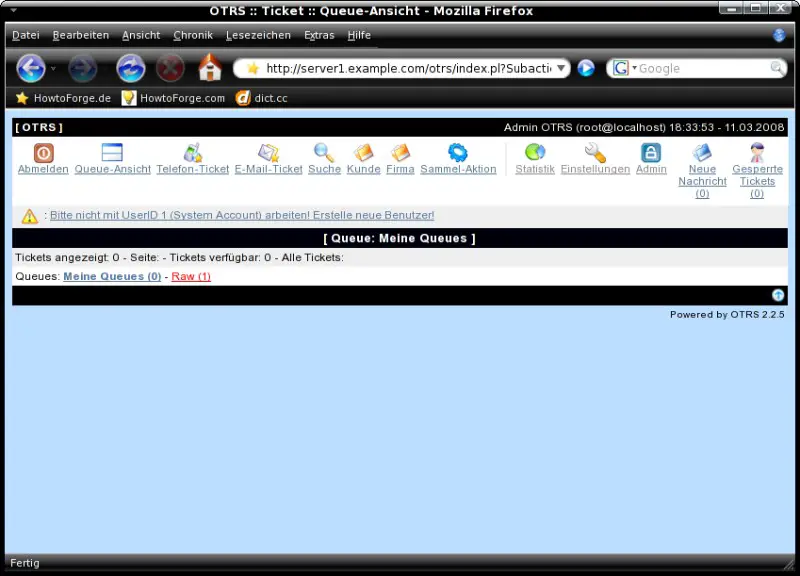
You should take a look at the OTRS documentation to find out how to use the web interface.
2.8 Essential Commands
Start OTRS:
service otrs start
Stop OTRS:
service otrs stop
Show the OTRS status:
service otrs status
Restart OTRS:
service otrs restart
3 Links
- Fedora: http://fedoraproject.org/
- OTRS: http://otrs.org/





