
Installation Guide: Fedora 8 Desktop (a.k.a. The Perfect Desktop) - Page 2
This tutorial exists for these OS versions
On this page
3 First Start
If there's no reason to do something special wait a few seconds to start with the standard settings.
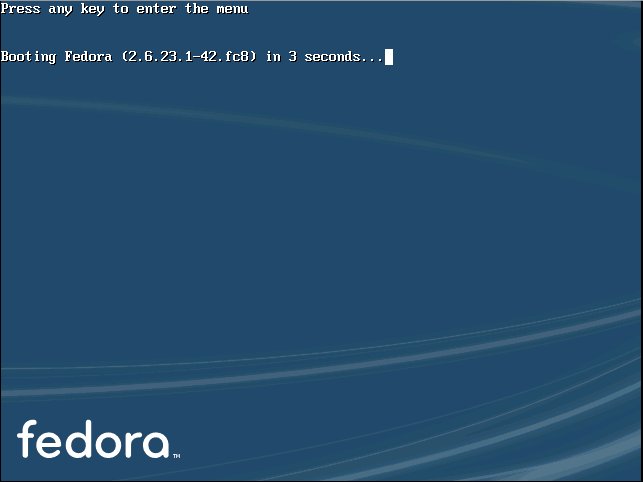
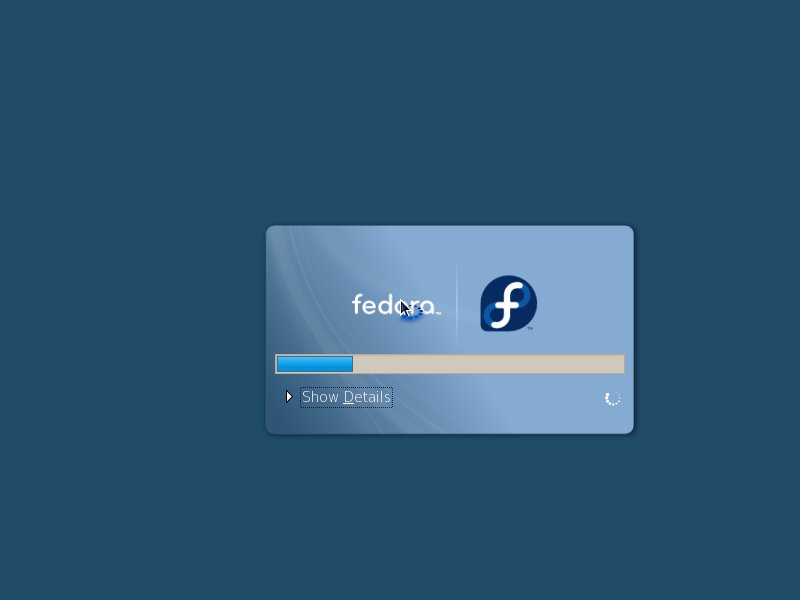
The system is starting up.
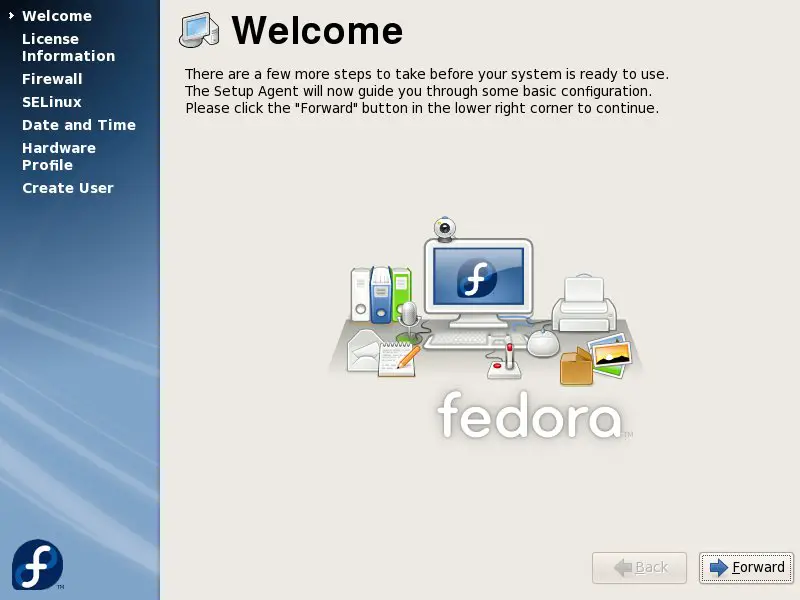
This is the first start - the firstboot-wizard appears.
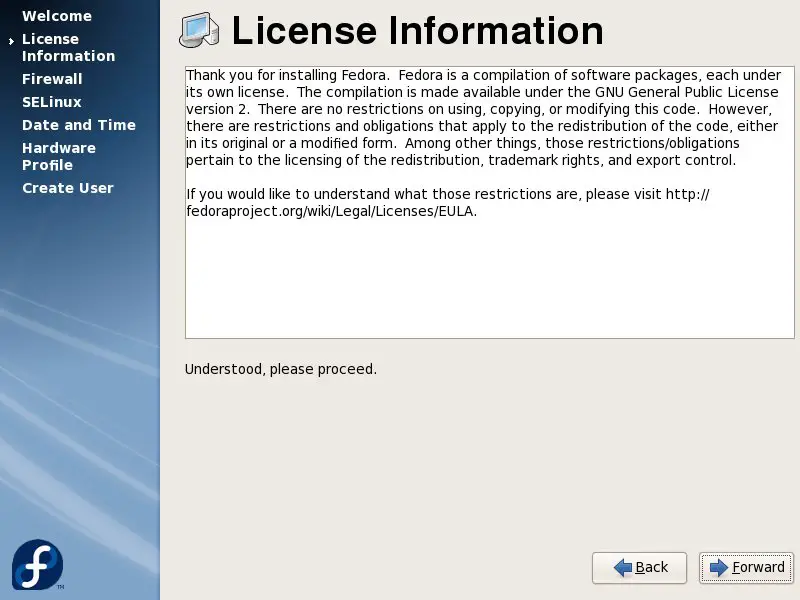
Have a look at the license information and proceed.
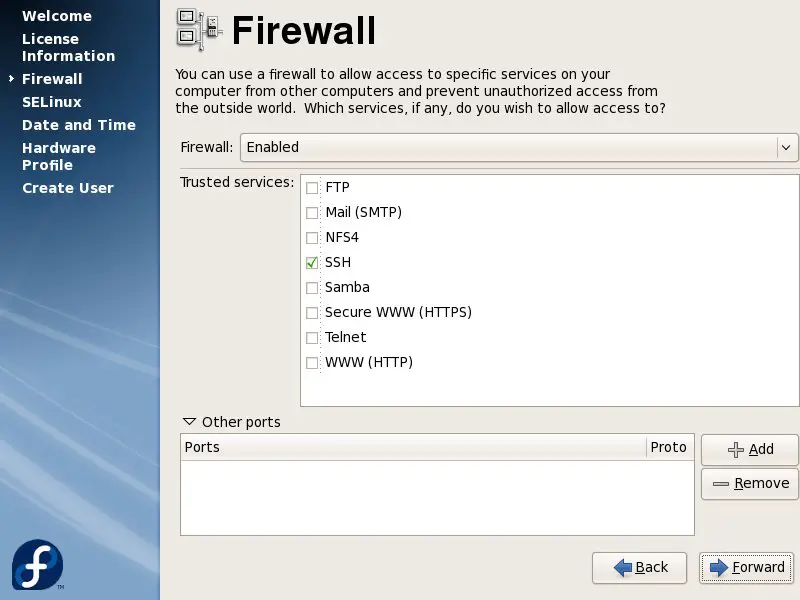
Here you can edit the firewall settings if you want. If you're not planning to connect to this computer via ssh/scp/sftp etc you can close the corresponding port.
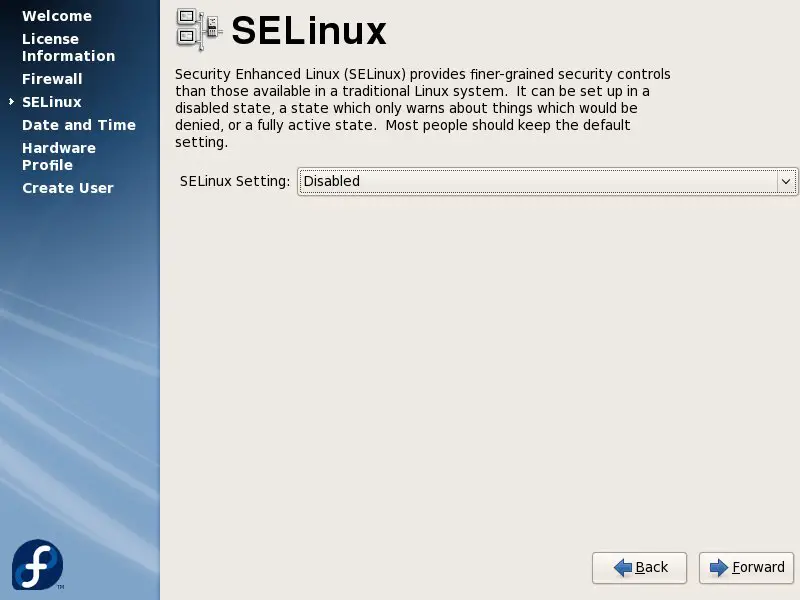
I recommend to deactivate SELinux - it can cause many problems, especially if you're using software from additional repositorys.
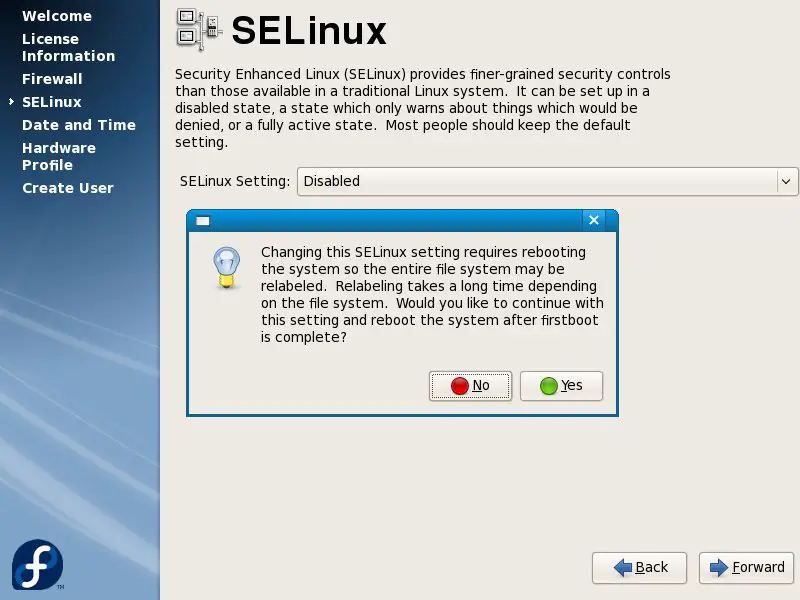
A reboot is required to take the changes affect.
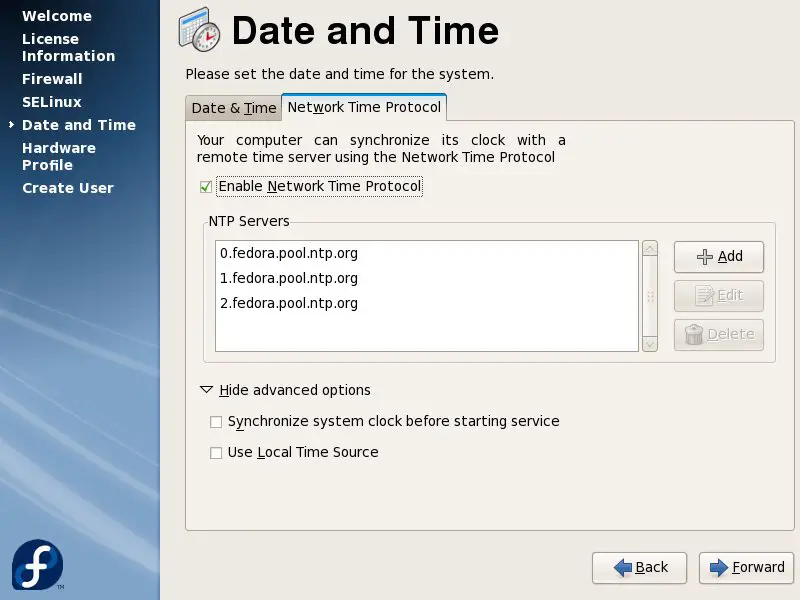
Set the actual time and date.
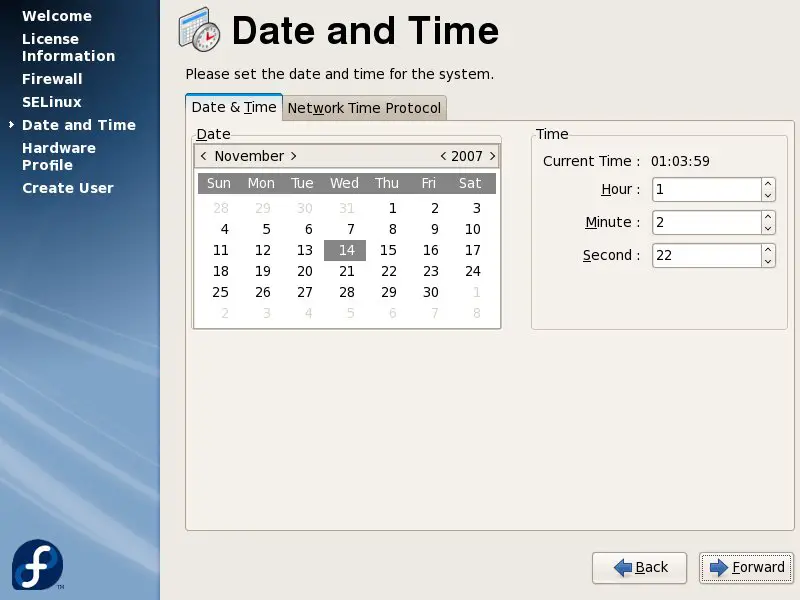
If you enable the network time protocol, the time will be synchronized with a remote time server.
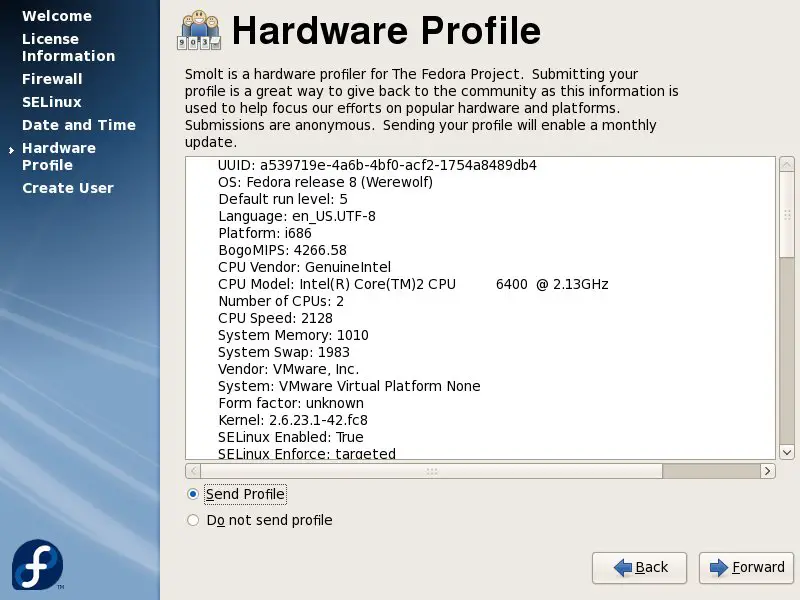
Send your hardware profile if you want.
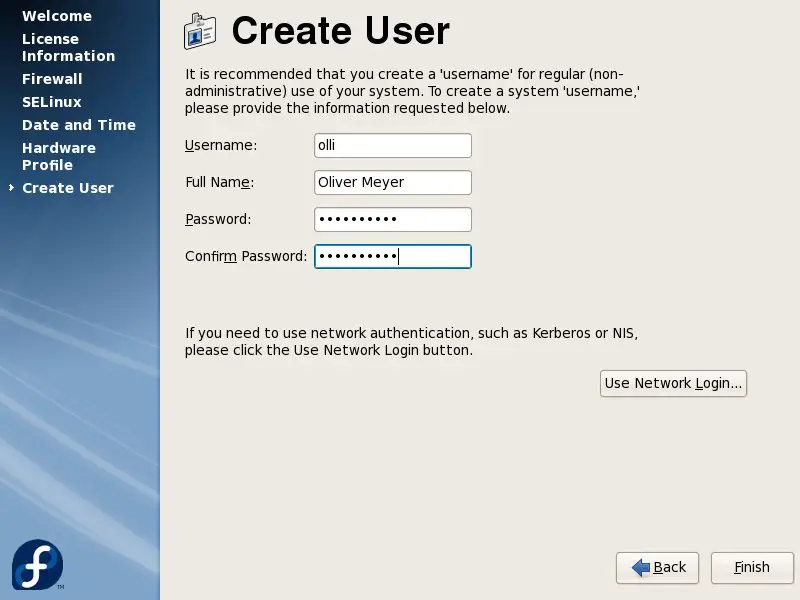
Time to add the first user-account to the system.
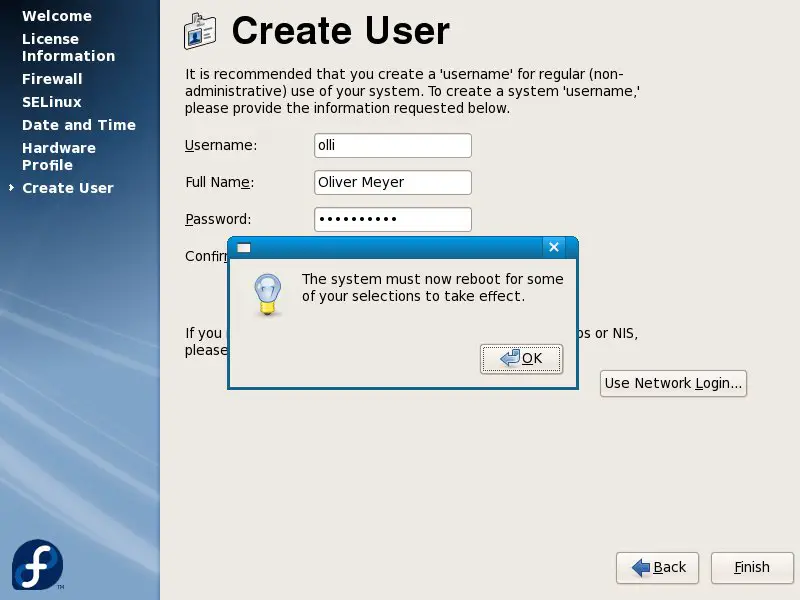
The system has to reboot now.
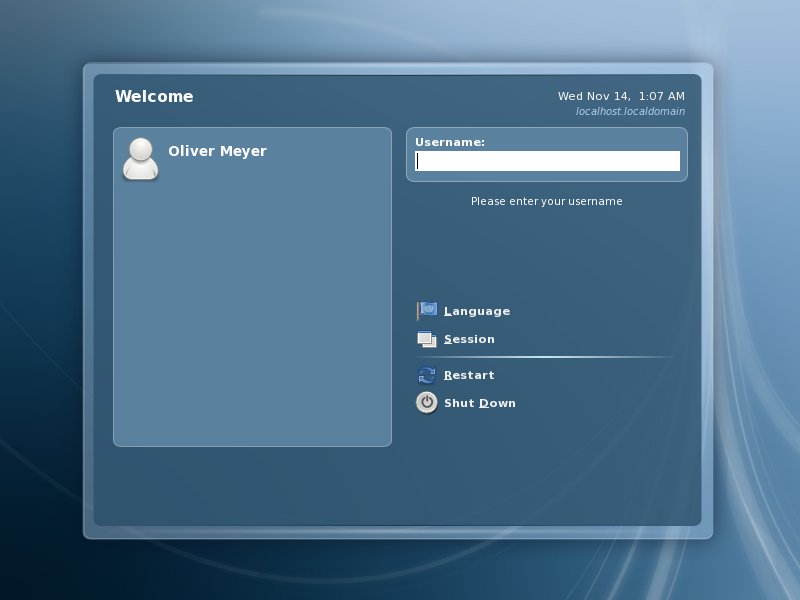
When the system is up again, you'll see the login window. Log in to the system with the userdata you chose in the firstboot-wizard.
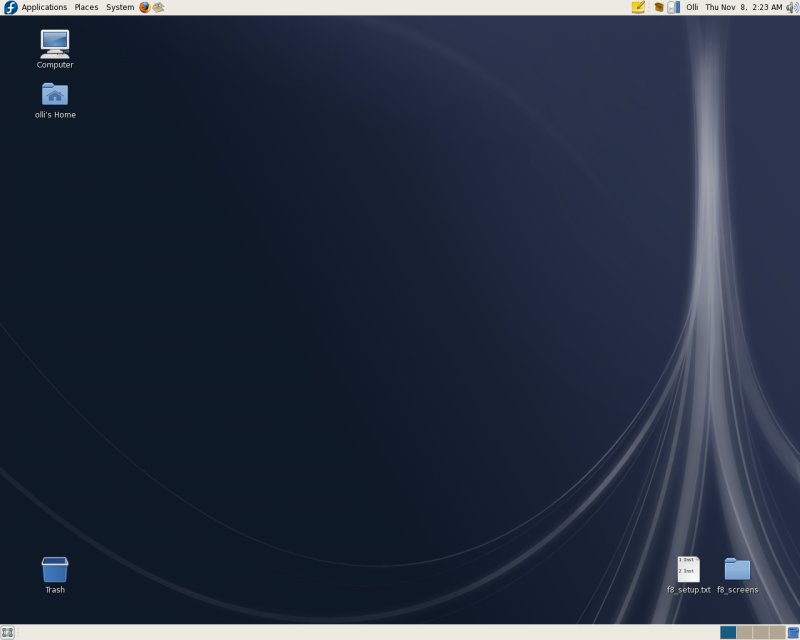
Welcome to your desktop.
4 Basic Configuration
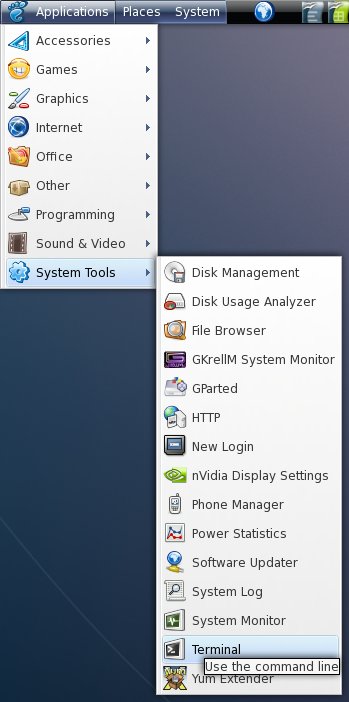
In various quarters of this howto you have to switch to the root-account (in the terminal). The terminal is available in the gnome applications menu.
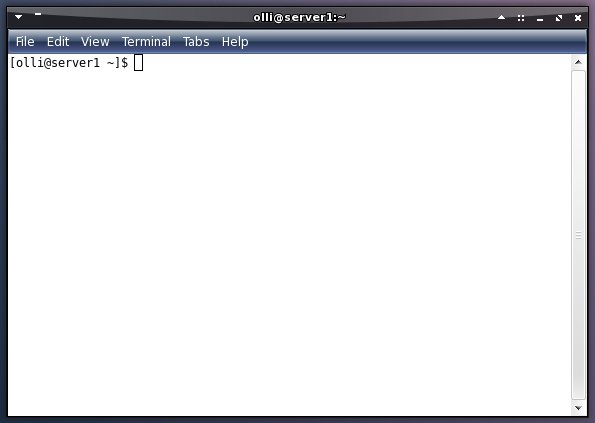
Enter the following to switch to the root-account:
su -
%rootpassword%
You can switch back to your user-account with:
exit
4.1 Yum
Install some recommended packages to prevent problems with yum and kernel-modules (root privileges needed):
yum install yumex yum-fastestmirror yum-skip-broken yum-fedorakmod yum-kernel-module yum-refresh-updatesd
4.2 DVD Repository
The install media is set as a repository by default. If you have a fast internet connection it's recommended to remove it - so you'll always get the newest packages. Remove the repository-file (root privileges needed):
rm -f /etc/yum.repos.d/Fedora-install-media.repo
4.3 Livna
The livna-repository provides many packages, including multimedia applications and drivers for ATI and Nvidia graphic cards. It's 100% compatible to the fedora-repository. Install the repository-package (root privileges needed):
rpm -ivh http://rpm.livna.org/livna-release-8.rpm





