Installation Guide: CentOS 5.1 Desktop - Page 2
Here you can select predefined collections of software. You can also make a custom selection if you mark the corresponding radio button.
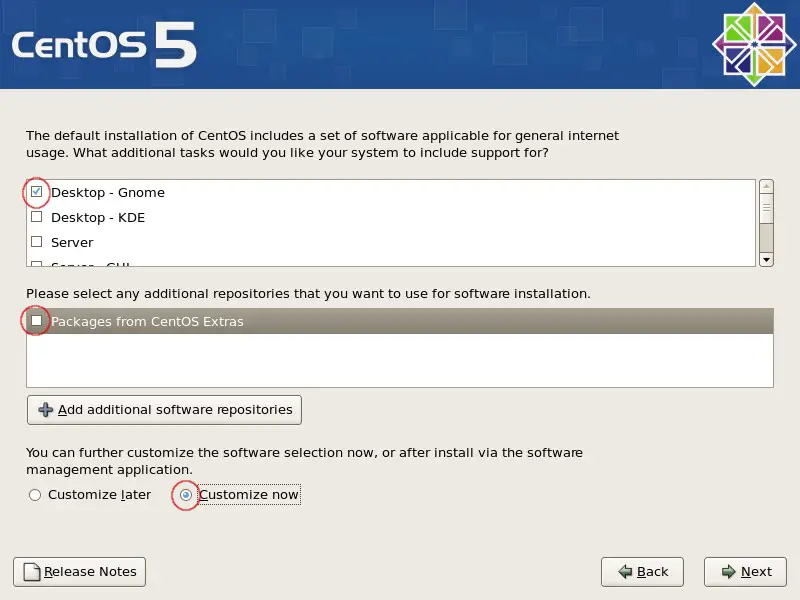
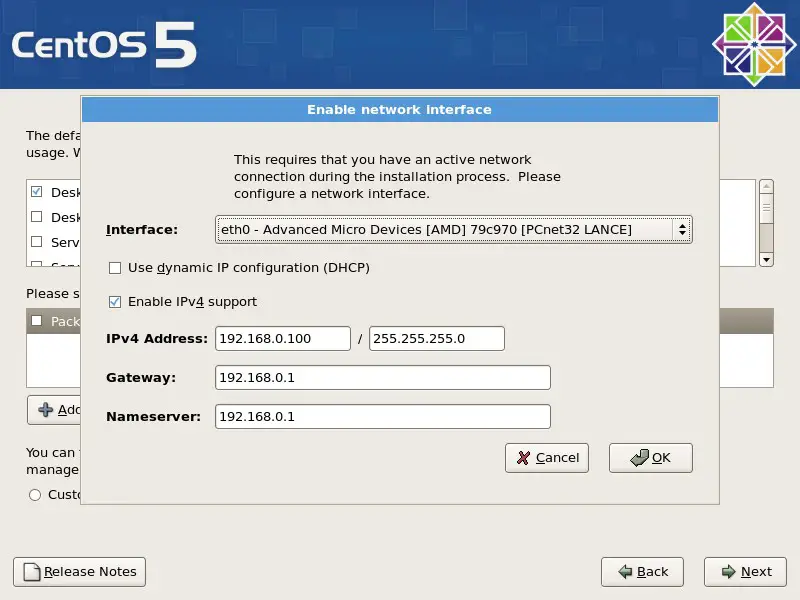
Select "Packages from CentOS Extras" - a window will pop up, asking for your network configuration. If you have already configured your network settings simply commit it - otherwise configure the settings now.
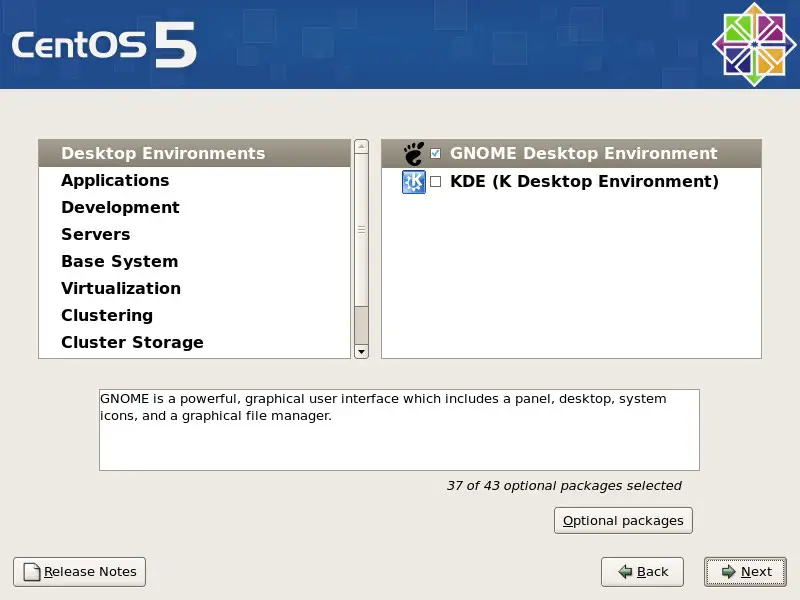
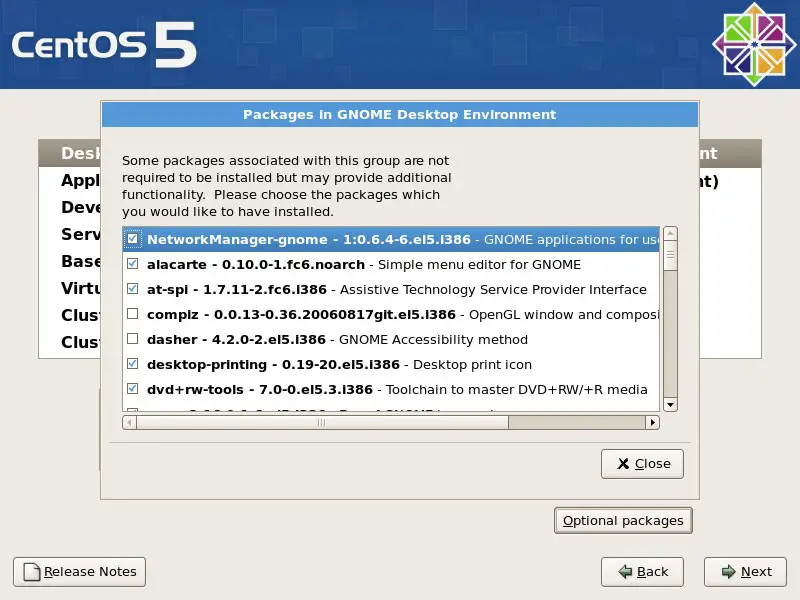
If you chose the custom selection you'll see this and a few following windows. Select a main group on the left and afterwards one of its subgroups on the right. Now click on "Optional Packages" - you'll see...
...this window with a detailed package list. Select or deselect packages as you like.
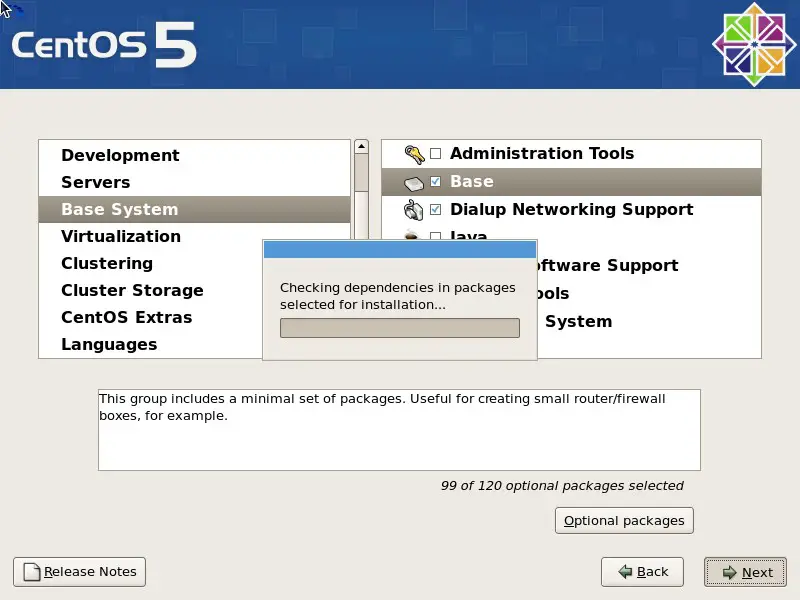
Click "Next" if your selection is complete. Dependencies are being checked.
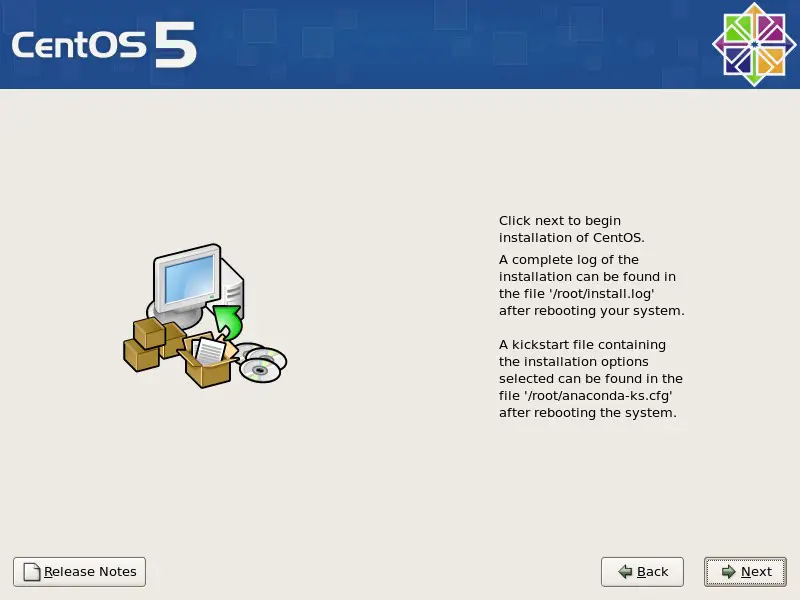
The system is ready to install - click on "Next".
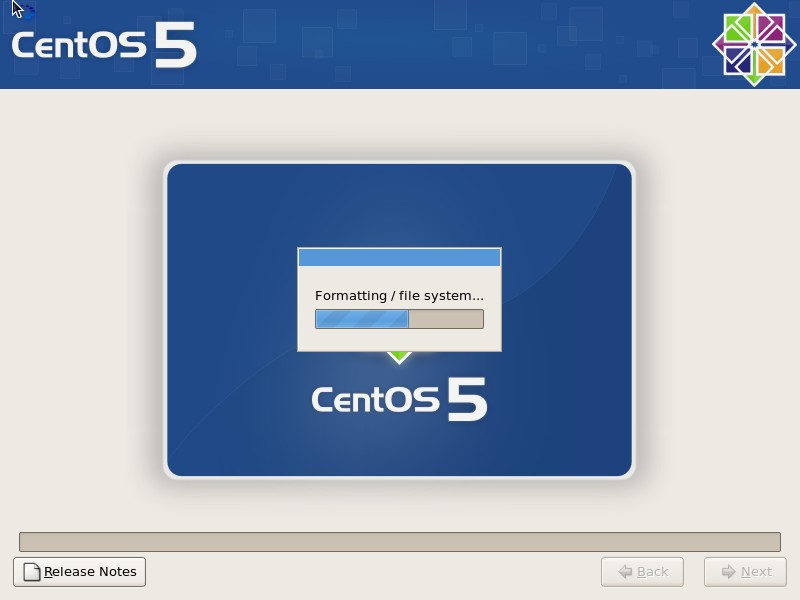
The partition(s)/disk(s) are being formatted etc.
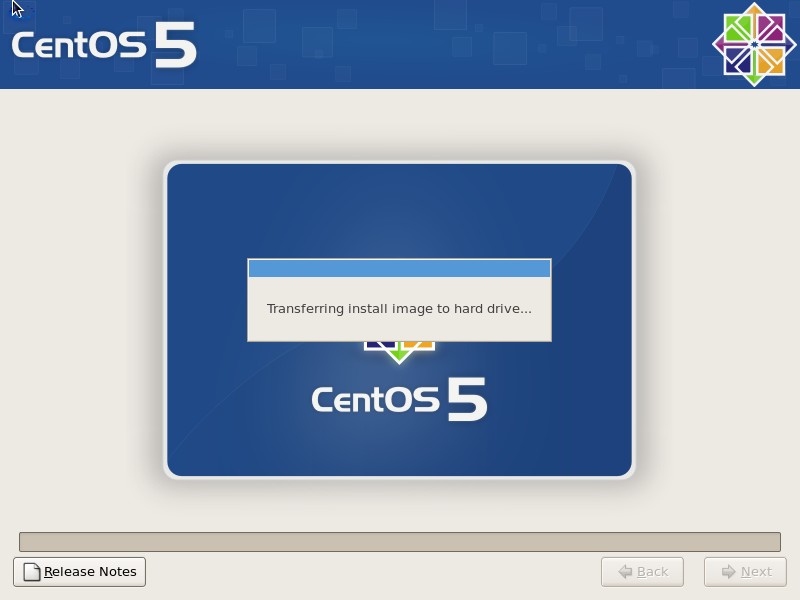
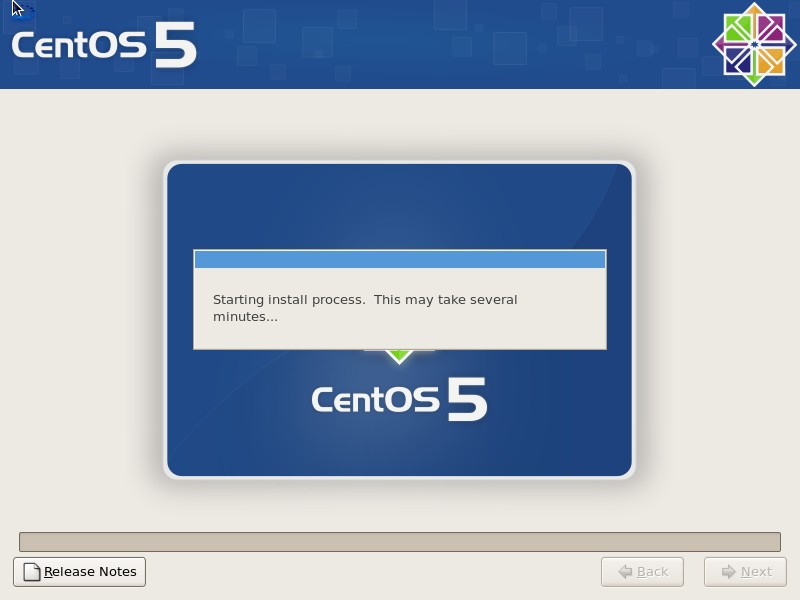
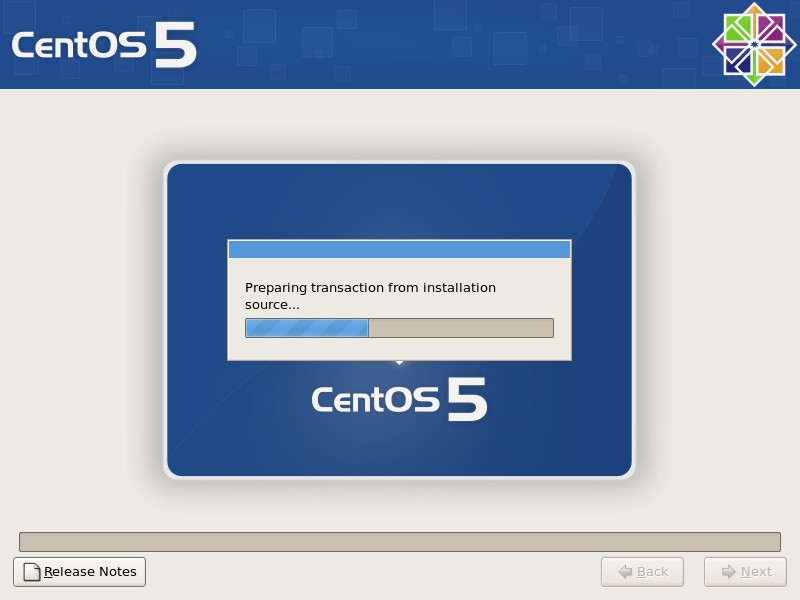
The system is being installed.
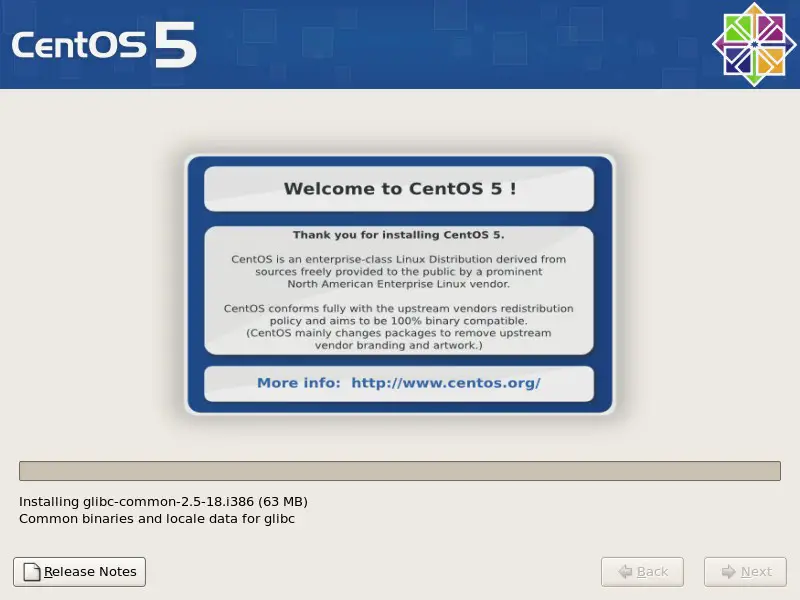
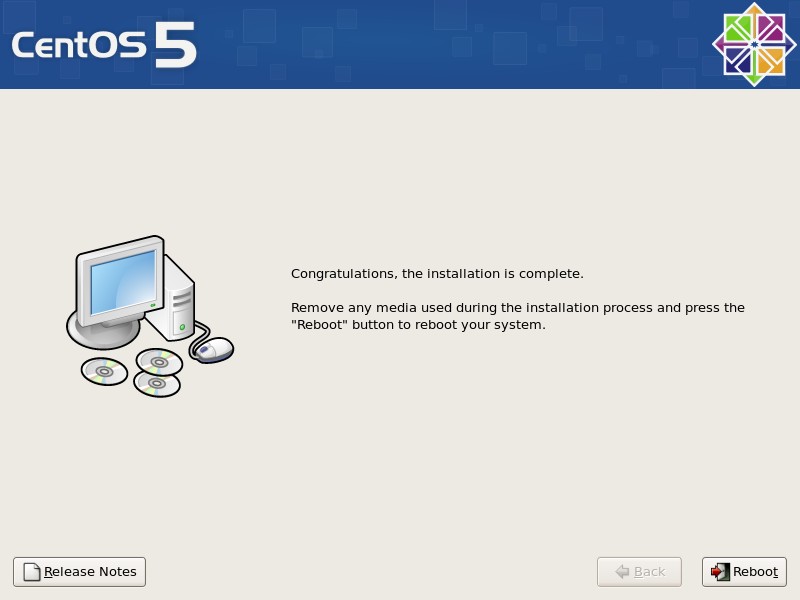
The installation is complete. Remove the install media and reboot the system.