Installation Guide: CentOS 5.1 Desktop
Version 1.0
Author: Oliver Meyer <o [dot] meyer [at] projektfarm [dot] de>
This document describes how to set up a CentOS 5.1 desktop. The result is a fast, secure and extendable system that provides all you need for daily work and entertainment.
This howto is a practical guide without any warranty - it doesn't cover the theoretical backgrounds. There are many ways to set up such a system - this is the way I chose.
1 Install Media
The install media(s) are available at http://isoredirect.centos.org/centos/5/isos/i386/. I used the DVD-image for this howto.
2 Installation
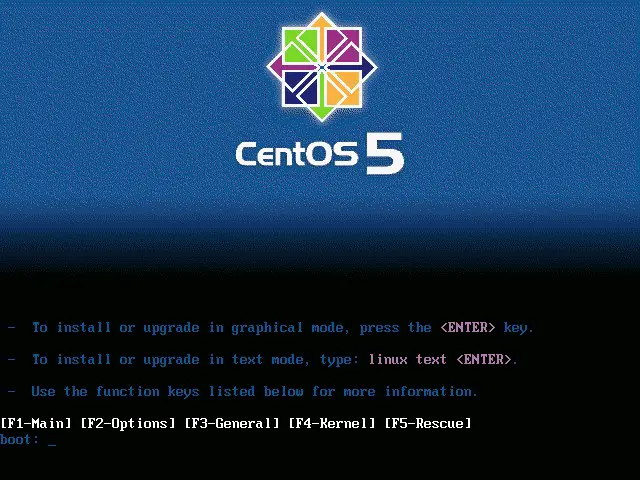
Hit "Enter" to start the installation.
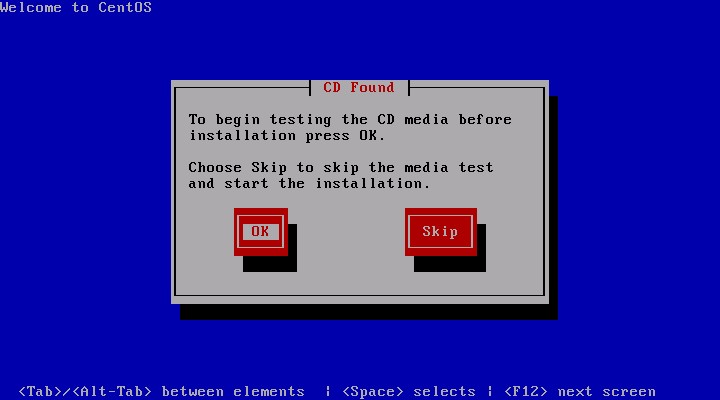
Test your install media if you want.
The installation wizard is starting.
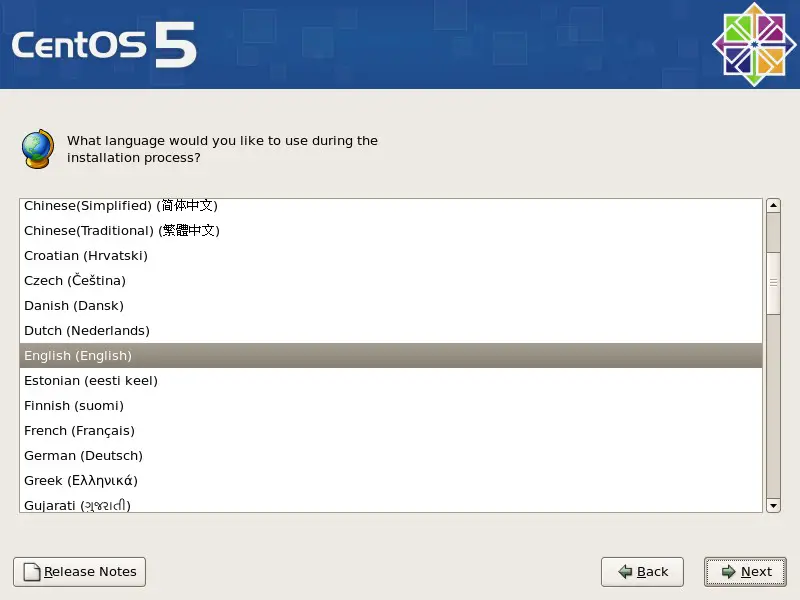
Select your language and proceed.
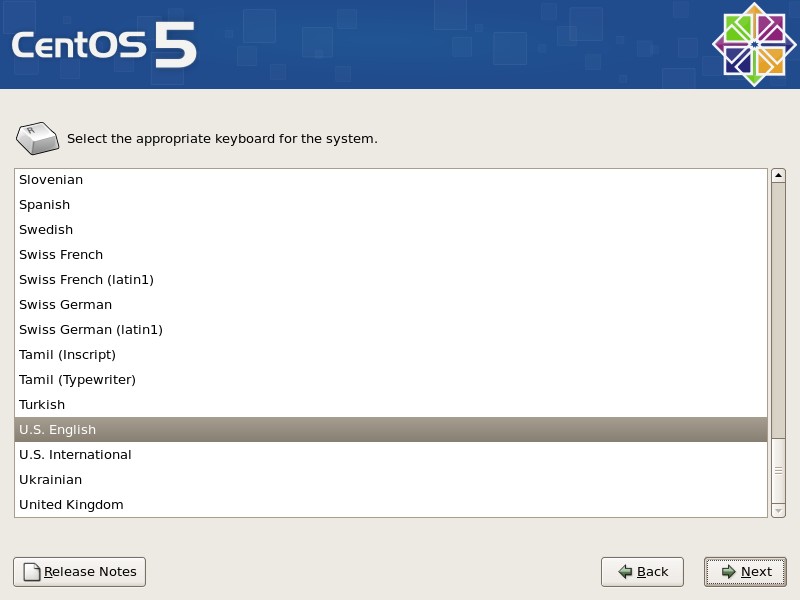
Choose your keyboard-layout and proceed.
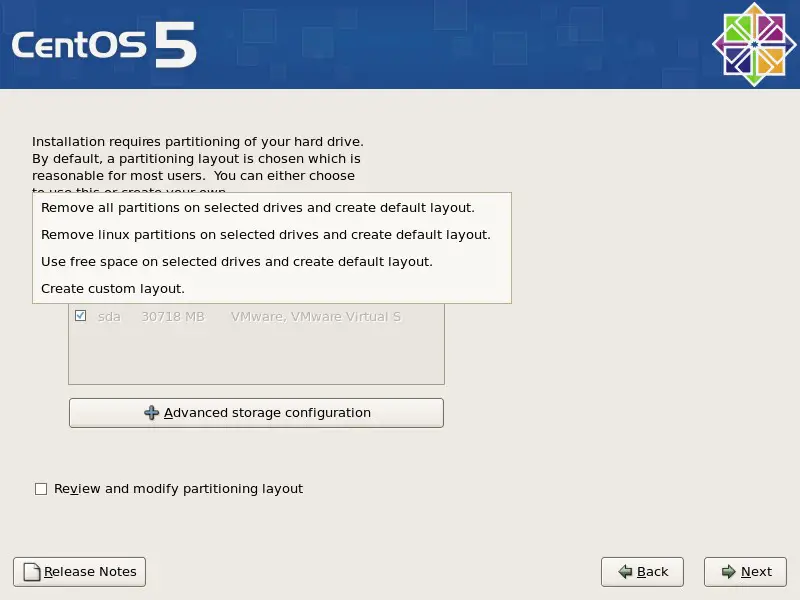
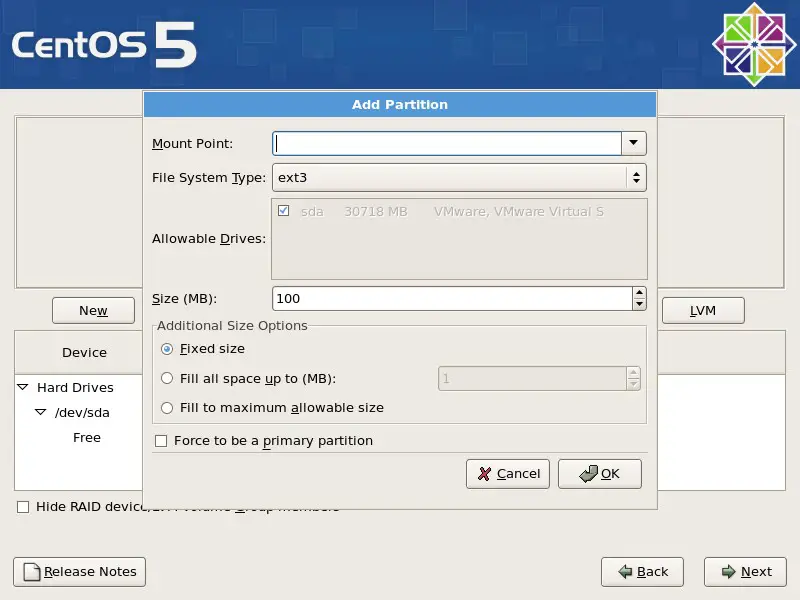
Here you can select/edit the partitioning layout.
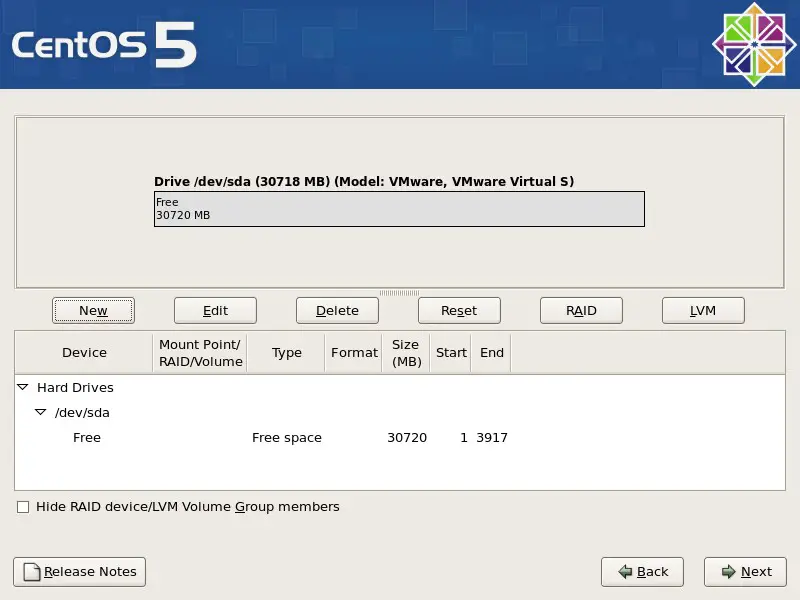
If you chose the manual setup, you'll see the following two windows.
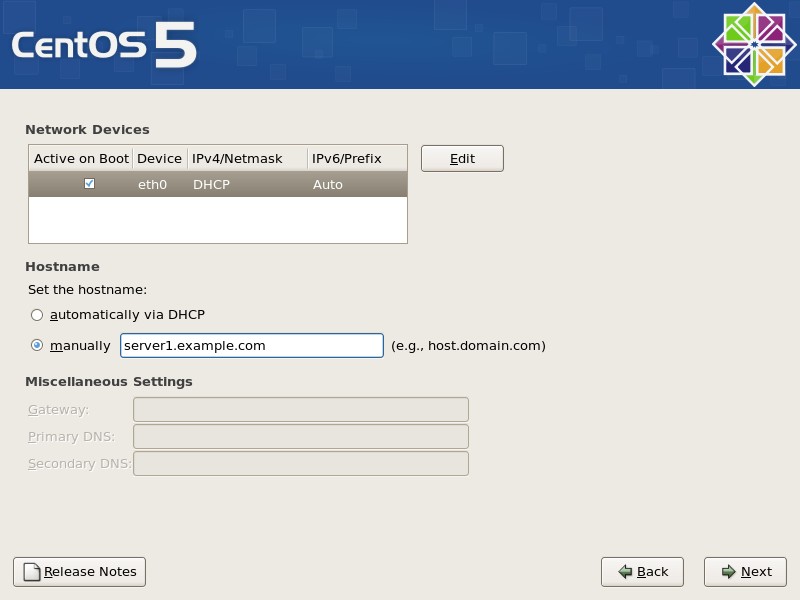
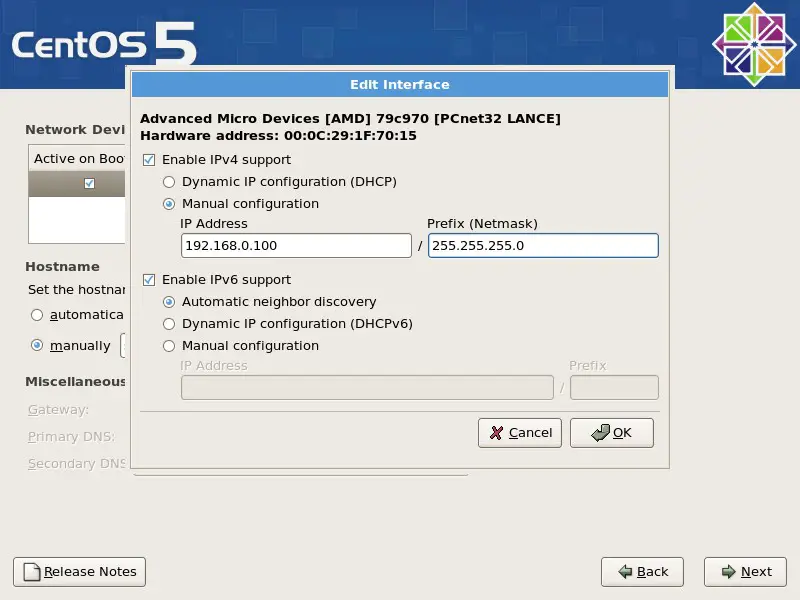
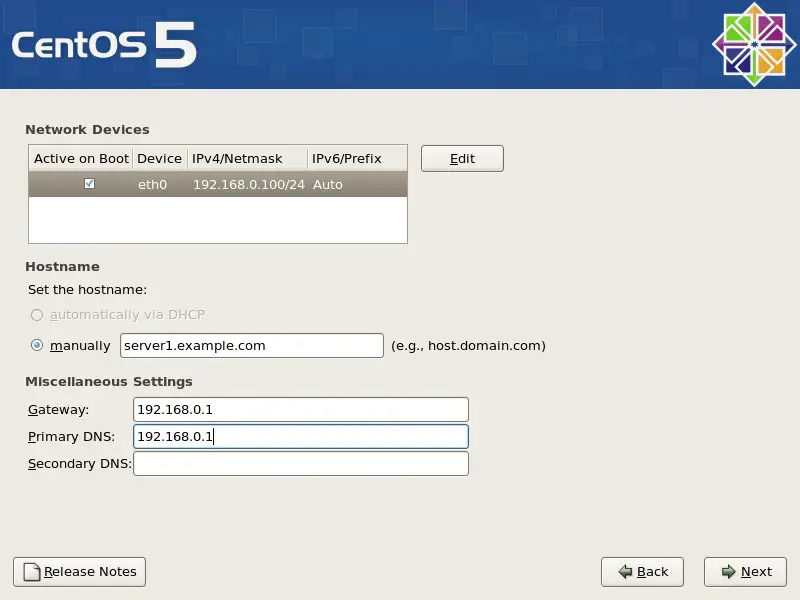
Here you can adjust the network settings.
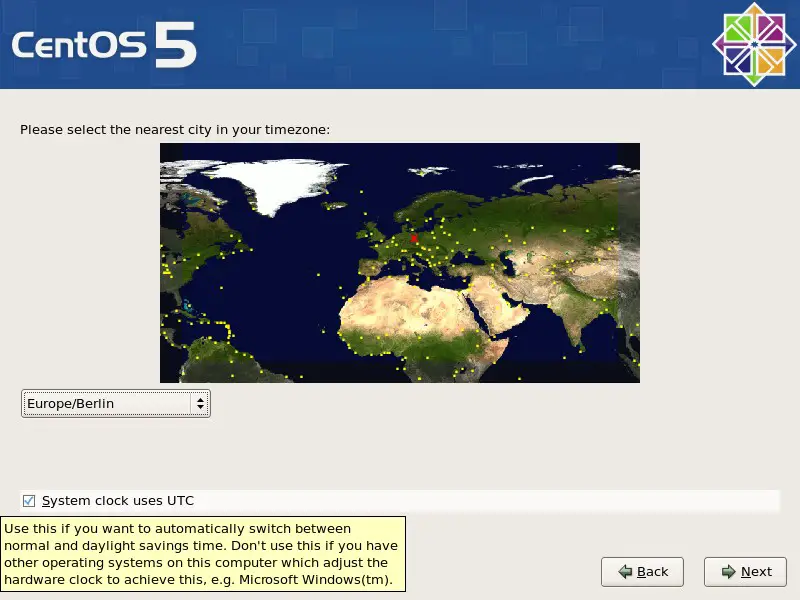
Select the location nearest to yours and configure the clock. Unmark the checkbox if there are other operating systems installed, that expects the clock to be set to local time - e.g. Windows.
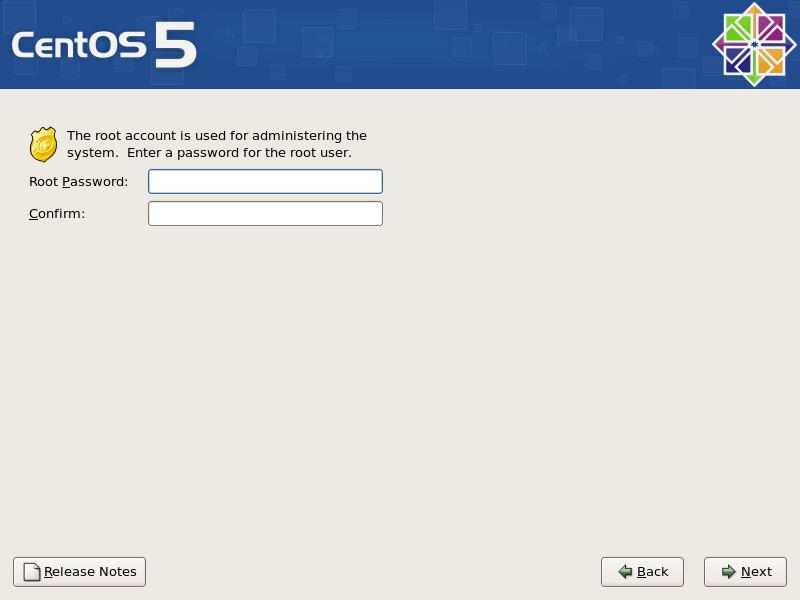
Choose a password for the root-account and confirm it.