
Importing Outlook Express Emails Into Thunderbird And Evolution
Version 1.0
Author: Falko Timme
This tutorial shows how you can import Outlook Express emails, contacts, and account settings into Mozilla Thunderbird and Evolution. This is quite useful if you want to switch from Windows to Linux but don't want to lose your mails and address book. The procedure should be similar if you use Outlook instead of Outlook Express.
I do not issue any guarantee that this will work for you!
1 Preliminary Note
To export the mails and contacts from Outlook Express, we will install Mozilla Thunderbird on our Windows system. We can then use a wizard in Thunderbird to import the Outlook Express emails/contacts/settings. Once we have done this, we can move the Thunderbird directory that contains the imported files to our Linux desktop where we can "feed" the files to the Thunderbird installation on our Linux system. In an additional step we can import the mails and contacts in Evolution, but even then we need Thunderbird.
2 Install Thunderbird On Windows And Import Emails/Contacts/Settings
If Thunderbird isn't already installed on your Windows desktop, download the latest version from http://www.mozilla.com/en-US/thunderbird and install it.
2.1 If This Is The First Time You Start Thunderbird...
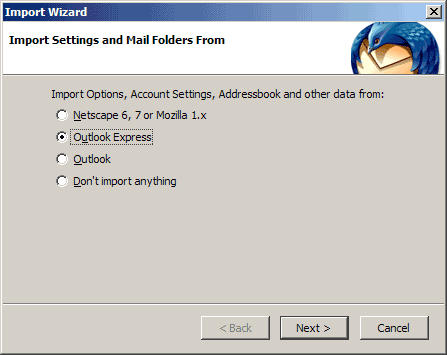
Then start Thunderbird. If this is the first time that Thunderbird is started, it will come up with an Import Wizard. This is exactly what we need to import mails from Outlook Express into Thunderbird. Select Outlook Express and click on Next:
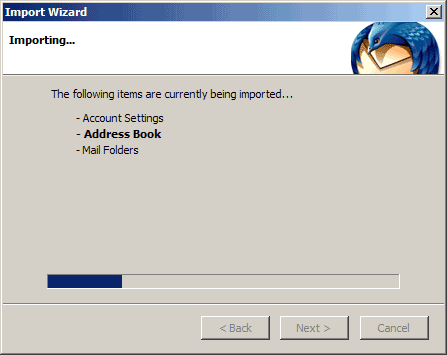
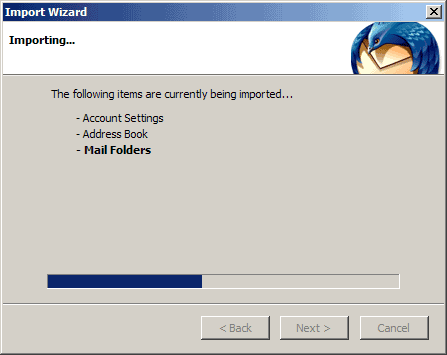
In the next step your Outlook Express account settings, contacts, and emails are imported into Thunderbird:
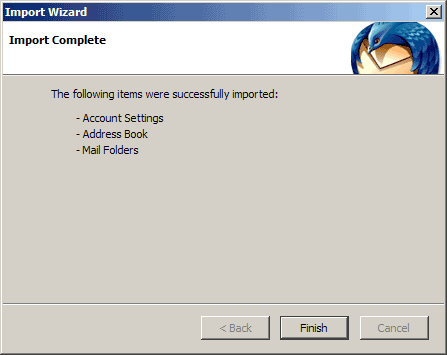
Click on Finish to leave the Import Wizard afterwards:
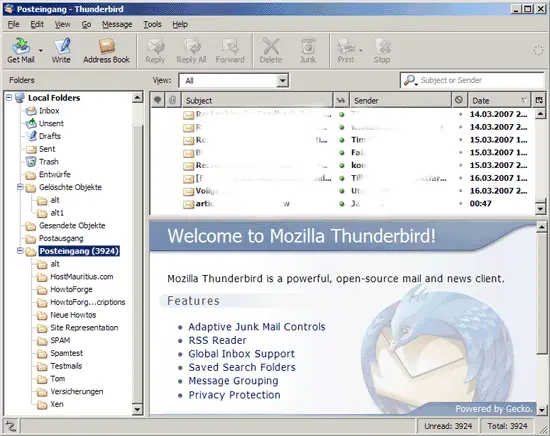
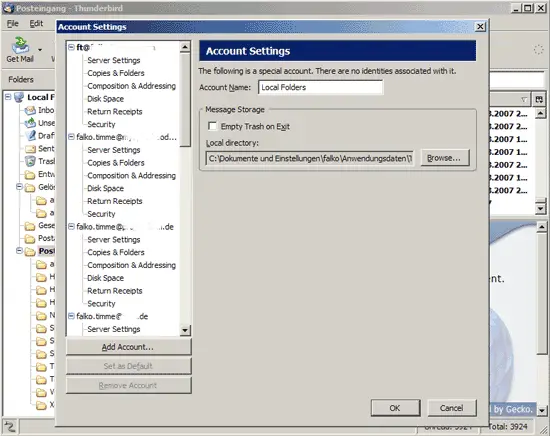
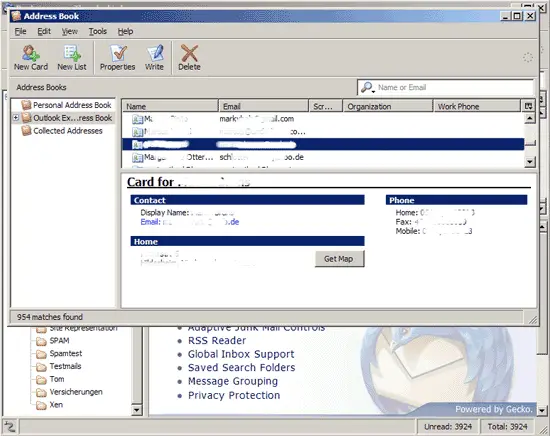
Now start Thunderbird. You should find that your emails, email accounts, and address book have been properly imported (you can get a list of your email accounts under Tools > Account Settings...):
2.2 If This Is Not The First Time You Start Thunderbird...
If this is not the first time you start Thunderbird, no import wizard will come up. In this case, go to Tools > Import...:
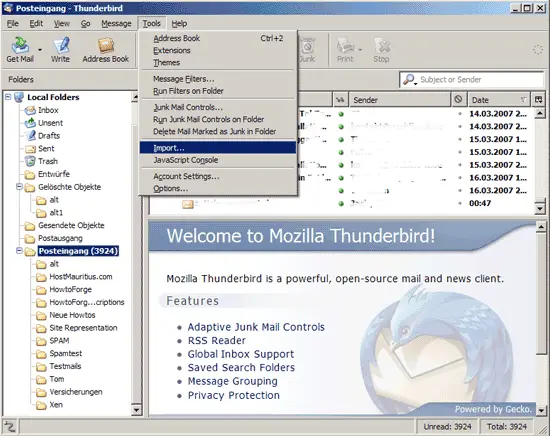
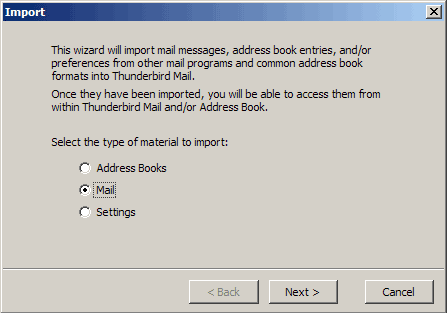
Now you can select what you want to import (address book, emails, settings). If you want to import more than just one type of material, run the import wizard as often as you need.
Next, select Outlook Express:
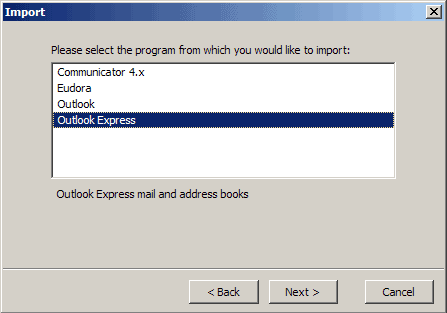
Your data will then be imported into Thunderbird.





