
How To Install Cinnamon Desktop On Fedora 18
This tutorial exists for these OS versions
On this page
This tutorial shows how you can install Linux Mint's Cinnamon desktop on Fedora 18. Since it has now been included in the repositories this can now be done quite quickly. Fedora's default desktop at the moment is GNOME 3.
This document comes without warranty of any kind! I do not issue any guarantee that this will work for you!
1 Update Sources
Before you can install Cinnamon you need to check if your system is up to date and install the latest updates. To do that, you need to open a terminal:
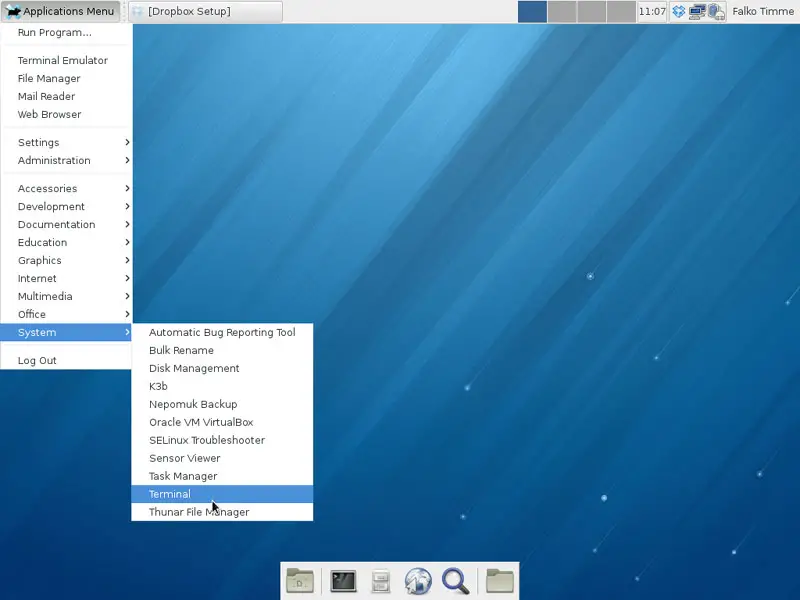
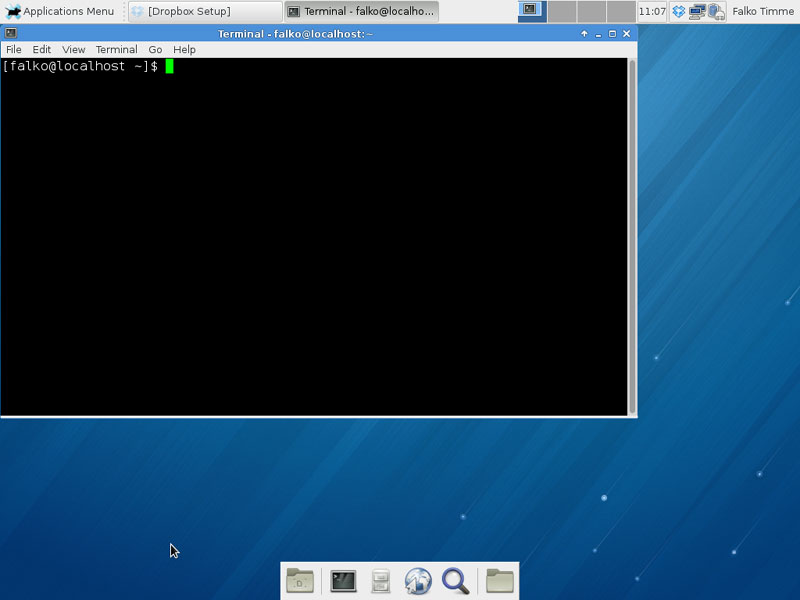
Once inside the terminal, log in as root:
su
Afterwards, check for updates and install them:
yum update
2 Install Cinnamon
Still in the terminal, you can now install Cinnamon. Enter following:
yum install cinnamon
Afterwards, log out of your current desktop session:
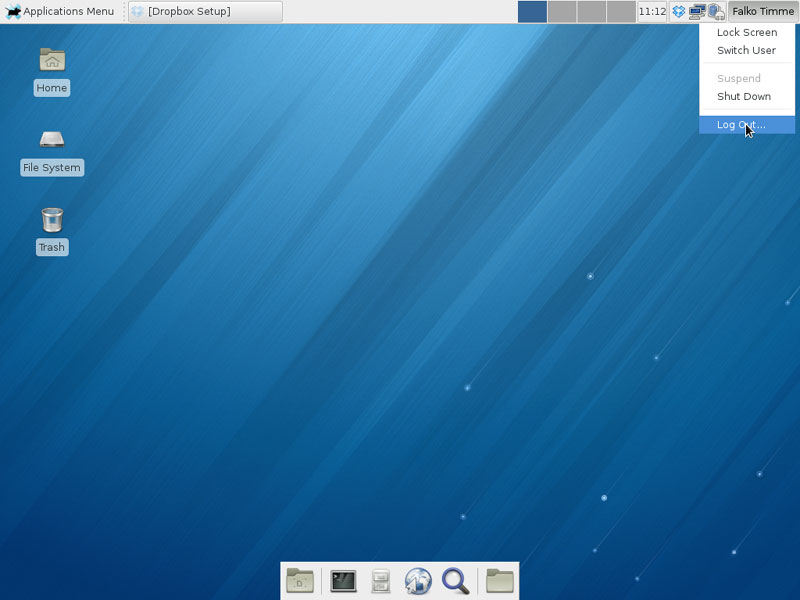
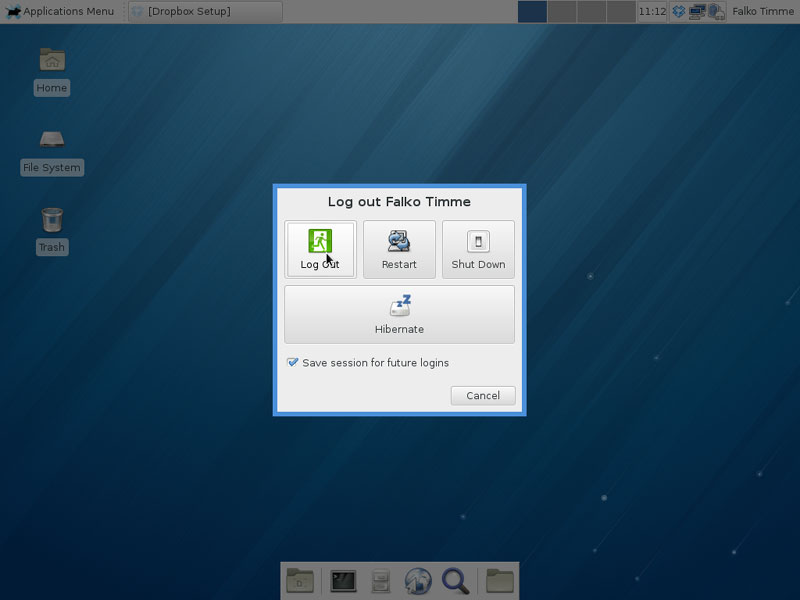
You can now switch desktops in the login screen after you selected the account you want to log in with. Click on Session and select Cinnamon:
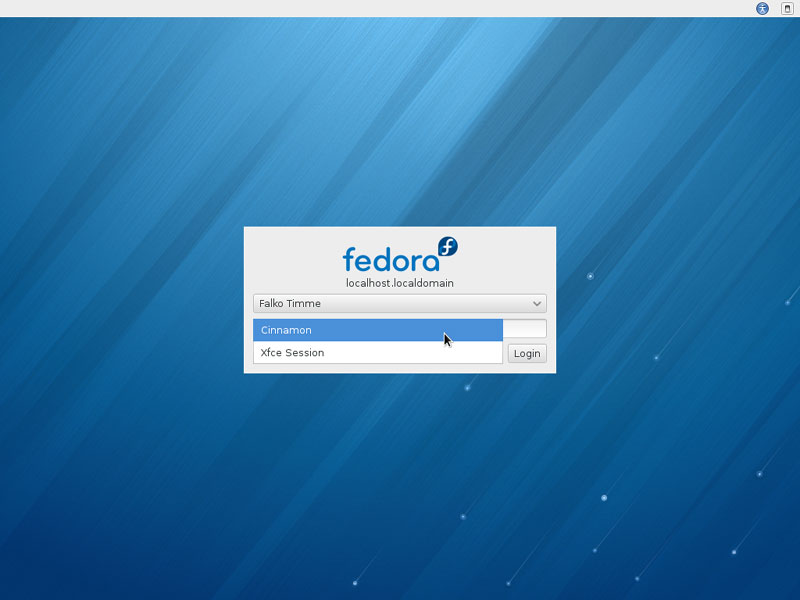
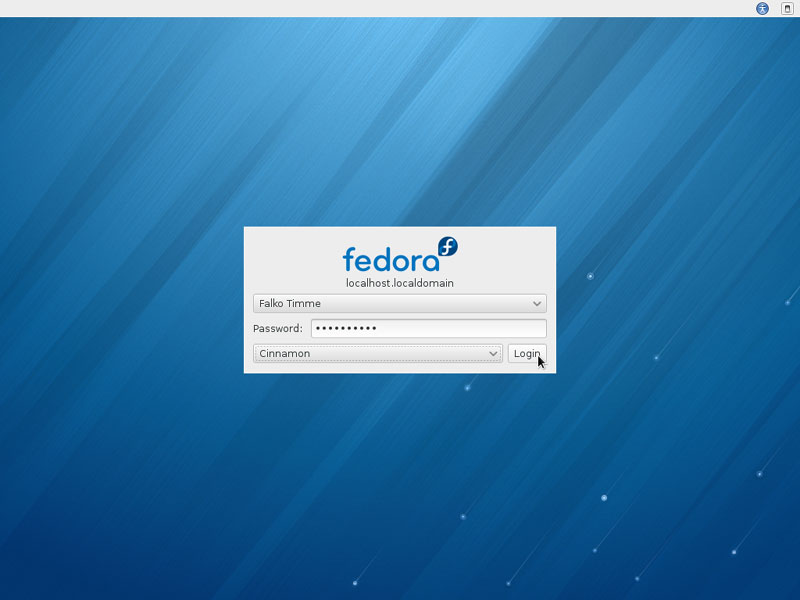
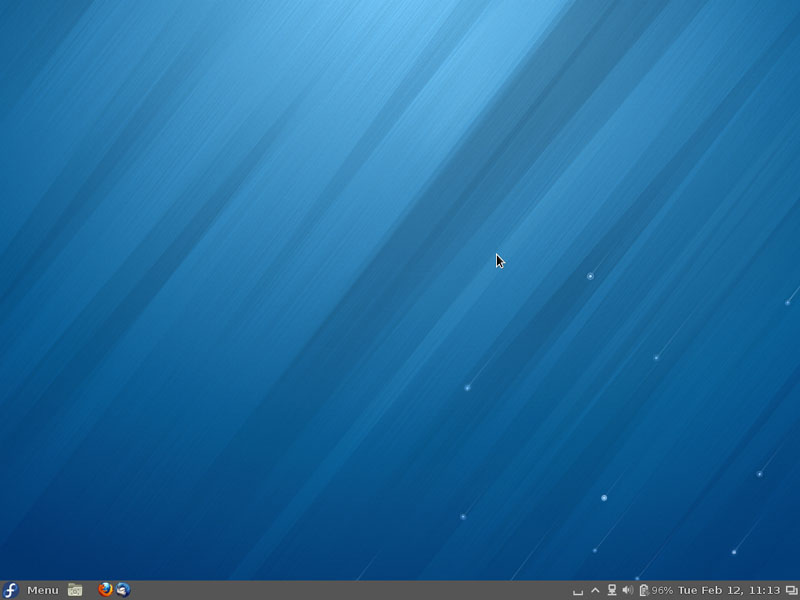
After logging in again your desktop should have changed:
 :
:
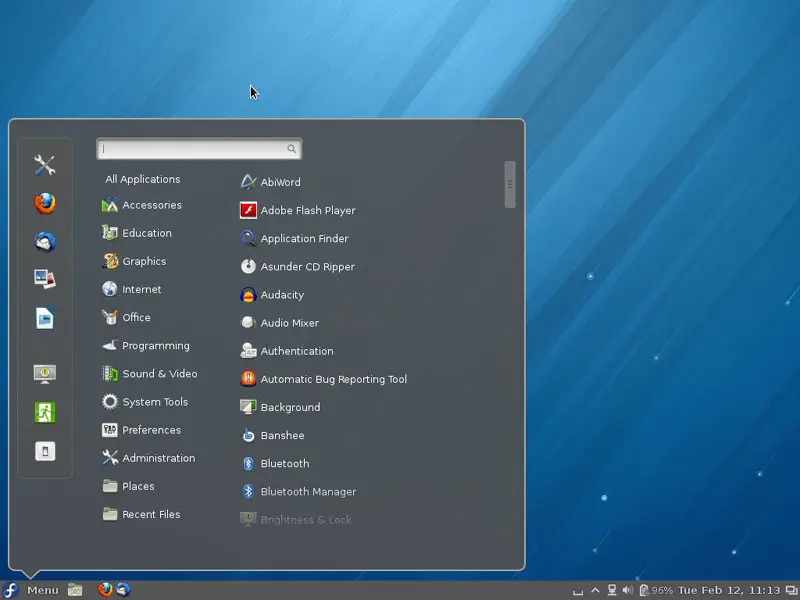
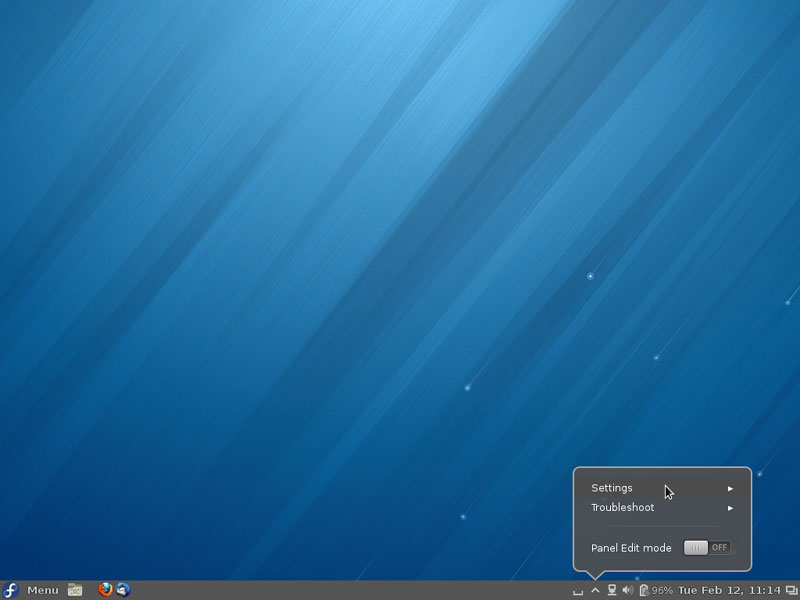
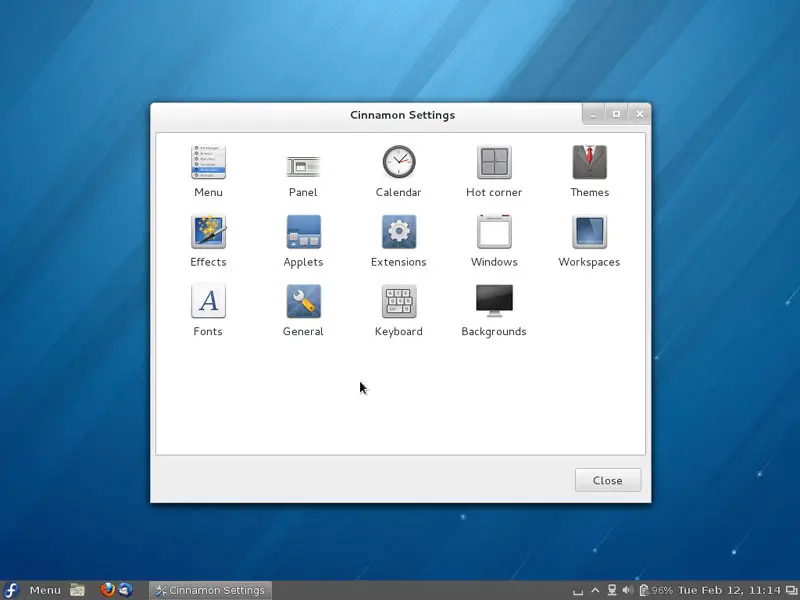
To change the Cinnamon configuration, click on ^ in the taskbar and go to Settings:
3 Links
- Fedora: http://fedoraproject.org/get-fedora
- Cinnamon: http://cinnamon.linuxmint.com/





