How To Enable Adobe's Flash Player In Google Chrome (Ubuntu 9.04)
Version 1.0
Author: Falko Timme
 Follow me on Twitter
This tutorial explains how you can install the Google Chrome browser on Ubuntu 9.04 and how to enable the Adobe Flash plugin in it. Please note that Google Chrome for Ubuntu is still in alpha state and should not be used on production systems.
This document comes without warranty of any kind! I do not issue any guarantee that this will work for you!
1 Installing Google Chrome
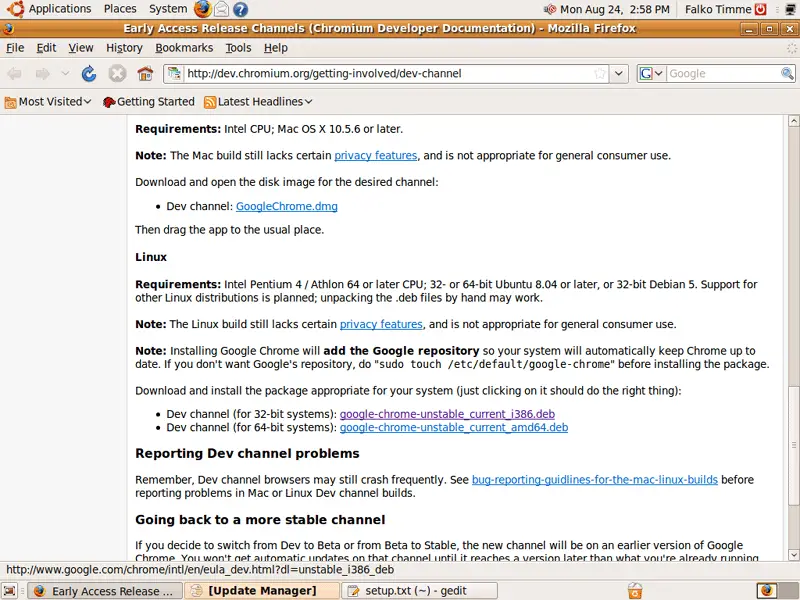
Open Firefox and visit http://dev.chromium.org/getting-involved/dev-channel. Scroll down to the Linux section and pick the right .deb package for your architecture (google-chrome-unstable_current_i386.deb or google-chrome-unstable_current_amd64.deb):
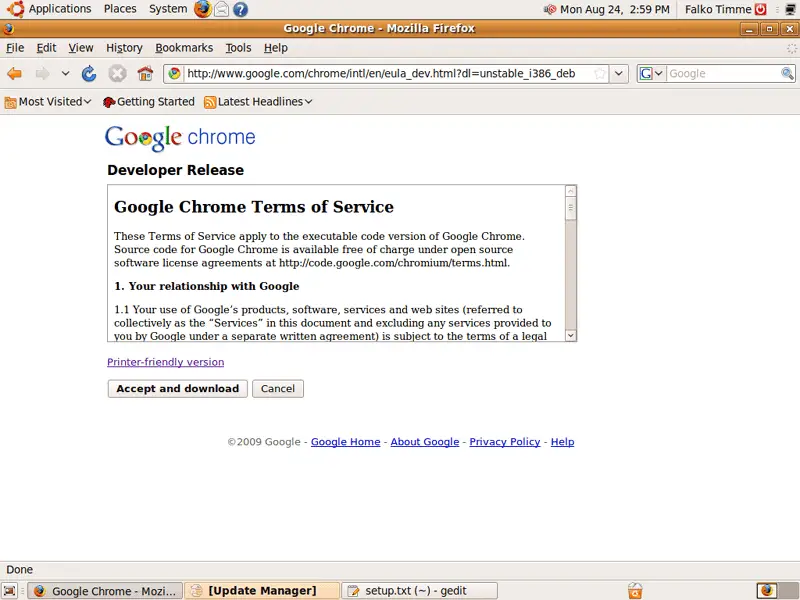
Click on the Accept and download button to accept the Google Chrome Terms of Service and to start the download:
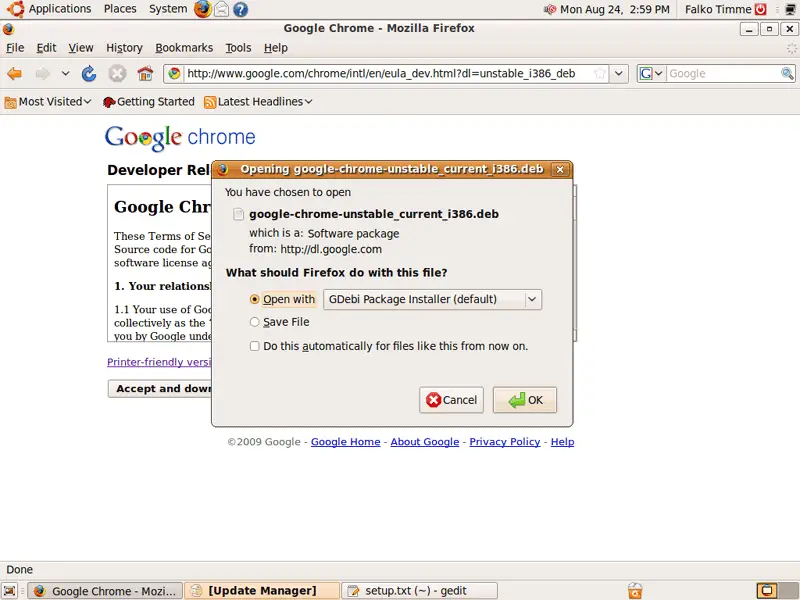
In the Firefox download dialogue, select Open with GDebi Package Installer (default):
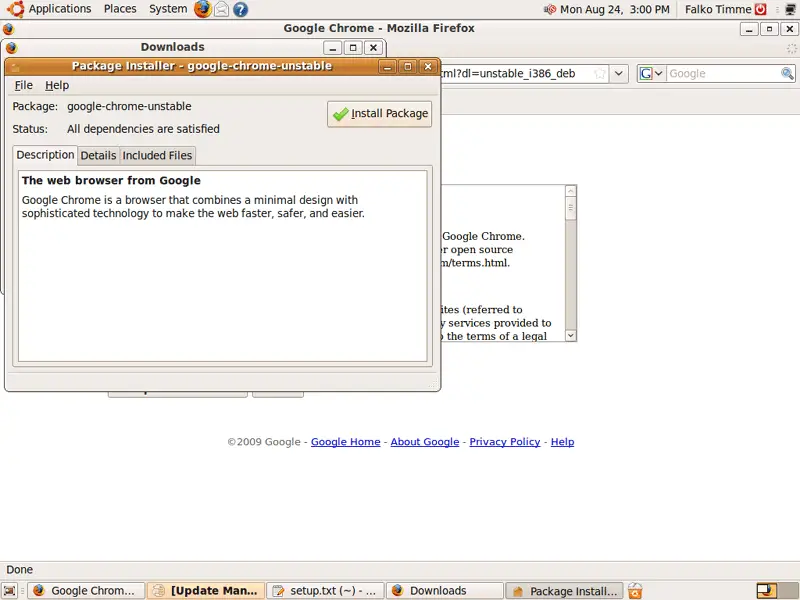
A Package Installer window opens. Click on Install Package to start the Google Chrome installation:
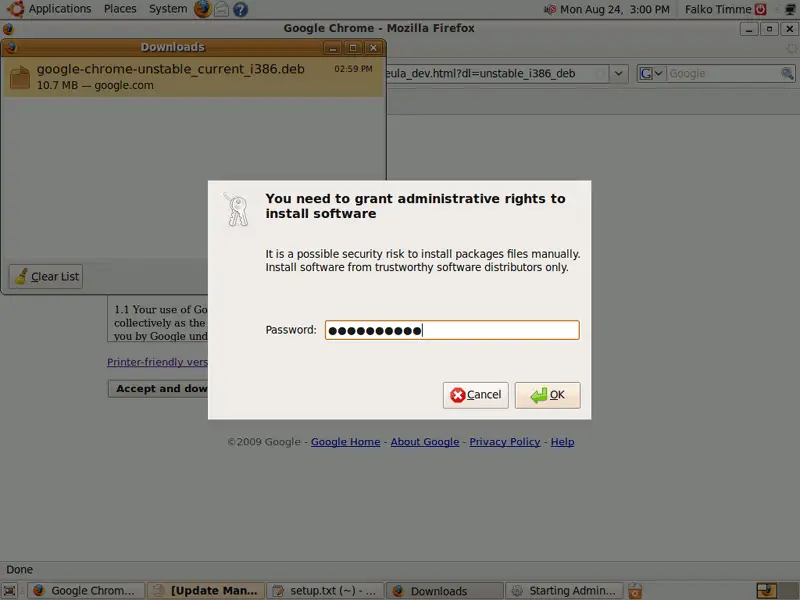
Type in your password:
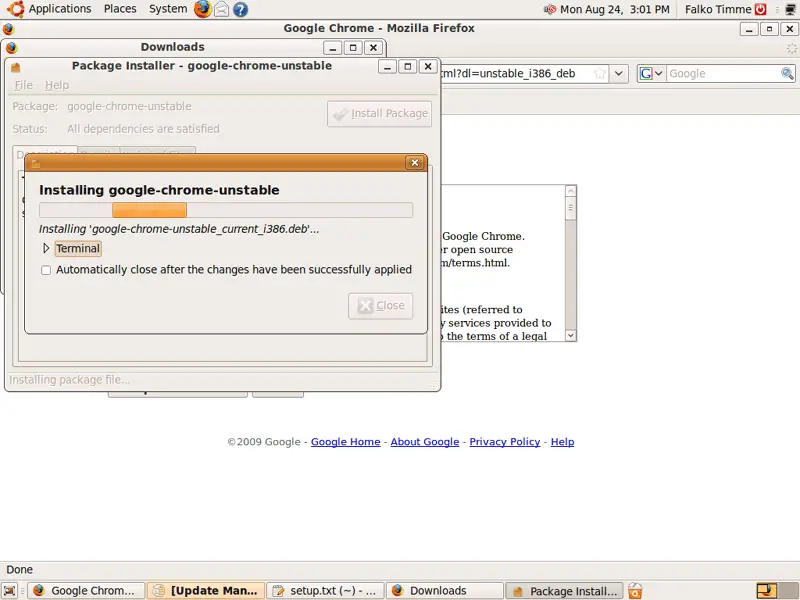
Afterwards Google Chrome is being installed:
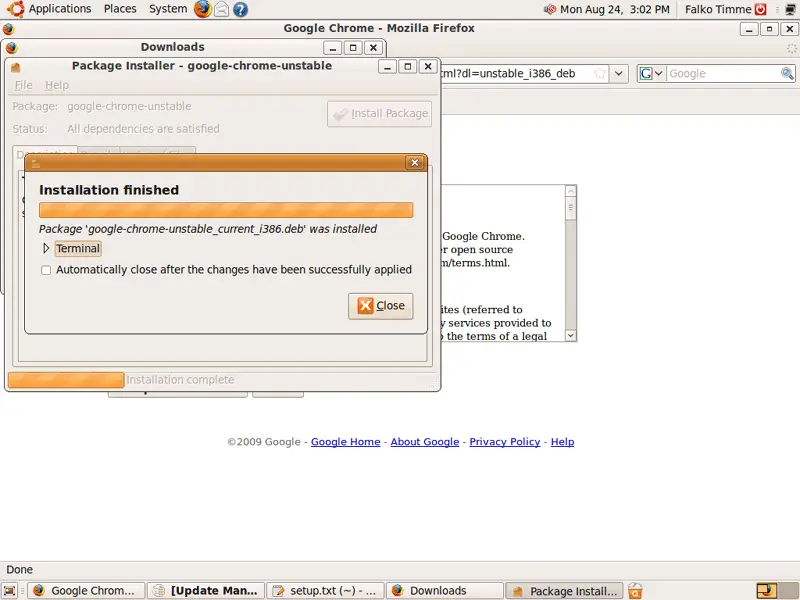
Click on Close to leave the Package Installer after installation has finished: