Displaying Weather And System Information On A GNOME Desktop With gDesklets
Version 1.0
Author: Falko Timme
This tutorial shows how you can display weather forecasts, system information like CPU and memory usage, news feeds, music player controls, etc. on a GNOME desktop with gDesklets. gDesklets is a programm that can place small desktop widgets on top of the user's desktop.
I do not issue any guarantee that this will work for you!
1 Preliminary Note
This tutorial is based on Ubuntu 6.10 (Edgy Eft). However, this is important only for the gDesklets installation. The rest of the tutorial works the same on each other distribution (as long as you use the GNOME desktop).
2 Installing gDesklets
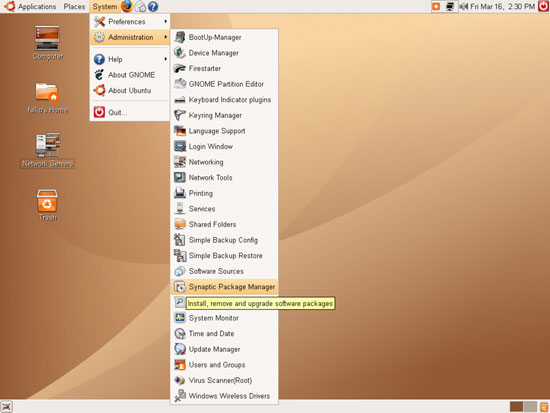
To install gDesklets, go to System > Administration > Synaptic Package Manager:
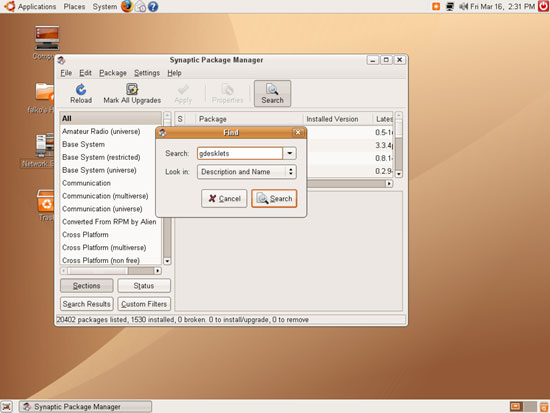
After Synaptic has started, you can either browse all packages to find the gDesklets package, or you use the Search function:
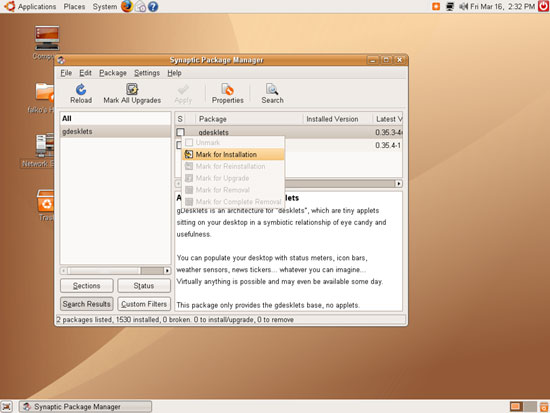
After you've found the gDesklets package, click on it and select Mark for Installation:
The package gdesklets-data will be marked for installation as a dependency of the gdesklets package (gdesklets-data contains lots of pre-configured desktop widgets):
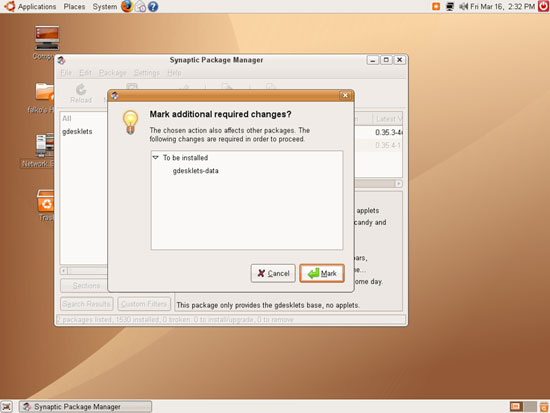
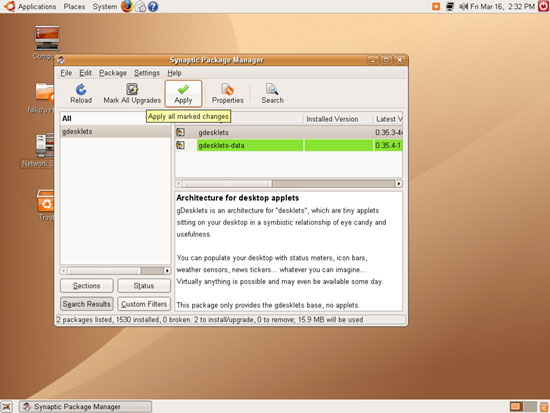
Click on Apply to start the installation:
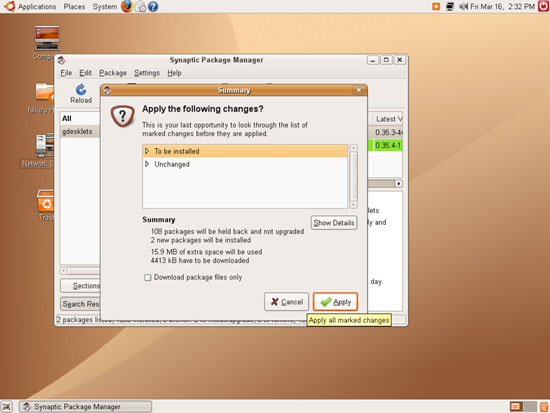
Click on Apply again:
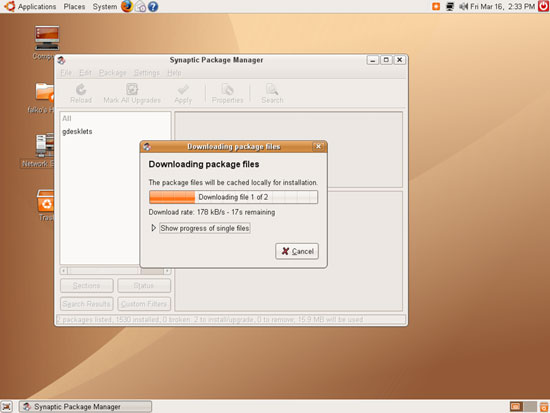
The two packages are downloaded and installed:
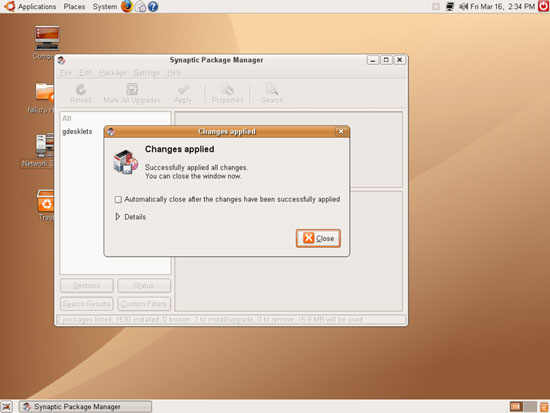
After the installation you can close the Synaptic Package Manager: