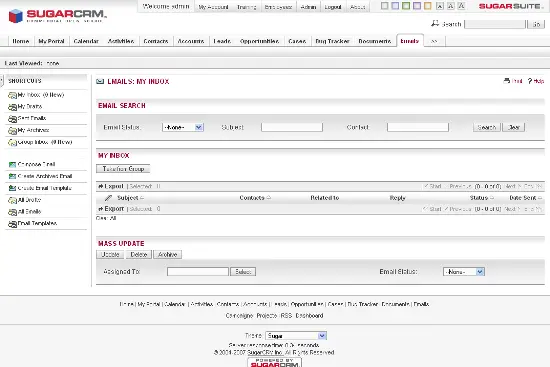
Installing SugarCRM OpenSource Edition On Debian 4.0 (Etch)
Version 1.0
Author: Till Brehm <t [dot] brehm [at] projektfarm [dot] com>
SugarCRM is a webbased CRM solution written in PHP. SugarCRM is available as an OpenSource edition and a ClosedSource version. For a detailed overview of the different editions, have a look at the SugarCRM website. In this tutorial I will describe the installation of the OpenSource edition on Debian 4.0. With the modules My Portal, Calendar, Activities, Contacts, Accounts, Leads, Opportunities, Cases, Bugtracker, Documents and Email, SugarCRM OpenSource Edition offers everything that can be expected from a CRM solution.
Install The MySQL Database Server
Log in as root user on the shell on your server.
Install unzip, to be able to unpack the SugarCRM package later:
apt-get install unzip
Install MySQL:
apt-get install mysql-server mysql-client
-> yes
Run the following command:
mysqladmin -u root password yourrootsqlpassword
to set the MySQL root password
Create a MySQL user and database for SugarCRM:
mysql -u root -p
And execute the following commands on the MySQL shell:
CREATE DATABASE sugarcrm;
GRANT SELECT, INSERT, UPDATE, DELETE, CREATE, DROP ON sugarcrm.* TO 'sugarcrm'@'localhost' IDENTIFIED BY 'sugarpasswd';
GRANT SELECT, INSERT, UPDATE, DELETE, CREATE, DROP ON sugarcrm.* TO 'sugarcrm'@'localhost.localdomain' IDENTIFIED BY 'sugarpasswd';
FLUSH PRIVILEGES;
QUIT;
Replace the word sugarpasswd in the above commands with a password of your choice.
Install Apache Webserver And PHP
apt-get install apache2 apache2-doc apache2-mpm-prefork apache2-utils libexpat1 libapache2-mod-php5 php5-common php5-gd php5-idn php-pear php5-imap php5-mcrypt php5-mhash php5-mysql php5-sqlite php5-xmlrpc php5-xsl php5-curl
Set the PHP memory limit:
Open the file /etc/php5/apache2/php.ini:
vi /etc/php5/apache2/php.ini
and change the line:
memory_limit = 16M
upload_max_filesize = 2M
allow_call_time_pass_reference = On
to:
memory_limit = 64M
upload_max_filesize = 20M
allow_call_time_pass_reference = Off
and restart apache:
/etc/init.d/apache2 restart
Continue installing libc-client without Maildir support?
-> Yes
Install SugarCRM
mkdir /var/www/crm
cd /tmp
wget http://www.sugarforge.org/frs/download.php/3103/SugarOS-4.5.1e.zip
unzip SugarOS-*
cd SugarOS-Full-*
mv * /var/www/crm/
chown -R www-data:www-data /var/www/crm</p> <p>Start the webbased SugarCRM installer by opening the URL in your browser:</p> <p class="system">http://192.168.0.100/crm/</p> <p><img mce_real_src="https://www.howtoforge.com/images/debian_etch_sugarcrm/neu-1.png" src="https://www.howtoforge.com/images/debian_etch_sugarcrm/neu-1.png" height="277" width="550"></p> <p>Select the language:</p> <p><img mce_real_src="https://www.howtoforge.com/images/debian_etch_sugarcrm/neu-2.png" src="https://www.howtoforge.com/images/debian_etch_sugarcrm/neu-2.png" height="412" width="550"></p> <p>Accept the License terms:</p> <p><img mce_real_src="https://www.howtoforge.com/images/debian_etch_sugarcrm/neu-4.png" src="https://www.howtoforge.com/images/debian_etch_sugarcrm/neu-4.png" height="535" width="550"></p> <p>Check if the prerequisites are met.</p> <p>If you get a error that MySQL is not available, open the file <span class="system">/etc/php5/apache2/php.ini</span> and add the following line at the end of the file:</p> <pre>extension=mysql.so</pre> <p>and restart apache:</p> <p class="command">/etc/init.d/apache2 restart</p> <p><img mce_real_src="https://www.howtoforge.com/images/debian_etch_sugarcrm/neu-5.png" src="https://www.howtoforge.com/images/debian_etch_sugarcrm/neu-5.png" height="362" width="550"></p> <p>Now enter the username and password that we created above for the SugarCRM database. If you want to have some demo data to play with, enable the <span class="system">Populate Database with Demo Data?</span> checkbox.</p> <p><img mce_real_src="https://www.howtoforge.com/images/debian_etch_sugarcrm/neu-6.png" src="https://www.howtoforge.com/images/debian_etch_sugarcrm/neu-6.png" height="491" width="550"></p> <p>Enter a password for the SugarCRM <span class="system">admin</span> user.</p> <p><img mce_real_src="https://www.howtoforge.com/images/debian_etch_sugarcrm/neu-7.png" src="https://www.howtoforge.com/images/debian_etch_sugarcrm/neu-7.png" height="526" width="550"></p> <p>Set the locale and currency settings.</p> <img src="data:image/gif;base64,R0lGODlhAQABAIAAAAAAAP///yH5BAEAAAAALAAAAAABAAEAAAIBRAA7" class="mce-pagebreak" data-mce-resize="false" data-mce-placeholder />
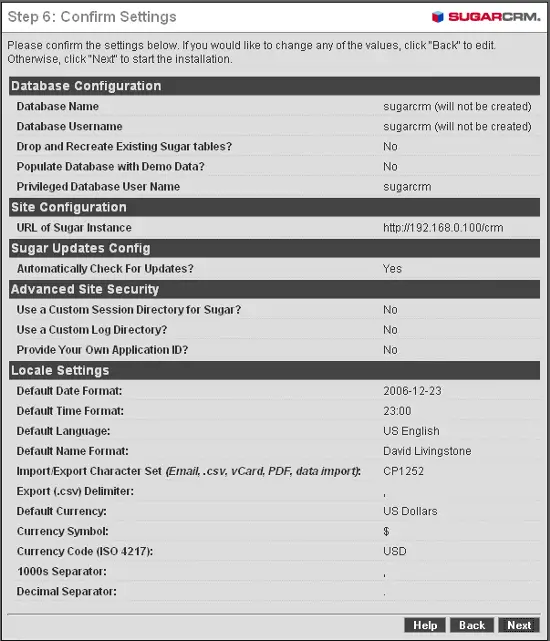
Confirm your settings.
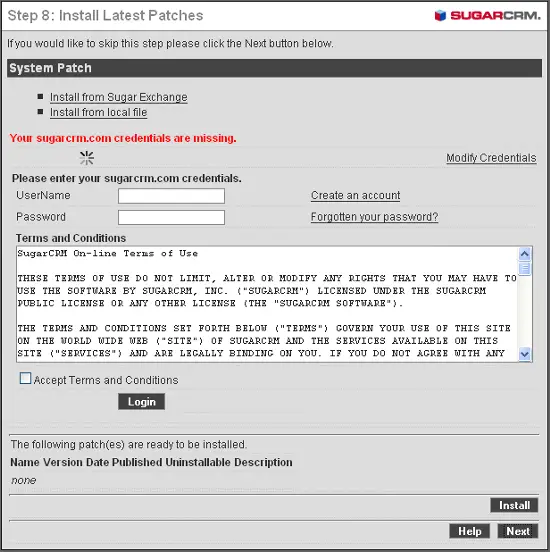
SugarCRM creates now the database tables. The installer prompts you now to enter your sugarcrm.com login data. As I do not have a login, I skip the step by choosing Next.
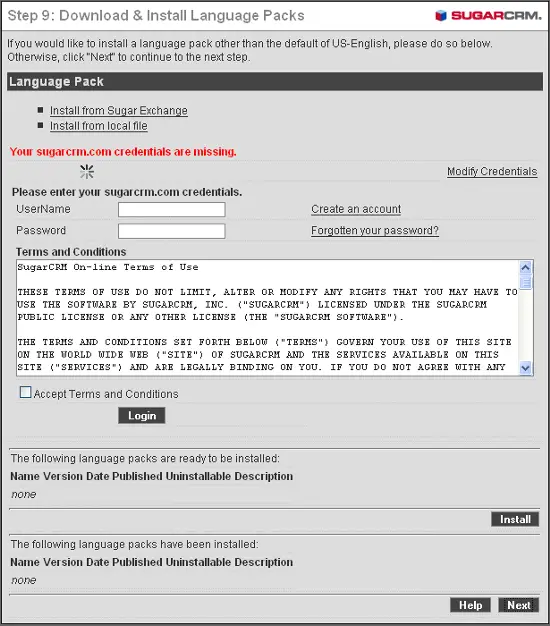
I do not want to install additional language packs or register on SugarCRM.com, so I choose Next.
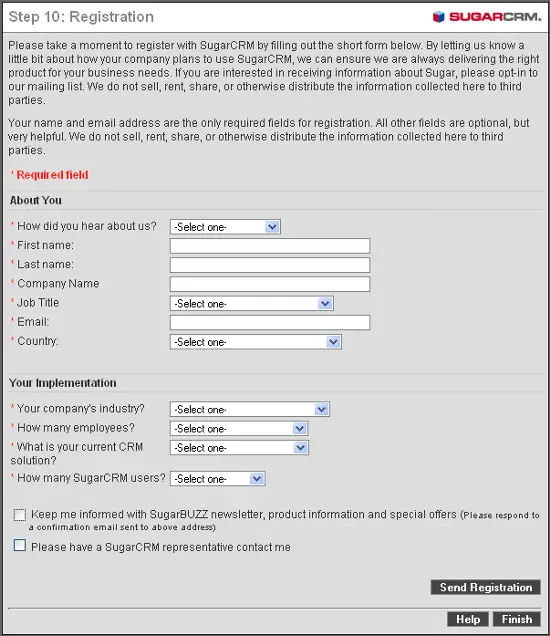
You may now register your copy of SugarCRM. I choose to not register and selected Finish instead.
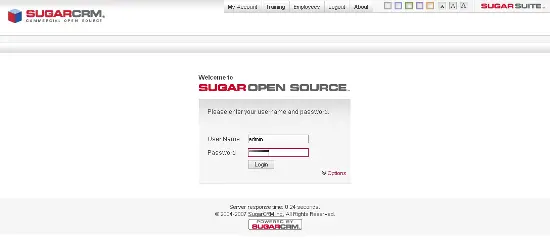
The installation is now finished and the login screen appears. You can login with the username admin and the password you chose above. If you use the VMware image of this tutorial, the password is howtoforge.
Next a few screenshots of the SugarCRM UI:
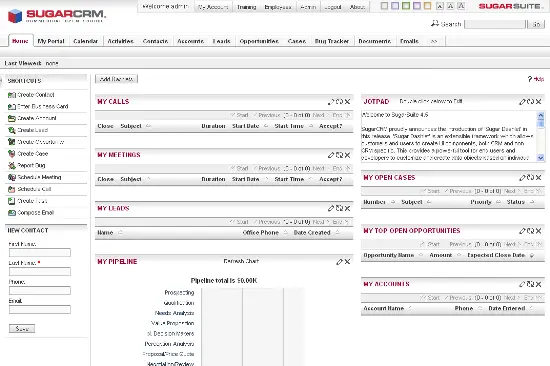
Home
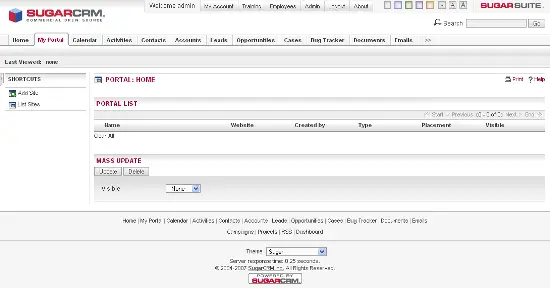
My Portal
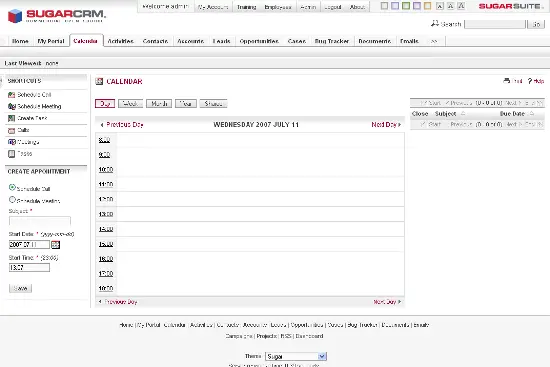
Calendar
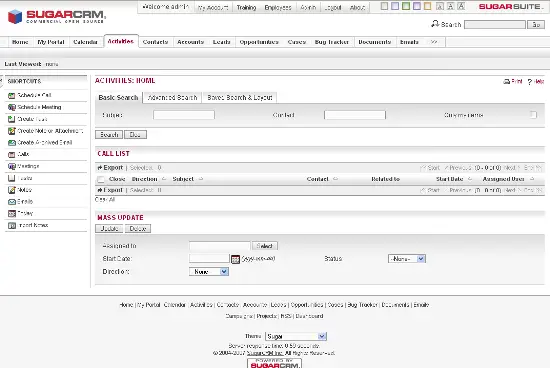
Activities
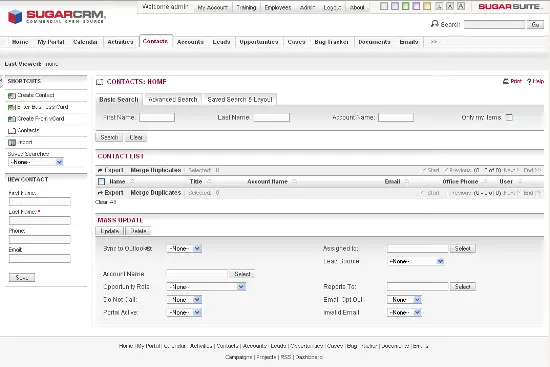
Contacts