
Running A File-, Print-, Proxy-, DHCP-, AND Time-Server For Small/Medium Enterprises - Page 3
On this page
9 Time Server
Our eBox system can be a time server for our network, all we have to do is enable the NTP server under NTP server:
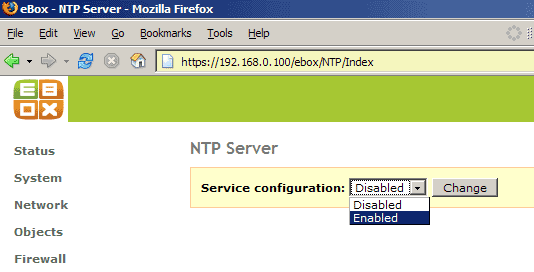
(Of course, you must tell the workstations in your network afterwards that they should use 192.168.0.100 as time server.)
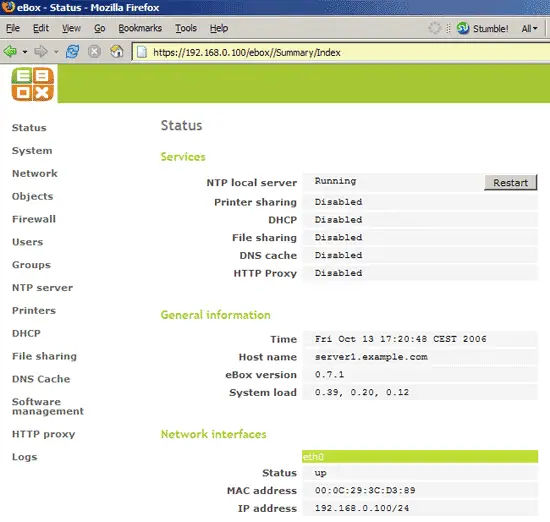
Afterwards, you will be redirected to the eBox status page again:
10 Print Server
With eBox, you can also create a print server for your network. eBox supports USB, parallel, network, and Samba printers. In this example, I have connected a Brother HL-5050 laser printer to my eBox system with USB.
First, we must add the printer to our eBox configuration:
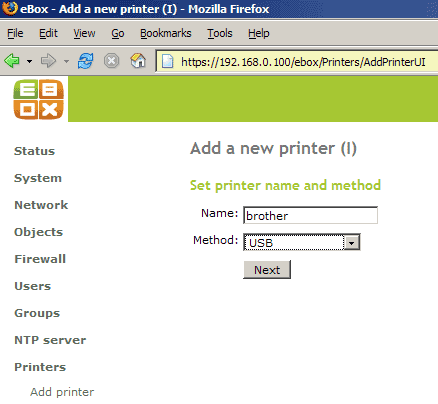
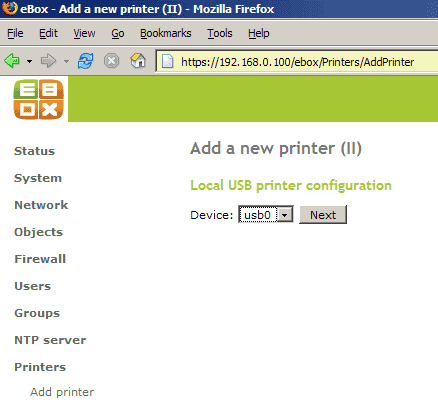
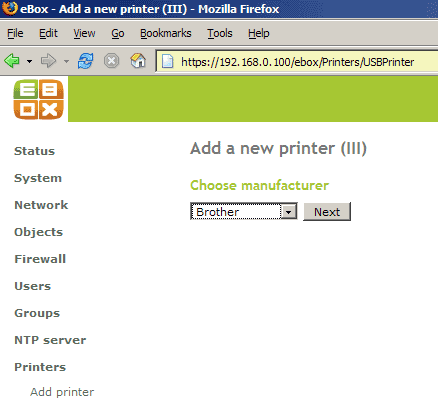
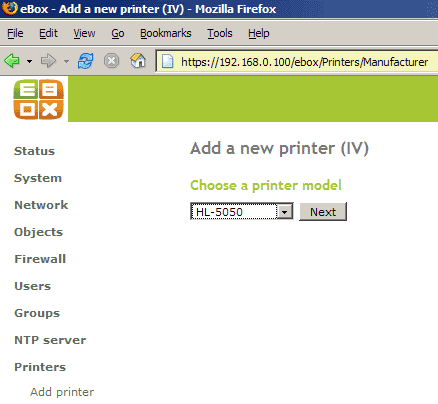
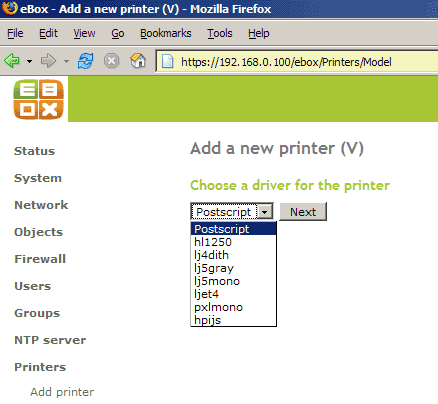
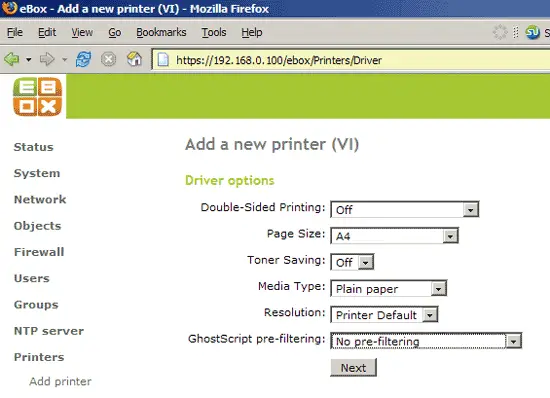
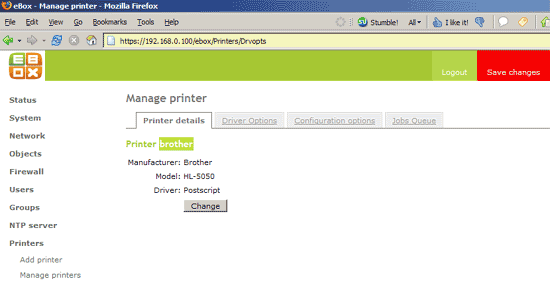
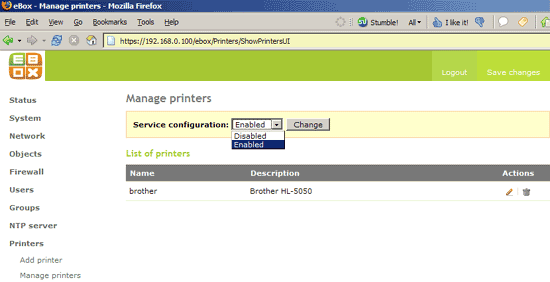
Afterwards, we must enable the print server under Printers -> Manage printers:
11 DHCP Server
If you use a hardware router for your network, chances are that you already have a DHCP server in your network as most hardware routers come with a DHCP server. If you don't have a DHCP server in your network, you can run a DHCP server on your eBox system.
Go to DHCP and enable the DHCP server. Then enter a gateway and two nameservers (e.g. 213.191.92.84 and 213.191.74.12) and specify an IP address range (i.e., IP addresses that can be assigned dynamically to client computers in your network):
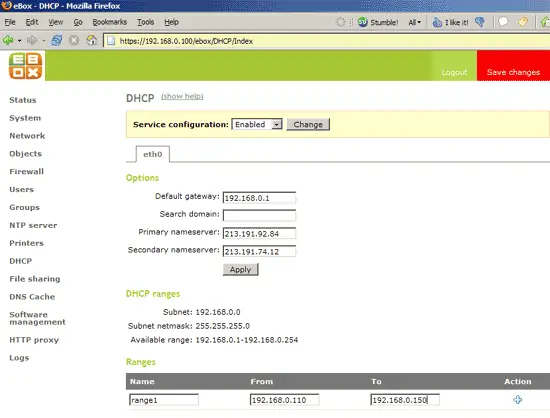
Afterwards all computers in your network that don't have a static network configuration will connect to your new DHCP server and get their network configuration from it.





