
Creating Backups With Back In Time On An Ubuntu 9.04 Desktop - Page 2
On this page
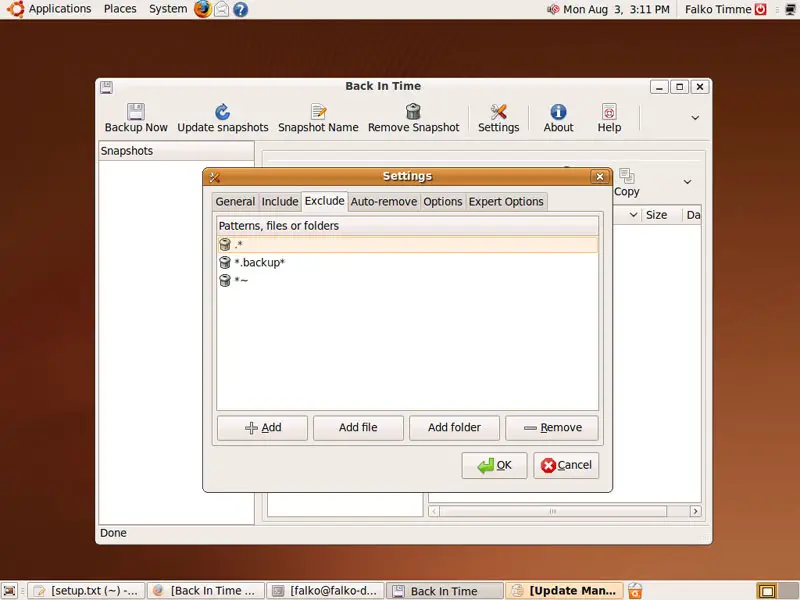
On the Exclude tab, you can specify directories that should not be included in the backup. There are already some predefined patterns/folders on that tab:
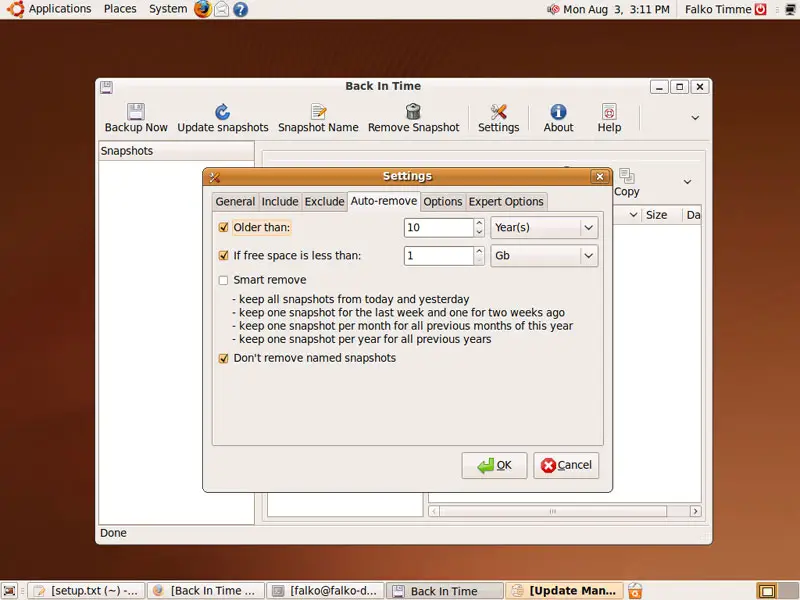
On the Auto-remove tab you can specify conditions when old backups will be automatically deleted to free hard drive space:
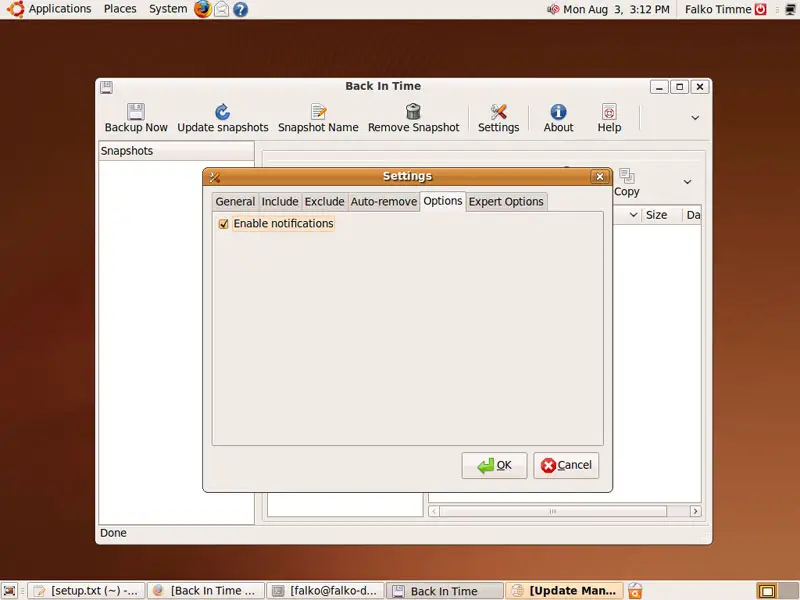
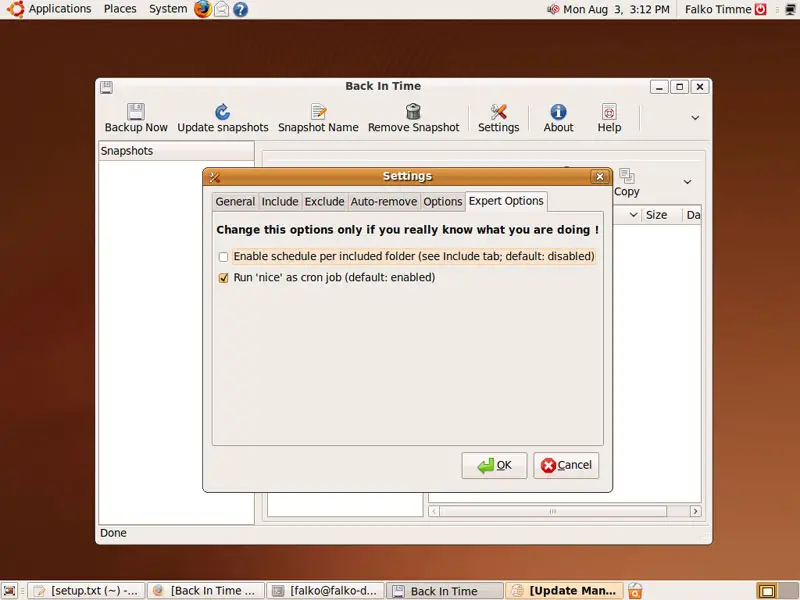
The Options and Expert Options tab contain some further settings that you normally don't have to alter:
Click on OK to leave the Settings dialogue.
Now we can take our first backup - click on Backup Now:
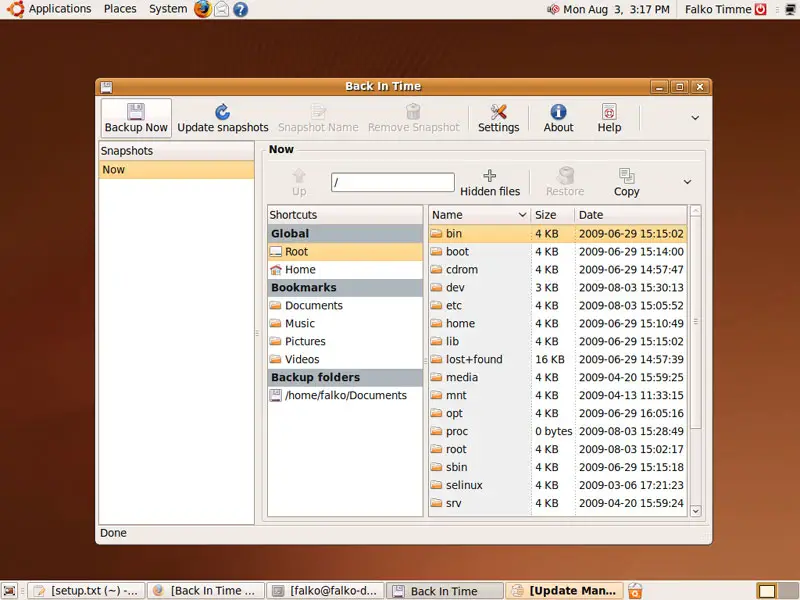
Afterwards, the backup shouuld be listed in the Snapshots column:
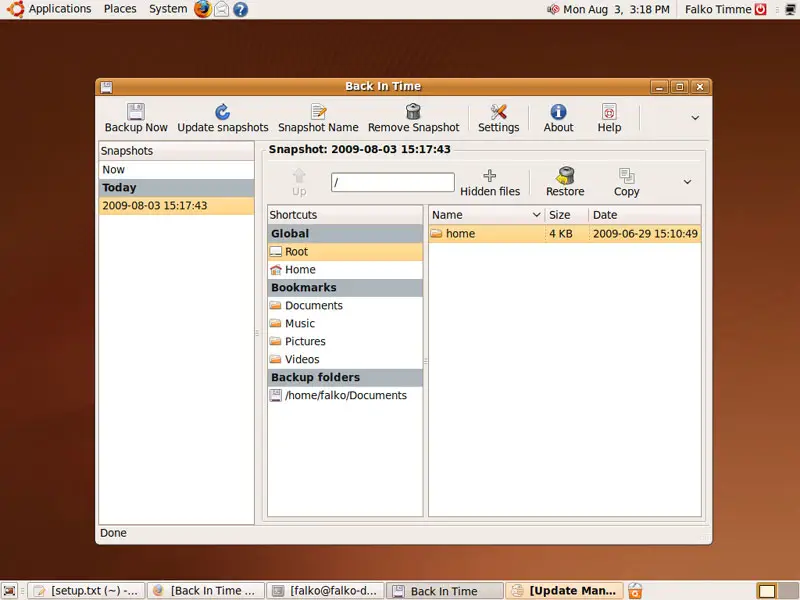
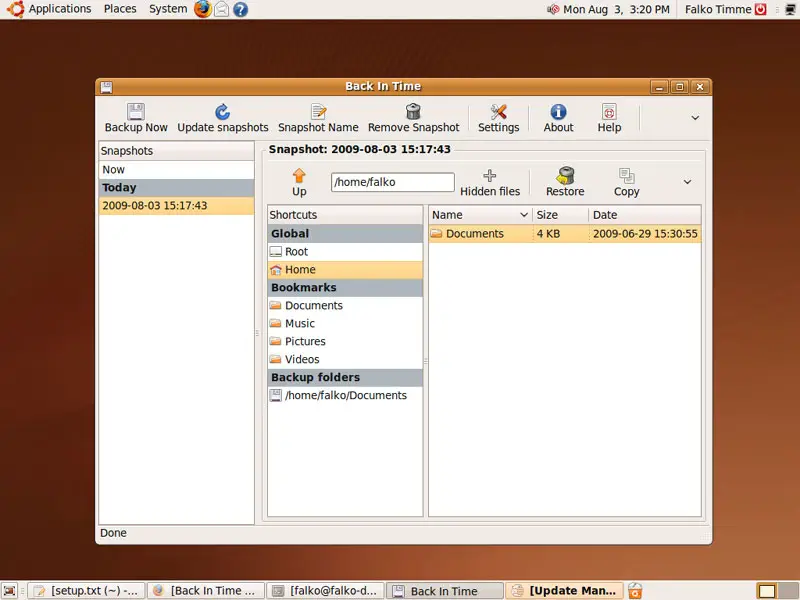
If you want to restore a backup, mark the snapshot in the Snapshots column and then click on the Restore button:
3 Links
- Back In Time: http://backintime.le-web.org/
- Ubuntu: http://www.ubuntu.com/





