Installing Popular Applications On Your Ubuntu Desktop With Automatix2
Version 1.0
Author: Falko Timme
Although Ubuntu comes with lots of applications that can be installed on your desktop, there are still some applications that are available only from third-party repositories. Finding all these repositories and installing these applications manually is very time-consuming, but fortunately some people have created a script called Automatix2 (which is the successor to Automatix) which automates the task for you. It comes with a graphical interface so that you can run it from your desktop, and this tutorial describes how you do it.
With Automatix2, you can install applications such as Skype, Opera, the Macromedia Flash plugin for Firefox, Google Earth, Picasa, Acrobat Reader, aMule, multimedia codecs, VMware Player, etc.
I do not issue any guarantee that this will work for you!
1 Preliminary Note
In this tutorial I show how to use Automatix2 on a Ubuntu 6.10 ("Edgy Eft") desktop (i386). Automatix2 is also available for Ubuntu 6.10 AMD64 and Ubuntu 6.06 LTS ("Dapper Drake") (i386 and AMD64), so make sure you have one of these running before you follow this tutorial. Automatix2 also works on the Kubuntu and Xubuntu versions of the said distributions. It is also available for Mepis 6.0 (i386), but I don't cover that distribution here.
2 Update Your Current Packages
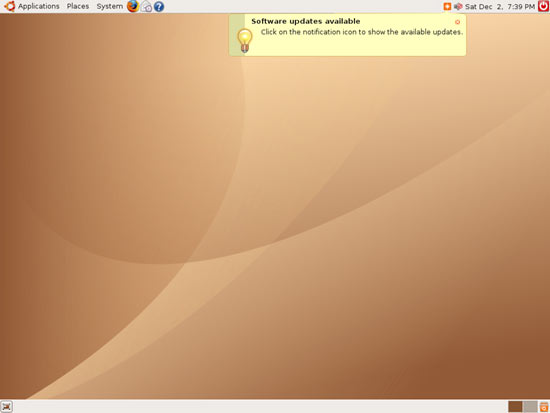
It is absolutely important that no other instance of apt, synaptic, etc. is running when you start Automatix2. So when Ubuntu tells you that software updates are available, you should install them to make that orange software update icon disappear in your taskbar. To install the updates, click on that orange icon:
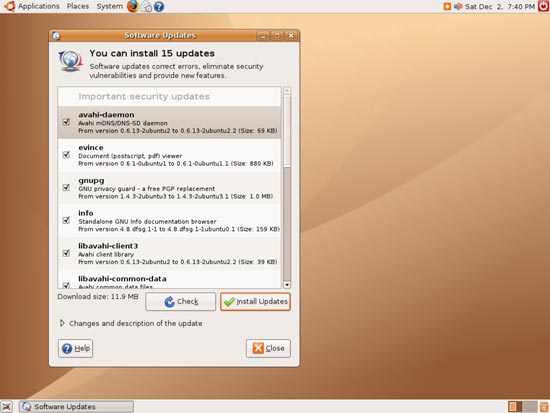
The update manager tells you which updates are available. Select them and click on Install Updates:
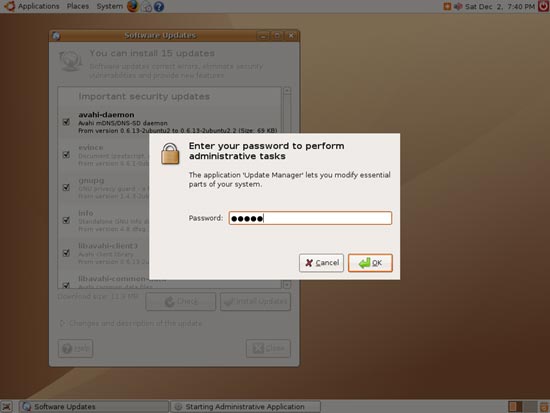
Specify your password:
The updates are being installed:
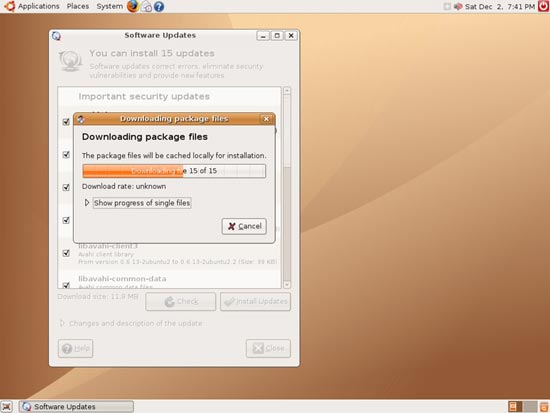
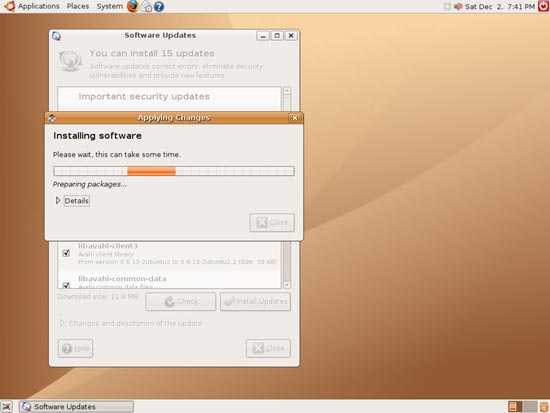
When the update is complete, click on Close to leave the update manager.
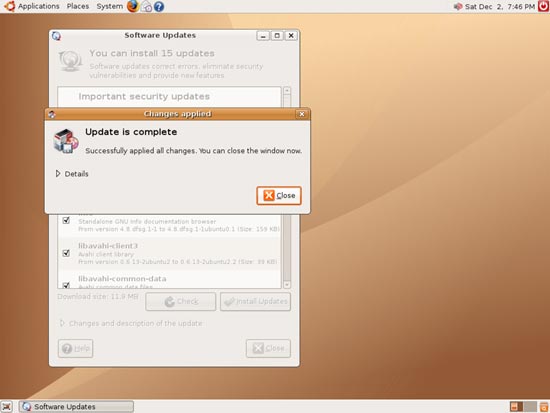
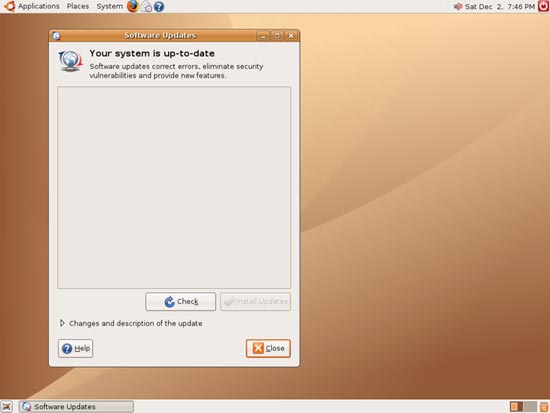
Your system is now up-to-date, and the orange icon in the taskbar is gone: