
Managing Xen With Xen-Tools, Xen-Shell, And Argo - Page 3
4 Argo
Argo has a client written in PHP which provides a web interface to Xen. To run these PHP scripts, we need a web server with PHP:
apt-get install apache2 apache2-doc
apt-get install libapache2-mod-php4 libapache2-mod-perl2 php4 php4-cli php4-common php4-curl php4-dev php4-domxml php4-gd php4-imap php4-ldap php4-mcal php4-mhash php4-mysql php4-odbc php4-pear php4-xslt
You will be asked the following question:
Continue installing libc-client without Maildir support? <-- Yes
There are Debian packages for Argo which we can install. Therefore, we edit /etc/apt/sources.list and add these two lines:
vi /etc/apt/sources.list
[...] deb http://www.steve.org.uk/apt sarge main non-free contrib deb-src http://www.steve.org.uk/apt sarge main non-free contrib [...] |
Then we run
apt-get update
and install Argo:
apt-get install argo-client-dialog argo-client-php argo-server
To connect to Argo, we must provide a username and password. The default username is admin, the default password is password. Both are specified in /etc/argo-server/argo-server.conf, and if you like you can change them:
vi /etc/argo-server/argo-server.conf
[...] admin : verysecretpassword, * [...] |
Next, we must change the default Apache vhost so that we can access Argo using a web browser. Therefore, we replace the default Apache vhost like this:
cp /etc/apache2/sites-available/default /etc/apache2/sites-available/default_orig
cat /dev/null > /etc/apache2/sites-available/default
vi /etc/apache2/sites-available/default
<VirtualHost *>
        DocumentRoot /usr/share/argo/
    ServerName   xen
    ServerAlias  xen.my.flat

        DirectoryIndex index.php

    # Logfiles
        ErrorLog  /var/log/apache2/xen.log
        CustomLog /var/log/apache2/xen.log combined

</VirtualHost>
|
and restart Apache:
/etc/init.d/apache2 restart
Then we start Argo:
/etc/init.d/argo-server start
Now you can direct your browser to http://192.168.0.100/ and log in. The web interface is pretty simple and straightforward:
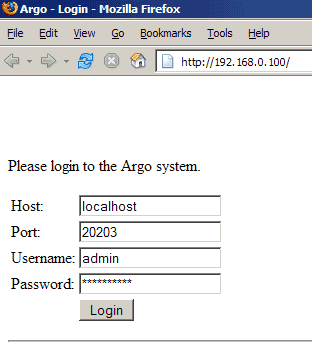
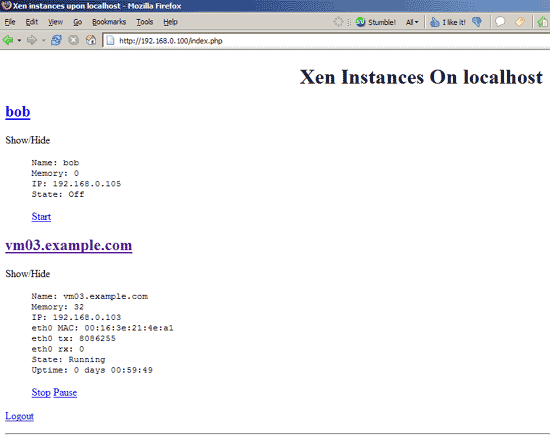
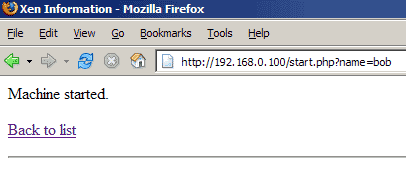
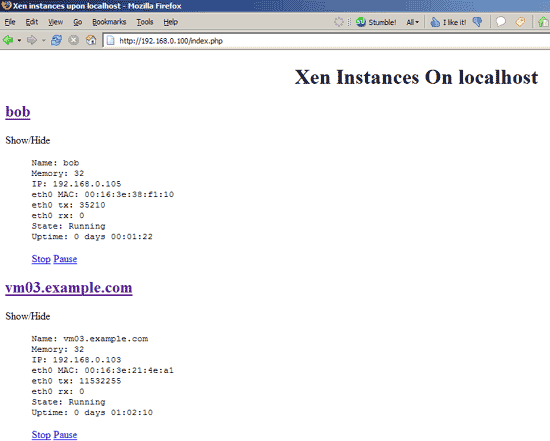
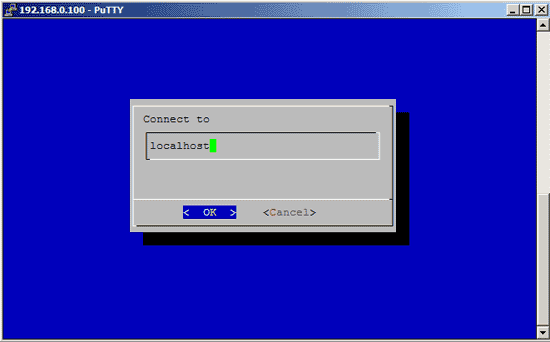
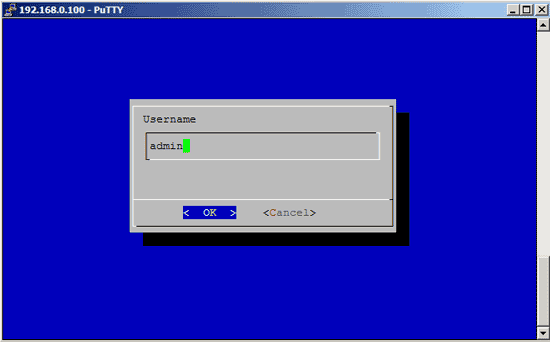
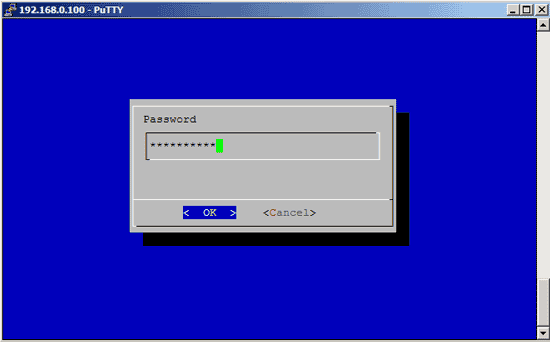
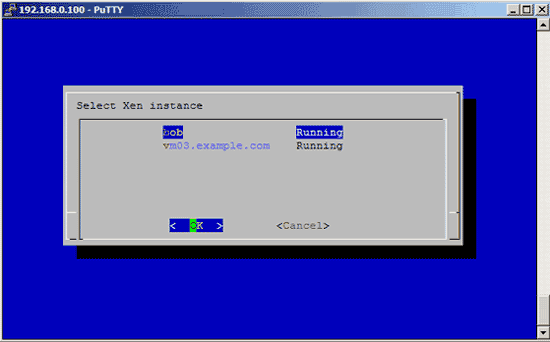
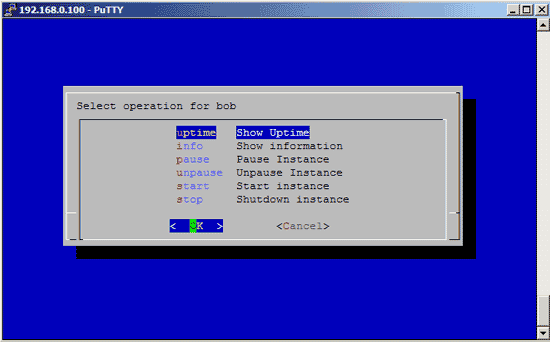
You can also invoke the Argo interface in the shell by running
argo-dialog
The interface looks like this:
Have fun!
5 Links
- xen-tools: http://xen-tools.org/software/xen-tools
- xen-shell: http://xen-tools.org/software/xen-shell
- Argo: http://xen-tools.org/software/argo
- Xen: http://www.xensource.com/xen
- Debian: http://www.debian.org





