Network Analysis With Wireshark On Ubuntu Feisty Fawn
Version 1.0
Author: Falko Timme
Wireshark is a network protocol analyzer (or "packet sniffer") that can be used for network analysis, troubleshooting, software development, education, etc. This guide shows how to install and use it on an Ubuntu Feisty Fawn desktop to analyze the traffic on the local network card.
This document comes without warranty of any kind! I do not issue any guarantee that this will work for you!
1 Installing Wireshark
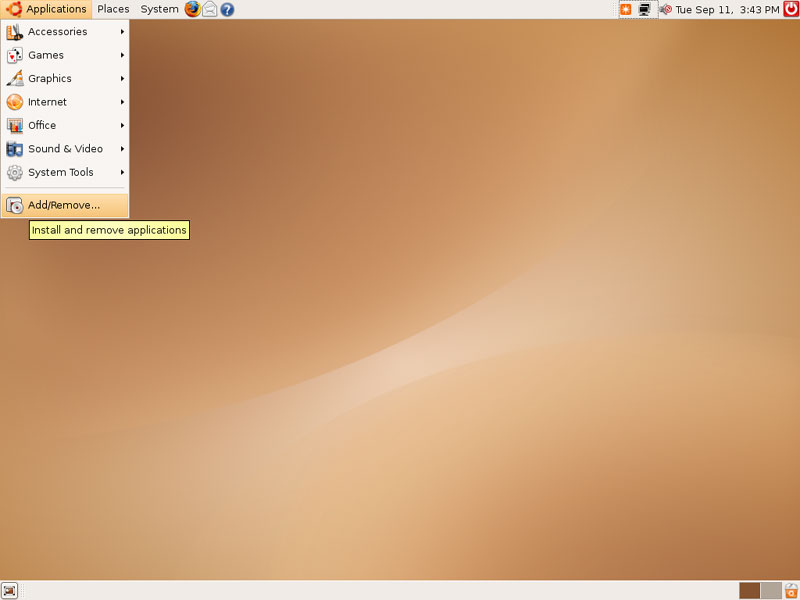
Go to Applications > Add/Remove...:
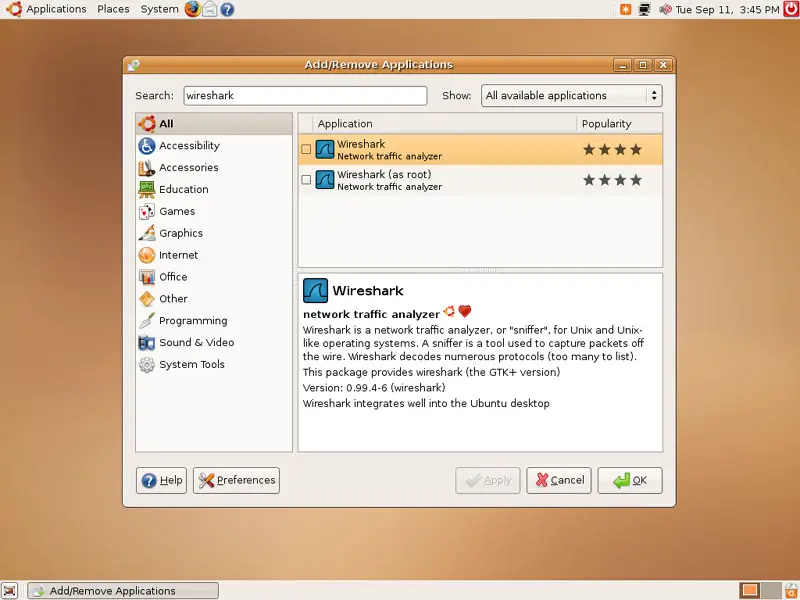
Search for wireshark (make sure that you select All available applications in the right drop-down menu). Two packages should be found, Wireshark and Wireshark (as root):
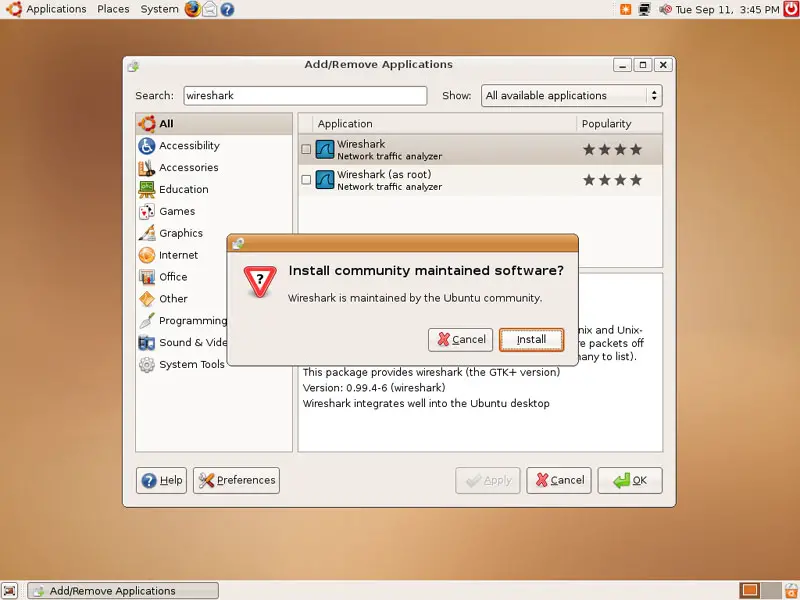
Select the Wireshark package. If you are asked if you want to install comunity maintained software, click on the Install button:
The package Wireshark (as root) is a prerequisite of Wireshark, so you must accept to install that package as well by clicking on Install All:
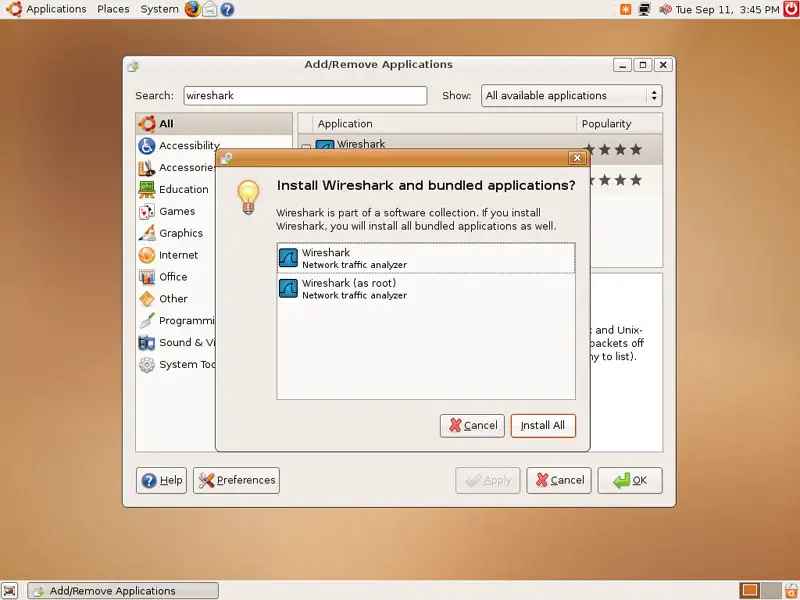
Now that both packages are selected, click on Apply:
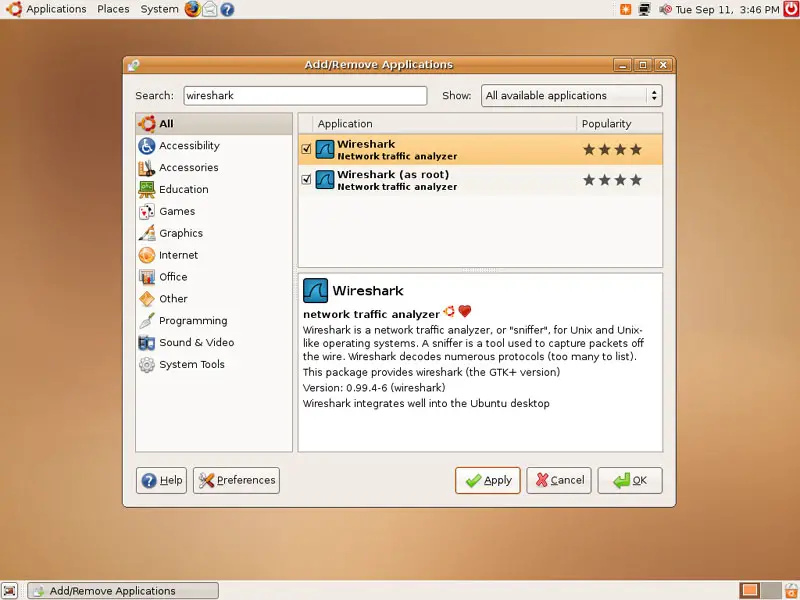
Confirm your selection by clicking on Apply again:
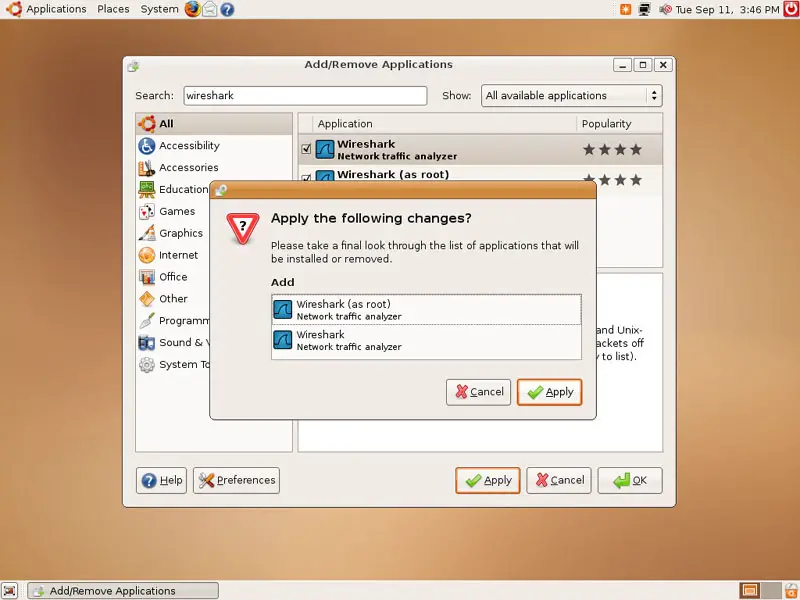
You might have to type in your password:
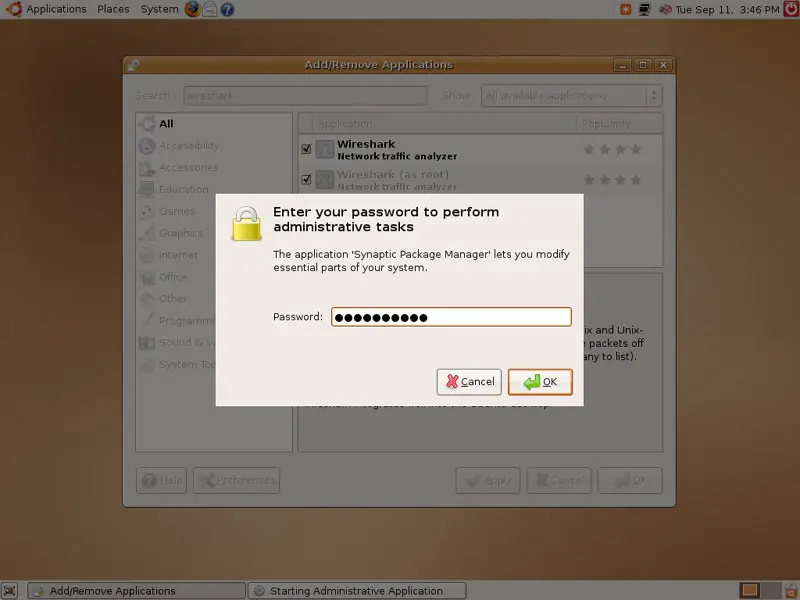
Afterwards, the packages are being downloaded and installed:
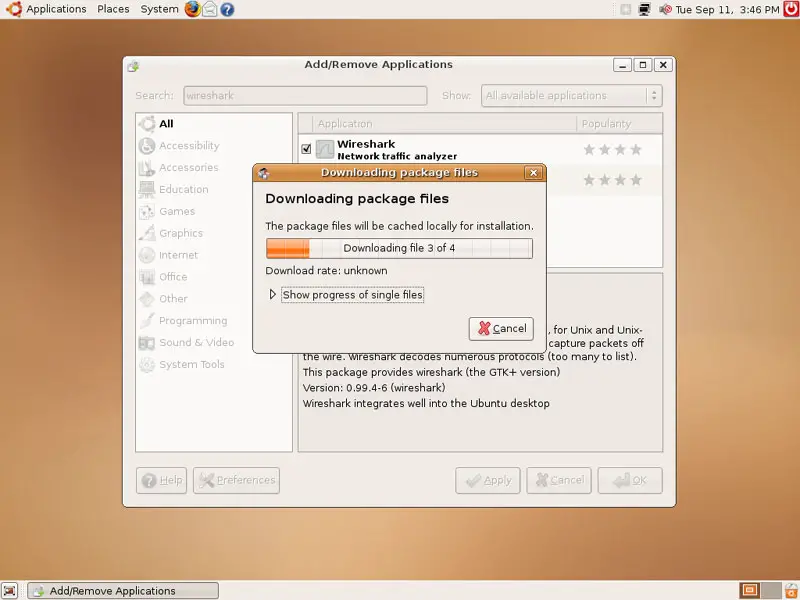
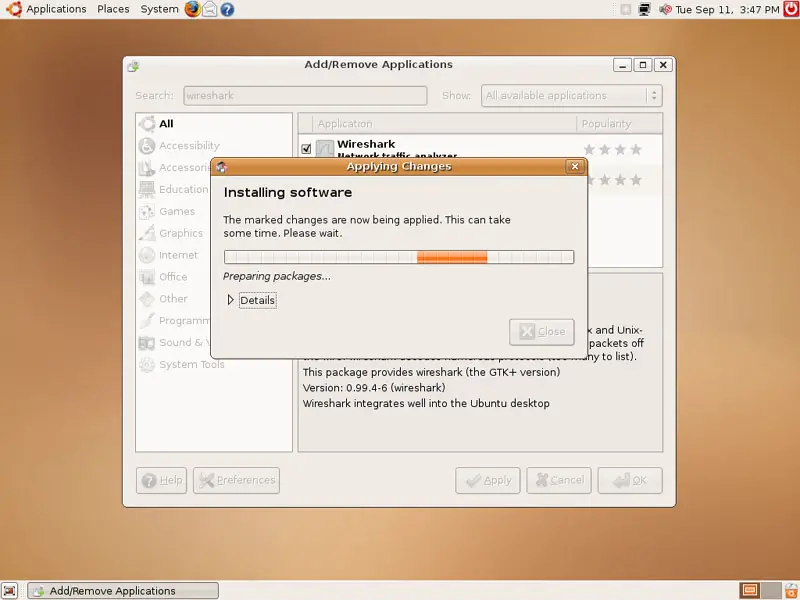
Click on Close after the installation:
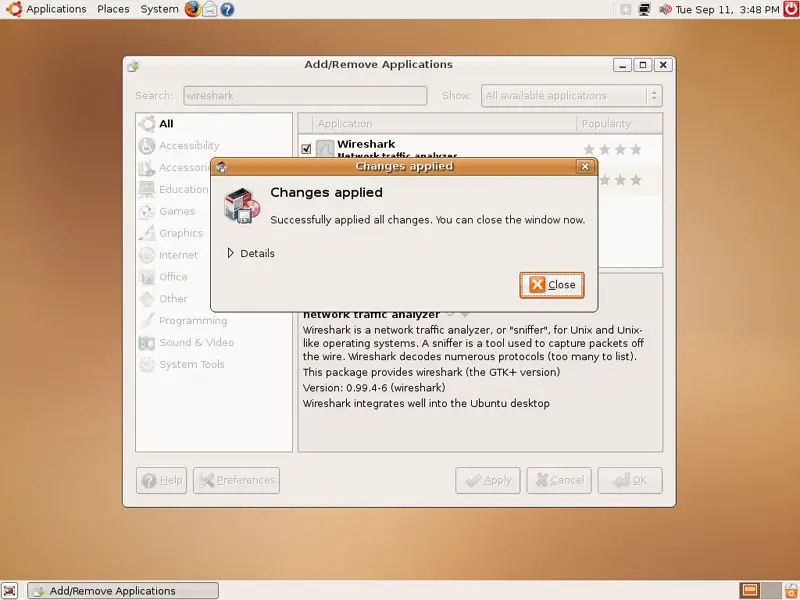
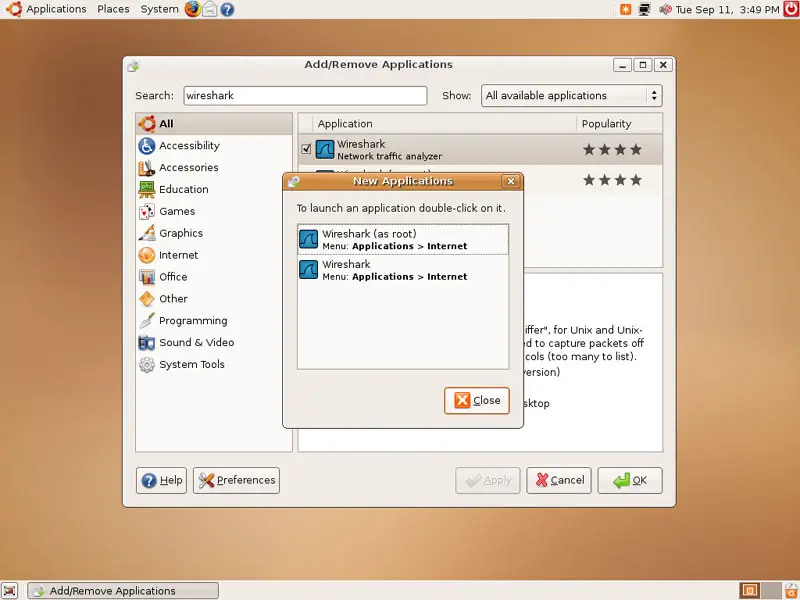
You might get asked if you'd like to launch any of the new applications right now. If you don't want to do this, you can simply close the windows: