VirtualBox On FC6 / CentOS 4 / OpenSuSE 10.2 - Page 4
Step 05
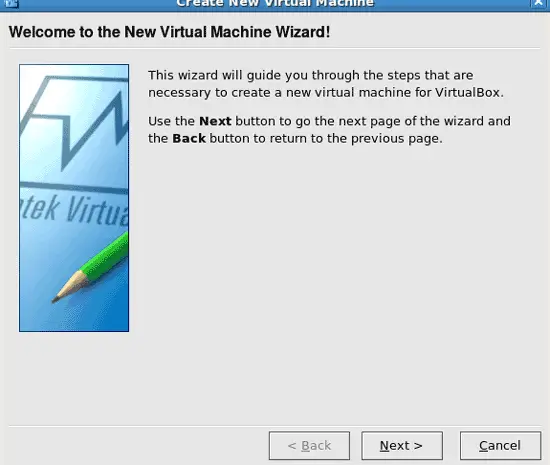
Click Next:
Step 06
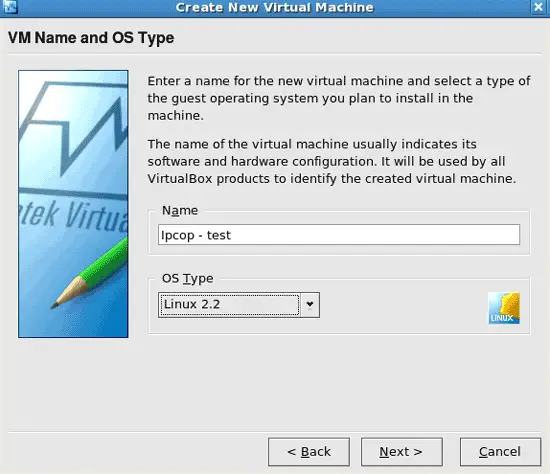
Pick a name and the OS type:
Step 07
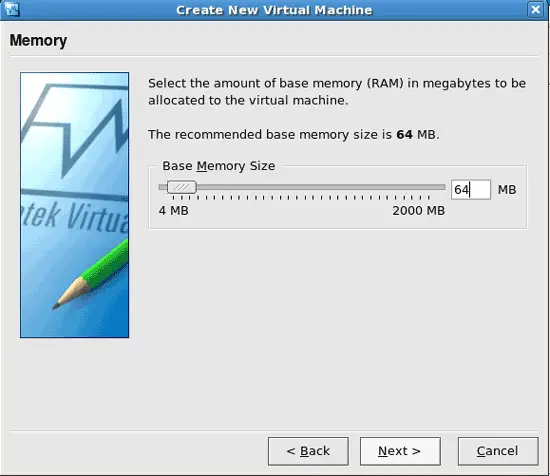
Specify the memory for the virtual machine:
Step 08
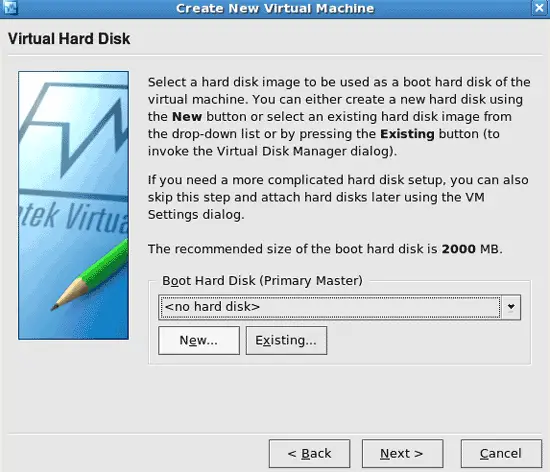
Setting up a hard drive image for the virtual machine. :)
Click on New:
Step 09
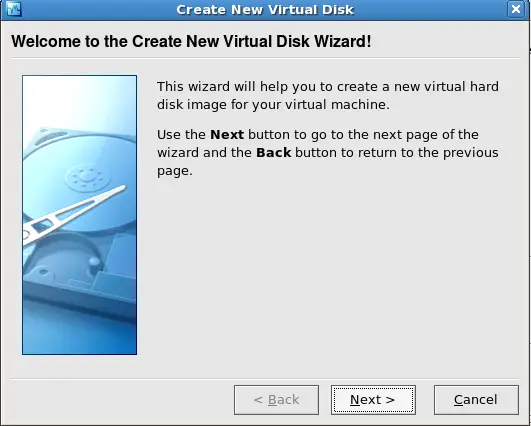
Click Next:
Step 10
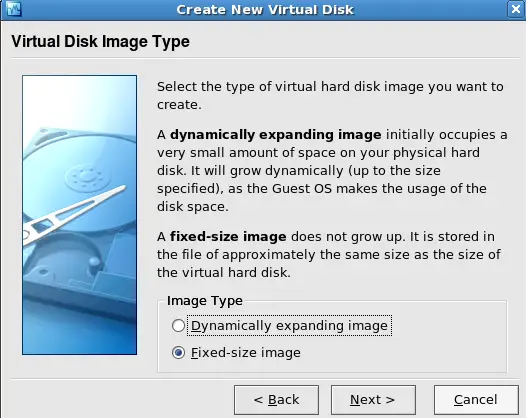
Pick the type of hard drive image you are wanting. Read the page when it comes up for what each one does. :) Then click Next:
Step 11
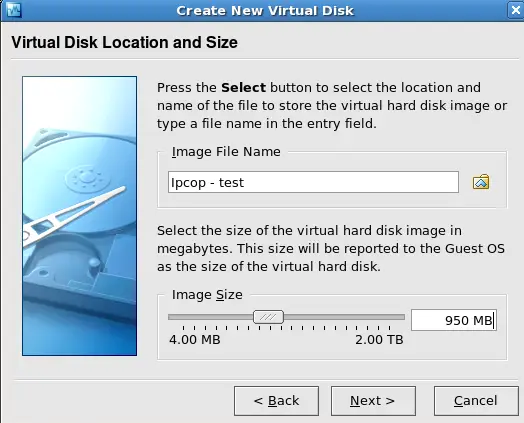
Pick the size of the drive you are wanting, then click on Next: